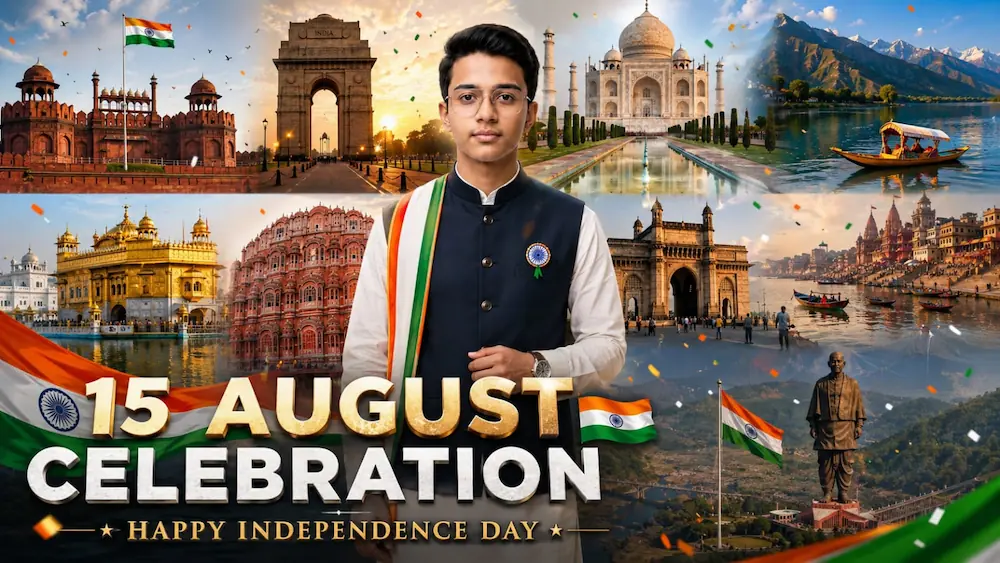
15 August Cinematic AI Video | 10 Famous Places of India | Independence Day Editing Tutorial
Happy Independence Day! Jai Hind!
11. Final video ko Instagram Reels, YouTube Shorts, Facebook Reels aur other social media platforms par Independence Day cinematic content ke roop mein use kar sakte hain.
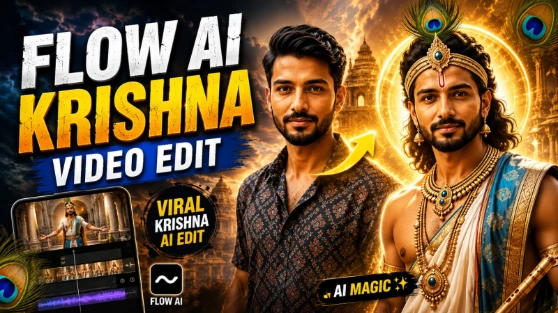
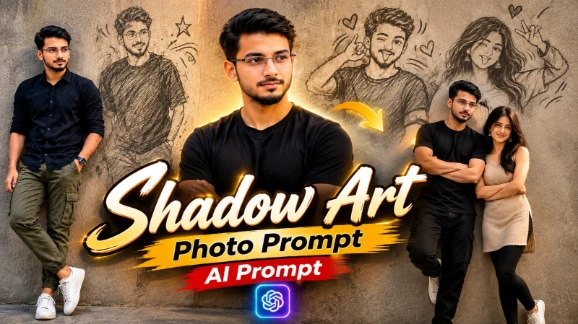
Krishna AI Video & Shadow Pencil Cartoon Photo Editing Tutorial
Aaj ke is tutorial mein hum do creative AI editing concepts ko ek saath samjhenge — Krishna Cinematic AI Video aur Shadow Pencil Cartoon AI Photo Edit. Pehle concept mein Flow AI ka use karke ek reference photo ko devotional cinematic video mein transform kiya ja sakta hai, jabki doosre concept mein ChatGPT AI Image Generator ki help se normal portrait ko artistic pencil-shadow cartoon style mein create kiya ja sakta hai. Dono edits mein realistic identity, natural appearance aur detailed visual composition ko maintain karna important hai.
Krishna Cinematic AI Video Kaise Banaye?
Sabse pehle ek clear, high-quality reference photo ready karein. Flow AI open karke apni photo upload karein aur Krishna Cinematic AI Video Prompt paste karein. Reference image ko subject ki primary identity ke roop mein use kiya jata hai, isliye face, hairstyle, skin tone, body structure aur natural proportions ko consistent rakhne par focus karein.
Video ka concept devotional aur cinematic atmosphere par based hota hai. Krishna-inspired environment, traditional visual elements, soft divine lighting, natural movement aur cinematic camera angles ko combine karke ek premium spiritual video look create kiya jata hai. Smooth camera movement aur realistic human motion video ko slideshow ke bajay proper cinematic footage jaisa appearance dete hain.
Generate karne ke baad face consistency, hands, body proportions, clothing, background aur overall devotional atmosphere ko carefully check karein. Agar AI identity ko change karta hai ya anatomy distort hoti hai, to clearer reference photo ke saath regenerate karna better rahega.
Shadow Pencil Cartoon Photo Kaise Banaye?
Ab ChatGPT AI Image Generator open karein aur apni clear portrait photo upload karein. Shadow Pencil Cartoon Prompt ko copy karke ChatGPT mein paste karein. Is concept ka main effect ye hai ki original person ko realistic portrait ke saath ek artistic pencil ya charcoal-style shadow transformation ke form mein present kiya jata hai.
Prompt mein original face, hairstyle, skin tone aur natural body proportions ko preserve karne par focus kiya jata hai. Pencil-shadow effect ko textured wall ya clean background par naturally integrate kiya jata hai, jisse aisa feel hota hai jaise person ka artistic sketch shadow ke form mein create hua ho.
Professional photography appearance ke liye realistic skin texture, controlled lighting, sharp facial details aur DSLR-style depth of field use kiya ja sakta hai. Pencil effect ko excessive cartoon ya artificial 3D style mein convert nahi karna chahiye; goal ek realistic portrait aur hand-drawn shadow ke beech natural visual connection create karna hai.
Final Result
Is combined workflow se aap ek taraf devotional Krishna-inspired cinematic AI video aur doosri taraf creative pencil-shadow cartoon portrait create kar sakte hain. Best result ke liye high-quality reference image use karein aur final output mein face, hands, body proportions, hairstyle, clothing, lighting aur background ko carefully verify karein. AI-generated results tool, prompt aur reference image ke according vary kar sakte hain, isliye final export se pehle output ko properly review karna zaroori hai.