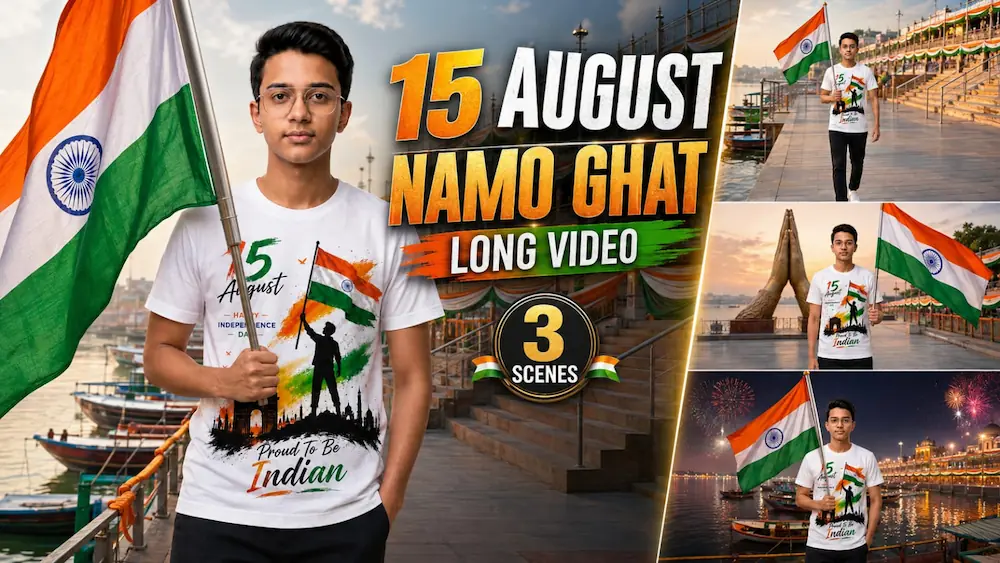
15 August Namo Ghat Cinematic AI Video | Independence Day Special Tutorial
Happy Independence Day
13. Final video ko Instagram Reels, YouTube Shorts, Facebook Reels aur Independence Day social-media posts ke liye use kar sakte hain.
Romantic Beach AI Video and Night City Rose AI Photo Tutorial
AI editing makes it possible to transform simple personal photos into cinematic videos and professional-looking photographs. In this tutorial, we will combine two popular editing concepts: creating a romantic beach video from two reference photos using Gemini AI Video Generator, and creating a dramatic Night City Rose portrait using ChatGPT AI Photo Generator. Both techniques focus on realistic identity preservation, cinematic lighting, natural expressions, and premium visual quality.
2 Photos Romantic Beach AI Video
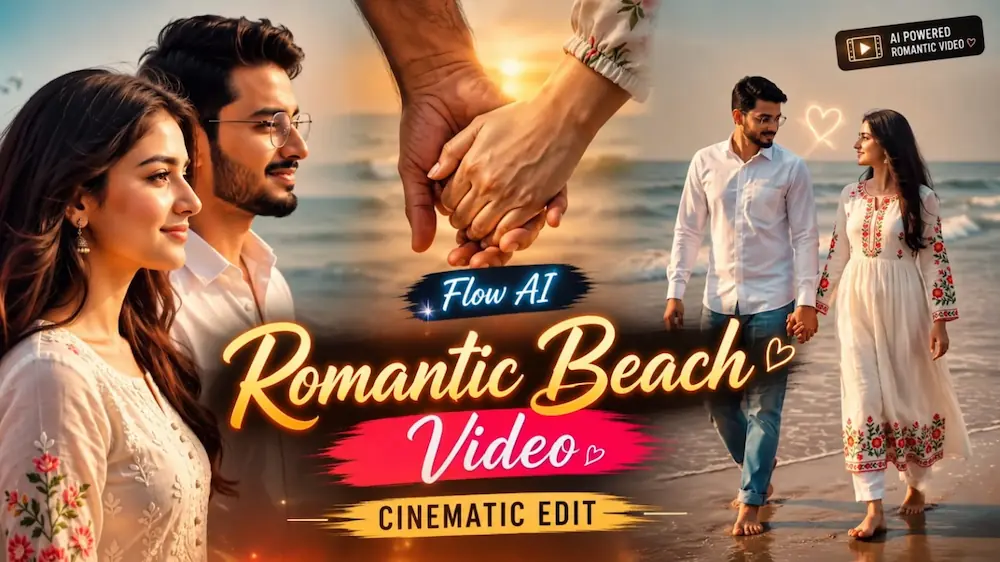
The first concept creates a cinematic romantic beach video using separate male and female reference photos. Upload clear photos of both people and use them as strict identity references. The AI prompt instructs the tool to preserve their exact faces, hairstyles, skin tones, body shapes, heights, and proportions throughout the entire video. The original tutorial uses a 10-second 16:9 format.
The video begins with the couple standing barefoot on wet beach sand beside the ocean. The man wears a white shirt with light-blue jeans, while the woman wears a long white traditional dress with floral embroidery. The second scene shows them holding hands and walking naturally along the beach. The third scene moves into a cinematic male profile close-up, and the final scene follows the couple from a rear-side angle as they continue walking along the coastline.
To create the video, open Gemini AI Video Generator and upload both reference photos. Copy the complete beach cinematic prompt and paste it into the generator. Select a 16:9 horizontal format and set the duration to 10 seconds. After generation, carefully check that both faces, hairstyles, body proportions, outfits, hands, walking movements, ocean waves, hair movement, and lighting remain consistent.
Night City Rose AI Photo
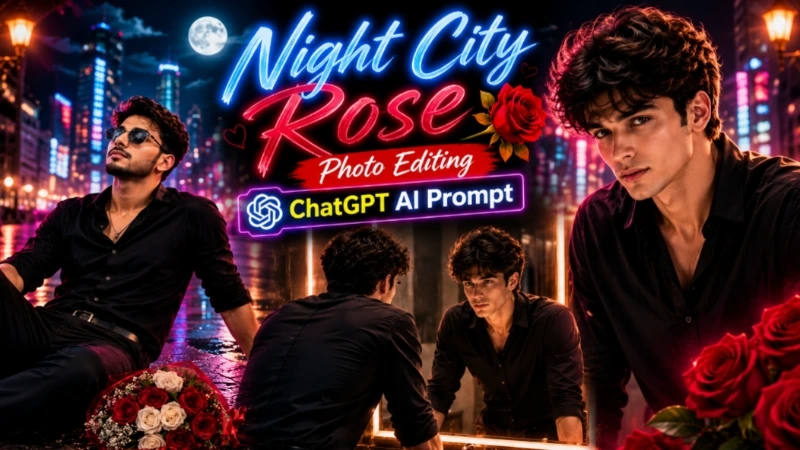
The second concept creates a dramatic cinematic portrait using ChatGPT AI Photo Generator. The main version uses a 4:5 composition with an ultra-realistic 8K photography style, professional DSLR depth of field, natural skin texture, and premium cinematic color grading.
In the emotional night version, the person sits on a city road at night with a dramatic expression, while a bouquet of red and white roses wrapped with a red ribbon is placed beside them. The background contains blurred vehicle headlights and taillights, glowing street lamps, red-and-white road barriers, and distant blue neon lighting. Cool blue ambient tones are combined with warm golden bokeh to create a powerful cinematic atmosphere.
To create this image, open ChatGPT and upload a clear original photo. Paste the complete AI photo prompt and generate the image. The prompt is designed to preserve the person's original face, body shape, skin tone, and hairstyle while creating the cinematic environment. Keep the final image in a 4:5 ratio and check the face, body proportions, clothing details, skin texture, and background before saving the result.
Final Result
By combining these two AI editing methods, you can create both a romantic cinematic beach video and an emotional night-city portrait from your own photos. For the most realistic results, always use clear reference images and strongly instruct the AI to maintain identity, natural body proportions, realistic movement, detailed skin texture, consistent lighting, and cinematic depth throughout the final output.