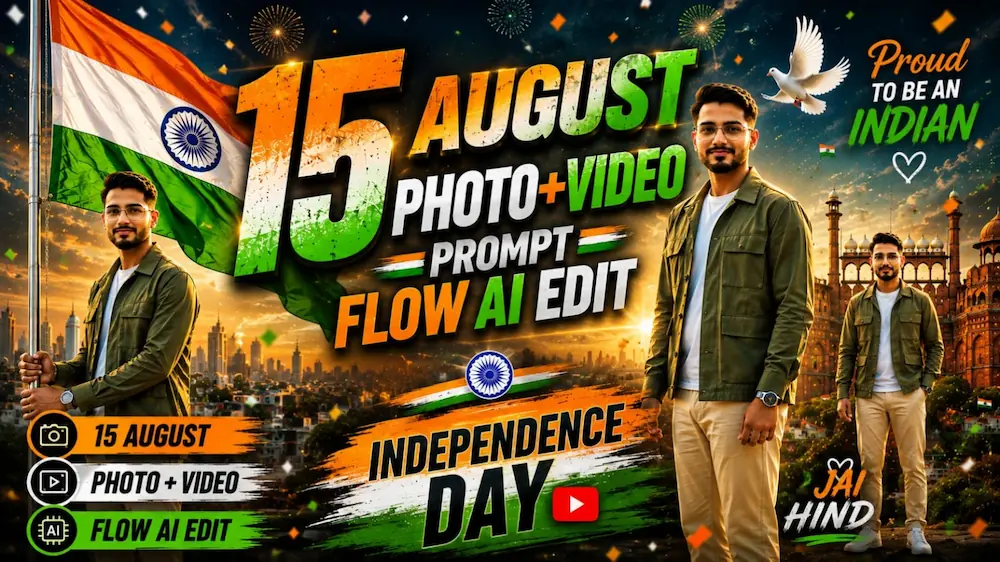
Is prompt se Flow AI Video Generator mein uploaded person photo ka use karke ek 10-second ultra-realistic Independence Day cinematic video banaya gaya hai. Main subject ka exact face, body, hairstyle, skin tone, outfit aur natural proportions poore video mein consistent rakhne ke liye Strict Identity Lock ka use kiya gaya hai.
Video mein Delhi ke Red Fort area, heritage street, patriotic close-up, Delhi rooftop aur golden-hour final scene ko cinematic style mein dikhaya gaya hai. Indian tricolour, natural wind, realistic flag physics, Delhi atmosphere aur premium Bollywood-style cinematography ko poore video mein maintain kiya gaya hai.
Video 16:9 horizontal format, 10 seconds, 4K HDR, 8K-quality visual detail, realistic human movement, natural skin texture, cinematic depth of field aur premium colour grading ke saath designed hai.
Ye prompt Flow AI Videos, Independence Day AI Videos, Indian Flag Videos, Patriotic Cinematic Reels, AI Video Generation aur Cinematic AI Content ke liye perfect hai.
NOOR EDITING — Independence Day Cinematic Prompt
✦AI PROMPT
FLOW AI — INDEPENDENCE DAY CINEMATIC MASTER PROMPT
Use the uploaded photo as the STRICT PRIMARY IDENTITY REFERENCE.
The character may be MALE or FEMALE. Preserve the exact uploaded person's face, body, hairstyle, skin tone, age and proportions throughout the entire video.
Create ONE ultra-realistic 10-second 16:9 Independence Day cinematic video with EXACTLY 5 connected clips, approximately 2 seconds each.
FLOW AI — INDEPENDENCE DAY CINEMATIC MASTER PROMPT
Use the uploaded photo as the STRICT PRIMARY IDENTITY REFERENCE.
The character may be MALE or FEMALE. Preserve the exact uploaded person's face, body, hairstyle, skin tone, age and proportions throughout the entire video.
Create ONE ultra-realistic 10-second 16:9 Independence Day cinematic video with EXACTLY 5 connected clips, approximately 2 seconds each.
CLIP 1 — DELHI INTRO:
Wide cinematic establishing shot of the Red Fort area in Delhi at sunrise. The same person stands naturally in the foreground as the Indian tricolour waves in the background. Slow camera push-in.
CLIP 2 — FLAG MOMENT:
The same person walks slowly through a beautifully decorated Delhi heritage street with subtle saffron, white and green decorations. Natural confident expression.
CLIP 3 — PATRIOTIC CLOSE-UP:
Cinematic close-up of the same person's face. Soft natural sunlight, gentle breeze, realistic skin and natural expression. The Indian flag remains softly visible behind.
CLIP 4 — ROOFTOP:
The same person stands on a Delhi rooftop overlooking the city while holding the Indian tricolour. Wind naturally moves the flag, hair and clothing. Smooth cinematic camera movement.
CLIP 5 — FINAL:
Golden-hour wide shot. The same person looks toward the Indian flag, then slowly looks toward the camera with a subtle proud smile. End with a powerful patriotic cinematic frame.
IDENTITY LOCK:
SAME FACE.
SAME BODY.
SAME HAIRSTYLE.
SAME OUTFIT.
SAME AGE.
SAME PROPORTIONS.
Do NOT change or regenerate the person's identity.
STYLE:
Real live-action Bollywood cinematic photography.
Delhi atmosphere.
Natural human movement.
Realistic flag physics.
Natural wind.
Realistic hands.
Natural blinking and breathing.
4K HDR, 8K-quality detail, premium cinema-camera look, realistic colour grading.
No dialogue, no lip-sync, no exaggerated acting.
Keep all 5 clips visually connected with consistent lighting, colour and character appearance.
Add a small subtle “Noorediting07” watermark in the lower-right corner.
NEGATIVE:
face change, face swap, identity drift, body change, body morphing, height change, age change, hairstyle change, outfit change, extra person, distorted hands, extra fingers, CGI, cartoon, plastic skin, AI face, unrealistic flag, background replacement, camera jump, teleportation, flickering, blurry face, low quality, large watermark, extra text, extra logo.
✓
Prompt copied to clipboard!
NOOR EDITING — Independence Day Cinematic Prompt
✦AI PROMPT
FLOW AI — INDEPENDENCE DAY CINEMATIC MASTER PROMPT
Use the uploaded photo as the STRICT PRIMARY IDENTITY REFERENCE.
The character may be MALE or FEMALE. Preserve the exact uploaded person's face, body, hairstyle, skin tone, age and proportions throughout the entire video.
Create ONE ultra-realistic 10-second 16:9 Independence Day cinematic video with EXACTLY 5 connected clips, approximately 2 seconds each.
FLOW AI — INDEPENDENCE DAY CINEMATIC MASTER PROMPT
Use the uploaded photo as the STRICT PRIMARY IDENTITY REFERENCE.
The character may be MALE or FEMALE. Preserve the exact uploaded person's face, body, hairstyle, skin tone, age and proportions throughout the entire video.
Create ONE ultra-realistic 10-second 16:9 Independence Day cinematic video with EXACTLY 5 connected clips, approximately 2 seconds each.
CLIP 1 — DELHI INTRO:
Wide cinematic establishing shot of the Red Fort area in Delhi at sunrise. The same person stands naturally in the foreground as the Indian tricolour waves in the background. Slow camera push-in.
CLIP 2 — FLAG MOMENT:
The same person walks slowly through a beautifully decorated Delhi heritage street with subtle saffron, white and green decorations. Natural confident expression.
CLIP 3 — PATRIOTIC CLOSE-UP:
Cinematic close-up of the same person's face. Soft natural sunlight, gentle breeze, realistic skin and natural expression. The Indian flag remains softly visible behind.
CLIP 4 — ROOFTOP:
The same person stands on a Delhi rooftop overlooking the city while holding the Indian tricolour. Wind naturally moves the flag, hair and clothing. Smooth cinematic camera movement.
CLIP 5 — FINAL:
Golden-hour wide shot. The same person looks toward the Indian flag, then slowly looks toward the camera with a subtle proud smile. End with a powerful patriotic cinematic frame.
IDENTITY LOCK:
SAME FACE.
SAME BODY.
SAME HAIRSTYLE.
SAME OUTFIT.
SAME AGE.
SAME PROPORTIONS.
Do NOT change or regenerate the person's identity.
STYLE:
Real live-action Bollywood cinematic photography.
Delhi atmosphere.
Natural human movement.
Realistic flag physics.
Natural wind.
Realistic hands.
Natural blinking and breathing.
4K HDR, 8K-quality detail, premium cinema-camera look, realistic colour grading.
No dialogue, no lip-sync, no exaggerated acting.
Keep all 5 clips visually connected with consistent lighting, colour and character appearance.
Add a small subtle “Noorediting07” watermark in the lower-right corner.
NEGATIVE:
face change, face swap, identity drift, body change, body morphing, height change, age change, hairstyle change, outfit change, extra person, distorted hands, extra fingers, CGI, cartoon, plastic skin, AI face, unrealistic flag, background replacement, camera jump, teleportation, flickering, blurry face, low quality, large watermark, extra text, extra logo.
✓
Prompt copied to clipboard!
Kaise Banaye?
1. Sabse pehle Flow AI Video Generator open karein.
2. Apni clear person reference photo upload karein.
3. Independence Day Cinematic Master Prompt ko poora copy karke Flow AI mein paste karein.
4. Video format 16:9 Horizontal select karein.
5. Video duration 10 seconds rakhein.
6. Generate Video par click karein.
7. Video generate hone ke baad check karein ki uploaded person ka face, body, hairstyle, skin tone, outfit aur proportions reference photo ke according same hain.
8. Ye bhi check karein ki video mein saare 5 clips proper order mein hain:
• Red Fort / Delhi Intro
• Flag Moment
• Patriotic Close-up
• Delhi Rooftop
• Golden-Hour Final
9. Indian Tricolour, flag movement, Delhi background, lighting aur cinematic colour grading ko properly check karein.
10. Final video ko Instagram Reels, Facebook Reels, YouTube Shorts ya Independence Day cinematic content ke liye use karein.
15 August Cinematic AI Video & Eid Milad-un-Nabi Jalus AI Poster Tutorial
Aaj ke is tutorial mein hum do different festive AI editing concepts ko ek saath samjhenge. Pehla concept 15 August Cinematic AI Video hai, jisme ek single reference photo ko use karke India ke famous landmarks par based cinematic Independence Day video create kiya jata hai. Dusra concept Eid Milad-un-Nabi 12 Rabi-ul-Awwal Jalus AI Poster hai, jisme ChatGPT AI Photo Generator ke through realistic Islamic celebration poster banaya ja sakta hai. Dono concepts mein identity consistency, realistic lighting aur professional cinematic presentation par special focus kiya gaya hai.
15 August Cinematic AI Video Kaise Banaye?
Sabse pehle ek clear full-body reference photo select karein. Flow AI mein photo upload karke 15 August Cinematic Video Prompt paste karein. Uploaded image ko subject ki primary identity reference ke roop mein use kiya jata hai. Prompt mein face, hairstyle, skin tone, age, body shape aur natural proportions ko poore video mein consistent rakhne ke liye strict identity lock diya gaya hai.
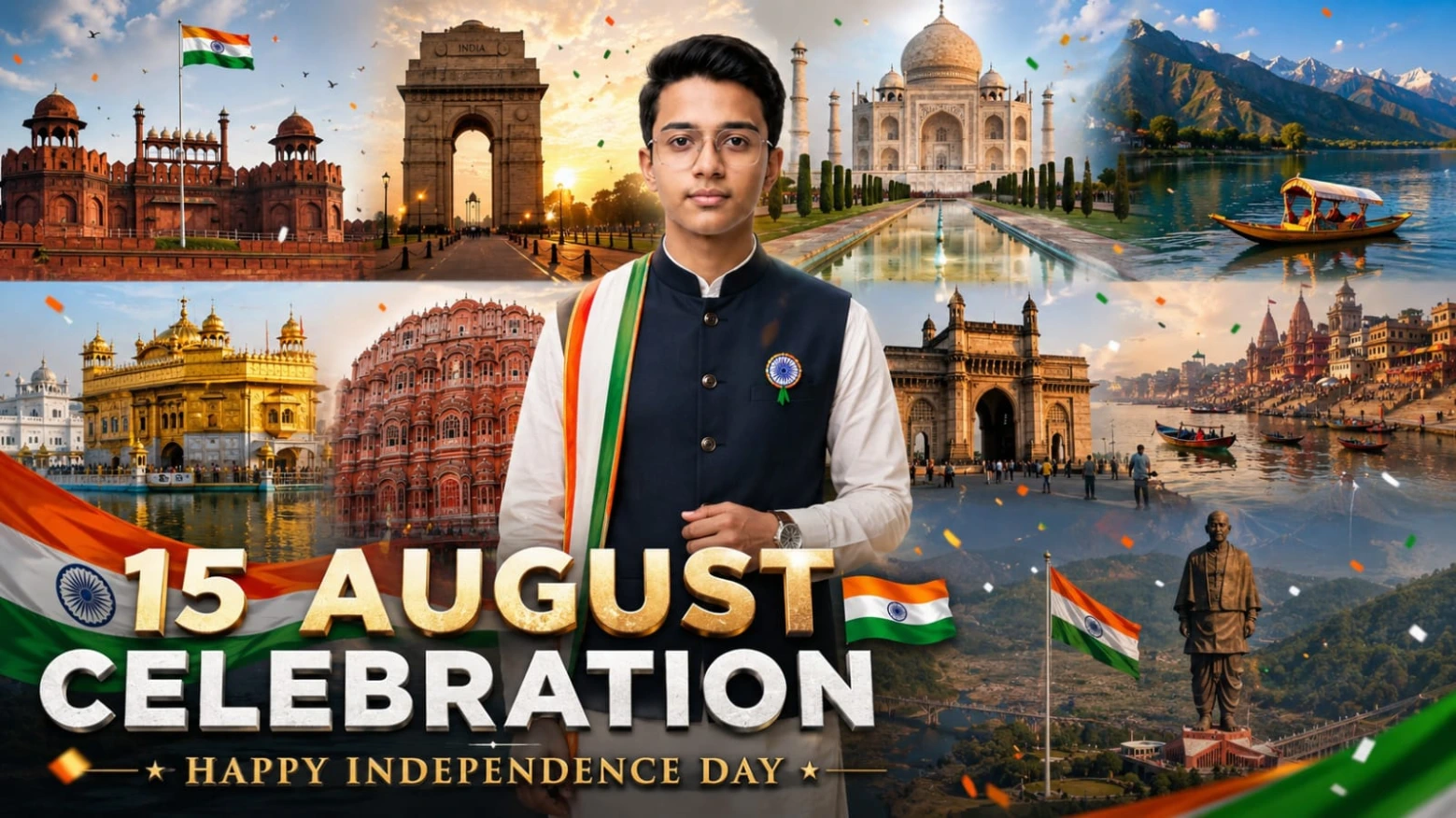
Video approximately 15 seconds, 9:16 vertical format mein create hota hai aur India ke 10 iconic locations ko cinematic journey ke roop mein show karta hai. Scenes mein Red Fort, India Gate, Taj Mahal, Dal Lake, Golden Temple, Hawa Mahal, Gateway of India, Varanasi Ghats, Statue of Unity aur final grand 15 August celebration शामिल hain. Har location par same person, same outfit aur same face maintain kiya jata hai.
Professional ivory-white kurta-style outfit, deep navy Nehru jacket aur tricolor stole ke saath premium patriotic look create hota hai. Indian flag ko realistic fabric physics aur correct saffron-white-green arrangement ke saath show kiya jata hai. Smooth camera movement, cinematic transitions, natural sunlight, atmospheric haze aur unified patriotic colour grading video ko professional Independence Day advertisement jaisa appearance dete hain.
Eid Milad-un-Nabi Jalus AI Poster Kaise Banaye?
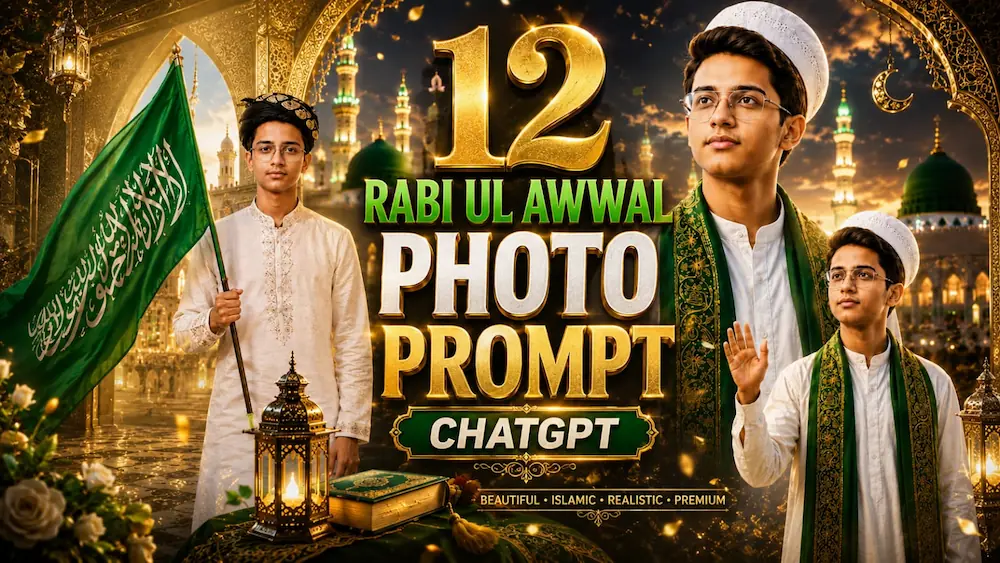
Ab Eid Milad-un-Nabi poster ke liye ChatGPT AI Photo Generator open karein aur apni clear reference photo upload karein. Prompt mein exact facial identity, natural skin texture, hairstyle aur facial proportions preserve karne ki instructions di gayi hain. Subject ko traditional white kurta-pajama, emerald-green Islamic shawl aur traditional cap/safa ke saath festive Jalus environment mein place kiya ja sakta hai.
Background mein large peaceful Milad gathering, green Islamic flags, illuminated city streets, mosque-inspired architecture, green-and-gold decorative lighting aur cinematic depth of field use kiya jata hai. Main subject ko sharp aur foreground mein rakha jata hai, jabki background crowd ko naturally softer aur slightly motion-blurred appearance diya jata hai.
Final Result
Is combined workflow se aap 15 August ke liye cinematic patriotic AI video aur 12 Rabi-ul-Awwal ke liye premium Eid Milad-un-Nabi Jalus poster create kar sakte hain. Best result ke liye high-quality reference photo use karein aur final output mein face, hands, outfit, flag, text, lighting aur background details ko carefully check karein.