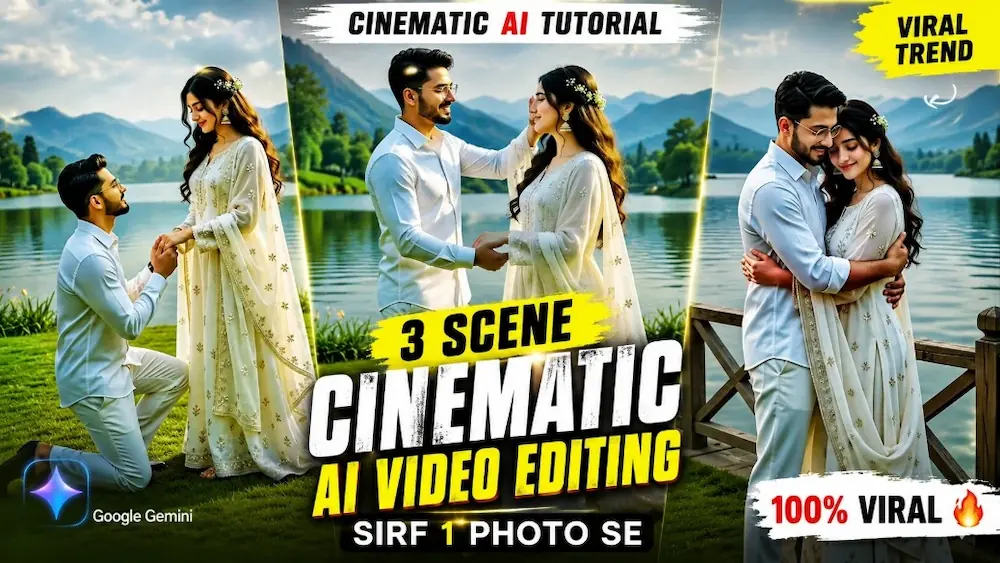
Is prompt se Flow AI mein male aur female ki uploaded reference photos ka use karke ek ultra-realistic romantic cinematic video banaya gaya hai. Dono characters ka face, body, hairstyle, height, proportions aur white outfits poore video mein exactly same rakhne ke liye strong identity lock ka use kiya gaya hai.
Video mein couple scenic lake ke saamne romantic moments share karta hai, jisme kneeling, hand-holding, graceful dancing, twirling, eye contact aur warm romantic embrace shamil hain. Lush green lawn, beautiful lake, natural lighting aur cinematic camera movement video ko premium Bollywood romantic look dete hain.
Video ko 4K HDR, 8K-quality detail, photorealistic skin, realistic dress physics, cinematic depth of field aur vertical 9:16 style mein design kiya gaya hai. Ye prompt Romantic Reels, Couple Videos aur Cinematic AI Videos ke liye perfect hai.
NOOR EDITING — Romantic Couple Cinematic Master Prompt
✦AI PROMPT
AI PROMPT
Use the uploaded male photo and female photo as the STRICT PRIMARY IDENTITY REFERENCES.
The uploaded photos are the absolute source of truth.
IDENTITY LOCK — HIGHEST PRIORITY:
Preserve the EXACT same:
male face,
female face,
facial structure,
eyes,
eyebrows,
nose,
lips,
jawline,
skin tone,
natural age,
hair,
hair texture,
height,
body shape,
body proportions and natural appearance.
FLOW AI — ROMANTIC COUPLE CINEMATIC MASTER PROMPT
Use the uploaded male photo and female photo as the STRICT PRIMARY IDENTITY REFERENCES.
The uploaded photos are the absolute source of truth.
IDENTITY LOCK — HIGHEST PRIORITY:
Preserve the EXACT same:
male face,
female face,
facial structure,
eyes,
eyebrows,
nose,
lips,
jawline,
skin tone,
natural age,
hair,
hair texture,
height,
body shape,
body proportions and natural appearance.
Do NOT change, regenerate, beautify, slim, enlarge, reshape, age, de-age or replace either person.
The SAME two real people must remain identical from the FIRST FRAME to the LAST FRAME.
OUTFIT LOCK:
Both characters wear the EXACT SAME MATCHING WHITE OUTFITS shown/defined in the reference.
Do NOT change:
outfit colour,
outfit design,
fabric,
fit,
style,
shoes,
accessories or hairstyle.
Keep the clothing identical throughout the entire video.
LOCATION LOCK:
Use ONE continuous lush green outdoor lawn overlooking the SAME scenic lake.
Keep the same:
green lawn,
lake,
natural landscape,
sky,
trees,
railing,
lighting direction,
weather and overall environment.
Do NOT replace the location.
Create ONE continuous ultra-realistic cinematic romantic video.
SCENE 1 — KNEELING:
Start with the couple standing together on the lush green lawn overlooking the scenic lake.
The man slowly kneels down naturally and gently takes the woman's hand.
The woman looks at him with a soft romantic expression.
Keep their exact faces and bodies unchanged.
Use a smooth cinematic camera push-in.
SCENE 2 — DANCING:
The man naturally stands up while still holding the woman's hand.
They begin dancing together gracefully on the same lawn.
The man gently guides the woman into a smooth romantic twirl.
Her white outfit moves naturally with the motion.
Keep the movement elegant, realistic and physically believable.
Camera smoothly tracks around them.
SCENE 3 — TWIRLING:
Continue the same dance without changing location, clothing or characters.
The man gently twirls the woman again.
Her dress moves naturally with realistic fabric physics.
The couple smiles naturally.
Use a smooth cinematic side-tracking shot with the scenic lake visible behind them.
SCENE 4 — RAILING:
Transition naturally to the SAME couple standing together beside the railing overlooking the SAME lake.
They stand close to each other.
They look deeply into each other's eyes.
Use intimate cinematic close-ups of their faces while preserving their exact identities.
Natural blinking, breathing and subtle facial expressions.
No exaggerated acting.
SCENE 5 — ROMANTIC EMBRACE:
Continue directly from the previous scene.
The couple gently moves closer and shares a warm, romantic embrace.
Keep the embrace natural and tasteful.
The beautiful lake and lush green landscape remain visible behind them.
Camera slowly pulls backward and upward.
End with a wide cinematic romantic frame of the SAME couple embracing against the beautiful natural landscape.
CAMERA:
Professional romantic Bollywood music-video cinematography.
Smooth gimbal movement.
Slow cinematic push-in.
Smooth side tracking.
Natural camera orbit during dancing.
Intimate facial close-ups.
Slow final pull-back.
Natural depth of field.
Realistic lens compression.
Natural motion blur.
No sudden camera movement.
No random cuts.
No teleportation.
REAL HUMAN LOOK:
The video must look like a REAL professionally filmed romantic movie scene.
Photorealistic skin texture.
Realistic eyes.
Natural blinking.
Natural breathing.
Realistic hands and fingers.
Realistic body movement.
Realistic dancing.
Realistic dress physics.
Natural hair movement.
Realistic shadows.
Realistic lake reflections.
Natural wind.
4K HDR.
8K-quality visual detail.
Premium cinema-camera look.
Professional cinematic colour grading.
IMPORTANT:
Do NOT make the characters look like AI-generated models.
They must look exactly like the people in the uploaded photos.
Do NOT turn the video into a slideshow of poses.
Every action must flow naturally from the previous action.
NO DIALOGUE:
No talking.
No lip-sync.
No singing.
No exaggerated expressions.
CONTINUITY LOCK:
SAME MALE.
SAME FEMALE.
SAME FACES.
SAME BODIES.
SAME HEIGHT.
SAME PROPORTIONS.
SAME WHITE OUTFITS.
SAME HAIRSTYLES.
SAME LAWN.
SAME LAKE.
SAME RAILING.
SAME WEATHER.
SAME LIGHTING.
SAME CINEMATIC STYLE.
WATERMARK:
Add the exact text “Noorediting07” as a SMALL, subtle watermark in the lower-right corner.
Keep it discreet and consistent throughout the video.
Do not add any other text, logo or watermark.
NEGATIVE:
different face,
face swap,
identity drift,
facial morphing,
different person,
different body,
body morphing,
body slimming,
body enlargement,
height change,
proportion change,
age change,
different hairstyle,
different outfit,
outfit colour change,
costume change,
different location,
different lake,
different background,
background replacement,
extra people,
duplicate characters,
distorted hands,
extra fingers,
extra limbs,
unnatural dancing,
stiff movement,
robotic movement,
plastic skin,
AI face,
cartoon,
CGI,
3D render,
talking,
lip-sync,
exaggerated acting,
camera jump,
teleportation,
flickering,
blurry face,
low quality,
large watermark,
missing Noorediting07,
extra text,
extra logo.
✓
Prompt copied to clipboard!
NOOR EDITING — Romantic Couple Cinematic Master Prompt
✦AI PROMPT
AI PROMPT
Use the uploaded male photo and female photo as the STRICT PRIMARY IDENTITY REFERENCES.
The uploaded photos are the absolute source of truth.
IDENTITY LOCK — HIGHEST PRIORITY:
Preserve the EXACT same:
male face,
female face,
facial structure,
eyes,
eyebrows,
nose,
lips,
jawline,
skin tone,
natural age,
hair,
hair texture,
height,
body shape,
body proportions and natural appearance.
FLOW AI — ROMANTIC COUPLE CINEMATIC MASTER PROMPT
Use the uploaded male photo and female photo as the STRICT PRIMARY IDENTITY REFERENCES.
The uploaded photos are the absolute source of truth.
IDENTITY LOCK — HIGHEST PRIORITY:
Preserve the EXACT same:
male face,
female face,
facial structure,
eyes,
eyebrows,
nose,
lips,
jawline,
skin tone,
natural age,
hair,
hair texture,
height,
body shape,
body proportions and natural appearance.
Do NOT change, regenerate, beautify, slim, enlarge, reshape, age, de-age or replace either person.
The SAME two real people must remain identical from the FIRST FRAME to the LAST FRAME.
OUTFIT LOCK:
Both characters wear the EXACT SAME MATCHING WHITE OUTFITS shown/defined in the reference.
Do NOT change:
outfit colour,
outfit design,
fabric,
fit,
style,
shoes,
accessories or hairstyle.
Keep the clothing identical throughout the entire video.
LOCATION LOCK:
Use ONE continuous lush green outdoor lawn overlooking the SAME scenic lake.
Keep the same:
green lawn,
lake,
natural landscape,
sky,
trees,
railing,
lighting direction,
weather and overall environment.
Do NOT replace the location.
Create ONE continuous ultra-realistic cinematic romantic video.
SCENE 1 — KNEELING:
Start with the couple standing together on the lush green lawn overlooking the scenic lake.
The man slowly kneels down naturally and gently takes the woman's hand.
The woman looks at him with a soft romantic expression.
Keep their exact faces and bodies unchanged.
Use a smooth cinematic camera push-in.
SCENE 2 — DANCING:
The man naturally stands up while still holding the woman's hand.
They begin dancing together gracefully on the same lawn.
The man gently guides the woman into a smooth romantic twirl.
Her white outfit moves naturally with the motion.
Keep the movement elegant, realistic and physically believable.
Camera smoothly tracks around them.
SCENE 3 — TWIRLING:
Continue the same dance without changing location, clothing or characters.
The man gently twirls the woman again.
Her dress moves naturally with realistic fabric physics.
The couple smiles naturally.
Use a smooth cinematic side-tracking shot with the scenic lake visible behind them.
SCENE 4 — RAILING:
Transition naturally to the SAME couple standing together beside the railing overlooking the SAME lake.
They stand close to each other.
They look deeply into each other's eyes.
Use intimate cinematic close-ups of their faces while preserving their exact identities.
Natural blinking, breathing and subtle facial expressions.
No exaggerated acting.
SCENE 5 — ROMANTIC EMBRACE:
Continue directly from the previous scene.
The couple gently moves closer and shares a warm, romantic embrace.
Keep the embrace natural and tasteful.
The beautiful lake and lush green landscape remain visible behind them.
Camera slowly pulls backward and upward.
End with a wide cinematic romantic frame of the SAME couple embracing against the beautiful natural landscape.
CAMERA:
Professional romantic Bollywood music-video cinematography.
Smooth gimbal movement.
Slow cinematic push-in.
Smooth side tracking.
Natural camera orbit during dancing.
Intimate facial close-ups.
Slow final pull-back.
Natural depth of field.
Realistic lens compression.
Natural motion blur.
No sudden camera movement.
No random cuts.
No teleportation.
REAL HUMAN LOOK:
The video must look like a REAL professionally filmed romantic movie scene.
Photorealistic skin texture.
Realistic eyes.
Natural blinking.
Natural breathing.
Realistic hands and fingers.
Realistic body movement.
Realistic dancing.
Realistic dress physics.
Natural hair movement.
Realistic shadows.
Realistic lake reflections.
Natural wind.
4K HDR.
8K-quality visual detail.
Premium cinema-camera look.
Professional cinematic colour grading.
IMPORTANT:
Do NOT make the characters look like AI-generated models.
They must look exactly like the people in the uploaded photos.
Do NOT turn the video into a slideshow of poses.
Every action must flow naturally from the previous action.
NO DIALOGUE:
No talking.
No lip-sync.
No singing.
No exaggerated expressions.
CONTINUITY LOCK:
SAME MALE.
SAME FEMALE.
SAME FACES.
SAME BODIES.
SAME HEIGHT.
SAME PROPORTIONS.
SAME WHITE OUTFITS.
SAME HAIRSTYLES.
SAME LAWN.
SAME LAKE.
SAME RAILING.
SAME WEATHER.
SAME LIGHTING.
SAME CINEMATIC STYLE.
WATERMARK:
Add the exact text “Noorediting07” as a SMALL, subtle watermark in the lower-right corner.
Keep it discreet and consistent throughout the video.
Do not add any other text, logo or watermark.
NEGATIVE:
different face,
face swap,
identity drift,
facial morphing,
different person,
different body,
body morphing,
body slimming,
body enlargement,
height change,
proportion change,
age change,
different hairstyle,
different outfit,
outfit colour change,
costume change,
different location,
different lake,
different background,
background replacement,
extra people,
duplicate characters,
distorted hands,
extra fingers,
extra limbs,
unnatural dancing,
stiff movement,
robotic movement,
plastic skin,
AI face,
cartoon,
CGI,
3D render,
talking,
lip-sync,
exaggerated acting,
camera jump,
teleportation,
flickering,
blurry face,
low quality,
large watermark,
missing Noorediting07,
extra text,
extra logo.
✓
Prompt copied to clipboard!
Kaise Banaye?
1. Sabse pehle Flow AI open karein.
2. Male aur female ki clear reference photos upload karein.
3. Upar diya gaya Romantic Couple AI Video Prompt copy karke Flow AI mein paste karein.
4. Video ko 9:16 vertical format mein generate karein.
5. Prompt ke according Generate Video par click karein.
6. Video generate hone ke baad check karein ki dono ke faces, bodies, hairstyles aur white outfits reference photos ke same hain.
7. Final video mein kneeling, dancing, twirling, romantic eye contact aur embrace naturally generate hua hai ya nahi check karein.
8. Noorediting07 watermark lower-right corner mein properly visible hai ya nahi check karein.
Imran Hashmi AI Scene & Awarapan 2 Poster AI Editing Kaise Banaye
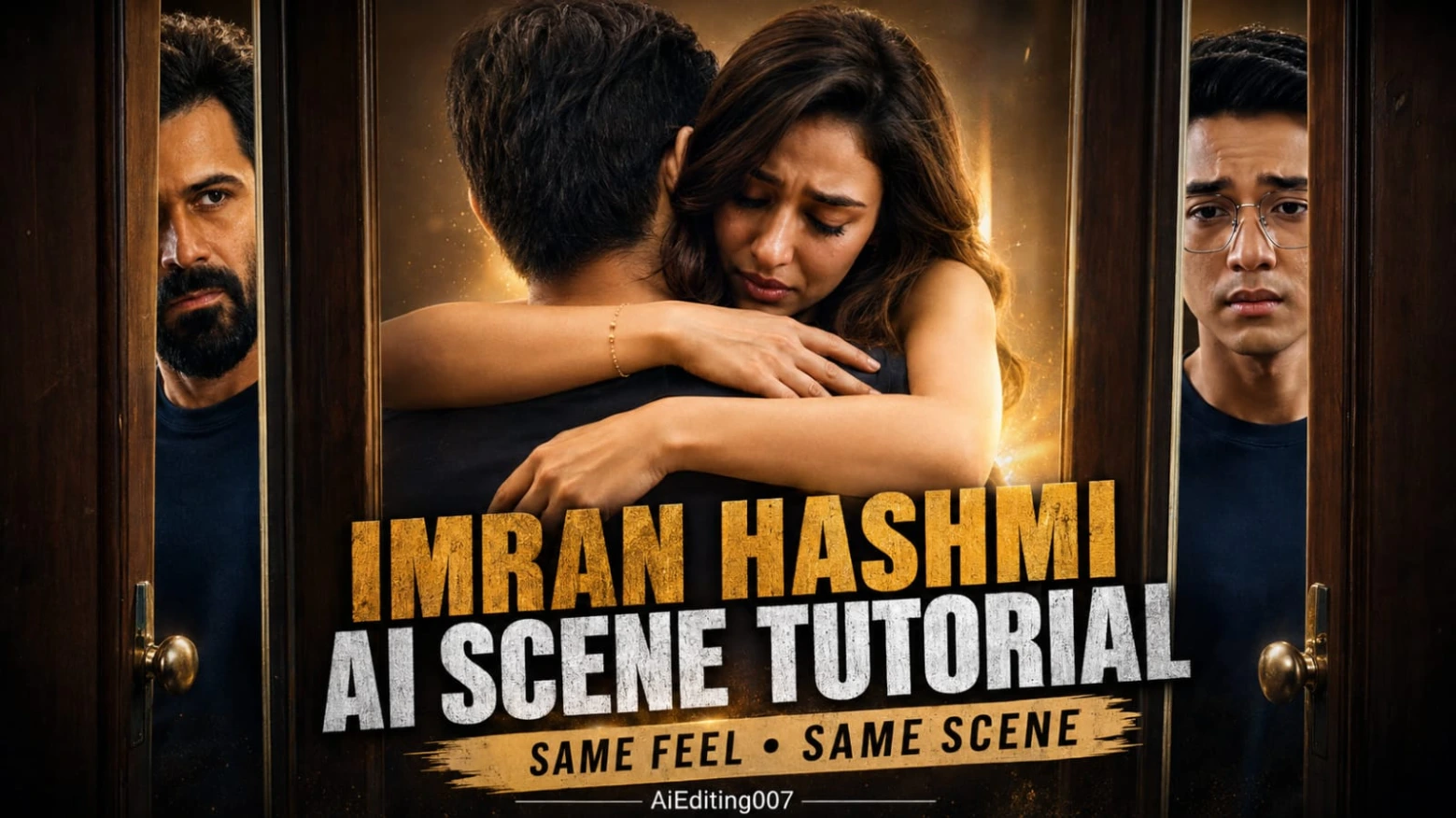
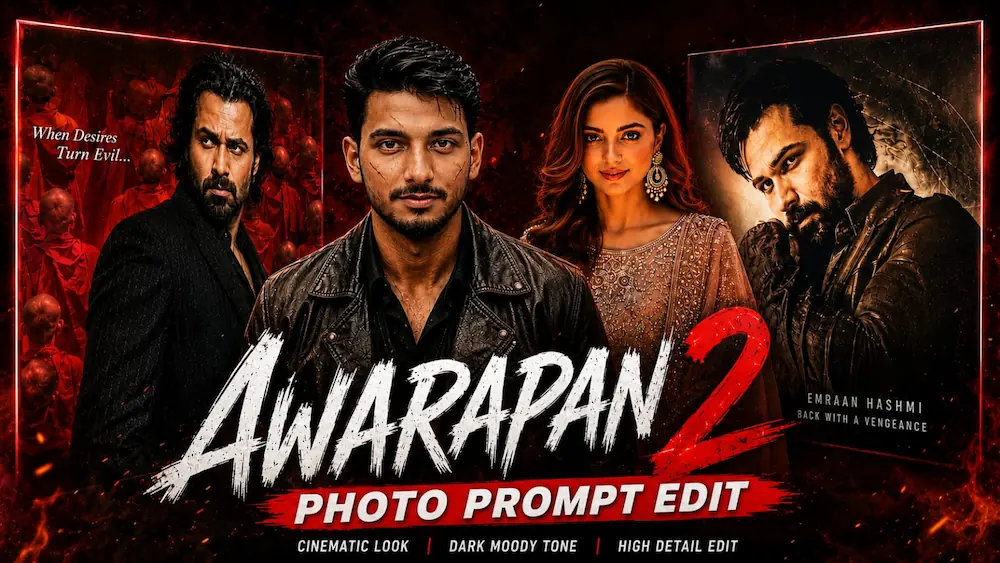
Aaj ke is tutorial mein hum do cinematic Bollywood-inspired AI editing concepts ko ek saath samjhenge — Imran Hashmi AI Scene Video aur Awarapan 2 AI Movie Poster Photo. Dono edits mein ek normal reference photo ko use karke professional cinematic content create kiya ja sakta hai. Pehle concept mein Gemini ki help se emotional romantic movie scene jaisa 10-second AI video banaya jata hai, jabki doosre concept mein ChatGPT AI Photo Generator se Awarapan 2 cinema poster ke saath realistic photo create ki jaati hai.
Imran Hashmi AI Scene Video Kaise Banaye?
Sabse pehle ek clear reference photo ready karein jisme face, hairstyle aur body clearly visible ho. Gemini open karke apni photo upload karein aur Emotional Romantic AI Video Prompt paste karein. Prompt mein strict identity lock ka use kiya gaya hai, jisse AI subject ke face, body, hairstyle aur natural appearance ko poore video mein consistent rakhne ki koshish karta hai.
Video ko 10-second aur 9:16 vertical format mein generate karein. Story ek cinematic indoor environment mein create hoti hai, jahan grey hall, wooden doors, soft lighting aur dramatic colour grading movie-scene jaisa atmosphere create karte hain. Video mein character introduction, music-room sequence, slow walking, emotional meeting aur heartfelt romantic hug jaise scenes chronological order mein appear hote hain.
Generate hone ke baad face consistency, body proportions, hairstyle aur scene sequence carefully check karein. Agar AI ne face ya movement distort kiya ho, to clearer reference photo ke saath regenerate karna better rahega.
Awarapan 2 AI Poster Photo Kaise Banaye?
Ab second concept ke liye ChatGPT AI Image Generator open karein aur apni clear photo upload karein. Awarapan 2 Cinema Hall Master Prompt ko copy karke ChatGPT mein paste karein aur image generate karein.
Is concept mein uploaded person ko ek premium cinema hall mein original Awarapan 2 poster ke beside naturally place kiya jata hai. Identity lock ke through face, hairstyle, beard, expression, skin tone aur body proportions ko preserve karne par focus kiya jata hai. Original poster, Emraan Hashmi, typography, colours aur poster composition ko unchanged rakhne ke instructions bhi prompt mein included hain.
Cinema environment mein warm theater lighting, marble or textured walls, glass reflections, realistic shadows aur shallow depth of field add kiye jaate hain. Final image ko 4:5 vertical format, HDR, DSLR realism aur 8K-quality detail ke saath cinematic movie-premiere photography look diya jata hai.
Final Result
Dono techniques ka main focus realistic identity, cinematic lighting aur professional composition par hai. Imran Hashmi AI Scene ke liye smooth camera movement aur emotional storytelling important hai, jabki Awarapan 2 poster edit mein original poster composition aur realistic identity preservation sabse important hai. Generate karne ke baad face, hands, body proportions, lighting aur unwanted AI changes ko zaroor check karein.
Is tarah aap ek simple reference photo se cinematic AI video aur professional Bollywood-style poster photo dono create kar sakte hain.