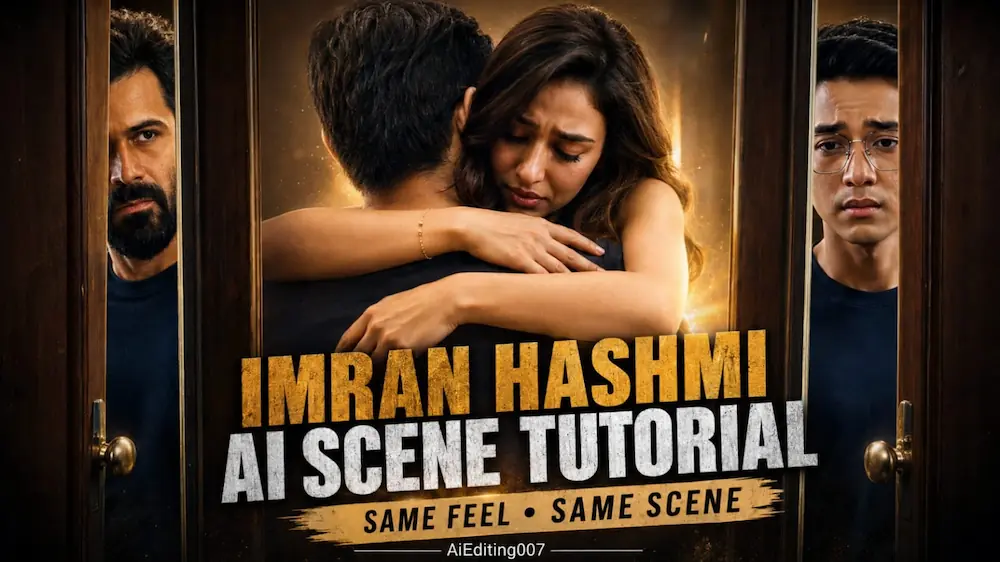
Imran Hashmi AI Scene Tutorial | Same Feel Same Scene
Video ko 8K-detail visual quality, photorealistic skin, realistic human movement, cinematic depth of field aur 9:16 vertical format mein design kiya gaya hai. Ye prompt Romantic Reels, Emotional Couple Videos aur Cinematic AI Videos ke liye perfect hai.
7. Final video mein door intro, music room, walking, emotional meeting aur hug scenes proper chronological order mein generate hue hain ya nahi check karein.
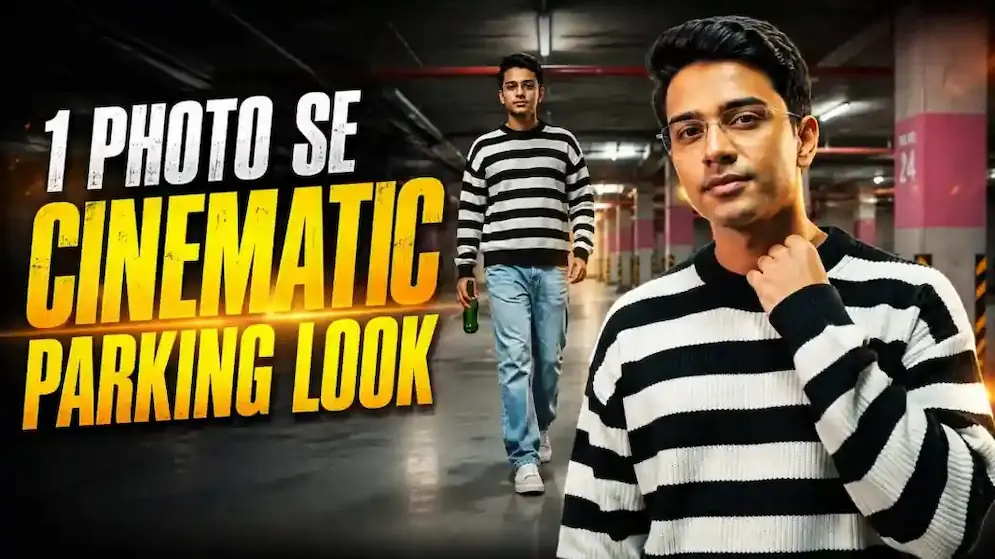
Cinematic Parking Look | Realistic AI Video Editing Tutorial
Aaj ke is tutorial mein hum ek simple reference photo ko use karke underground parking basement mein cinematic AI walking video create karna seekhenge. Is edit mein Gemini AI Video Generator ka use kiya gaya hai, jahan uploaded photo ko primary identity reference banakar realistic cinematic video generate hota hai. Video ko professional live-action footage jaisa look dene ke liye identity consistency, realistic movement, cinematic lighting aur premium colour grading par special focus kiya gaya hai.
Cinematic Parking AI Video Kaise Banaye?
Sabse pehle apni ek clear person reference photo select karein. Photo mein face clearly visible hona chahiye, kyunki isi image ko video ke throughout identity reference ke roop mein use kiya jayega. Gemini AI Video Generator open karein aur apni photo upload karein.
Ab Cinematic Parking Look ka complete AI video prompt copy karke Gemini mein paste karein. Prompt mein Absolute Identity Lock diya gaya hai, jisse subject ke face shape, eyes, eyebrows, nose, lips, jawline, skin tone, hairstyle, height aur body proportions ko consistent rakhne ki instruction di gayi hai. AI ko face change, beautification, face morphing ya body reshaping se avoid karne ke liye bhi clearly instruct kiya gaya hai.
Parking Basement Cinematic Look
Video ka complete environment ek empty underground parking basement mein maintain kiya jata hai. Background mein concrete pillars, exposed pipes, warm overhead lights aur grey floor hota hai. Subject ne black-and-white striped oversized sweater, loose light-blue jeans aur casual sneakers pehne hote hain, aur right hand mein green glass bottle hoti hai. Outfit, bottle, lighting aur location ko poore video mein same rakhne ke instructions prompt mein included hain.
Video mein total six connected cinematic scenes hain. Pehle scene mein low-angle walking shot hota hai. Uske baad subject ko different cinematic tracking angle se walk karte hue dikhaya jata hai. Third scene mein full-body hero shot aata hai. Fourth scene mein subject neck ya jawline ko gently touch karte hue slightly upward look deta hai. Fifth scene mein slow forward walking movement hota hai, aur final scene mein sharp face ke saath premium hero ending create ki jaati hai.
Video Settings aur Final Result
Video ko 10 seconds, 16:9 horizontal format mein generate karein. Prompt realistic human movement, natural skin texture, realistic clothing folds, cinematic depth of field aur 8K-quality live-action appearance par focus karta hai. Fast cuts, shaky camera, exaggerated movements, extra people aur AI-looking CGI effects avoid kiye jaate hain.
Video generate hone ke baad face, hairstyle, body proportions, sweater, jeans, bottle aur parking environment ko carefully check karein. Saath hi ye bhi verify karein ki sabhi six scenes correct order mein clearly visible hain. Final result ek premium cinematic music-video style parking look deta hai, jise Instagram Reels, YouTube Shorts, Facebook ya other social platforms ke liye use kiya ja sakta hai.