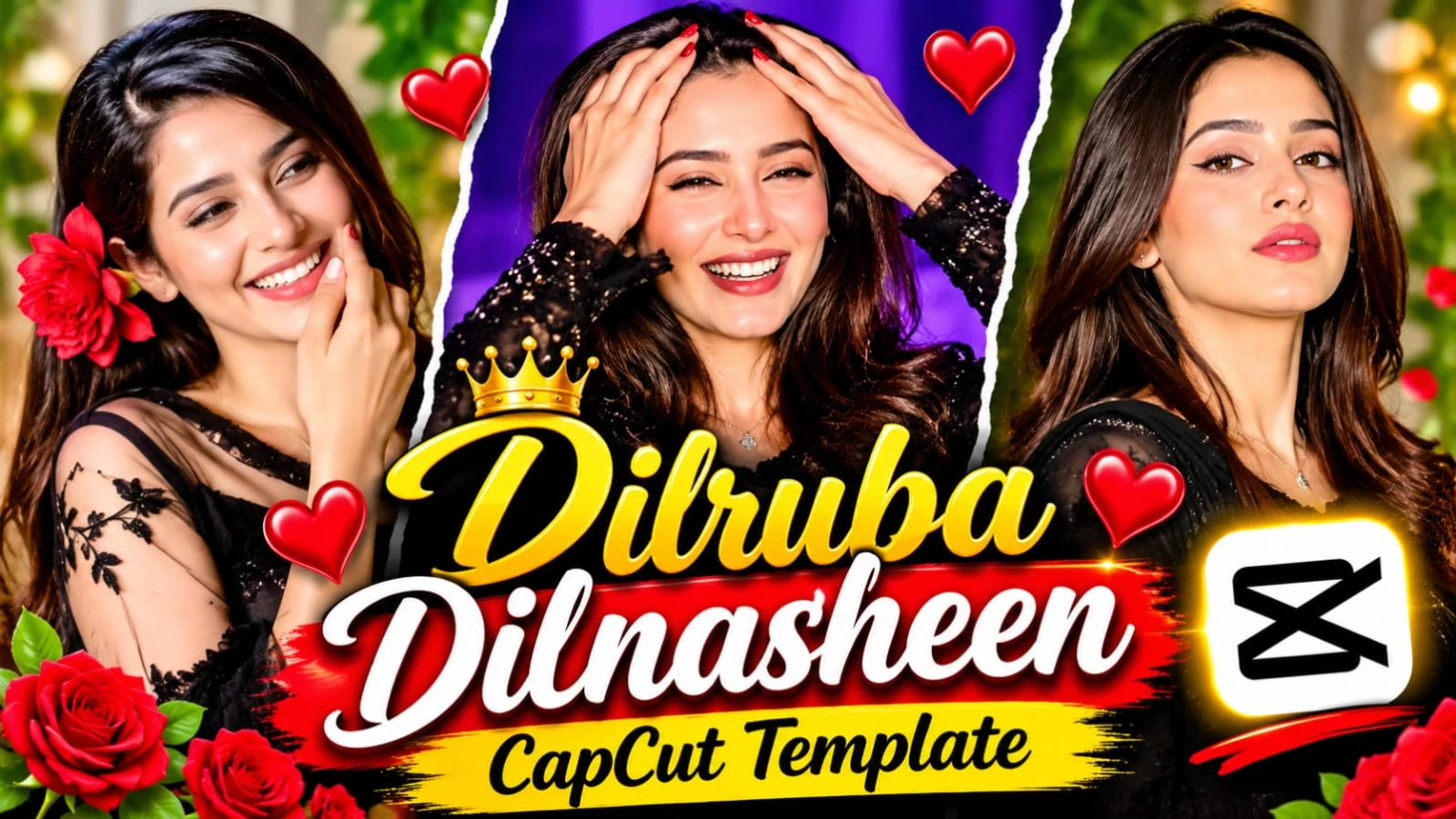
Dilruba Dilnasheen CapCut Template| New Trending Instagram Reels Video Editing
Is template ki khaasiyat yeh hai ki isme jo beat drops hain, woh photos ke sath itne smooth tarike se sync hote hain ki dekhne wale ko lagta hai ki ise kisi professional editor ne ghanto mehnat karke banaya hai. Chahe aap apne Instagram profile par aesthetic vibe create karna chahte hain, ya apne doston ke sath koi special status share karna chahte hain, yeh "Dilruba Dilnasheen" CapCut template aapki har zarurat ko pura karega. Toh der kis baat ki? Is article ko pura padhiye, diye gaye steps ko follow kijiye aur apni reels ko viral kar dijiye. Aise hi aur bhi latest templates aur AI editing tricks ke liye hamari website par regular visit karte rahein aur apne creator safar ko aur bhi asan banayein!
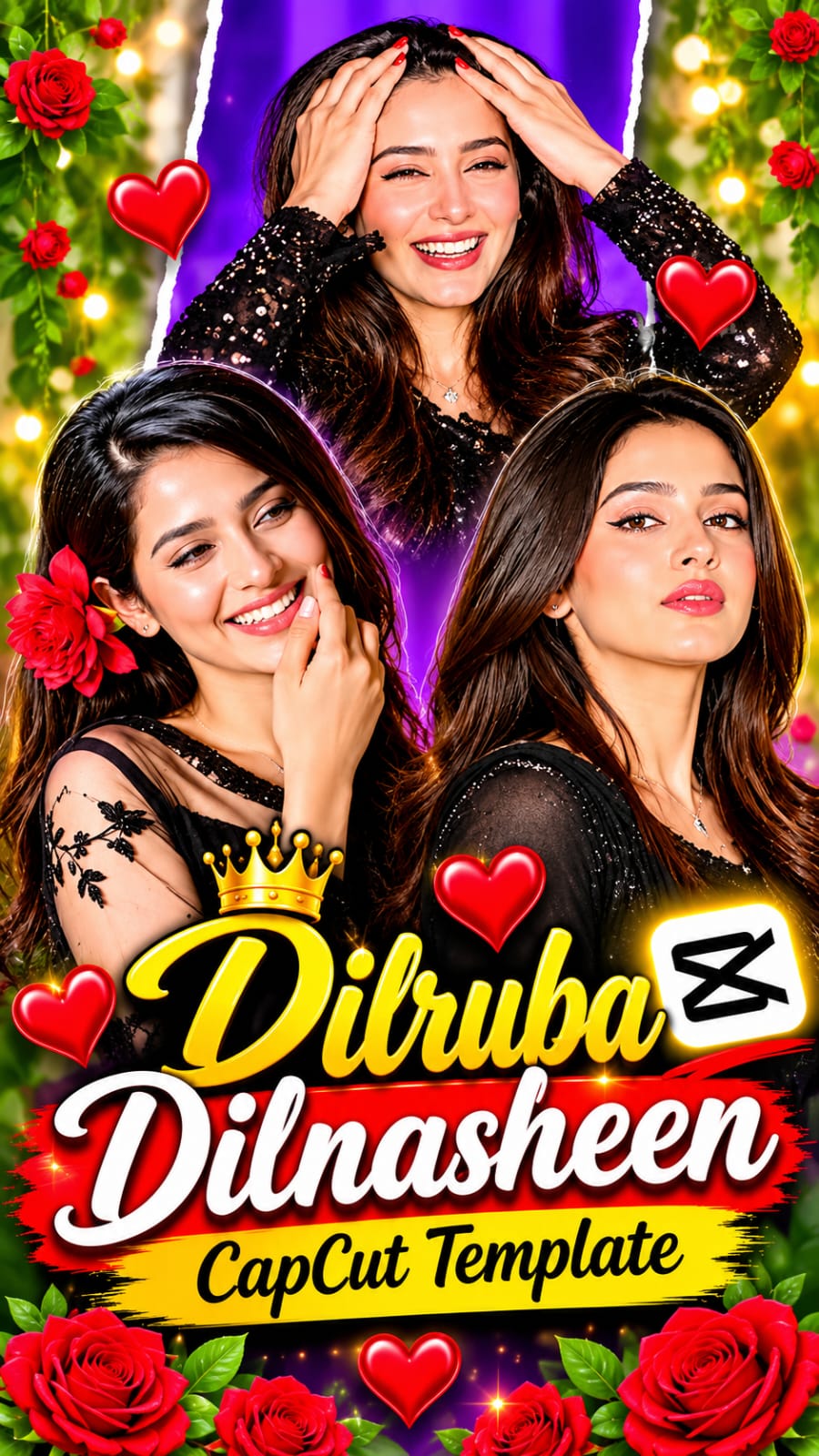

Step 8: Ab aapki professional trending reel bilkul ready hai! Aap ise apne Instagram Reels, YouTube Shorts, ya WhatsApp Status par upload kar sakte hain aur apne followers ko impress kar sakte hain.
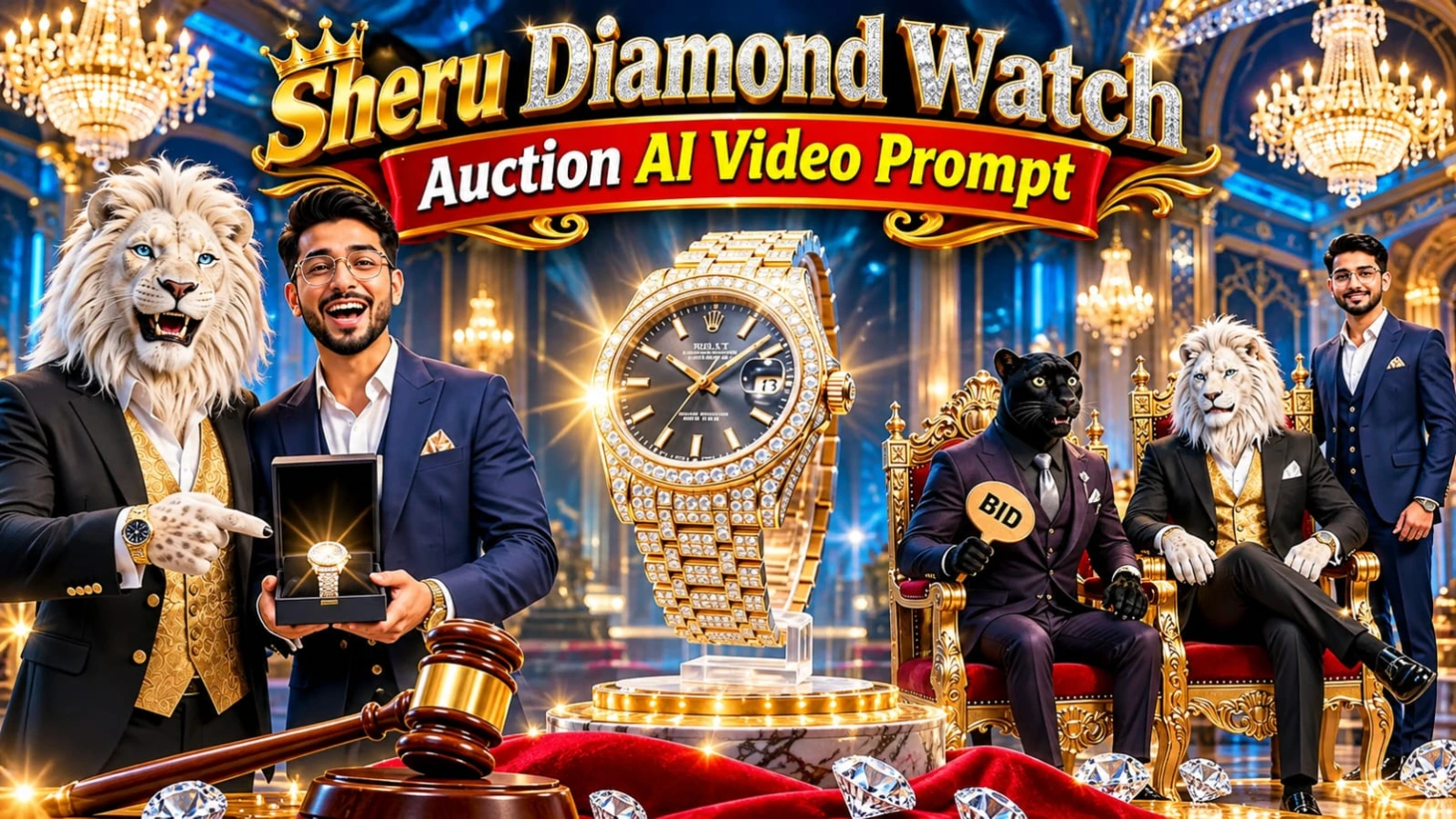
1. Sheru Diamond Watch Auction AI Video Prompt
Original URL:https://www.noorediting07.com/sheru-diamond-watch-auction-ai-video-prompt
Luxury billionaire auction comedies aur 3D anthropomorphic white lion "Sheru" ke viral Instagram Reels banana aaj kal content creators ke beech kaafi popular ho raha hai.Sheru Diamond Watch Auction AI Video Prompt un creators ke liye design kiya gaya hai jo ChatGPT aur Google Flow AI ki madad se ek ultra-realistic 15-second aur 15-scene comedy auction video create karna chahte hain. Is concept mein diamond wristwatch, gold thrones, neon-blue lighting, aur Sheru ke sath black panther rival aur guest character ka hilarious interaction dikhaya gaya hai.
Is video prompt mein Roman Hinglish dialogues, fast-paced bidding wars, funny billionaire flexes, aur "SOLD" announcement ka complete 15-scene timeline diya gaya hai. Couple character sheets aur identity locks ki madad se aap apni facial consistency maintain kar sakte hain. CapCut ya VN editor mein voiceovers aur sound effects add karke aap ek viral short-form entertainment reel taiyar kar sakte hain. Bottom corner par diya gaya subtle watermark aapke brand work ko protect karta hai.
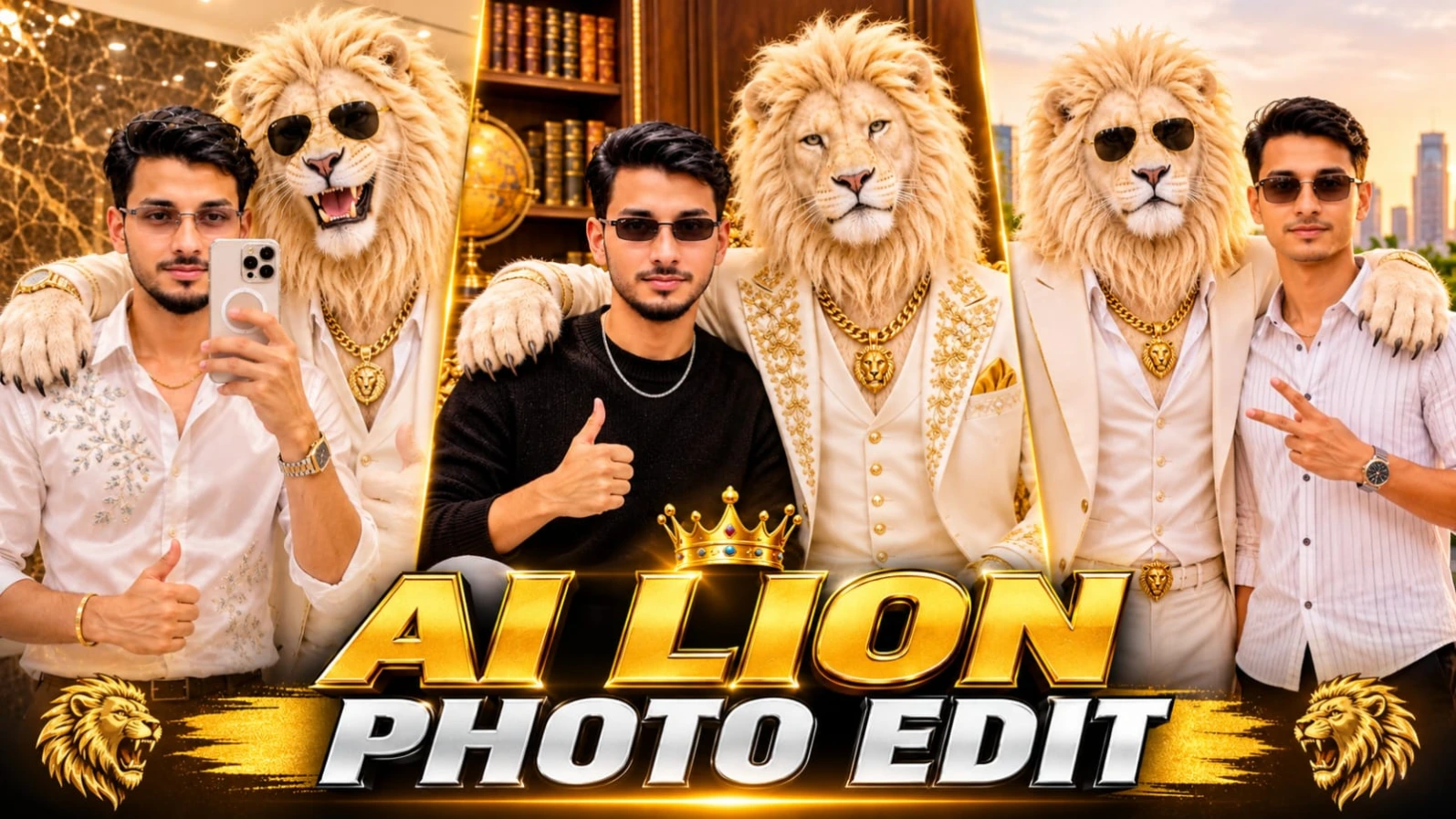
2. ChatGPT Sheru Bhai AI Photo Editing Prompt Luxury Lion With Man 8K
Original URL:https://www.noorediting07.com/chatgpt-sheru-bhai-ai-photo-editing-prompt-luxury-lion-with-man-8k
Ek young man aur giant royal white lion ("Sheru Bhai") ko ek sath luxury study room ya rooftop terrace par dikhana aaj kal AI editing ki duniya mein ek bada trend ban chuka hai.ChatGPT Sheru Bhai AI Photo Editing Prompt Luxury Lion With Man 8K un creators ke liye design kiya gaya hai jo ChatGPT ki madad se apni normal photo ko ek premium luxury lifestyle poster mein convert karna chahte hain. Is creative concept mein ivory-white three-piece suit aur golden accessories pehne royal white lion ke sath side-by-side pose diya gaya hai.
Is photo prompt mein realistic fur strands, dark brown wooden wall panels, vintage globe, ornate golden Baroque-style throne, aur warm golden-amber illumination ki detailed instructions milti hain. ChatGPT ki reference-photo identity guidance ki madad se aap apni facial identity maintain karte hue ek stunning 8K vertical portrait generate kar sakte hain. Luxury study room aesthetic aur confident thumbs-up pose is image ko ek high-end celebrity look dete hain. Bottom centre par diya gaya subtle NoorEditing07 watermark aapke original brand work ko protect karta hai.
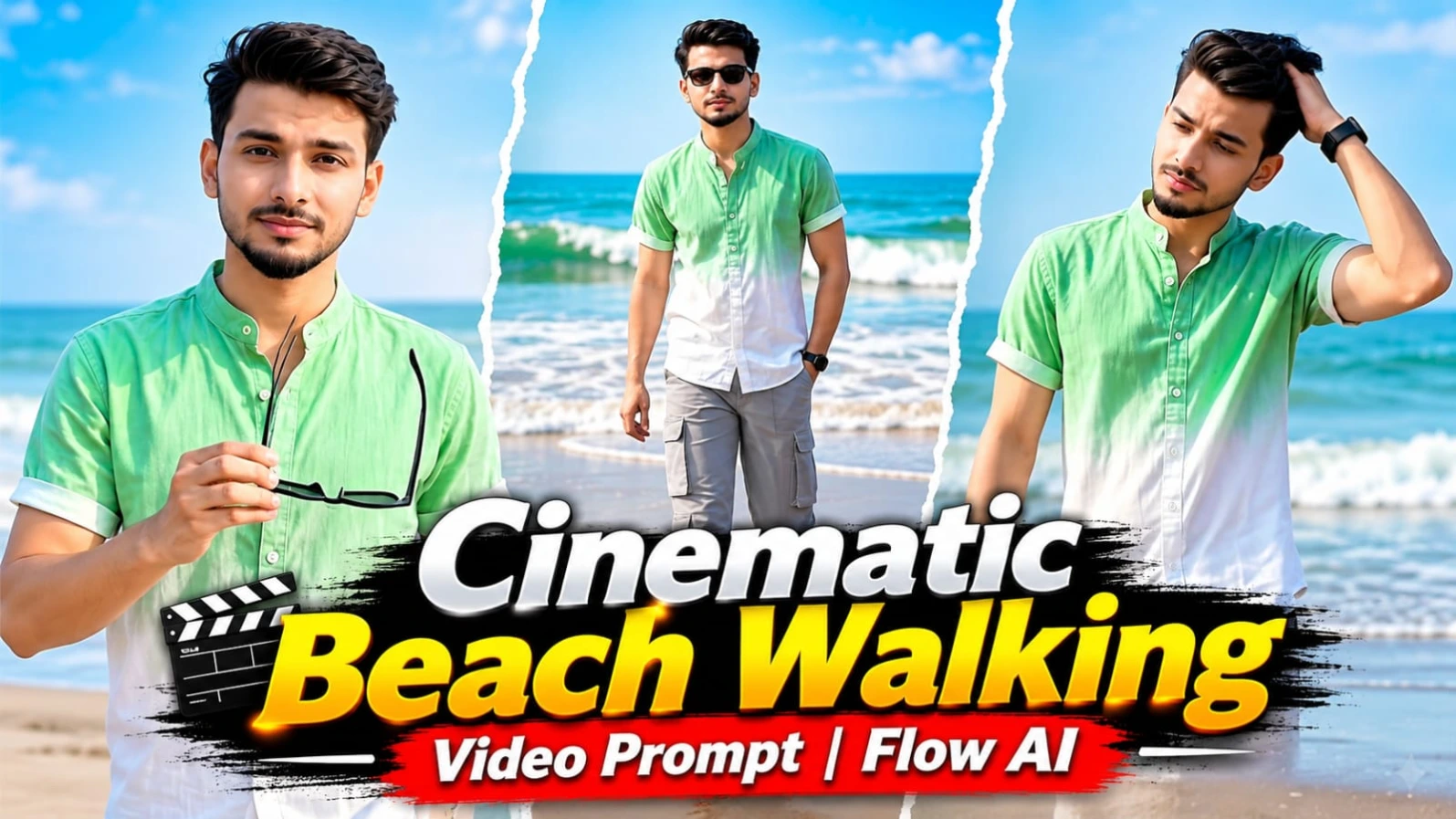
3. Cinematic Beach Walking Video Prompt with Face Consistency | Flow AI
Original URL:https://www.noorediting07.com/cinematic-beach-walking-video-prompt-with-face-consistency-flow-ai
Samandar ke kinare wet sand par barefoot chalte hue ek stylish aur realistic fashion video banana aaj kal social media creators ke beech kaafi trending hai.Cinematic Beach Walking Video Prompt with Face Consistency | Flow AI un users ke liye design kiya gaya hai jo Flow AI aur apni reference photo ki madad se ek professional beach walking video create karna chahte hain. Is 13.95-second aur 7-scene vertical 9:16 video prompt mein mint-green to white dip-dyed shirt, light grey cargo pants aur black Wayfarer sunglasses pehne character ki complete detailing di gayi hai.
Is video concept mein barefoot beach POV opening, shoreline walking, arms spreading, hair adjustment, stylish rhythmic steps aur sunglasses removal ka smooth sequence shamil hai. ChatGPT ki madad se character sheet aur face identity lock karke aap ek high-end cinematic beach video generate kar sakte hain. Warm afternoon sunlight aur reflective wet sand video ko ek stunning travel-lifestyle feel dete hain. Bottom centre par diya gaya NoorEditing07 watermark aapke original brand work ko protect karta hai.
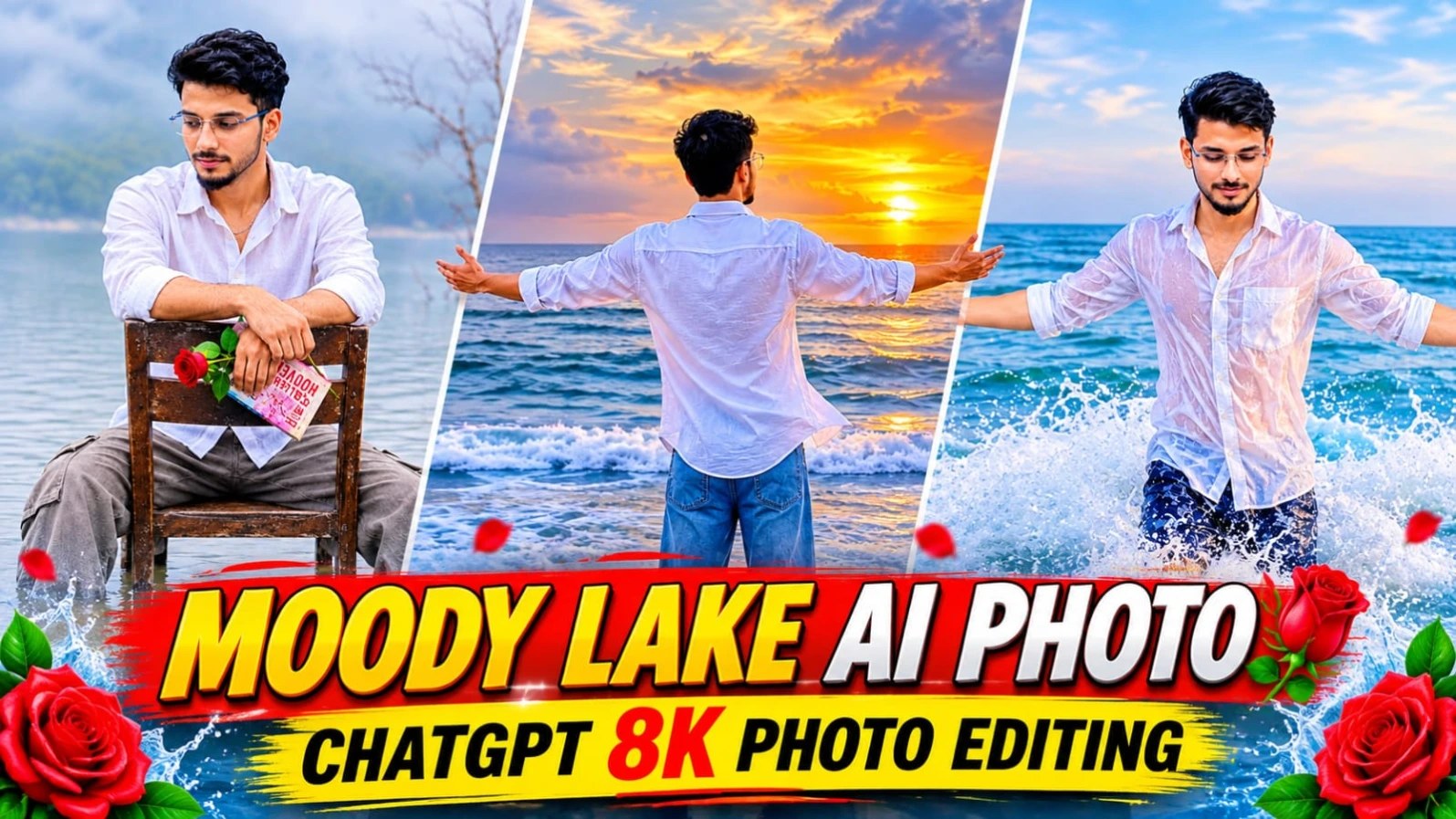
4. ChatGPT Moody Lake AI Photo Editing Prompt 8K Cinematic Portrait
Original URL:https://www.noorediting07.com/chatgpt-moody-lake-ai-photo-editing-prompt-8k-cinematic-portrait
Peaceful lake, thick mountain fog, aur rustic wooden chair ke sath ek emotional aur cinematic portrait banana aaj kal digital creators ke beech kaafi trending hai.ChatGPT Moody Lake AI Photo Editing Prompt 8K Cinematic Portrait un users ke liye design kiya gaya hai jo ChatGPT ki madad se apni normal reference photo ko ek stunning aesthetic lakeside portrait mein convert karna chahte hain. Is creative concept mein ek young Indian man ko shallow lake water mein purani wooden chair par baithe hue aur haath mein single red rose pakde hue dikhaya gaya hai.
Is photo prompt mein loose white cotton button-up shirt, faded grey-beige cargo trousers, aur curly textured hair ki detailed styling milti hai. Background mein cool grey-green tones ke sath misty mountain silhouette aur water ke upar emerging dry branches ek calm aur introspective atmosphere create karte hain. Vertical 4:5 aspect ratio aur 50mm lens look ke sath aap ek professional film-inspired portrait taiyar kar sakte hain. Bottom centre par diya gaya subtle NoorEditing07 watermark aapke brand work ko protect karta hai.
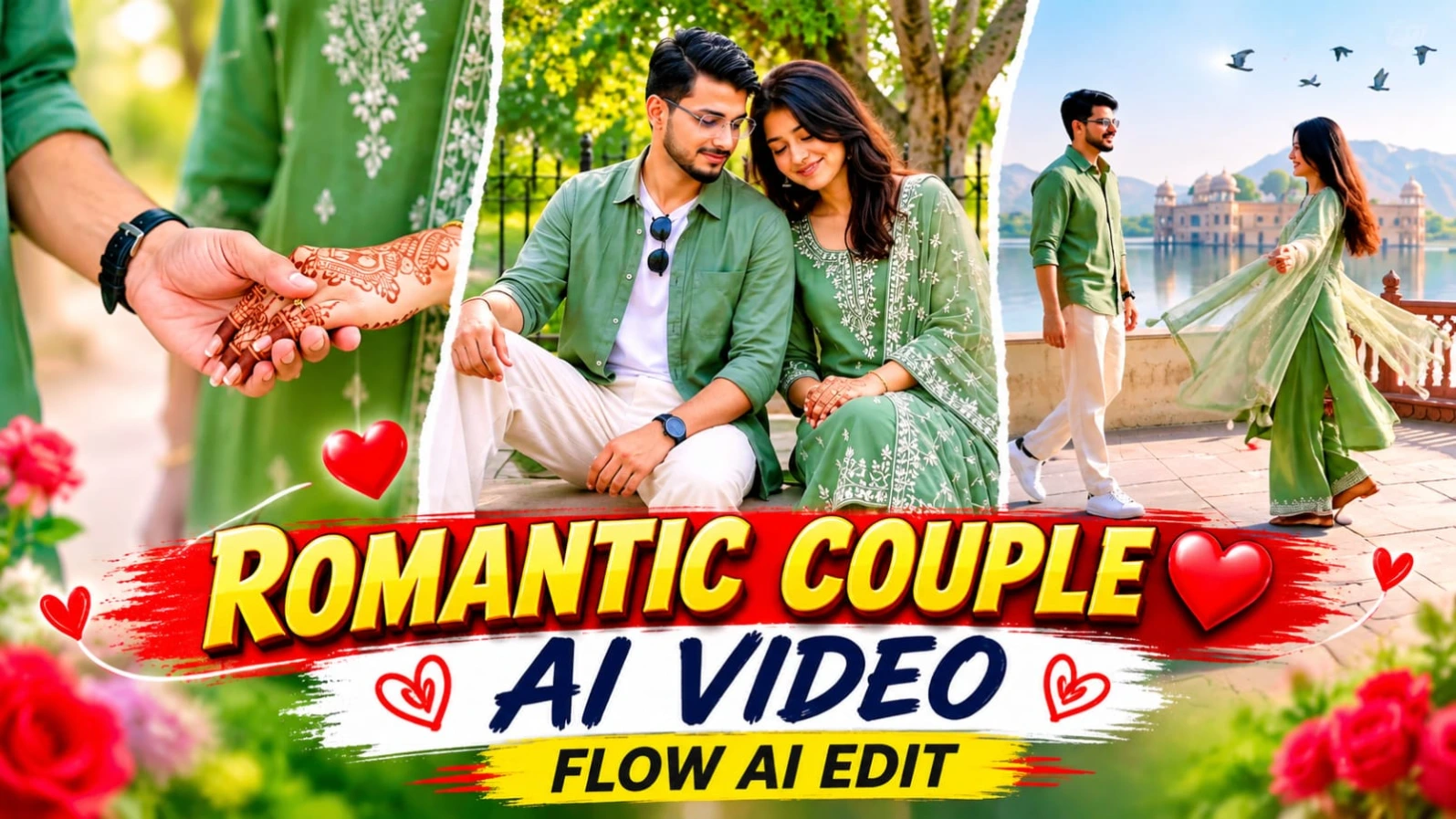
5. Romantic Couple Cinematic AI Video Prompt for Flow AI Video Edit
Original URL:https://www.noorediting07.com/romantic-couple-cinematic-ai-video-prompt-for-flow-ai-video-edit
Rajasthani heritage palace gardens, lakeside terraces, aur symmetrical painted corridors ke beech ek emotional love-story video banana romantic content creators ki pehli pasand hota hai.Romantic Couple Cinematic AI Video Prompt for Flow AI Video Edit un creators ke liye design kiya gaya hai jo AI video tools ki madad se ek stunning couple cinematic video create karna chahte hain. Is 15-second aur 15-scene horizontal 16:9 widescreen video prompt mein male aur female characters ki exact facial identity aur outfit lock ke sath ek professional love story sequence diya gaya hai.
Is video concept mein sage-green colour theme ki co-ordinated styling di gayi hai, jisme male character sage-green linen shirt over white tee aur female character embroidered long kurta aur net dupatta pehnti hai. Background mein misty lake, distant palace, carved balustrades, aur warm cinematic daylight video ko ek rich traditional feel dete hain. ChatGPT ki madad se couple character sheet banane ke baad aap Flow AI mein is prompt ka use karke ek masterpiece taiyar kar sakte hain. Bottom corner par diya gaya NoorEditing07 watermark aapke original brand work ko protect karta hai.