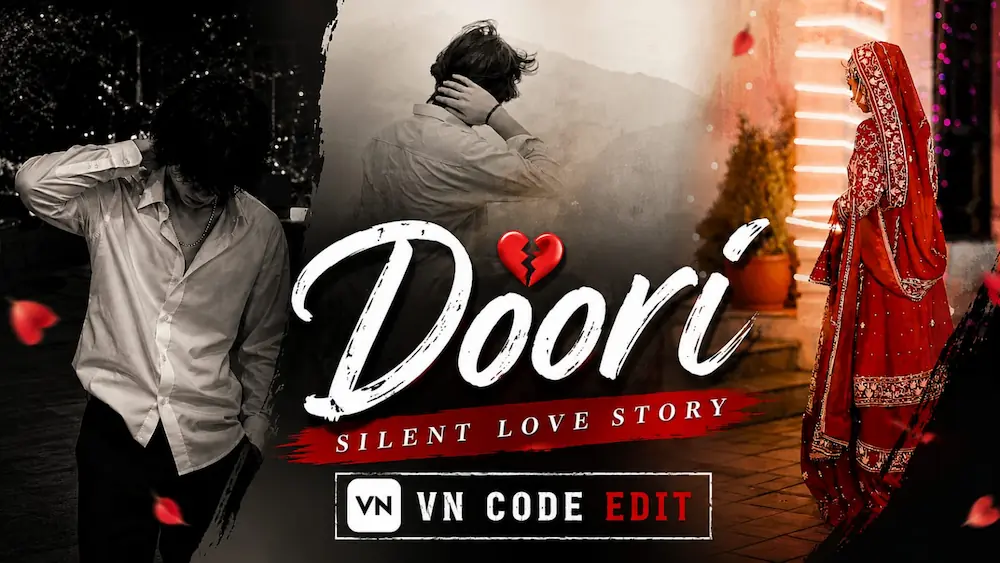
Doori | Silent Love Story | Unspoken Feelings VN Code Edit
Apni photo/video add karo, VN Code scan karo aur kuch hi steps mein apni emotional love story video ready karo.


7. Video ko HD quality mein export karo.
Doori Silent Love Story VN Edit and 1980s Retro AI Photo Tutorial
AI editing makes it easy to turn simple photos into emotional storytelling videos and unique vintage-style portraits. In this combined tutorial, we will explore two creative editing concepts: the Doori Silent Love Story VN Code edit, based on unspoken feelings and emotional distance, and the 1980s Retro AI Photo concept that transforms a modern photograph into an authentic vintage portrait.
Doori Silent Love Story VN Code Editing
The Doori Silent Love Story edit is designed around emotions that are difficult to express through words. Instead of creating a complicated video manually, you can use the VN Code or template-based editing workflow to arrange your photos with cinematic timing, transitions and emotional visual effects.
Start by opening the VN Video Editor on your phone and accessing the Doori Silent Love Story template or VN Code from the tutorial. After the template loads, select the photos or clips that you want to use. Choose clear images with different expressions or moments so the story feels natural and emotional.
Add your selected media to the template and allow VN to automatically apply the existing transitions, timing and effects. Preview the complete sequence and replace any image that does not fit the story. You can also adjust cropping, positioning and clip timing to make the subject look natural.
For a stronger silent-love feeling, use photos that show distance, memories, loneliness and subtle expressions rather than exaggerated poses. A suitable emotional song can further strengthen the storytelling. After checking all transitions and synchronization, export the final video in high quality for Instagram Reels, YouTube Shorts or other social platforms.
1980s Retro AI Photo Editing
The second concept transforms an ordinary photograph into a nostalgic 1980s-style portrait using ChatGPT AI Photo Generation. The style focuses on warm faded colors, vintage clothing, classic hairstyles, film grain, soft contrast, retro backgrounds and an authentic analogue-film appearance.
To begin, open ChatGPT and upload a clear, high-quality reference photo. Make sure the face is visible and the original image is not excessively dark or blurry. Then paste the complete 1980s Retro AI Photo Prompt.
The prompt can preserve the person's original face, body shape, skin tone, pose and proportions while transforming the environment into an authentic 1980s setting. Depending on the concept, the background can include vintage cars, cassette boomboxes, retro travel posters, palm trees, neon signs or a classic indoor room. 1980s-inspired hairstyles, acid-wash denim, colour-block jackets, retro accessories and analogue film textures can also be introduced.
For a realistic result, the prompt uses an 8K photography look, 4:5 composition, natural skin texture, realistic fabric details, warm amber highlights, subtle film grain and a soft vintage vignette. The goal is to make the image look like an authentic period photograph rather than a modern image with a simple retro filter.
Final Result
By combining the Doori Silent Love Story VN edit with the 1980s Retro AI Photo technique, you can create emotional short-form videos as well as unique nostalgic portraits. Use clear photos, suitable music, smooth transitions and detailed AI prompts to achieve a more professional result. Before exporting, always check facial details, image quality, cropping, transitions and overall consistency.