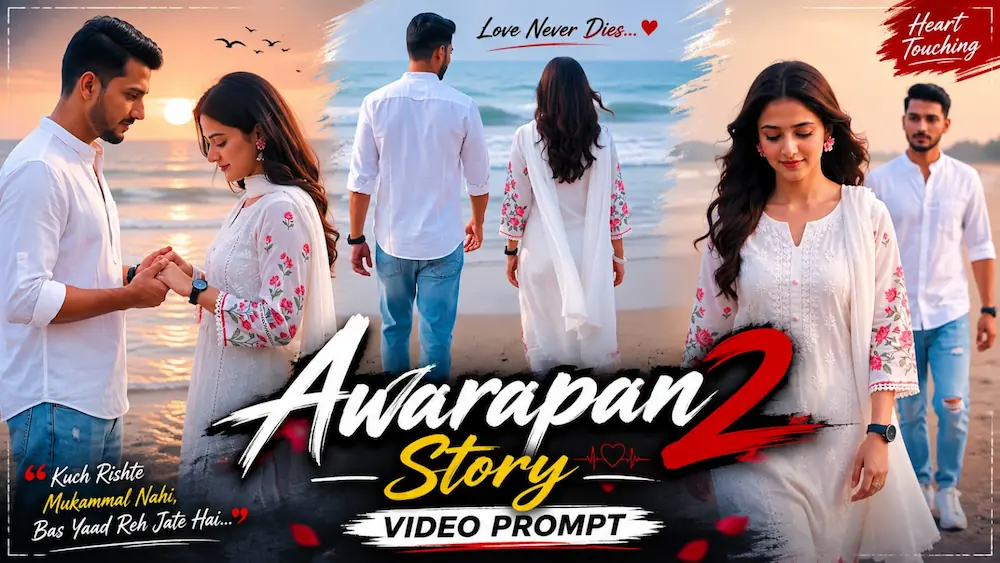
Flow AI se apni 2 photos ko realistic cinematic couple video mein convert karein. Is tutorial mein male aur female reference photos use karke romantic beach scenes, natural walking, cinematic camera movement aur realistic face consistency create karna sikhaya gaya hai.
Is Flow AI prompt ka use karke aap Instagram Reels, YouTube Shorts aur cinematic couple videos create kar sakte hain.
Tool: Flow AI
Format: 9:16 Vertical
Style: Ultra-Realistic Cinematic
Type: Photo to Video AI Editing
AI Video Prompt
✦AI VIDEO PROMPT
Use Photo 1 as reference for the man's face, hairstyle, skin tone, body build and height. Use Photo 2 as reference for the woman's face, hairstyle, skin tone, body build and height. Keep both identities exactly same as their reference photos throughout the video — no alteration to face, body, or hairstyle in any scene. Create 5 slow-motion cinematic scenes on an open sandy beach.
Use Photo 1 as reference for the man's face, hairstyle, skin tone, body build and height. Use Photo 2 as reference for the woman's face, hairstyle, skin tone, body build and height. Keep both identities exactly same as their reference photos throughout the video — no alteration to face, body, or hairstyle in any scene.
OUTFITS (same throughout):
Woman wears a white embroidered kurta with pink floral print on sleeves and hem, white dupatta draped over one shoulder, pink flower earrings, a ring, black watch, white bangles, hair open and wavy.
Man wears a plain white mandarin-collar shirt with sleeves rolled up, light-blue ripped denim jeans, white sneakers, black watch.
LOCATION & LIGHTING (same throughout all scenes, do not change):
Open sandy beach with sea waves in the background, soft overcast daylight, gentle breeze moving hair and dupatta. Warm-neutral, slightly desaturated cinematic color grade, consistent across every scene.
5 SLOW-MOTION CINEMATIC SCENES (in exact order):
Scene 1: Full body wide shot from behind, both walking together toward the sea, man reaching forward to hold woman's hand, hair and dupatta flowing in the wind.
Scene 2: Medium front shot, woman walking toward camera looking down with a calm expression, man walking slightly behind her looking at her.
Scene 3: Close-up side profile of the man looking down with a calm, serious expression, woman slightly blurred in the background also looking down.
Scene 4: Medium shot, couple facing each other, gently holding hands and looking down at their joined hands with a soft emotional expression, near a concrete wall and blue barrier.
Scene 5: Close-up portrait of the man looking to the side with a calm expression, background softly blurred, woman standing out of focus behind him.
FORMAT & SETTINGS:
9:16 vertical, 1080p resolution, slow-motion cinematic pacing throughout all 5 scenes.
WATERMARK:
Small semi-transparent text "NoorEdiz07" in the bottom-right corner, visible consistently across all 5 scenes.
✓
Prompt copied to clipboard!
AI Video Prompt
✦AI VIDEO PROMPT
Use Photo 1 as reference for the man's face, hairstyle, skin tone, body build and height. Use Photo 2 as reference for the woman's face, hairstyle, skin tone, body build and height. Keep both identities exactly same as their reference photos throughout the video — no alteration to face, body, or hairstyle in any scene. Create 5 slow-motion cinematic scenes on an open sandy beach.
Use Photo 1 as reference for the man's face, hairstyle, skin tone, body build and height. Use Photo 2 as reference for the woman's face, hairstyle, skin tone, body build and height. Keep both identities exactly same as their reference photos throughout the video — no alteration to face, body, or hairstyle in any scene.
OUTFITS (same throughout):
Woman wears a white embroidered kurta with pink floral print on sleeves and hem, white dupatta draped over one shoulder, pink flower earrings, a ring, black watch, white bangles, hair open and wavy.
Man wears a plain white mandarin-collar shirt with sleeves rolled up, light-blue ripped denim jeans, white sneakers, black watch.
LOCATION & LIGHTING (same throughout all scenes, do not change):
Open sandy beach with sea waves in the background, soft overcast daylight, gentle breeze moving hair and dupatta. Warm-neutral, slightly desaturated cinematic color grade, consistent across every scene.
5 SLOW-MOTION CINEMATIC SCENES (in exact order):
Scene 1: Full body wide shot from behind, both walking together toward the sea, man reaching forward to hold woman's hand, hair and dupatta flowing in the wind.
Scene 2: Medium front shot, woman walking toward camera looking down with a calm expression, man walking slightly behind her looking at her.
Scene 3: Close-up side profile of the man looking down with a calm, serious expression, woman slightly blurred in the background also looking down.
Scene 4: Medium shot, couple facing each other, gently holding hands and looking down at their joined hands with a soft emotional expression, near a concrete wall and blue barrier.
Scene 5: Close-up portrait of the man looking to the side with a calm expression, background softly blurred, woman standing out of focus behind him.
FORMAT & SETTINGS:
9:16 vertical, 1080p resolution, slow-motion cinematic pacing throughout all 5 scenes.
WATERMARK:
Small semi-transparent text "NoorEdiz07" in the bottom-right corner, visible consistently across all 5 scenes.
✓
Prompt copied to clipboard!
FLOW AI MEIN KAISE BANAYE?
Step 1: Flow AI open karke apne Google account se login karein.
Step 2: New Project create karein.
Step 3: Apni Male Photo aur Female Photo upload karein.
Step 4: Dono photos ko reference/ingredient images ke roop mein add karein.
Step 5: Video generation option select karein aur 9:16 Vertical format choose karein, agar option available ho.
Flow AIFlow AI VideoFlow AI EditingFlow AI PromptFlow AI TutorialFlow AI Couple VideoCouple AI VideoAI Couple VideoBeach Couple VideoCinematic Couple VideoRomantic AI VideoPhoto To Video AIAI Video EditingAI Video PromptCinematic AI VideoRealistic AI Video
Flow AIFlow AI VideoFlow AI EditingFlow AI PromptFlow AI TutorialFlow AI Couple VideoCouple AI VideoAI Couple VideoBeach Couple VideoCinematic Couple VideoRomantic AI VideoPhoto To Video AIAI Video EditingAI Video PromptCinematic AI VideoRealistic AI Video
Mountain Cinematic Video and Happy Birthday AI Poster Tutorial
AI editing allows you to transform a simple personal photo into cinematic videos and professional-quality posters. In this combined tutorial, we will explore two creative editing ideas: creating a cinematic mountain video from a single photo using Flow AI and creating a premium Happy Birthday poster using ChatGPT AI Photo Generator. Both techniques focus on maintaining the original person's identity while creating a completely new visual environment.
Mountain Cinematic Video from One Photo
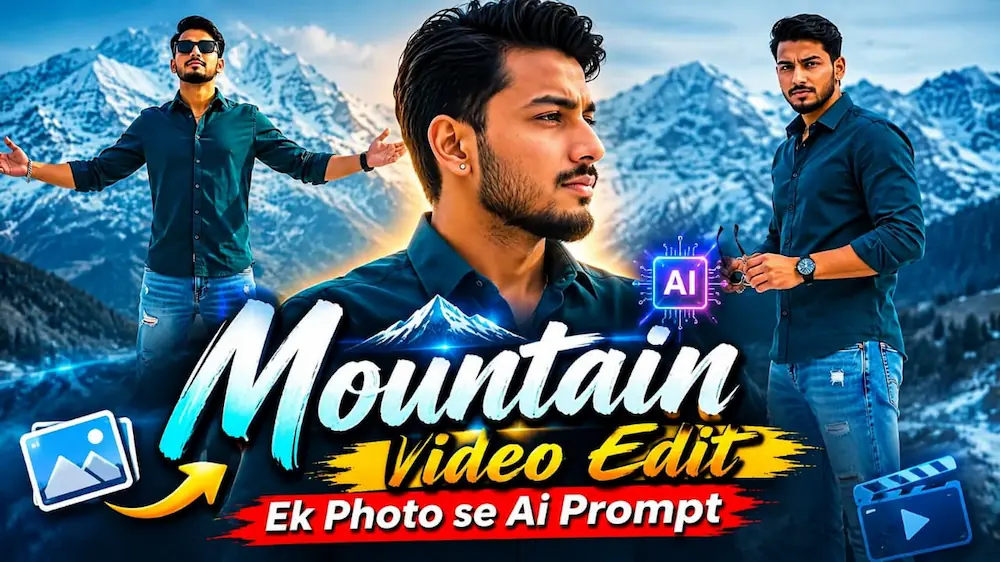
The first concept transforms a single personal photograph into a cinematic mountain video using Flow AI. Start with a clear, high-quality photo where the person's face and overall appearance are clearly visible. The uploaded image should be used as the main identity reference throughout the video.
Open Flow AI and upload your selected photo. Add the complete mountain-video prompt and instruct the AI to preserve the exact face, hairstyle, skin tone, body proportions and natural appearance. The generated video should feel like real live-action footage rather than an artificial animation.
The mountain environment should have a cinematic travel atmosphere with detailed landscapes, natural mountain textures, atmospheric depth, realistic lighting and smooth camera movement. Keep the subject's appearance consistent from beginning to end and avoid unnecessary changes to clothing, hairstyle, body shape or facial features.
For a premium result, use cinematic camera movements such as slow tracking shots, wide landscape reveals, close-ups and smooth transitions. Natural wind, realistic clothing movement, atmospheric fog and soft mountain lighting can make the sequence feel more authentic. After generating the video, carefully review every frame for face consistency, hands, body proportions, movement and background continuity before exporting the final video.
Happy Birthday AI Poster Editing
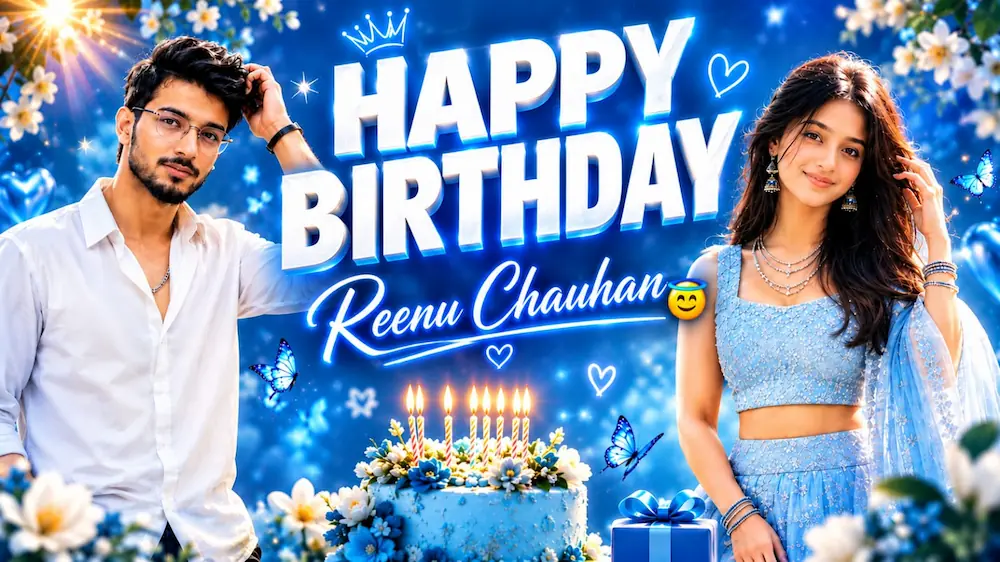
The second concept creates a premium masculine birthday poster using ChatGPT AI Photo Generator. The tutorial uses a clear uploaded photo as the strict primary identity reference and creates a vertical 4:5 luxury birthday design. The person's exact face, facial structure, eyes, nose, lips, jawline, beard, hairstyle, skin tone, natural age and body proportions are preserved.
The main male version places the person in a perfectly tailored all-black formal suit consisting of a black blazer, black shirt and black trousers, with elegant black leather shoes, a luxury wristwatch and a subtle bracelet. The pose is professional, with one hand lightly touching the hair and the other naturally relaxed.
The background features a magical sky-blue cinematic atmosphere with soft clouds, glowing bokeh, sparkling particles, white flowers, green leaves, subtle butterflies, tiny hearts and stars. Soft golden-white sunlight and volumetric rays add depth, while darker blue shadows create contrast against the black suit. The design includes large premium “HAPPY BIRTHDAY” typography.
To create the poster, open ChatGPT, upload a clear high-quality photo, copy the Birthday Master Prompt and paste it into ChatGPT. Generate the image and check that the original identity remains unchanged. The recommended result uses HDR lighting, DSLR-style photography, realistic skin texture, detailed hair and suit fabric, cinematic colour grading, shallow depth of field and an ultra-detailed 8K-quality photorealistic finish.
Final Result
By combining a Flow AI mountain video with a premium ChatGPT birthday poster, you can create professional social-media content from ordinary personal photos. Always use clear references, maintain strict identity consistency and carefully review the final output for realistic faces, body proportions, lighting, hands, clothing and overall image quality before publishing.