Skip to Content

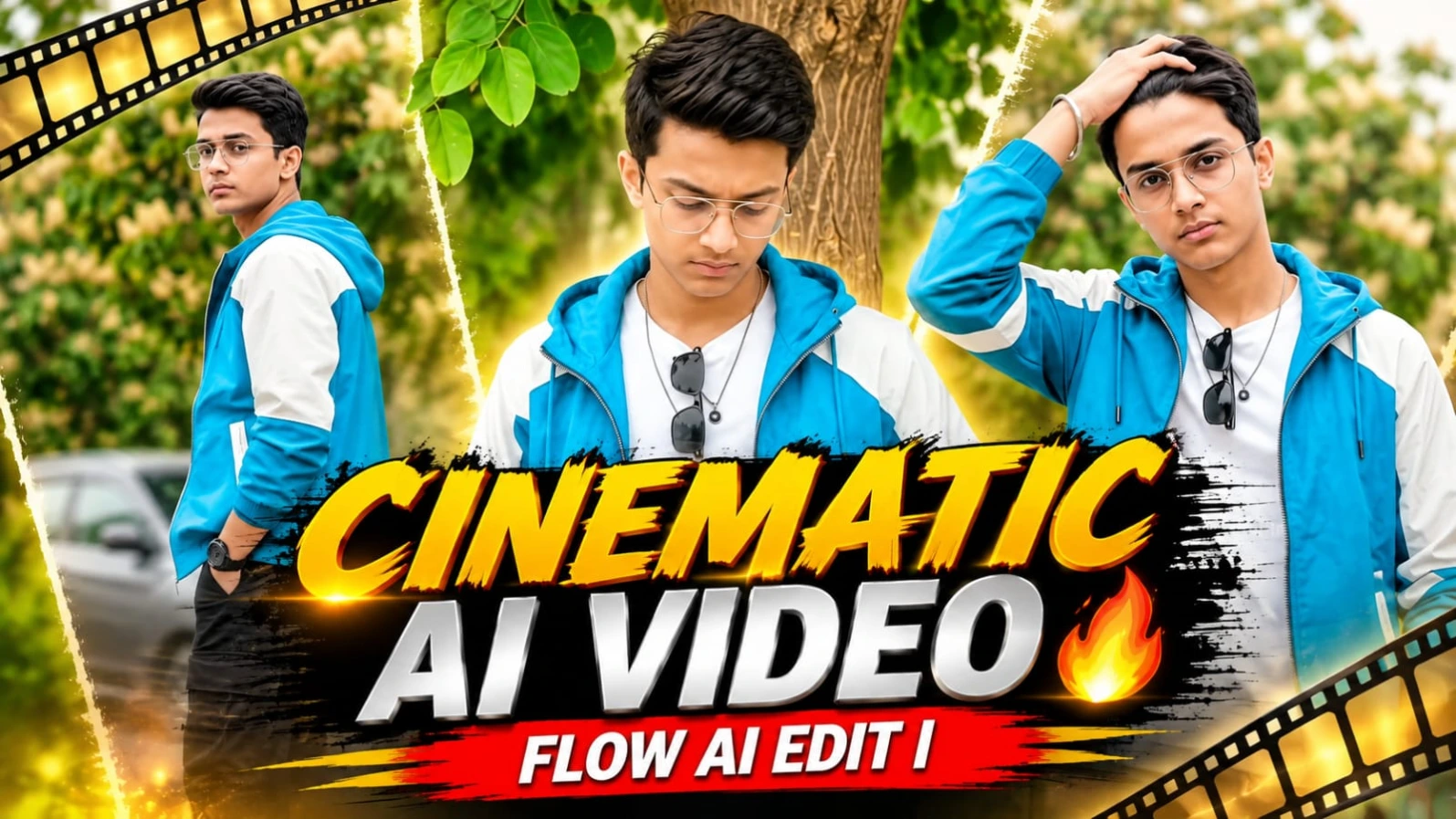
Cinematic AI Video Prompt for Flow AI  16:9 Video Editing


Cinematic AI video editing is becoming a popular way to create professional-looking videos with artificial intelligence. With Flow AI, creators can turn a reference image and a detailed video prompt into cinematic scenes featuring realistic movements, camera angles, natural expressions and beautiful backgrounds. This Cinematic AI Video Prompt for Flow AI is designed for anyone who wants to create a high-quality horizontal video in a 16:9 aspect ratio.

The 16:9 ratio is widely used for YouTube videos, cinematic presentations, landscape video projects and other horizontal content. It provides a wide frame that gives more space to show the subject, surroundings and background details. When combined with cinematic camera movements and realistic lighting, it can help create a polished visual result.

One of the most useful parts of an AI video prompt is the ability to describe how the subject should move. Instead of generating a simple image-like video, a detailed prompt can guide the AI tool to create actions such as walking, turning towards the camera, looking over the shoulder, adjusting an outfit or standing naturally. These movements can make the final result feel more like a planned cinematic sequence.

Reference images can also help establish the appearance of the main character. When a clear face photo or character sheet is uploaded, the prompt can instruct the AI to maintain the same facial features, hairstyle, outfit and overall appearance. This is particularly useful when creating a video that includes multiple shots or changes in camera framing. Results may vary depending on the reference quality and the generation tool.

Camera direction is another important element of cinematic video creation. A slow push-in can bring attention to the subject, while a wide shot can establish the location and surroundings. Medium shots are useful for showing body movement and expressions, and close-up shots can highlight facial details. A well-written prompt can describe these different shot sizes and movements to guide the visual sequence.

Lighting and colour grading help establish the atmosphere of a video. Soft daylight, balanced exposure, natural skin tones and controlled highlights can create a clean and realistic appearance. Cinematic colour grading can add depth through rich greens, warm tones, balanced contrast and natural shadows. The goal is to create a visually appealing result without making the image look artificial.

Flow AI can be used as part of a creative workflow for generating AI videos from text prompts and reference images. The exact controls and available generation options may vary depending on the version and features available in the tool. Before generating, creators should review the selected aspect ratio, reference image and prompt instructions.

For a better result, use a sharp and well-lit reference photo. Avoid images where the face is hidden or difficult to recognise. Keep the prompt organised and clearly describe the subject, outfit, environment, actions, camera framing and lighting. If you want a consistent character across multiple scenes, repeat the important identity and outfit instructions where needed.

The 16:9 horizontal format is especially suitable for creators who want to publish cinematic videos on YouTube or use the output in landscape video projects. After generation, the video can be reviewed and edited in a video editor. You can arrange clips, adjust transitions, add suitable background music and include natural sound effects to complete the presentation.

Keep in mind that AI video generation does not always follow every prompt instruction perfectly. Facial consistency, movement, exact duration and camera behaviour can vary between generations. If the tool does not produce the complete sequence in one generation, create shorter clips and combine them in an editing application.

This Cinematic AI Video Prompt for Flow AI gives creators a structured starting point for making realistic, horizontal cinematic videos. Whether you are experimenting with AI filmmaking, creating YouTube content or producing visual editing tutorials, a clear prompt and a suitable reference image can help you build a more controlled creative result.

For more AI photo prompts, cinematic video prompts and editing tutorials, search NoorEditing07 on Google. Discover new creative ideas and explore more ways to create engaging AI-generated content.


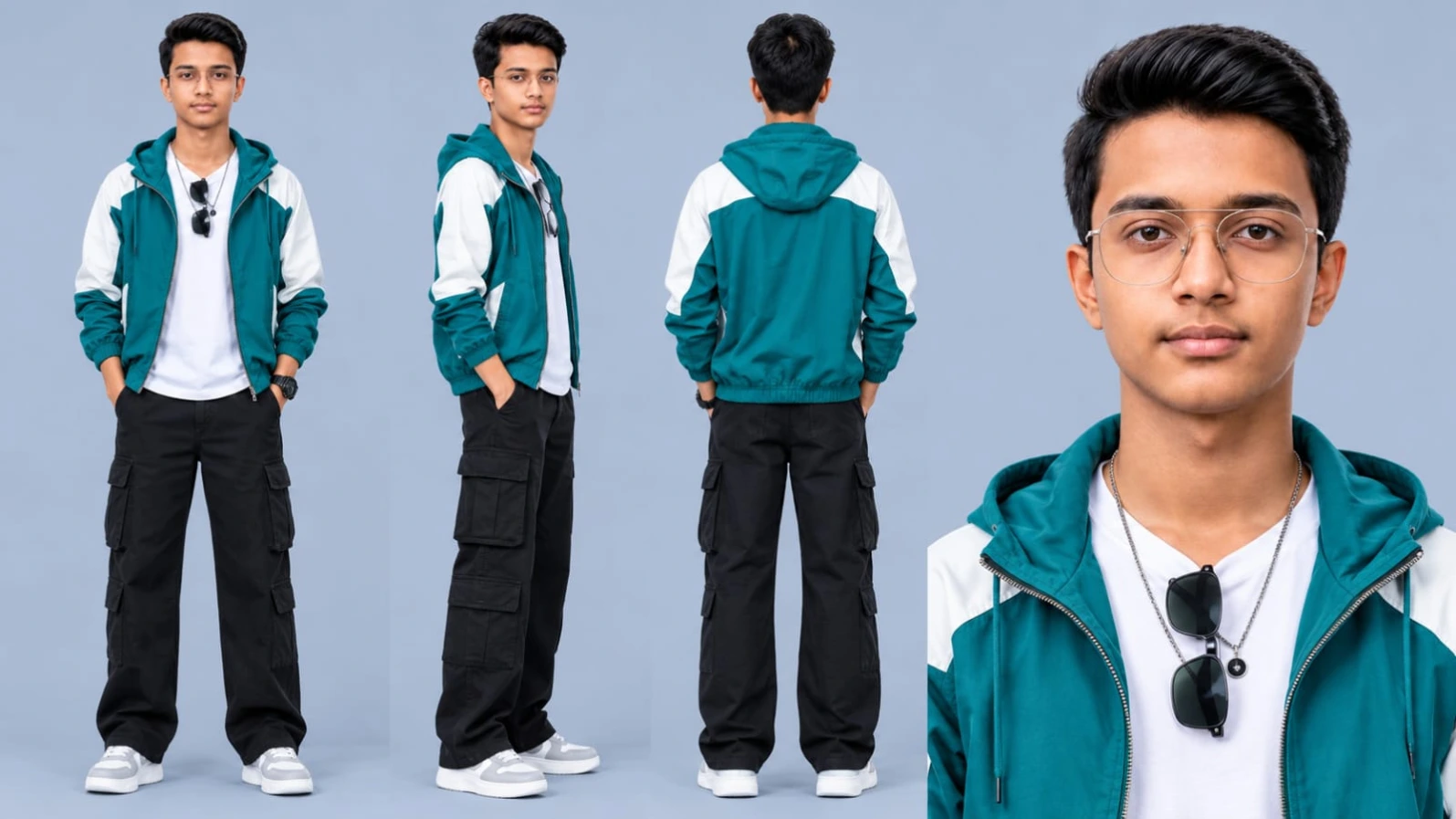
Sabse Pehle Character Sheet Photo Banaai ChatGPT Se
AI Photo Prompt
✦ AI PHOTO PROMPT
Cinematic character turn-around model sheet, ultra-realistic 8K UHD, plain light blue-grey studio background. Strict face and identity lock from reference photo with clean, smooth, blemish-free skin. Outfit: teal and white colour-block hooded windbreaker jacket worn open over a plain white t-shirt, black wide-leg cargo pants, white and light-grey chunky sneakers, black digital watch, thin silver chain necklace, and black wayfarer sunglasses hooked on the neckline. Multi-view layout: front view, side view, back view, and close-up face portrait. No text, no watermark.
Use the attached reference photo for the face and identity. Keep the face 100% the same as the reference photo. Create a full character sheet of the exact same young man from my uploaded photo: identical face shape, features, skin tone and body build, no changes. Show front view, side view and back view, plus one close-up face portrait, standing in a relaxed pose on a plain light blue-grey studio background. Skin: clean, clear, smooth, even-toned, no pimples, no acne, no spots, no blemishes, while keeping his exact identity. Outfit exactly as in my second photo: a teal and white colour-block hooded windbreaker jacket with a front zipper, worn open with the hood down, over a plain white crew-neck t-shirt, black wide-leg cargo pants with large side flap pockets, white and light-grey chunky sneakers, a black digital sport watch on his left wrist, a long thin silver chain necklace with a small round dark pendant, and black wayfarer sunglasses hooked on the neckline of the t-shirt (not on his face). Ultra realistic, 8K, sharp details, soft even studio light, no text, no watermark.
✓ Prompt copied to clipboard!

AI Video Prompt Card
✦ AI VIDEO PROMPT
Cinematic 16:9 horizontal, ultra-sharp true 8K-quality, ultra-realistic HDR video, exactly 22.5 seconds, exactly 9 scenes. Scenes 1 to 6 recreate the reference video, and scenes 7 to 9 are added in the exact same location, style, and color grading. Strict identity lock from uploaded character sheet and face photo with clean blemish-free skin. Real cinema camera look with an 85mm prime lens and round bokeh. Watermark: NoorEditing07.
Cinematic 16:9 horizontal, ultra-sharp true 8K-quality, ultra-realistic HDR video, exactly 22.5 seconds, exactly 9 scenes. Scenes 1 to 6 are a strict frame-by-frame recreation of the uploaded reference video (hard cuts at 3.3s, 6.6s and 10.0s), and scenes 7 to 9 are three added scenes in the exact same location and background, in the same style, camera language and expression as the reference. Every scene, pose, action, camera size, camera move, rack focus, lighting, colour grade and timing below must be followed exactly, in the same order, with no beat missed, merged or changed. The only change from the reference: the person is the person from the uploaded character sheet and face photo. The location, cars, trees, background, lighting and colour grade stay exactly the same as the reference, with no changes at all. Only one person in the foreground, alone. Real footage look: shot on a real cinema camera with an 85mm prime lens at a wide aperture, creamy shallow depth of field with round bokeh, subtle handheld micro-movements, natural lens breathing, real-world physics for hair, fabric and the butterfly. AVOID LIST (applies to every scene): smile, smirk, teeth, blurry face, soft focus, AI look, plastic skin, CGI, haze, glow, pimples, acne, extra people, missing glasses, glasses glare. FACE AND BODY LOCK: the person is exactly the person from the uploaded character sheet and face photo, with a 100% identical face and the same body in every single frame (same face shape, eyes, nose, lips, jawline, hairstyle, skin tone, height, body build and proportions; if the person wears glasses on the sheet, they stay on, clean, with no glare), from every angle, no face change, no body change, no morphing, no drifting, no age change. Skin: very clean, clear, smooth, even-toned face, like a professional cinema retouch, absolutely no pimples, no acne, no spots, no blemishes, no bumpy texture, not plastic. FACE QUALITY RULE: whenever the face is in the frame it is in razor-sharp, locked 8K-level focus: crisp eyes with sharp catchlights, individual eyelashes, eyebrows, hair strands, crisp lips and jawline, high micro-contrast. Only the background is softly blurred, never the face once the focus has landed on the person. No blur, no soft focus, no haze, no glow on the face or body. EXPRESSION RULE: calm, serious, cool and confident, as in the reference, with lips closed or naturally relaxed; no smile, no smirk, no teeth showing. OUTFIT, same in every scene: exactly the outfit shown on the uploaded character sheet, with every garment, colour, accessory and shoe identical in every scene, with no changes. LOCATION, exactly as in the reference with no changes: a quiet tree-lined street and parking area, a parked grey SUV and a black sedan, a white car at the left edge of the frame, big green trees with cream-yellow blossom above, orange-brown autumn foliage bokeh, a red and white wall with an orange pattern behind a thick tree trunk, a street light and a passer-by in the blurred background. Number plates and any text on the cars are blurred and unreadable. Soft, bright, overcast, even daylight with a creamy white-grey sky and a subtle clean rim light on the hair, no harsh sun, no overexposure. SCENE 1 (0.0-3.3s), wide shot, camera at hip height, pushing forward very slowly and drifting slightly to the right, the white car at the left edge growing larger as the camera moves. 0.0s: the person steps into view in the distance between the grey SUV and the black sedan, mid-stride, small in the frame, blossom trees above. 0.5s: they walk towards the camera with a slow, confident stride, hair bouncing slightly, the edge of the white car entering the left side of the frame. 1.0s: they are closer, one hand slides into a pocket, the white car grows larger on the left. 1.5s: they keep walking, head tilted slightly forward, eyes looking towards the camera. 2.0s: the head lifts and the eyes lock on the camera, the black sedan sliding to the right of the frame. 2.5s: they are nearer, walking steadily, the white car large on the left. 3.0s: a medium-wide shot, the face clearly visible and sharp, hard cut at 3.3s. SCENE 2 (3.3-6.6s), medium close shot with a rack focus, static camera with a barely visible slow push-in. 3.3s: the frame is a soft green and orange-brown bokeh with a bright white-grey sky; the person enters from the left in profile, out of focus, hair bouncing as they step. 3.7s: they are facing to the left in profile, the focus starting to pull towards them. 4.0s: they turn their head sharply and look over the shoulder at the camera, the focus snaps sharp on the face. 4.5s: they hold the over-the-shoulder look at the camera, shoulders turned away, calm and intense. 5.0s: they hold the look with a barely noticeable head tilt. 5.5s: the chin lowers slightly, the eyes stay on the camera. 6.0s: they hold the steady look, hard cut at 6.6s. SCENE 3 (6.6-8.3s), medium shot, the camera moving slowly closer, a blossom tree, parked cars, a passer-by and a street light bokeh dot blurred behind. 6.6s: close on the back and shoulder as the person looks over the shoulder at the camera, hair lifting. 7.0s: they start turning the body towards the camera, hair bouncing. 7.5s: they face the camera squarely, the front of the outfit visible, hair moving in the wind. 8.0s: they stand steady, head slightly tilted, a firm stare into the lens. SCENE 4 (8.3-10.0s), the same medium shot continues. 8.5s: the right arm swings out to the side in a loose fist, hair flying. 9.0s: the hand rises to the hair, fingertips touching the side of the head, the stare unchanged. 9.5s: the fingers run through the hair, elbow raised, the eyes on the camera, hard cut at 10.0s. SCENE 5 (10.0-11.6s), medium close shot, the camera pushing in very slowly. 10.0s: the person stands with a shoulder leaning against a thick tree trunk, looking down, green leaves at the top of the frame, the red and white wall blurred behind. 10.5s: one hand slips into a pocket, the head down, a small petal drifts down. 11.0s: a small yellow-white butterfly flutters near the trunk, the wrist visible. SCENE 6 (11.6-13.2s), the same shot continues. 11.5s: they stay leaning, calm and brooding, the butterfly fluttering past. 12.0s: the butterfly passes in front of the trunk, the head still down, the eyes lowered. 12.5s: a slight breath moves the shoulders, hair stirring in the breeze. 13.0s: they hold the pose, leaning on the tree and looking down, the scene ends at 13.2s, hard cut. Watermark: A small, subtle white watermark text "NoorEditing07" stays at the bottom centre of the frame throughout the entire video, clean and non-distracting, placed above the bottom edge. COLOUR GRADING & QUALITY: Ultra-sharp true 8K-quality detail, HDR10+ / Dolby Vision style high dynamic range with protected highlights, 10-bit colour, exactly the same colour grade as the reference: rich, vivid green foliage with a teal tint, warm orange-brown autumn bokeh, creamy white-grey sky, warm natural skin tones, soft teal-orange split toning, deep film-like contrast, clean noise-free image, flawless clean skin, natural and not plastic. SCENE 7 (13.2-16.2s), NEW, medium close shot with a rack focus in the same soft green and orange-brown bokeh with the bright white-grey sky as scene 2, static camera with a very slow push-in. 13.2s: the background is the same soft green and orange-brown bokeh; the person steps into the frame from the right in profile, out of focus, hair bouncing. 13.7s: they stop in profile facing right and the focus pulls sharp on the face. 14.2s: they slowly turn their head to the camera into a three-quarter view, calm and serious. 14.7s: the chin lifts slightly and the eyes lock on the lens with an intense stare. 15.2s: a gust moves the hair, the head tilts slightly to the right, the stare unchanged. 15.7s: two fingers of one hand adjust the collar of the outfit, the eyes still on the camera. 16.2s: the hand drops, they hold the steady look, hard cut. SCENE 8 (16.2-19.3s), NEW, medium shot in the same blossom tree, parked cars, passer-by and street light bokeh as scenes 3 and 4, the camera moving slowly closer. 16.2s: the person stands with the back slightly turned and looks over the left shoulder at the camera, hair lifting. 16.7s: they turn the body to face the camera, hair bouncing, the front of the outfit visible. 17.2s: both hands slide into the pockets, the head slightly tilted, a firm stare into the lens. 17.7s: the left arm swings out to the side in a loose fist, hair flying. 18.2s: the left hand rises to the hair and runs through it, elbow raised, the eyes on the camera. 18.7s: the hand drops, the chin raises, the stare holds. 19.2s: they stand steady and cool, hard cut at 19.3s. SCENE 9 (19.3-22.5s), NEW, wide shot from behind on the same street as scene 1, a low camera following slowly. 19.3s: a low wide shot from behind, the person stands between the grey SUV and the black sedan under the cream-yellow blossom trees, hands in the pockets. 19.8s: they start walking away from the camera in slow motion, hair and clothes moving in the breeze. 20.3s: the camera follows slowly as they walk, the white car at the left edge shrinking. 20.8s: they keep walking steadily down the road, getting smaller in the frame. 21.3s: the blossoms above and the cars glide past in soft focus, their silhouette still sharp. 21.8s: they stop, turn the head and glance back over the shoulder at the camera, calm and serious. 22.3s: they hold the glance, and the picture slowly fades out at 22.5s.
✓ Prompt copied to clipboard!

1. Sabse pehle apni ek clear face photo ya character sheet ready karein. Photo mein face, hairstyle aur outfit clearly visible hona chahiye, taaki AI ko character samajhne mein aasani ho.

2. Ab Flow AI open karein aur video generation ke liye available option select karein.

3. Apni reference face photo ya character image upload karein. Upload karne ke baad image ko check karein ki woh sahi tarah se load hui hai.

4. Ab Cinematic AI Video Prompt copy karein aur Flow AI ke prompt box mein paste karein. Prompt mein character, outfit, background, camera movement, expressions aur lighting ki details ko carefully rakhein.

5. Video settings mein aspect ratio select karne ka option mile toh 16:9 horizontal ratio choose karein. Is ratio mein video landscape format mein generate hogi.

6. Agar tool mein video duration, quality ya camera-related settings available hain, toh apni requirement ke according select karein. Har tool mein settings alag ho sakti hain.

7. Generate button par click karein aur video generate hone ka wait karein. Generation ke dauran prompt ya reference image ko change na karein.

8. Video ready hone ke baad use poora preview karein. Check karein ki character ka face, hairstyle, outfit aur background aapki reference image aur prompt ke according hain ya nahi.

9. Agar video mein camera movement ya character action sahi nahi aaya, toh prompt ko thoda clear karke dobara generate karein. Better result ke liye clear reference image use karein.

10. Agar aapko multiple cinematic scenes banane hain aur Flow AI ek hi generation mein sabhi scenes create nahi karta, toh scenes ko separate clips mein generate karein.

11. Ab generated clips ko kisi video editor mein import karein. Unhe correct order mein arrange karein aur zarurat ke according smooth transitions, background music aur sound effects add karein.

12. Final video ko 16:9 horizontal format mein export karein. Export ke baad video ko play karke quality, framing, audio aur scene sequence check karein.

Is tarah aap Flow AI ki help se apni reference photo aur cinematic prompt ka use karke ek professional-looking 16:9 AI video create kar sakte hain.
Cinematic AI Video - Noor Editing

Video Prompt

King Movie Cinematic AI Video Editing Prompt Flow AI Tutorial Ek Saah Na VN QR Code Template Trending Song Video Editing
Cinematic AI Video Flow AI Editing Flow AI Prompt 16:9 Video Editing AI Video Prompt Realistic AI Video Cinematic Video AI Video Generation Character Consistency Horizontal Video Video Editing Tutorial NoorEditing07
✦


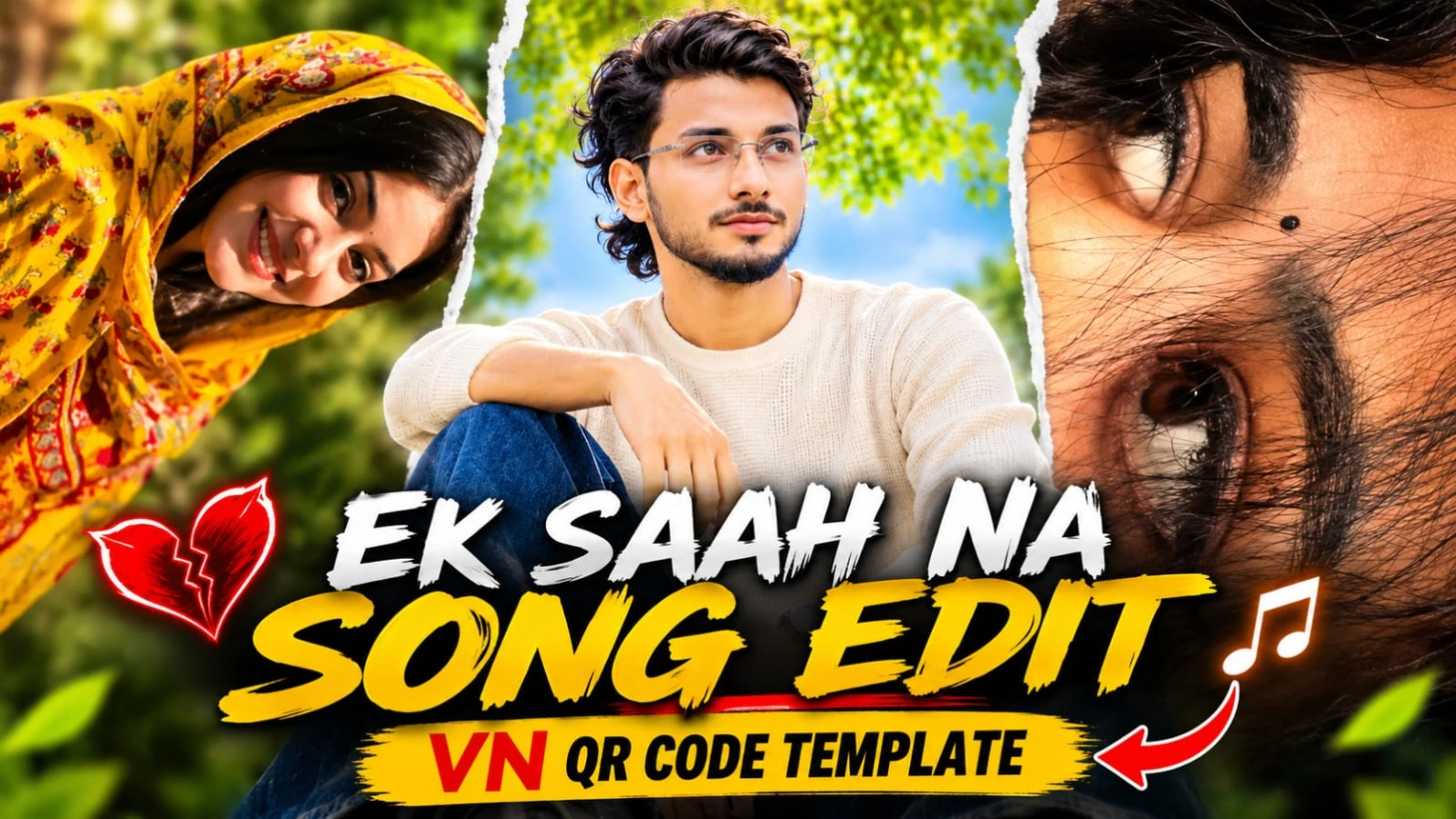
1. Ek Saah Na VN QR Code Template Trending Song Video Editing

Original URL:https://www.noorediting07.com/ek-saah-na-vn-qr-code-template-trending-song-video-editing

Trending songs par bina lamba waqt lagaye professional aur stylish video edits banana aaj kal social media creators ki pehli pasand ban chuka hai.Ek Saah Na VN QR Code Template Trending Song Video Editing article un users ke liye hai jo "Ek Saah Na" trending track ke sath apne personal photos aur video clips ko instantly ek attractive music video mein convert karna chahte hain. VN Video Editor App ke QR code scanner feature ki madad se aap ready-made editing timeline ko directly apne phone mein load kar sakte hain.

Is template-based workflow mein aapko manually beats match karne ki ya alag se transitions set karne ki zaroorat nahi padti. Aapko bas VN app mein QR code scan karna hai, apni best photos aur clips select karni hain, aur app automatically sabhi visual elements ko song ki beats ke mutabiq arrange kar deta hai. Yeh method beginners ke liye aur un creators ke liye behad useful hai jo fast pace par daily trending reels publish karna chahte hain. Clean media selection aur proper preview ke baad aap apni final video ko high quality mein export karke Instagram Reels, YouTube Shorts, aur Facebook Reels par share kar sakte hain, jisme aapke brand ki reach aur engagement tezi se badh sakti hai.

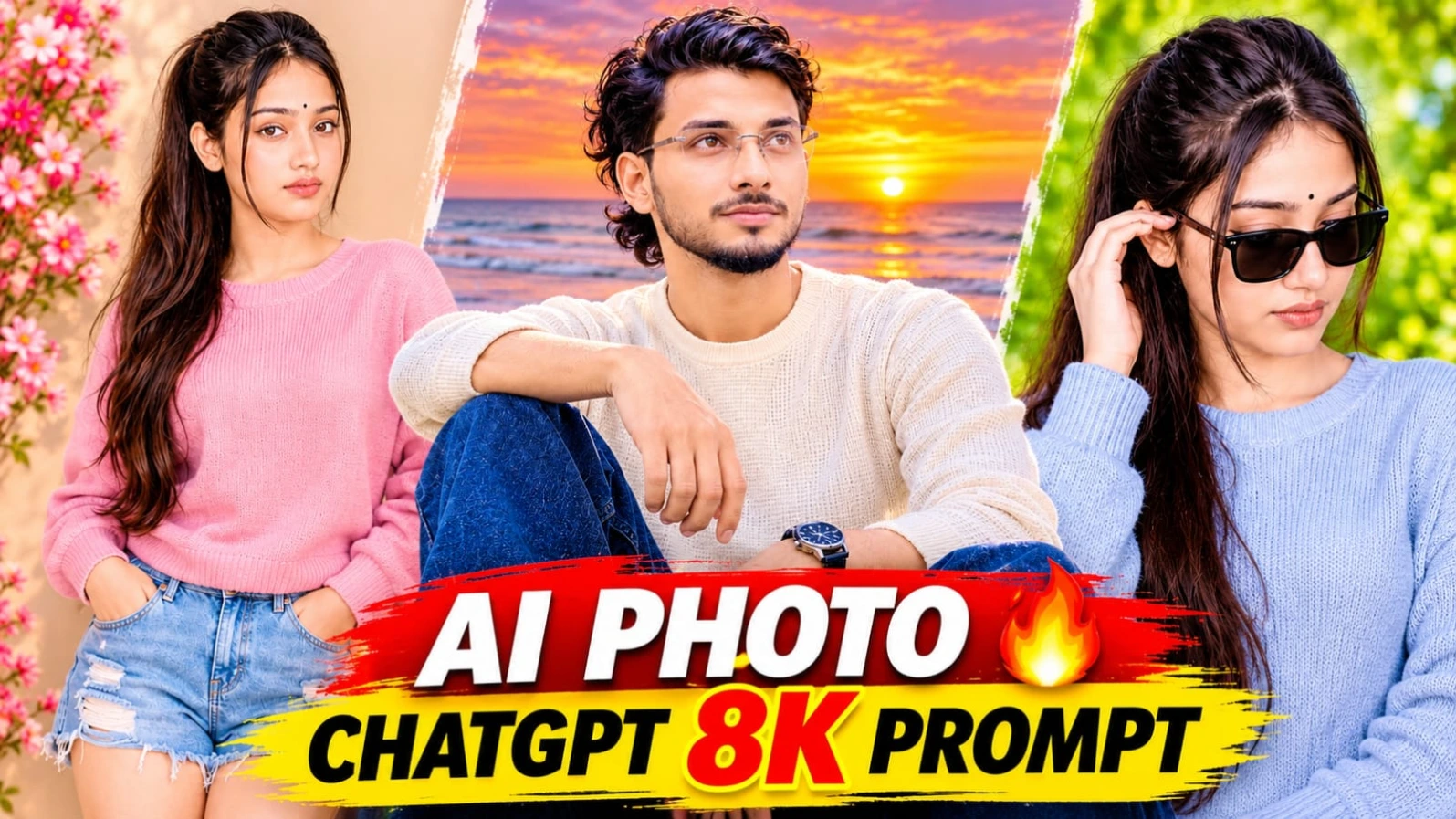
2. Stylish AI Photo Prompt ChatGPT 8K Portrait

Original URL:https://www.noorediting07.com/stylish-ai-photo-prompt-chatgpt-8k-portrait

Apni original face photo, fashionable poses, aur ek elegant name design ko combine karke ek premium portrait poster banana aaj kal social media par kafi pasand kiya ja raha hai.Stylish AI Photo Prompt ChatGPT 8K Portrait un creators ke liye design kiya gaya hai jo ChatGPT ki madad se apni normal photo ko ek stunning four-photo portrait collage mein convert karna chahte hain. Is creative concept mein ek large full-body color portrait aur teen stylish black-and-white portraits ko ek single vertical 4:5 layout mein arrange kiya gaya hai.

Is poster ka background warm cream-beige wall, soft golden-hour sunlight, aur natural tree-branch shadows ke sath design kiya gaya hai. Lower-left corner mein rustic grey-beige clay vase aur blooming cherry-blossom branch ek aesthetic lifestyle look deti hain. Wall par raised calligraphy-style text mein "Noor" name display hota hai, jo ek personalized name-poster effect create karta hai. Right side ki teen monochrome portraits mein black wayfarer sunglasses aur different expressive poses diye gaye hain. ChatGPT ki reference-photo identity guidance aur high-end 8K visual style ke sath aap ek professional portrait poster taiyar kar sakte hain. Bottom corner par NoorEditing07 ka signature watermark aapke original brand work ko protect karta hai.

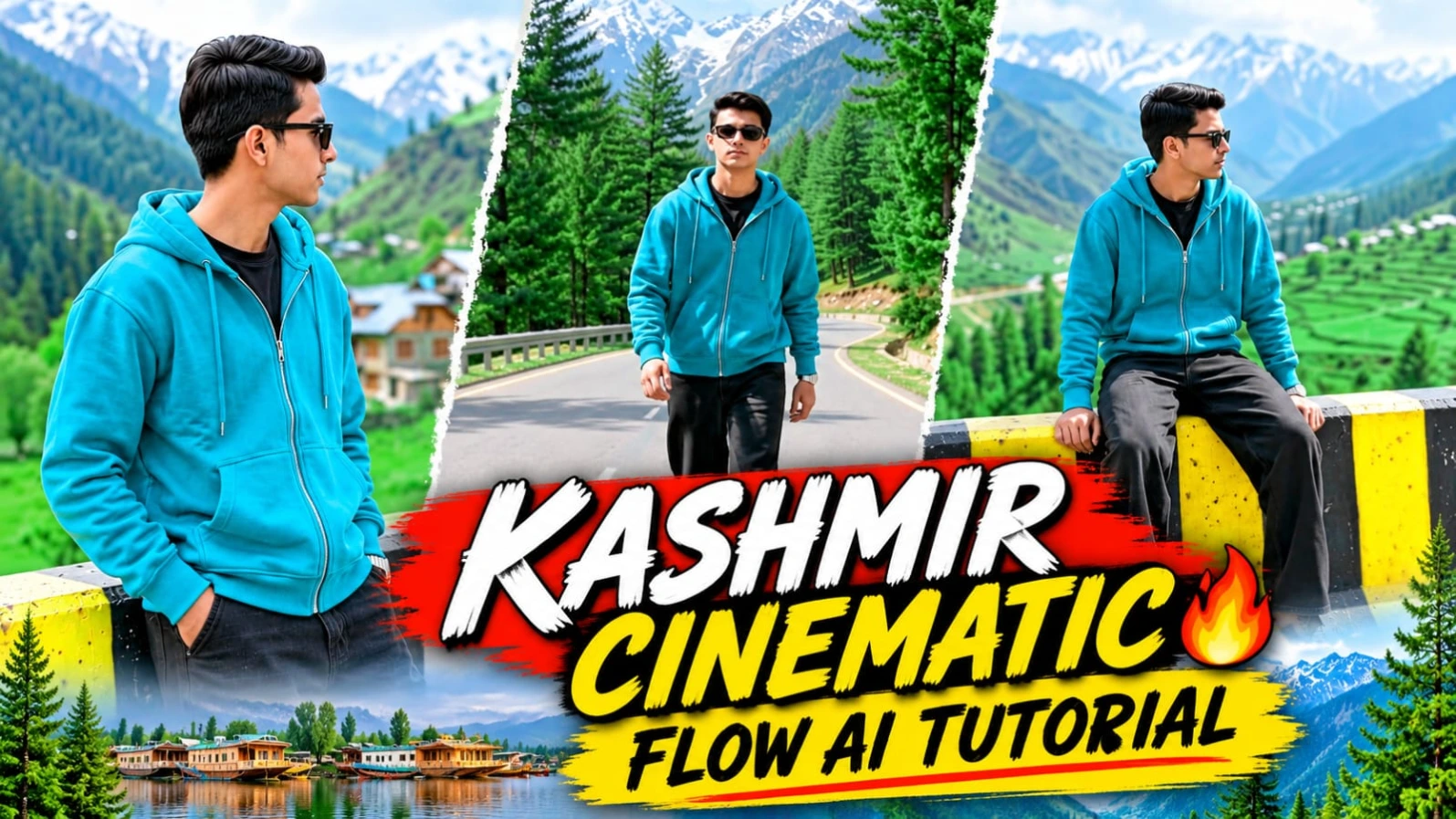
3. Kashmir Mountain Valley AI Video Prompt Flow AI 8K Cinematic Video

Original URL:https://www.noorediting07.com/kashmir-mountain-valley-ai-video-prompt-flow-ai-8k-cinematic-video

Kashmir ki barf se dhaki pahaadi chotiyan, pine ke ghane jungle, aur winding mountain roads ke beech ek cinematic travel video banana har content creator ka sapna hota hai.Kashmir Mountain Valley AI Video Prompt Flow AI 8K Cinematic Video un creators ke liye design kiya gaya hai jo apni ek single reference photo ko ek stunning 8-scene travel video mein convert karna chahte hain. Is video concept ka format vertical 9:16 hai, jo Instagram Reels aur YouTube Shorts ke liye perfect hai.

Is prompt mein character ka outfit bright emerald-green zip-up hoodie, black inner T-shirt, wide-leg black trousers, aur dark brown casual sneakers ke sath dark black sunglasses specify kiya gaya hai. Video ke shuruat low-angle stone ledge shot se hoti hai, jiske baad road divider par leaning, highway tracking walk, aur high mountain ridge se valley ka panoramic view dikhaya jata hai. Flow AI aur ChatGPT ki madad se aap apni exact facial identity lock karke ek professional cinematic vlog taiyar kar sakte hain. Bottom corner par subtle NoorEditing07 watermark aapke original brand work ko protect karta hai.

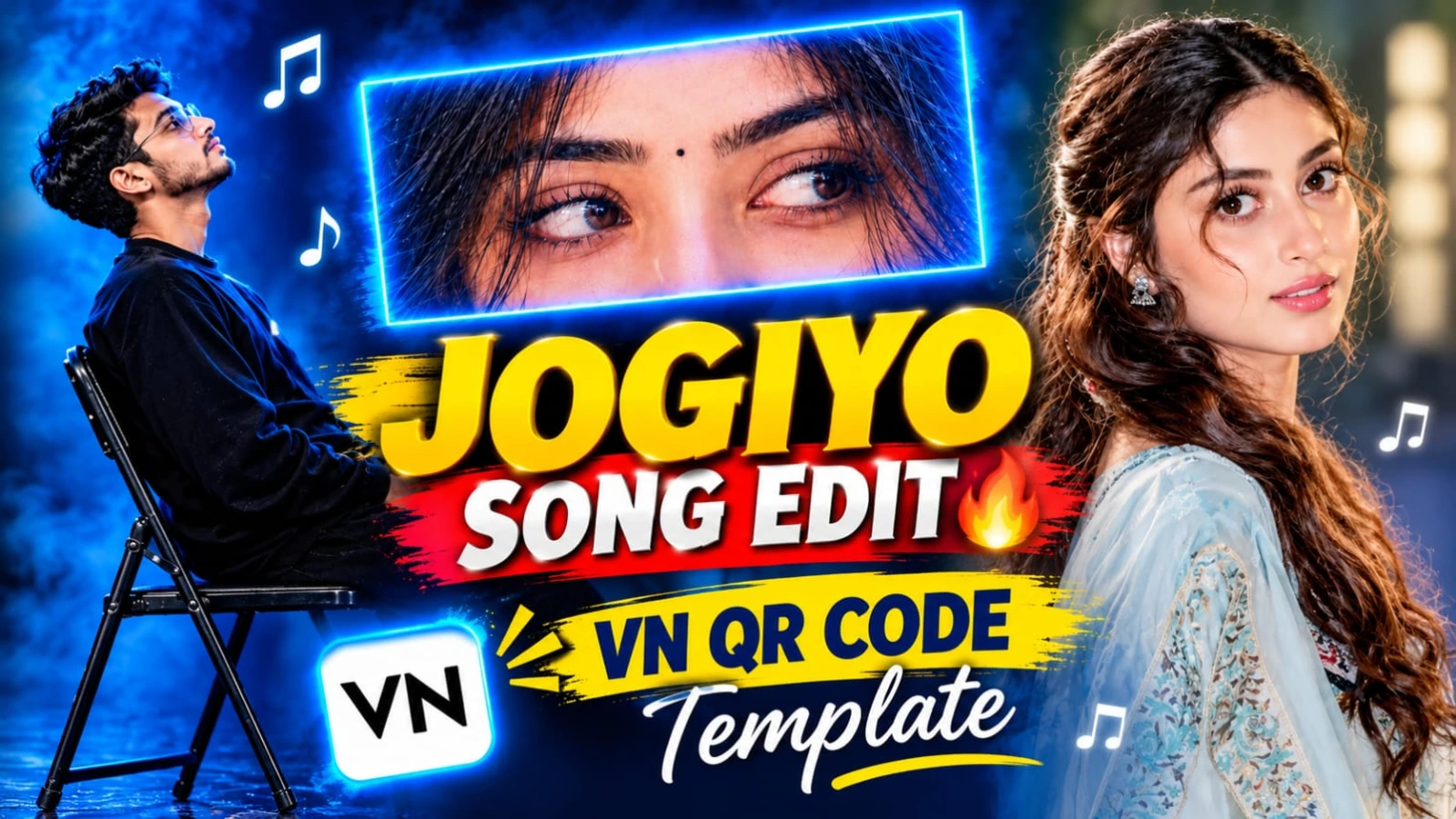
4. Jogiyo Ke Pichhe Jaise Jog Lag Jaata Hai VN QR Template Video Editing

Original URL:https://www.noorediting07.com/jogiyo-ke-pichhe-jaise-jog-lag-jaata-hai-vn-qr-template-video-editing

Trending songs par bina lamba waqt lagaye professional edits banana aaj kal social media par kafi popular hai.Jogiyo Ke Pichhe Jaise Jog Lag Jaata Hai VN QR Template Video Editing article un users ke liye hai jo trending music beats ke sath apne personal photos aur video clips ko instantly ek attractive reel mein badalna chahte hain. VN Video Editor App ke QR code scanner feature ki madad se aap ready-made editing timeline ko directly apne phone mein load kar sakte hain.

Is template-based workflow mein aapko manually beats match karne ki zaroorat nahi padti. Aapko bas VN app mein QR code scan karna hai, apni best photos select karni hain, aur app automatically sabhi transitions ko song ke mutabiq arrange kar deta hai. Yeh method beginners ke liye aur un creators ke liye behtareen hai jo fast pace par daily trending reels publish karna chahte hain. Clean media selection aur proper preview ke baad aap apni final video ko high quality mein export karke Instagram, Facebook, aur YouTube par share kar sakte hain.

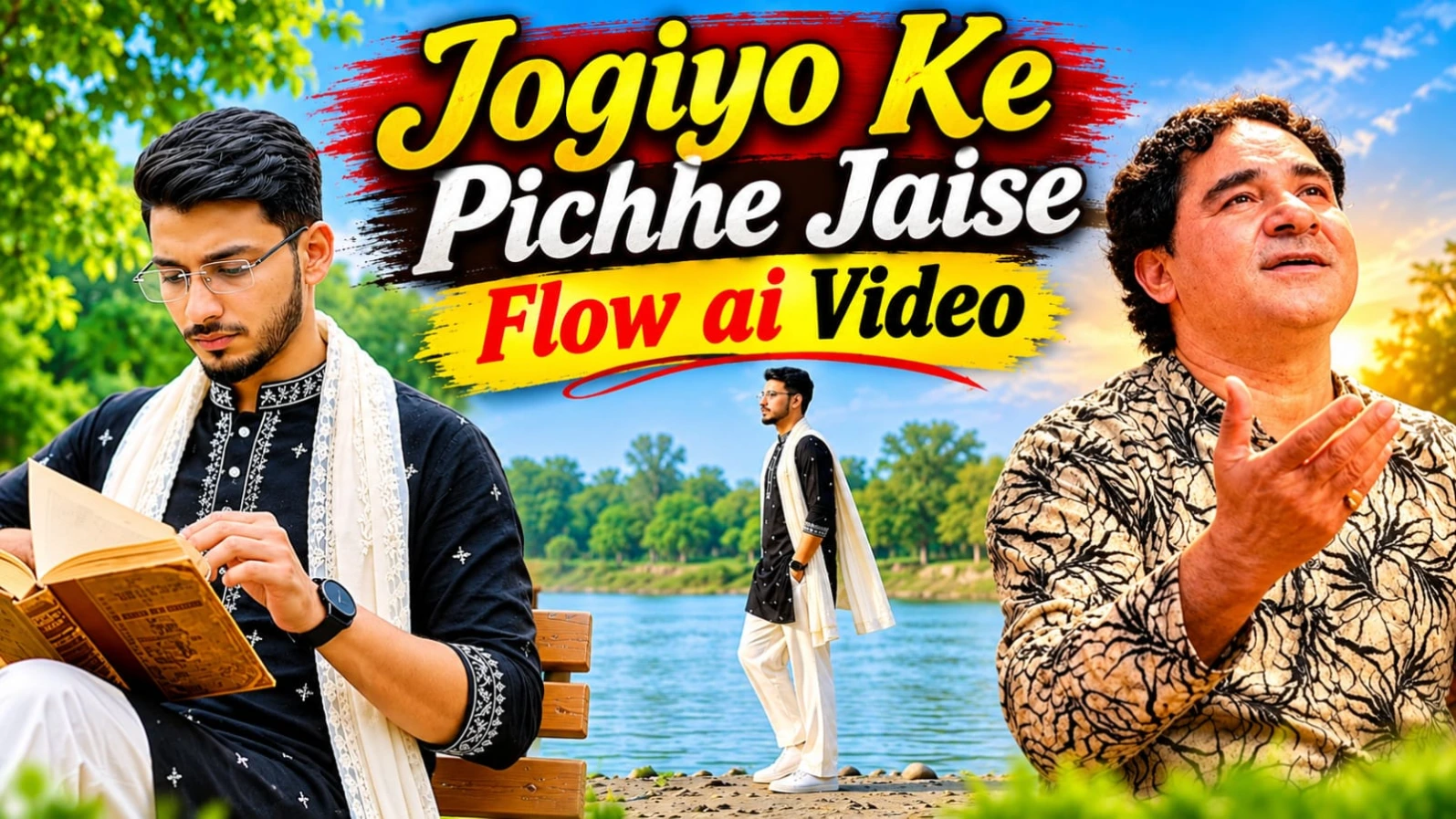
5. Jogiyo Ke Pichhe Jaise Jog Lag Jaata Hai Flow AI Video Prompt

Original URL:https://www.noorediting07.com/jogiyo-ke-pichhe-jaise-jog-lag-jaata-hai-flow-ai-video-prompt

Agar aap apni photo ko ek moody Bollywood hero aesthetic ke sath cinematic video mein convert karna chahte hain, toh Jogiyo Ke Pichhe Jaise Jog Lag Lag Jaata Hai Flow AI Video Prompt ek jabardast option hai. Is concept ki total duration 17.7 seconds hai aur ise 9 precise cinematic shots mein divide kiya gaya hai. Ismein character riverbank, shallow water splashes, concrete bridge aur green park ke alag-alag scenic moments se guzarta hai.

Character ka look black short kurta (white geometric embroidery aur cross-star motifs ke sath), cream off-white lace-bordered dupatta, off-wide pleated trousers, white sneakers, aur black wristwatch ke sath design kiya gaya hai. Video ke andhrooni hisse mein character ek wooden bench par baithkar vintage brown book open karta hai, pages turn karta hai aur apne rimless rectangular glasses adjust karta hai. ChatGPT se character sheet banane ke baad aap Flow AI mein is horizontal 16:9 widescreen prompt ka use karke ek masterpiece create kar sakte hain, jisme bottom corner par NoorEditing07 ka signature watermark diya gaya hai.
Prompt 07