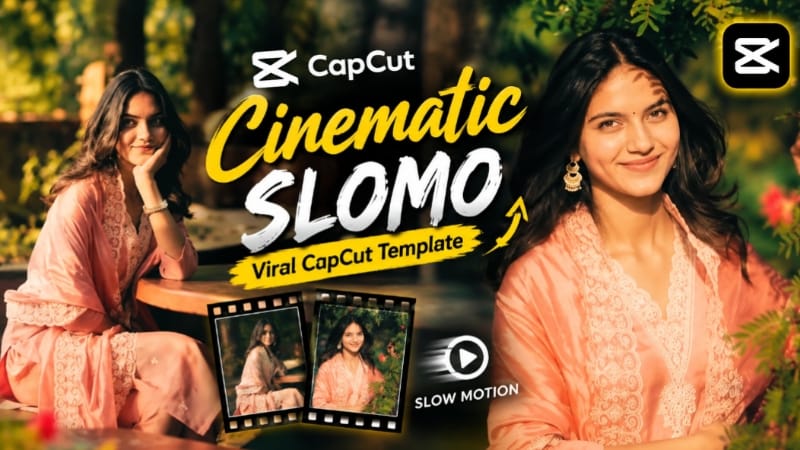
Cinematic Slomo CapCut Template | Slow Motion Video Edit | Trending CapCut Template
Neeche diye gaye CapCut Template Link ko open karke template use karein aur apni photos ya video clips ke saath Cinematic Slomo video create karein.
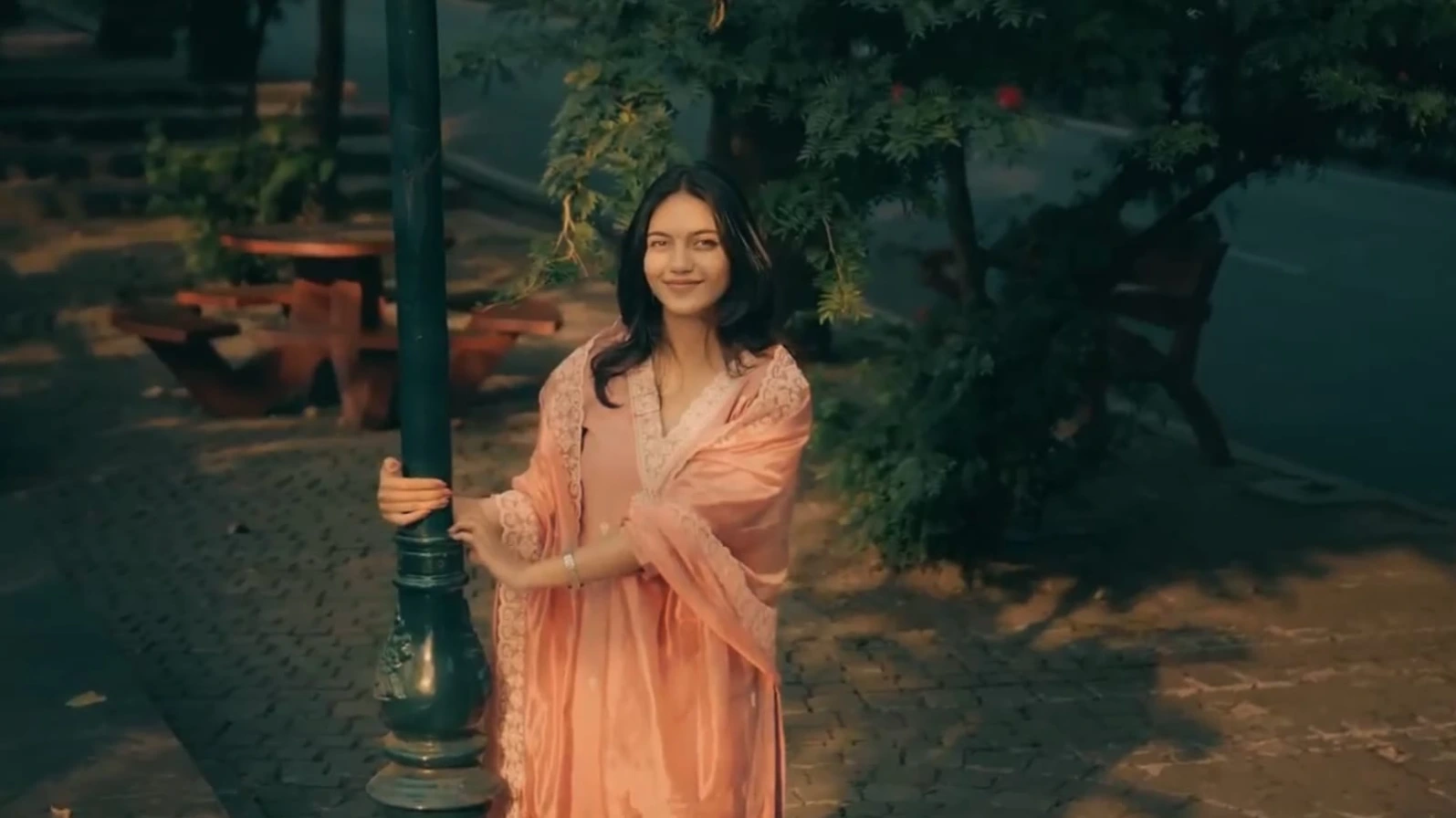
Video ready hone ke baad Export option par click karein aur suitable quality mein video save kar lein. Ab aap apne Cinematic Slomo video ko Instagram Reels, YouTube Shorts ya WhatsApp Status par share kar sakte hain.
Helicopter Entry, Heartbreak Riverside, Awarapan 2, Main Keh Doon Sabhi Ko & Shadow Pencil AI Editing Tutorial
AI editing can turn ordinary photos into cinematic action videos, emotional heartbreak stories, viral template edits, and creative AI portraits. This combined tutorial covers five different editing concepts using Flow AI, VN Editor, CapCut, and ChatGPT.
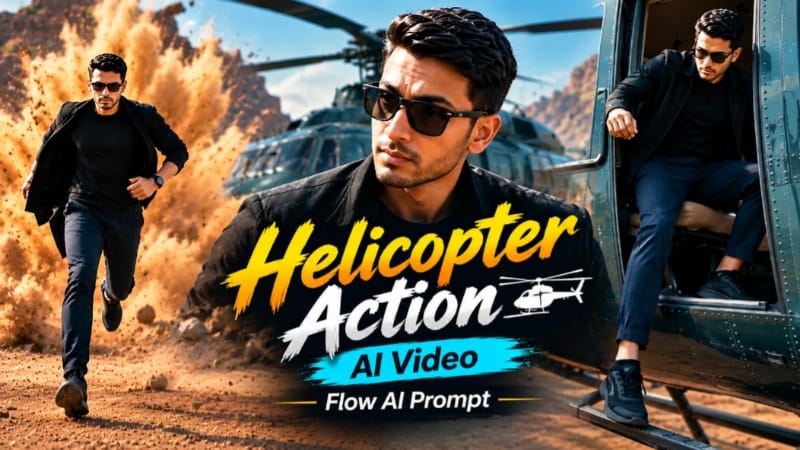
1. Helicopter Entry Action AI Video
Start with a clear, high-quality reference photo and use it as the identity source. The Flow AI concept creates a cinematic action sequence beginning with a helicopter entry and continuing through a dramatic red-earth quarry. The character's face, hairstyle, skin tone, body build, height, and proportions should remain consistent throughout the complete video.
The 17-scene sequence includes the helicopter exit, confident quarry walk, gate-opening shots, close-ups, a dust explosion, a jacket throw, and a final motorcycle-convoy sequence. The outfit changes as specified in the prompt, while the quarry environment and cinematic warm action-movie colour grade remain consistent. Generate the video in 9:16 at 1080p and carefully check identity, anatomy, helicopter movement, walking motion, and scene continuity.
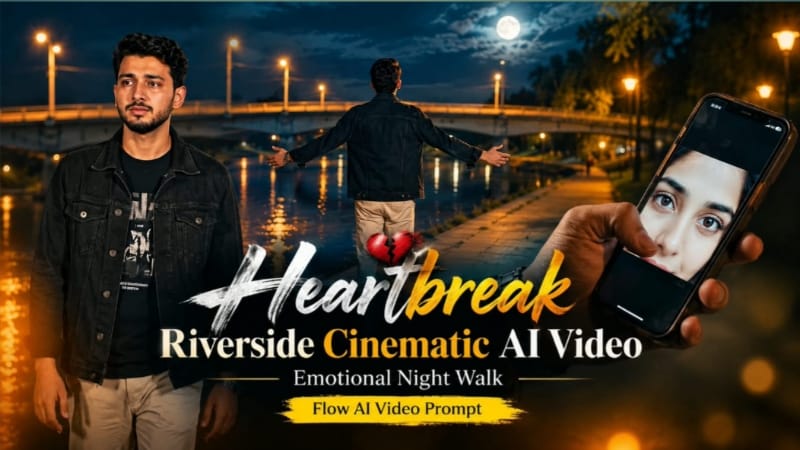
2. Heartbreak Riverside Cinematic AI Video
For the emotional heartbreak story, upload a clear reference photo to Flow AI and use it as the exact identity reference. The character wears a black denim jacket, black graphic T-shirt, light beige trousers, and a silver wristwatch. The entire story takes place beside the same riverside location at night, featuring a concrete bridge, dry riverbank, large trees, and warm amber lights against a deep blue-black sky.
The seven scenes begin with a close-up of a phone displaying a woman's eyes, followed by a lonely riverside walk, an emotional approach toward the camera, an arms-open release, grief beneath a tree, a single tear, and a final pendant-to-heart moment. Use smooth controlled camera movement, realistic anatomy, natural facial expressions, and rich cinematic colour grading.
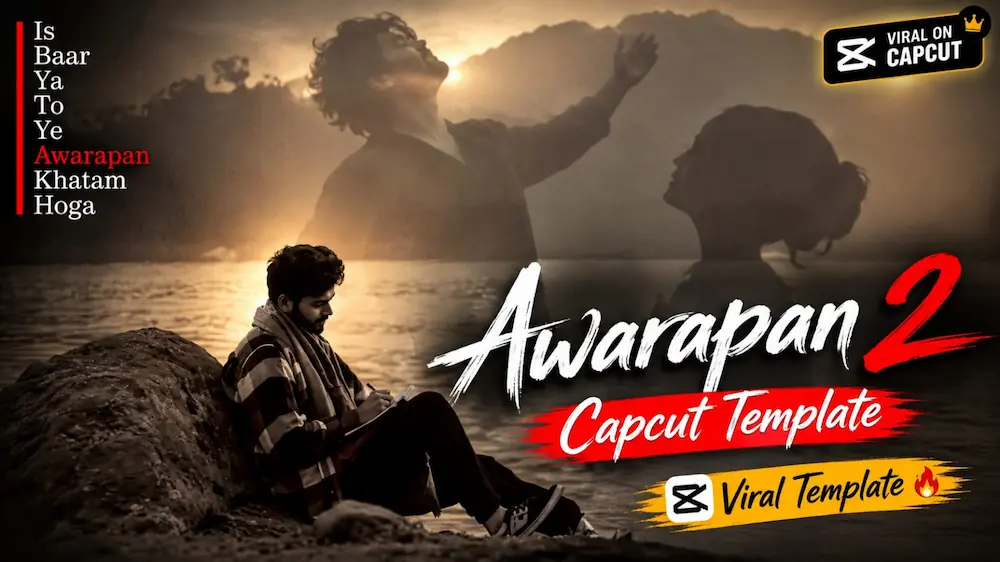
3. Awarapan 2 Viral Story – CapCut Template
For the Awarapan 2-style viral story, open the CapCut app and use the template provided on the page. Open the template link, select your own photos, apply the template, preview the result, and save the finished video. The template already provides the basic timing, transitions, and cinematic structure, making it suitable for beginners who want to create a story-style edit quickly.
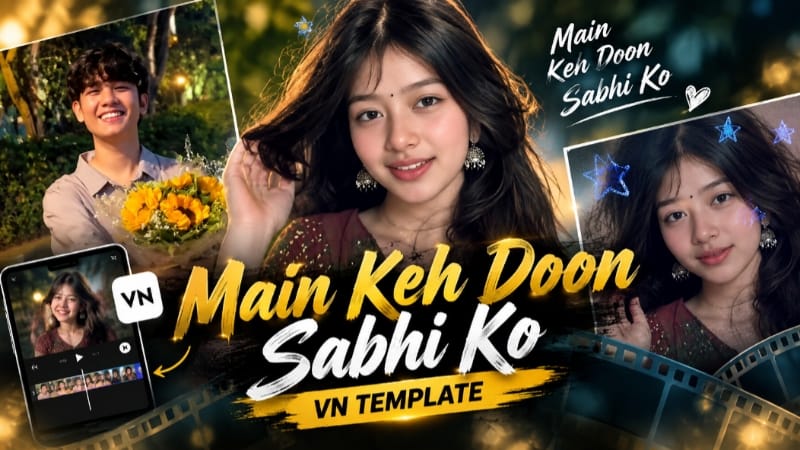
4. Main Keh Doon Sabhi Ko – VN QR Template
Open VN Video Editor and access the QR Code Scanner. Scan the Main Keh Doon Sabhi Ko QR code to open the prepared VN template. After the template loads, use the Add Media or Replace option to insert your own photos or video clips.
Preview the complete edit and adjust the selected media if required. Since the template already contains effects, transitions, timing, and sequence structure, very little manual editing is needed. Once everything looks correct, choose the required export quality and save the final video.
5. Shadow Pencil Cartoon AI Photo
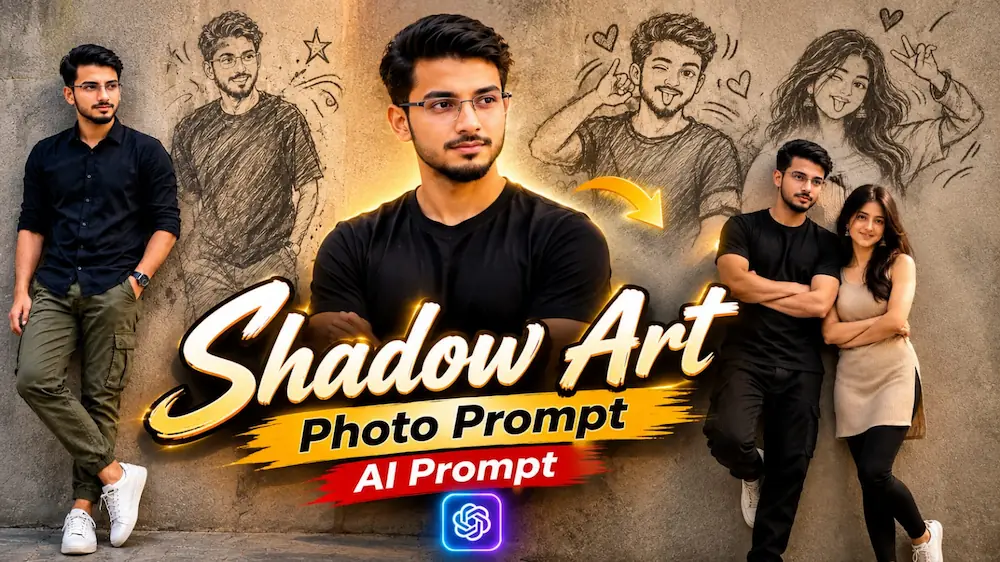
For the Shadow Pencil effect, open ChatGPT and upload a clear original photo. Paste the complete AI Photo Prompt and generate the image. The main subject remains photorealistic while their wall shadow transforms into a playful pencil or cartoon-style version of themselves.
The concept can use a textured concrete wall, natural daylight, DSLR-style 85mm photography, shallow depth of field, realistic skin pores, detailed clothing texture, and a 9:16 vertical composition. Different variations on the page include male, female, couple, indoor, and corridor versions, with the shadow performing playful poses and adding hand-drawn stars, hearts, motion lines, or other sketch details.
Final Result
These five techniques cover cinematic action videos, emotional storytelling, ready-made CapCut and VN edits, and creative AI photo effects. For AI-generated content, use clear reference images, maintain identity and visual consistency, select the correct aspect ratio, and review the final result for face, hands, body proportions, movement, lighting, and background continuity before publishing.