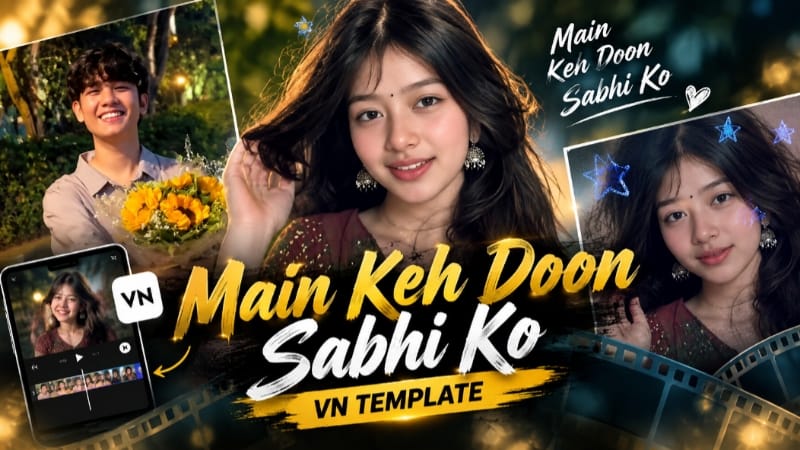
Main Keh Doon Sabhi Ko | VN QR Code Template
Neeche diye gaye complete steps ko follow karke aap Main Keh Doon Sabhi Ko VN Template ko easily use kar sakte hain aur apni photos se attractive video bana sakte hain. Best result ke liye VN Video Editor ka updated version use karein.

Step 9: Required video quality select karke video ko apne mobile mein save kar lein.
Silent Love, Moody Rooftop, Snowfall, Royal Enfield & Viral Cinematic AI Tutorial
AI editing can turn simple photos and videos into emotional stories, cinematic portraits, romantic couple scenes, motorcycle travel visuals, and viral social-media content. This combined tutorial explains five different creative editing concepts using VN Editor, ChatGPT, and Flow AI.
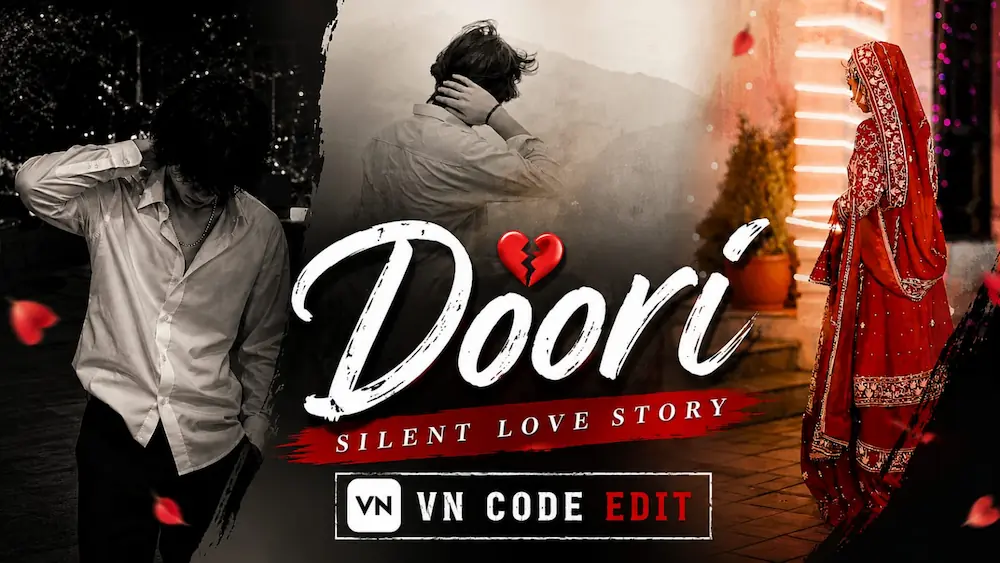
1. Doori Silent Love Story – VN Code Edit
For the Doori Silent Love Story, open VN Video Editor and use the provided VN QR Code Template. Scan the code, open the template, and add your own photos or videos. Adjust the clips according to the template, preview the complete sequence, and export the final video in HD quality. This editing style is designed around silent love, unspoken feelings, emotional moments, and cinematic storytelling.
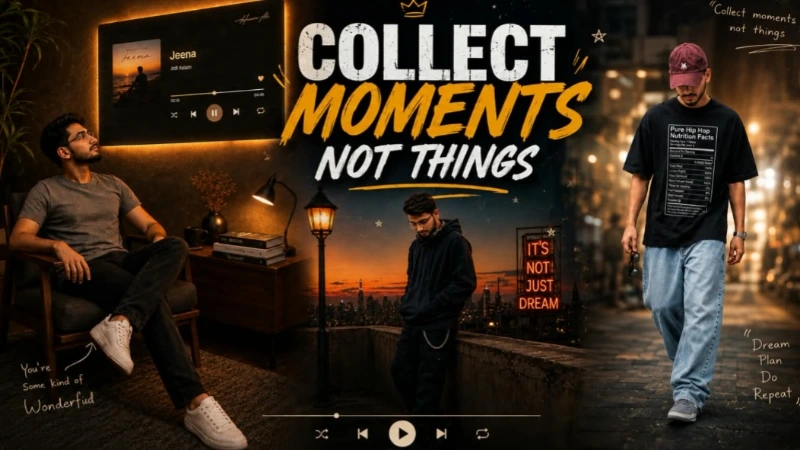
2. Moody Rooftop Cinematic AI Photo
For the Moody Rooftop portrait, open ChatGPT and upload a clear original photo. Use the complete AI photo prompt with the uploaded image as the identity reference. The concept places the person on a rooftop during the transition from sunset to night, wearing a dark oversized hoodie, black cargo joggers, dark sneakers, and headphones. The background includes a city skyline, vintage street lamp, warm sunset horizon, deep navy sky, and subtle neon lighting.
Keep the original face, hairstyle, skin tone, body structure, and proportions unchanged. Use a 4:5 vertical composition with realistic DSLR photography, natural skin texture, cinematic lighting, vintage film grain, and controlled colour grading.
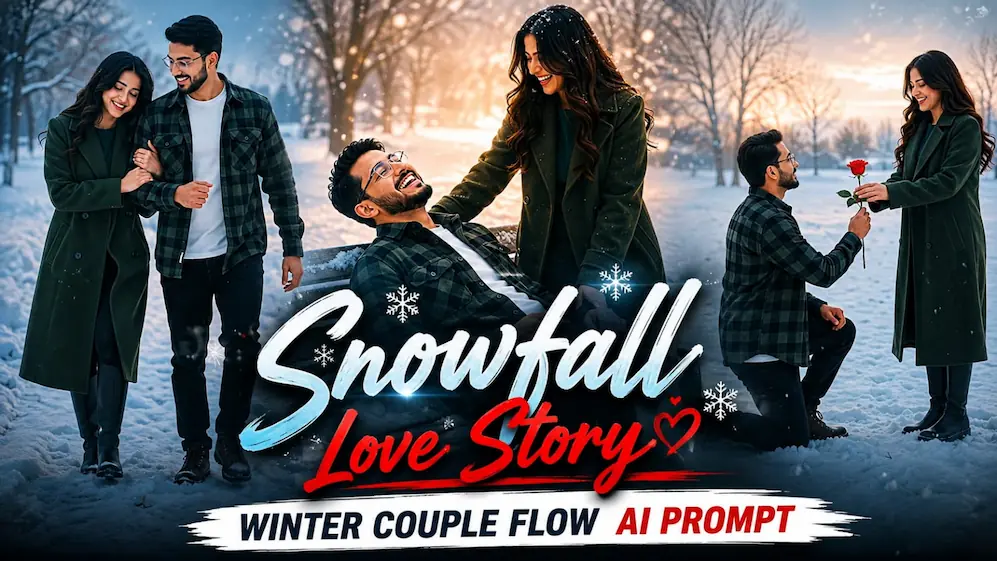
3. Snowfall Love Story – Flow AI
For the romantic winter video, use two clear reference photos: one for the man and one for the woman. Upload both images to Flow AI and paste the Snowfall Love Story prompt. The video contains five connected scenes: a snowy proposal with a red rose, an emotional hug, a romantic walk through snowfall, a playful bench moment, and a final face-to-face pose.
Keep both identities, hairstyles, skin tones, body builds, and heights consistent. The man wears a dark green-and-black checkered shirt, while the woman wears a long dark green wool coat. Use a snowy field, bare winter trees, soft snowfall, cool muted colour grading, 9:16 format, and 1080p cinematic quality.
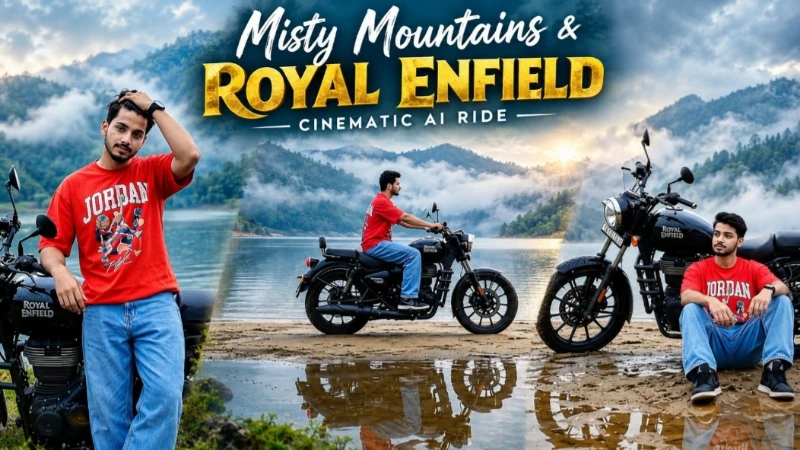
4. Royal Enfield Misty Lake Cinematic Video
Open Flow AI and upload a clear reference photo. Paste the Royal Enfield Misty Lake prompt and select 16:9 landscape with the highest available quality. The seven-scene story features a black Royal Enfield cruiser beside a misty lake surrounded by foggy mountains.
The character keeps the same identity and outfit throughout: red oversized graphic T-shirt, light-blue baggy jeans, black sneakers, and wristwatch. Scenes include standing beside the motorcycle, adjusting hair, a double-exposure transition, walking beside the bike, riding across a narrow sandbar, and a peaceful final sitting pose. Maintain realistic fog, water reflections, motorcycle details, body proportions, and cinematic colour grading.
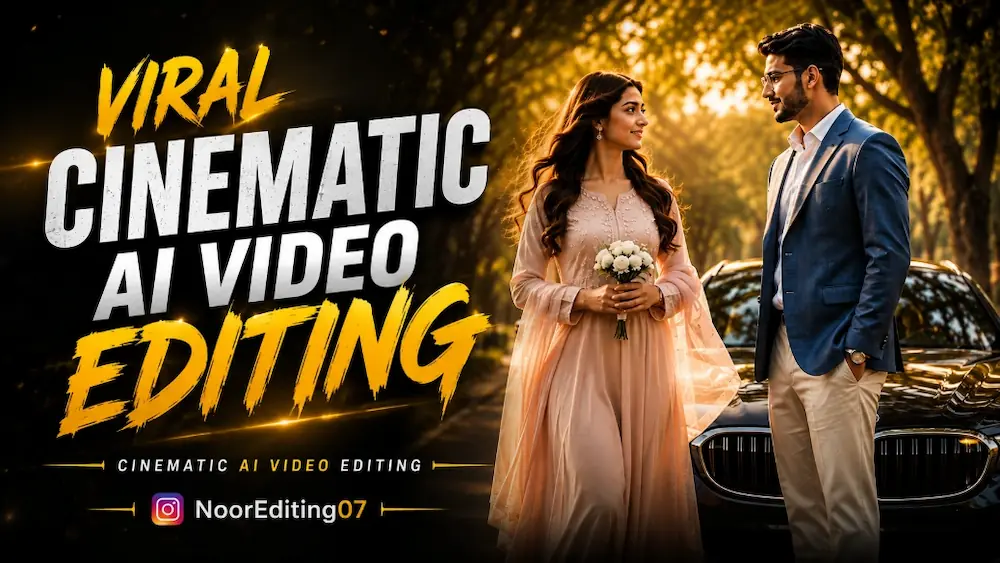
5. Viral Romantic BMW Cinematic AI Video
For the viral cinematic couple video, use two separate reference photos in Flow AI. Lock the identity of both characters so their faces, bodies, hairstyles, and overall appearance remain consistent.
The 10-second video uses a luxury BMW, golden-hour lighting, cinematic bokeh, flowing hair movement, and premium Bollywood-style colour grading. The sequence begins with the boy near the BMW, followed by the girl approaching him in slow motion. They meet, enter the BMW, and finally drive away together along a tree-lined road. Use 9:16 vertical format and carefully check faces, hands, clothing, movement, and vehicle continuity before publishing.
Final Result
These five techniques cover emotional VN editing, cinematic AI photography, romantic snowfall storytelling, motorcycle travel cinematography, and viral couple videos. For better results, always use clear reference photos, maintain strict identity consistency, follow the recommended aspect ratio, and carefully check the final output for face, body, hands, lighting, and background continuity.