Garden Fashion Editorial Cinematic AI Video | Maroon Shirt & Sunglasses | Flow AI Video
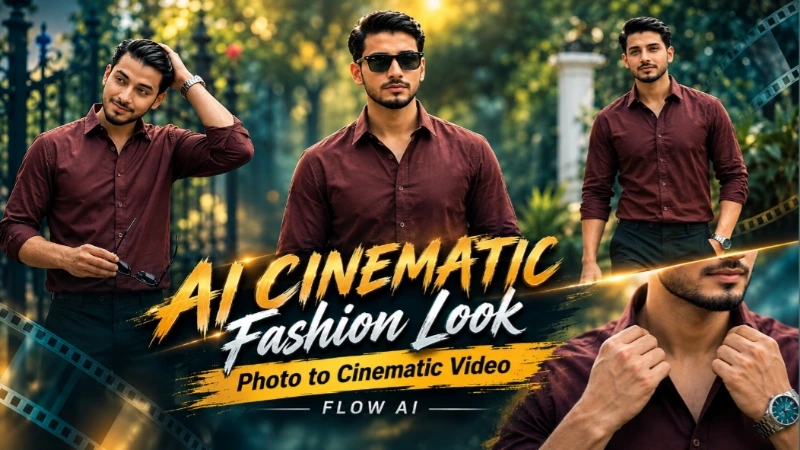
Create a premium ultra-realistic cinematic AI video using this detailed Flow AI Video Generator prompt. This concept is designed around a sophisticated fashion-editorial look featuring a young man wearing a maroon/dark red full-sleeve button-down shirt, black trousers, a silver wristwatch, and black sunglasses in a beautiful lush green garden environment. The combination of elegant fashion styling, natural greenery, decorative black iron gate, white pillar, soft daylight, cinematic camera movements, and realistic body language creates a polished luxury fashion-film appearance.
The uploaded reference photo should be used as the primary identity reference throughout the complete video. The generated person should maintain the same recognizable facial appearance, facial structure, hairstyle, skin tone, body proportions, and overall physical characteristics shown in the reference image. Identity consistency is especially important because the video contains multiple camera angles, close-up shots, walking sequences, hand movements, and different poses. The person should remain visually consistent from the first frame to the final frame without unwanted identity drift or changes in appearance.
The video begins with a medium close-up fashion portrait. The subject stands calmly inside the garden while looking slightly away from the camera with a confident and composed expression. The soft green foliage behind him creates a natural cinematic depth-of-field effect. His maroon shirt, black trousers, silver wristwatch, and overall styling establish the premium fashion-editorial mood from the beginning. The camera should capture realistic skin texture, natural facial detail, authentic fabric texture, and subtle daylight without making the image look artificially generated.
The second scene moves into a detailed close-up of the wrist and upper body. The subject naturally rolls up his shirt sleeve just below the elbow with one smooth hand movement. His silver-and-teal wristwatch becomes an important visual detail in this shot. The movement should feel physically realistic, with correct hand anatomy, natural finger positioning, believable cloth movement, and realistic interaction between the hand and shirt fabric. The camera should remain cinematic while keeping the watch and clothing details clearly visible.
In the third scene, the subject transitions into a stylish fashion pose. He runs one hand naturally through his hair while slightly tilting his head downward and holds his black sunglasses in the other hand. The decorative black iron garden gate, green plants, and foliage remain visible in the background. The environment should remain consistent with the previous scenes so that the video feels like one continuous fashion shoot rather than disconnected AI-generated clips.
The fourth scene focuses on the upper body and face. The subject adjusts the collar of his maroon shirt using both hands while maintaining a calm and composed expression. The camera moves into a close-up that highlights the shirt collar, facial features, skin detail, and subtle natural lighting. The background remains softly blurred with green garden tones. The movement should be smooth and elegant, similar to a professional fashion campaign or luxury menswear advertisement.
The fifth scene changes to a wider cinematic walking shot. The subject is now wearing his black sunglasses and walks confidently toward the camera. One hand remains naturally inside his trouser pocket while the other arm moves naturally with his walking motion. His complete outfit should be visible in this shot, including the maroon shirt, black trousers, silver wristwatch, and sunglasses. The white pillar and garden pathway should appear naturally in the background, while the lush greenery provides a premium outdoor fashion setting.
The sixth and final scene delivers the strongest fashion-editorial moment. The sunglasses are removed and the subject looks directly into the camera with a calm, confident, slightly intense gaze. The camera performs a slow cinematic zoom-in while maintaining realistic facial proportions and natural skin detail. Near the end, he gently tilts his head downward and runs one hand through his hair. The movement should remain subtle, stylish, and controlled. The final frame should feel like the closing shot of a professional fashion film.
The entire video should maintain one consistent garden location, lighting environment, wardrobe, accessories, identity, and visual atmosphere. The black decorative iron gate and white pillar should remain believable environmental elements rather than changing shape or position unnaturally between scenes. The lush green foliage should have realistic depth and natural variation. Soft daylight should illuminate the subject naturally, creating gentle highlights on the face, shirt fabric, watch, and surrounding plants.
The maroon/dark red shirt should remain exactly the same throughout the complete video. The black trousers should maintain the same fit and appearance, while the silver wristwatch should remain on the same wrist and retain its realistic metallic appearance. The sunglasses should appear naturally in the appropriate scenes and should not randomly duplicate, disappear, or change design.
Camera movement should be smooth and professional. Use cinematic depth of field, realistic focus transitions, subtle camera motion, controlled zooming, natural perspective, and premium fashion-film framing. Each scene should have a distinct camera angle while still maintaining a continuous visual story. Avoid excessive camera shake, unnatural motion blur, artificial facial expressions, distorted hands, incorrect fingers, warped clothing, or background deformation.
The overall visual treatment should look like a professionally produced outdoor fashion editorial rather than a typical AI-generated social media video. Use realistic cinematic lighting, natural green tones, warm daylight, filmic contrast, refined highlights, realistic shadows, premium fabric detail, natural skin rendering, and subtle depth. The final result should have a polished luxury aesthetic while still preserving the natural appearance of the person from the uploaded reference photo.
This prompt is suitable for creating fashion reels, cinematic AI videos, Instagram Reels, YouTube Shorts, Facebook Reels, personal portfolio videos, AI fashion edits, menswear promotional videos, cinematic portrait videos, and premium lifestyle content. The same six-scene story should be generated in the exact order without skipping any scene or adding extra scenes.
The requested output should be ultra-realistic 4K quality with a cinematic 16:9 presentation as specified for the main video concept, while the prompt also specifies a vertical 9:16 final format for mobile-oriented output. When generating, select the aspect ratio supported by your intended Flow AI workflow and maintain the composition accordingly. The important priority is that the subject remains properly framed and visible throughout all six scenes.
A single subtle NoorEditing07 watermark should remain fixed in the same bottom corner throughout the complete video. It should use a clean white or light-colored font with low opacity and should remain non-intrusive. Only one watermark should be visible at any moment. It must never duplicate, move to another location, transform into another logo, or appear as additional text.
The final result should feel like a continuous premium garden fashion story: calm portrait, sleeve adjustment, hair styling, collar adjustment, confident sunglasses walk, and final direct-camera fashion pose. All six scenes should connect naturally with smooth cinematic transitions and realistic human movement while preserving the same person and environment from beginning to end.
AI Video Prompt
✦AI VIDEO PROMPT
A cinematic ultra-realistic 4K video of a young man wearing a maroon/dark red full-sleeve button-down shirt, black trousers, and a silver wristwatch, holding a pair of black sunglasses, standing in a lush green garden with a decorative black iron gate and white pillar in the background, soft natural daylight, premium fashion-editorial cinematic look. CRITICAL: use the uploaded reference photo as the exact identity source — same face, same facial features, natural smooth clear skin, and exact same body type and build. Scene 1: Medium close-up shot — face clearly visible, calm confident expression looking slightly off-camera. Scene 2: Close-up shot — gently rolls up his shirt sleeve to just below the elbow. Scene 3: Medium shot — runs a hand through his hair, holding sunglasses in the other hand. Scene 4: Close-up shot — adjusts shirt collar with both hands. Scene 5: Wide walking shot — walks confidently toward the camera wearing sunglasses. Scene 6: Close-up final shot — sunglasses removed, looks directly at the camera with a calm intense gaze, cinematic slow zoom-in. Watermark: 'NoorEditing07'.
A cinematic ultra-realistic 4K video (16:9) of a young man wearing a maroon/dark red full-sleeve button-down shirt, black trousers, and a silver wristwatch, holding a pair of black sunglasses, standing in a lush green garden with a decorative black iron gate and white pillar in the background, soft natural daylight, premium fashion-editorial cinematic look. A small, subtle watermark reading 'NoorEditing07' stays fixed in the bottom corner throughout the entire video, minimal white or light-colored font, low opacity, only one single watermark visible at all times.
CRITICAL: use the uploaded reference photo as the exact identity source — same face, same facial features, same natural smooth clear skin with no blemishes, marks, or texture flaws, and the exact same body type and build as shown in the uploaded photo, maintained precisely and realistically in every single scene, zero identity or body variation between scenes. This must work accurately for any person of any age or body type who uploads their own reference photo — the generated face, skin, and body must always match the uploaded photo exactly with smooth natural skin, never a generic or different look.
Scene 1: Medium close-up shot — his face is clearly visible with a calm confident expression as he looks slightly off-camera, smooth clear skin, standing relaxed with one hand resting naturally near his side, silver wristwatch visible, soft blurred green foliage in the background.
Scene 2: Close-up shot — he gently rolls up his shirt sleeve to just below the elbow with one smooth natural hand motion, silver-and-teal wristwatch clearly visible on his wrist, calm focused expression, greenery softly blurred behind him.
Scene 3: Medium shot — he runs a hand through his hair, head tilted down, holding his sunglasses in the other hand, decorative iron garden gate and lush plants behind him.
Scene 4: Close-up shot — he adjusts his shirt collar with both hands near his chest, sunglasses tucked away, calm composed expression, smooth clear skin, soft natural garden light.
Scene 5: Wide walking shot — he walks confidently toward the camera wearing his sunglasses now, one hand in his pocket, full outfit visible, white pillar and garden path behind him, confident stylish stride.
Scene 6: Close-up final shot — sunglasses removed, he looks directly at the camera with a calm intense gaze, smooth clear skin, then tilts his head down and runs a hand through his hair, soft blurred green background, cinematic slow zoom-in to finish.
Overall style: same face, same identity, same natural smooth skin with no imperfections, same exact body type as the uploaded reference photo, same maroon full-sleeve shirt, black trousers, silver watch, and sunglasses outfit consistent in every single scene, no identity or body change, same real garden and iron-gate location throughout, natural realistic movement with varied stylish poses and distinct camera angles in every scene, realistic skin and fabric texture, warm natural cinematic color grading with lush green tones, filmic depth and contrast, smooth cinematic transitions between poses, ultra-realistic premium 4K quality, vertical 9:16 format, continuous fashion-editorial story flow from start to end, no scene skipped, only 6 scenes total exactly as described, no extra scene added.
Watermark (final instruction): keep a single small, subtle, clean text watermark reading 'NoorEditing07' fixed in the same bottom corner position throughout the entire video from Scene 1 to Scene 6, minimal white or light-colored font, low opacity, non-intrusive, appearing only once on screen at any given time — never duplicated, never removed, never replaced by any other text or watermark.
✓
Prompt copied to clipboard!
AI Video Prompt
✦AI VIDEO PROMPT
A cinematic ultra-realistic 4K video of a young man wearing a maroon/dark red full-sleeve button-down shirt, black trousers, and a silver wristwatch, holding a pair of black sunglasses, standing in a lush green garden with a decorative black iron gate and white pillar in the background, soft natural daylight, premium fashion-editorial cinematic look. CRITICAL: use the uploaded reference photo as the exact identity source — same face, same facial features, natural smooth clear skin, and exact same body type and build. Scene 1: Medium close-up shot — face clearly visible, calm confident expression looking slightly off-camera. Scene 2: Close-up shot — gently rolls up his shirt sleeve to just below the elbow. Scene 3: Medium shot — runs a hand through his hair, holding sunglasses in the other hand. Scene 4: Close-up shot — adjusts shirt collar with both hands. Scene 5: Wide walking shot — walks confidently toward the camera wearing sunglasses. Scene 6: Close-up final shot — sunglasses removed, looks directly at the camera with a calm intense gaze, cinematic slow zoom-in. Watermark: 'NoorEditing07'.
A cinematic ultra-realistic 4K video (16:9) of a young man wearing a maroon/dark red full-sleeve button-down shirt, black trousers, and a silver wristwatch, holding a pair of black sunglasses, standing in a lush green garden with a decorative black iron gate and white pillar in the background, soft natural daylight, premium fashion-editorial cinematic look. A small, subtle watermark reading 'NoorEditing07' stays fixed in the bottom corner throughout the entire video, minimal white or light-colored font, low opacity, only one single watermark visible at all times.
CRITICAL: use the uploaded reference photo as the exact identity source — same face, same facial features, same natural smooth clear skin with no blemishes, marks, or texture flaws, and the exact same body type and build as shown in the uploaded photo, maintained precisely and realistically in every single scene, zero identity or body variation between scenes. This must work accurately for any person of any age or body type who uploads their own reference photo — the generated face, skin, and body must always match the uploaded photo exactly with smooth natural skin, never a generic or different look.
Scene 1: Medium close-up shot — his face is clearly visible with a calm confident expression as he looks slightly off-camera, smooth clear skin, standing relaxed with one hand resting naturally near his side, silver wristwatch visible, soft blurred green foliage in the background.
Scene 2: Close-up shot — he gently rolls up his shirt sleeve to just below the elbow with one smooth natural hand motion, silver-and-teal wristwatch clearly visible on his wrist, calm focused expression, greenery softly blurred behind him.
Scene 3: Medium shot — he runs a hand through his hair, head tilted down, holding his sunglasses in the other hand, decorative iron garden gate and lush plants behind him.
Scene 4: Close-up shot — he adjusts his shirt collar with both hands near his chest, sunglasses tucked away, calm composed expression, smooth clear skin, soft natural garden light.
Scene 5: Wide walking shot — he walks confidently toward the camera wearing his sunglasses now, one hand in his pocket, full outfit visible, white pillar and garden path behind him, confident stylish stride.
Scene 6: Close-up final shot — sunglasses removed, he looks directly at the camera with a calm intense gaze, smooth clear skin, then tilts his head down and runs a hand through his hair, soft blurred green background, cinematic slow zoom-in to finish.
Overall style: same face, same identity, same natural smooth skin with no imperfections, same exact body type as the uploaded reference photo, same maroon full-sleeve shirt, black trousers, silver watch, and sunglasses outfit consistent in every single scene, no identity or body change, same real garden and iron-gate location throughout, natural realistic movement with varied stylish poses and distinct camera angles in every scene, realistic skin and fabric texture, warm natural cinematic color grading with lush green tones, filmic depth and contrast, smooth cinematic transitions between poses, ultra-realistic premium 4K quality, vertical 9:16 format, continuous fashion-editorial story flow from start to end, no scene skipped, only 6 scenes total exactly as described, no extra scene added.
Watermark (final instruction): keep a single small, subtle, clean text watermark reading 'NoorEditing07' fixed in the same bottom corner position throughout the entire video from Scene 1 to Scene 6, minimal white or light-colored font, low opacity, non-intrusive, appearing only once on screen at any given time — never duplicated, never removed, never replaced by any other text or watermark.
KAISE BANAYE – Garden Fashion Editorial Cinematic AI Video
1. Sabse pehle Flow AI Video Generator open karein.
2. Apni ek clear, high-quality reference photo upload karein. Face clearly visible hona chahiye aur photo blur ya heavily edited nahi honi chahiye.
3. Neeche diya gaya complete AI video prompt copy karein.
4. Copied prompt ko Flow AI ke video generation prompt section mein paste karein.
5. Reference photo ko identity reference ke roop mein use karein, taaki poore video mein face, hairstyle, body proportions aur overall appearance consistent rahe.
6. Video settings mein apne required aspect ratio ko select karein. Mobile Reels/Shorts ke liye 9:16 aur landscape cinematic video ke liye 16:9 use kar sakte hain.
7. Maximum available quality ya 4K output select karein agar option available ho.
8. Generate karne se pehle check karein ki prompt mein exactly 6 scenes diye gaye hain aur koi extra scene add nahi karna hai.
9. Scene 1 mein face clearly visible, calm expression, maroon shirt aur garden background properly maintain hona chahiye.
10. Scene 2 mein shirt sleeve roll karne ka movement natural hona chahiye aur silver-and-teal wristwatch clearly visible rehni chahiye.
11. Scene 3 mein hair touch karte waqt fingers, hands aur sunglasses natural position mein hone chahiye.
12. Scene 4 mein dono hands se collar adjust karte waqt shirt fabric aur fingers distorted nahi hone chahiye.
13. Scene 5 mein sunglasses pehne hue confident walking movement check karein. One hand pocket mein aur complete outfit visible hona chahiye.
14. Scene 6 mein sunglasses remove hone ke baad face clearly visible rahe. Direct eye contact, slow zoom-in aur final hair movement natural hona chahiye.
15. Generate hone ke baad face consistency check karein. Kisi bhi scene mein face shape, eyes, nose, jawline ya overall identity unnecessarily change nahi honi chahiye.
16. Body consistency check karein. Body proportions, height appearance, shoulders aur overall build scenes ke beech stable rehna chahiye.
17. Outfit consistency check karein. Maroon shirt, black trousers, silver wristwatch aur sunglasses ka design aur appearance randomly change nahi hona chahiye.
18. Garden location check karein. Greenery, black iron gate, white pillar aur garden pathway scenes ke beech unnatural way mein change nahi hone chahiye.
19. Hands aur fingers ko carefully check karein. Extra fingers, fused fingers, distorted hands ya unnatural wrist movement nahi hona chahiye.
20. Walking sequence mein legs, feet aur body movement natural hona chahiye.
21. Camera movement smooth hona chahiye. Unnecessary shaking, sudden zoom, excessive motion blur ya random camera cuts avoid karein.
22. Skin rendering realistic honi chahiye. Face plastic, artificial, over-smoothed ya CGI jaisa nahi dikhna chahiye.
23. Shirt fabric, trousers, watch aur sunglasses ki texture realistic honi chahiye.
24. Lighting ko consistent rakhein. Soft natural daylight aur warm cinematic garden atmosphere poore video mein maintain hona chahiye.
25. Final watermark check karein. Sirf ek small “NoorEditing07” watermark same bottom corner mein fixed position par visible hona chahiye.
26. Watermark duplicate, move, disappear ya kisi aur logo/text mein convert nahi hona chahiye.
27. Final video ko complete dekhkar check karein ki saare 6 scenes correct order mein generate hue hain aur koi scene skip nahi hua.
28. Satisfied hone ke baad final 4K cinematic video export karein.
29. Is video ko Instagram Reels, Facebook Reels, YouTube Shorts, status videos, fashion edits aur cinematic AI video projects mein use kar sakte hain.
Garden Fashion AI VideoFlow AI Video PromptCinematic AI VideoMaroon Shirt Cinematic VideoFashion Editorial AI VideoAI Fashion Video PromptSunglasses Cinematic VideoGarden Cinematic VideoUltra Realistic 4K AI VideoMale Fashion AI VideoFlow AI EditingCinematic Portrait VideoLuxury Fashion AI VideoNoorEditing07
Garden Fashion AI VideoFlow AI Video PromptCinematic AI VideoMaroon Shirt Cinematic VideoFashion Editorial AI VideoAI Fashion Video PromptSunglasses Cinematic VideoGarden Cinematic VideoUltra Realistic 4K AI VideoMale Fashion AI VideoFlow AI EditingCinematic Portrait VideoLuxury Fashion AI VideoNoorEditing07
6 Viral AI Photo & Video Editing Tutorials Kaise Banaye
Aaj ke is complete AI editing tutorial mein hum six different cinematic photo aur video concepts ko samjhenge. Inmein Lake City Cinematic AI Video, Royal Enfield Misty Lake Video, Bridal Couple Luxury Portrait, Bridge Walking Cinematic Video, Night City AI Photo aur Garden Romance Cinematic Video shamil hain. In sabhi concepts mein reference photo ka use karke realistic identity, outfit consistency, cinematic lighting aur professional visual quality maintain ki ja sakti hai. NoorEditing07 par AI photo aur video prompts ke saath practical editing workflow bhi diya gaya hai.
Lake City Cinematic AI Video
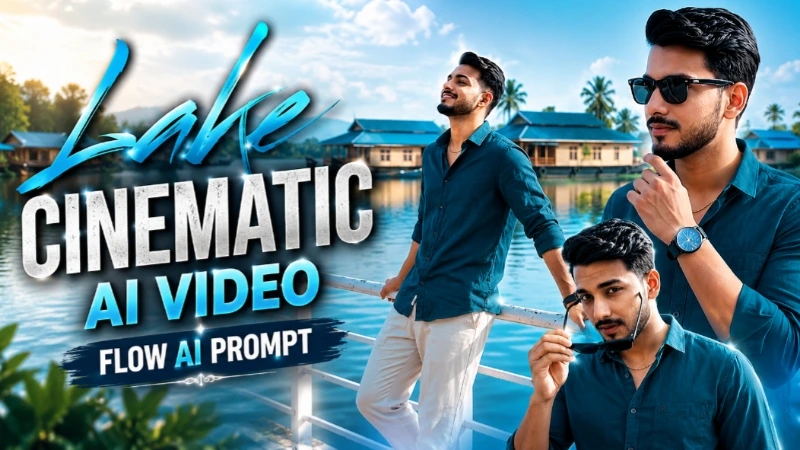
Is concept mein Flow AI Video Generator mein ek clear reference photo upload karke same person ko beautiful lakeside location par cinematic poses mein create kiya jata hai. White railing, blue-roofed houseboats, clear sky aur bright daylight poore video mein consistent rakhe jaate hain. Face, hairstyle, skin tone, body build aur outfit ko reference photo ke according maintain kiya jata hai. Video mein walking, sunglasses aur different confident poses ke connected cinematic scenes create hote hain.
Royal Enfield Misty Lake Cinematic Video
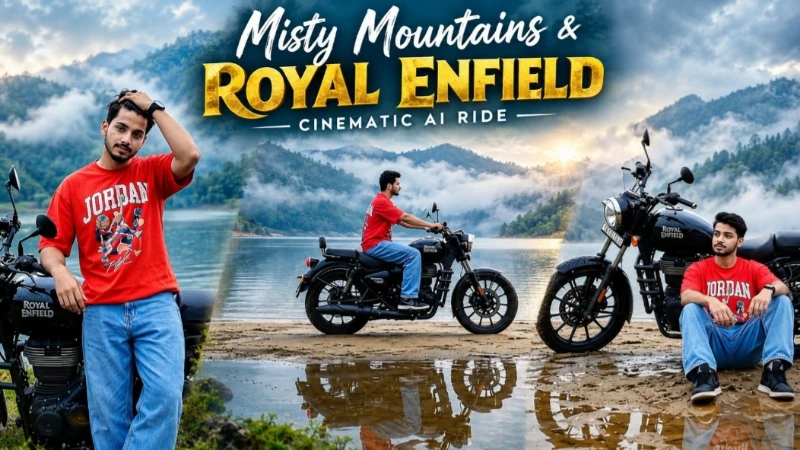
Royal Enfield concept mein misty lake, foggy mountains, wet ground aur black Royal Enfield motorcycle ka premium combination use hota hai. Reference photo se exact identity maintain karte hue person motorcycle ke paas different poses deta hai, double-exposure transition ke baad motorcycle ko lake ke sandbar par ride karta hai. Final shot mein motorcycle ke rear wheel ke paas relaxed cinematic pose hota hai. Soft fog, water reflections aur muted colour grading video ko realistic mountain-cinematic appearance dete hain.
Bridal Couple Luxury AI Photo
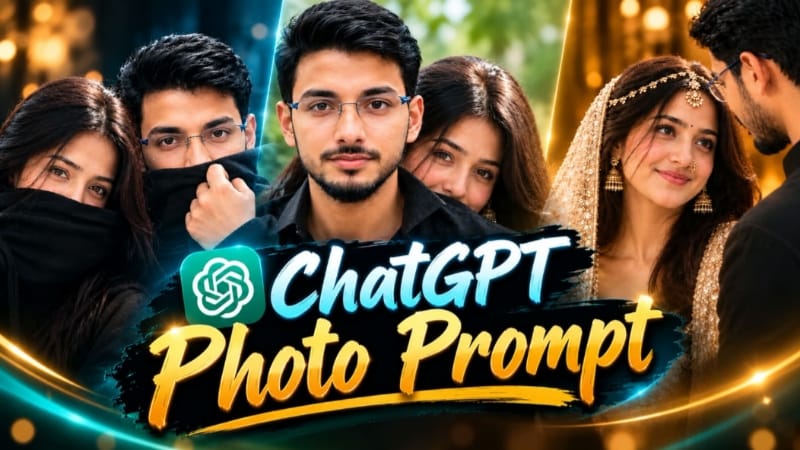
Bridal couple portrait ke liye couple ki reference photo ko ChatGPT AI image generator mein upload kiya ja sakta hai. Woman ko cream-and-gold heavily embellished bridal outfit, jewellery aur dupatta ke saath luxury wedding look diya jata hai, jabki man black outfit mein rehta hai. Warm golden lighting, shallow depth of field, realistic skin texture aur 85mm DSLR-style photography final image ko premium wedding portrait jaisa look dete hain.
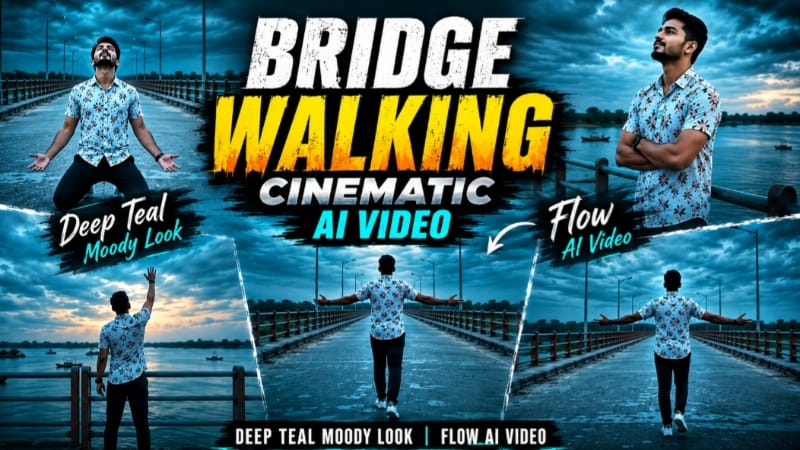
Bridge Walking Cinematic AI Video
Bridge concept mein same reference person ko long concrete bridge par cinematic walking story mein show kiya jata hai. Teal-orange railing, wide river, boats, distant greenery aur dramatic dusk sky same location ko maintain karte hain. Deep-teal colour grading video ko moody aur emotional atmosphere deti hai. Walking, kneeling, railing pose aur final sky-reaching pose jaise seven connected scenes create kiye jaate hain.
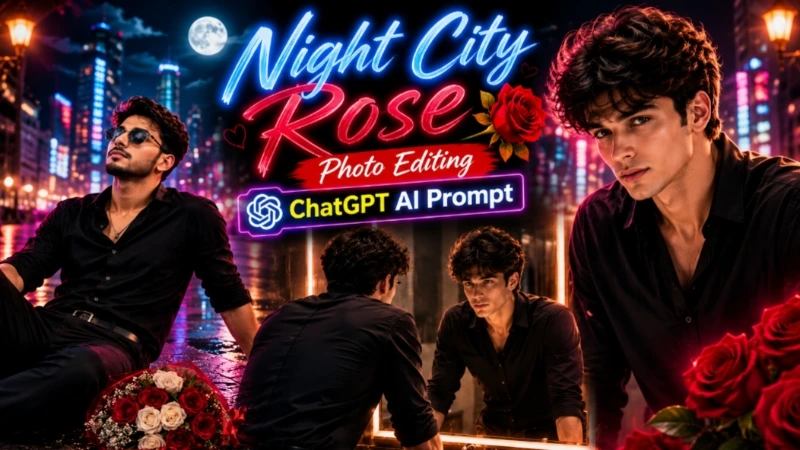
Night City Rose AI Photo
Night City concept mein cinematic night atmosphere, emotional pose, roses, blue ambient lighting, warm car-light bokeh aur glowing street lights ka combination use hota hai. 8K detail, realistic skin texture, professional DSLR depth of field aur premium colour grading photo ko cinematic appearance dete hain.
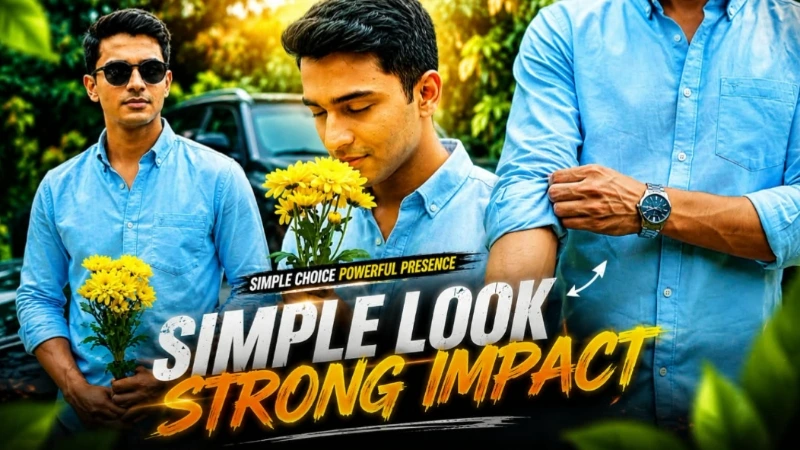
Garden Romance Cinematic Video
Garden Romance concept mein yellow flowers, greenery, car aur romantic cinematic atmosphere ko combine karke AI video create kiya jata hai. Flow AI mein reference image use karke natural poses, smooth camera movement, realistic lighting aur cinematic depth ke saath romantic visual sequence banaya ja sakta hai.
Final Result
In sabhi AI editing concepts mein high-quality reference photo, detailed prompt, identity consistency, realistic body movement, natural lighting aur cinematic colour grading sabse important hain. Generate karne ke baad face, hands, outfit, background aur unwanted AI distortion ko zaroor check karein. Is workflow se Instagram Reels, YouTube Shorts, Facebook aur other platforms ke liye professional AI photo aur video content create kiya ja sakta hai.