O.M FA FA FA Lyrical Edit Video Prompt – Sher of Arabia Trend | Google Flow AI
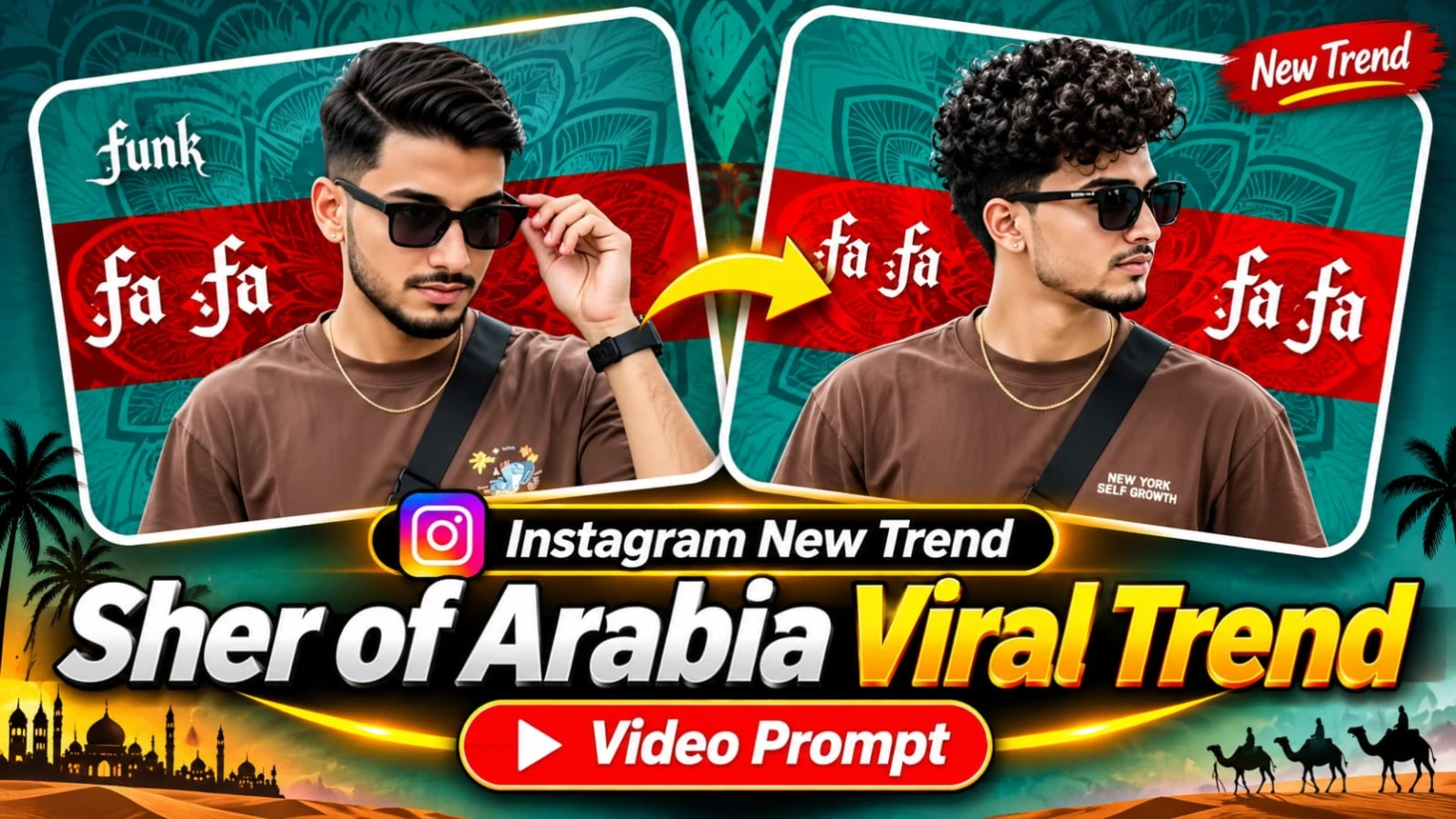
Aajkal AI Video Editing mein lyrical motion graphics aur beat-synced character edits kaafi popular ho rahe hain. Isi trend mein O.M FA FA FA Lyrical Edit Video Prompt – Sher of Arabia Trend ek interesting cinematic editing concept hai. Is video style mein Arabic-inspired typography, teal-green background, dark mandala pattern, red graphic band aur beat ke saath change hoti character movements ka combination dekhne ko milta hai.
Agar aap bhi apni photo ke saath isi tarah ka cinematic lyrical edit video banana chahte hain, to Google Flow AI ki madad le sakte hain. Is article mein aapko Reference Video, Reference Prompt aur Master Video Prompt ke through video generate karne ka complete process samjhaya gaya hai.
O.M FA FA FA Lyrical Edit Kya Hai?
O.M FA FA FA Lyrical Edit ek motion-graphics style AI video concept hai, jisme character ke movements music beat ke saath synchronize hote hain. Video mein character kabhi left side, kabhi centre aur kabhi right side mein appear hota hai. Saath hi background mein Arabic-style bold typography aur mandala graphics animate hote hain.
Is editing style ki khaas baat iska graphical background, sharp white text aur character ke sunglasses adjustment jaise stylish movements hain. Ye combination video ko ek cinematic aur eye-catching look deta hai.
Sher of Arabia Trend Video Ki Khaas Features
Is trend mein sabse pehle ek teal-green background dikhai deta hai, jisme large dark mandala pattern hota hai. Background ke centre mein dark red horizontal band hota hai, jis par white Arabic-calligraphy inspired text animate hota hai.
Video ke starting part mein repeating FA text left side se slide karta hua aata hai. Uske baad Sher of aur Arabia typography appear hoti hai. Aage chal kar Arabia text frame ke left side mein dikhai deta hai aur phir FA FA text beat ke saath animate hota hai.
Main character ko chest-up framing mein dikhaya jata hai. Character sunglasses, brown T-shirt, gold chain aur black accessories ke saath stylish appearance deta hai. Character ke face, hairstyle aur outfit ko uploaded photo ke according consistent rakhne ki instructions prompt mein di jaati hain.
Google Flow AI Se Video Generation
Is video ko generate karne ke liye Google Flow AI ka use kiya ja sakta hai. Aapko sabse pehle apna Reference Video select karna hoga. Reference Video AI ko desired visual style, framing, text placement aur movement samajhne mein help karta hai.
Iske baad Reference Prompt aur Master Video Prompt ko use karke video ki details set karni hoti hain. Apni clear photo ko bhi reference image ke roop mein upload karein, taaki video mein main character ke liye aapki photo ka reference use ho sake.
Yahan Character Sheet banane ki zaroorat nahi hai. Aap direct apni photo aur required references add karke generation process start kar sakte hain.
Video Mein Beat-Synced Movements
Is trend ka ek important element character ke movements hain. Starting mein character side ki taraf dekhta hai aur phir neeche dekhta hai. Agle part mein head movement ke saath right hand sunglasses ko touch karta hai.
Video ke middle part mein character left side ki taraf lean karta hai aur upar aur neeche dekhta hai. Last part mein character right side par move karta hai, sunglasses adjust karta hai aur camera ki taraf dekhta hai.
In movements ko prompt mein timing ke saath describe kiya jata hai, jisse AI ko scene sequence aur animation style samajhne mein madad milti hai.
16:9 Video Format Aur Editing
Is prompt mein 16:9 horizontal aspect ratio use kiya gaya hai. Is format mein character aur background graphics ko wide frame mein dikhaya ja sakta hai. Video ki total duration 8 seconds rakhi gayi hai, jisme text animations aur character movements ko music beat ke saath synchronize karne ka instruction diya gaya hai.
Generate hone ke baad video ka preview zaroor check karein. Text spelling, face consistency, outfit aur background graphics ko verify karein. Agar koi scene sahi nahi aata, to prompt mein correction karke dobara generate kar sakte hain.
Master Video Prompt Kyon Zaroori Hai?
Master Video Prompt mein character appearance, background design, text animation, scene timing, camera framing aur avoid instructions detail mein di jaati hain. Isse AI ko aapke desired video concept ko samajhne mein madad milti hai.
Aap is article mein diye gaye prompt ko copy karke apne reference materials ke saath use kar sakte hain. Dhyan rakhein ki AI generation ka result har baar bilkul same nahi hota. Output Google Flow AI ke available features aur selected references par depend kar sakta hai.
Agar aapko lyrical editing, Arabic typography, cinematic AI videos aur viral motion graphics pasand hain, to ye trend try karne layak hai. Apni photo ke saath ek stylish AI edit create karein aur use Instagram Reels, YouTube Shorts ya Facebook par share karein.
16:9 horizontal, 8 seconds, realistic motion-graphics style video featuring @ladka with exact face and hair lock. Outfit: dark black sunglasses, brown t-shirt with small chest print, thin gold chain, black chest strap, black watch, small earring. Background: teal-green wall with dark mandala pattern and dark red mandala horizontal band with beat-synced Arabic-calligraphy text ("fa", "Sher of Arabia", "fa fa", "funk") and snap movements across left, centre, and right.
@ladka
1. FORMAT: 16:9 horizontal, 8 seconds, realistic motion-graphics style video, ultra-sharp. Recreate the reference video exactly: same framing, same graphics, same text, same timing, same beat-synced movement, same order. Nothing changes except the person, who must be @ladka.
2. FACE, HAIR AND BODY LOCK: The only person is @ladka. Use @ladka's exact face, exact hairstyle and body from the uploaded photo in every frame. Do NOT copy the reference person's hair. The hair must be the same cut, length, colour and style as in @ladka's photo, in every scene and from every angle. The face stays 100% identical to the photo from the first frame to the last, no face change, no morphing. FACE CLARITY: in every scene the face is razor-sharp and high-resolution, with natural skin texture, clear jawline and beard or stubble exactly as in the photo, and only the far background slightly soft.
3. OUTFIT (locked): dark black sunglasses, a brown t-shirt with a small print on the chest, a thin gold chain, a black strap across the chest, a black watch on the wrist, a small earring.
4. BACKGROUND: A teal-green wall with a large dark mandala pattern, and a wide dark red horizontal band with a mandala texture across the middle. @ladka is cut out in front of it, from the chest up.
5. TEXT GRAPHICS (white, bold, Arabic-calligraphy style lettering, sharp edges, spelled exactly):
- 0-2.4 sec: the short word "fa" repeating on the red band, sliding in from the left edge.
- 2.4-4 sec: "Sher of" in small letters, then "Arabia" in very large letters over the red band.
- 4-4.8 sec: "Arabia" large on the left of the frame.
- 4.8-7.2 sec: "fa fa" repeating on the red band.
- 7.2-8 sec: the word "funk" in small letters.
The text sits behind @ladka's head and shoulders.
6. SCENE BREAKDOWN: Fixed medium shot, no camera movement. On every beat @ladka snaps to a new position in the frame (left, centre, right).
- 0-2 sec: looks to the side with a cool expression, then looks down.
- 2-4 sec: turns his head left and right, then raises his right hand and touches his sunglasses.
- 4-6 sec: leans to the left side of the frame, looks up, then down.
- 6-8 sec: moves to the right side of the frame, adjusts his sunglasses with his right hand and looks at the camera.
7. SOUND: Arabic-style beat, no spoken dialogue.
8. AVOID: face change, hair change, copying the reference person's hair, blurry face, soft focus, plastic skin, CGI look, extra people, outfit change, misspelled text, extra text, logos, watermark.
✓
Prompt copied to clipboard!
✦AI VIDEO PROMPT
16:9 horizontal, 8 seconds, realistic motion-graphics style video featuring @ladka with exact face and hair lock. Outfit: dark black sunglasses, brown t-shirt with small chest print, thin gold chain, black chest strap, black watch, small earring. Background: teal-green wall with dark mandala pattern and dark red mandala horizontal band with beat-synced Arabic-calligraphy text ("fa", "Sher of Arabia", "fa fa", "funk") and snap movements across left, centre, and right.
@ladka
1. FORMAT: 16:9 horizontal, 8 seconds, realistic motion-graphics style video, ultra-sharp. Recreate the reference video exactly: same framing, same graphics, same text, same timing, same beat-synced movement, same order. Nothing changes except the person, who must be @ladka.
2. FACE, HAIR AND BODY LOCK: The only person is @ladka. Use @ladka's exact face, exact hairstyle and body from the uploaded photo in every frame. Do NOT copy the reference person's hair. The hair must be the same cut, length, colour and style as in @ladka's photo, in every scene and from every angle. The face stays 100% identical to the photo from the first frame to the last, no face change, no morphing. FACE CLARITY: in every scene the face is razor-sharp and high-resolution, with natural skin texture, clear jawline and beard or stubble exactly as in the photo, and only the far background slightly soft.
3. OUTFIT (locked): dark black sunglasses, a brown t-shirt with a small print on the chest, a thin gold chain, a black strap across the chest, a black watch on the wrist, a small earring.
4. BACKGROUND: A teal-green wall with a large dark mandala pattern, and a wide dark red horizontal band with a mandala texture across the middle. @ladka is cut out in front of it, from the chest up.
5. TEXT GRAPHICS (white, bold, Arabic-calligraphy style lettering, sharp edges, spelled exactly):
- 0-2.4 sec: the short word "fa" repeating on the red band, sliding in from the left edge.
- 2.4-4 sec: "Sher of" in small letters, then "Arabia" in very large letters over the red band.
- 4-4.8 sec: "Arabia" large on the left of the frame.
- 4.8-7.2 sec: "fa fa" repeating on the red band.
- 7.2-8 sec: the word "funk" in small letters.
The text sits behind @ladka's head and shoulders.
6. SCENE BREAKDOWN: Fixed medium shot, no camera movement. On every beat @ladka snaps to a new position in the frame (left, centre, right).
- 0-2 sec: looks to the side with a cool expression, then looks down.
- 2-4 sec: turns his head left and right, then raises his right hand and touches his sunglasses.
- 4-6 sec: leans to the left side of the frame, looks up, then down.
- 6-8 sec: moves to the right side of the frame, adjusts his sunglasses with his right hand and looks at the camera.
7. SOUND: Arabic-style beat, no spoken dialogue.
8. AVOID: face change, hair change, copying the reference person's hair, blurry face, soft focus, plastic skin, CGI look, extra people, outfit change, misspelled text, extra text, logos, watermark.
O.M FA FA FA Sher of Arabia Lyrical Edit Video Kaise Banaye?
Agar aap bhi apni photo ke saath O.M FA FA FA Sher of Arabia Trend jaisa stylish lyrical edit video banana chahte hain, to Google Flow AI ki madad se bana sakte hain. Iske liye aapko Character Sheet banane ki zaroorat nahi hai. Aap direct Reference Video, Reference Prompt, Master Video Prompt aur apni photo ka use karenge.
Step 1: Google Flow AI Open Karein
Sabse pehle Google Flow AI open karein. Apne Google Account se login karein aur Create New Project par click karke video generation process start karein.
Step 2: Reference Video Add Karein
Ab apna Sher of Arabia Lyrical Edit Reference Video upload karein. Ye wahi video hona chahiye jaisa visual style, framing, graphics aur character movements aap apne final video mein chahte hain.
Step 3: Reference Prompt Add Karein
Ab apne Reference Prompt ko add karein. Ismein reference video ke background, text animation, character movement aur timing se judi details honi chahiye. Isse AI ko desired editing style samajhne mein help milegi.
Step 4: Master Video Prompt Paste Karein
Ab article mein diya gaya O.M FA FA FA Master Video Prompt copy karein aur Google Flow AI ke prompt section mein paste karein. Prompt mein character details, outfit, background graphics, text placement aur scene breakdown diya gaya hai.
Step 5: Apni Photo Upload Karein
Ab apni ek clear photo upload karein. Ye photo video ke main character ke liye reference image ka kaam karegi. Photo mein face clearly visible hona chahiye. Prompt mein face, hairstyle aur appearance ko same rakhne ki instructions bhi di gayi hain.
Step 6: Aspect Ratio Select Karein
Ab video ka aspect ratio select karein. Is prompt ke liye 16:9 Horizontal format select karein, kyunki original lyrical edit wide-screen format mein design kiya gaya hai.
Step 7: Video Generate Karein
Ab Reference Video, Reference Prompt, Master Video Prompt aur apni photo ko ek baar check karein. Sabhi details sahi hone par Generate button par click karein. Google Flow AI aapke diye gaye references aur prompt ke according lyrical motion-graphics style video generate karega.
Step 8: Final Video Check Karein
Video generate hone ke baad preview karein. Check karein ki character ka face, hairstyle, outfit, background aur animated text sahi aa rahe hain ya nahi. Text ki spelling aur beat ke according movements ko bhi verify karein.
Step 9: Export Aur Share Karein
Jab aapka final video ready ho jaye, to use export ya download kar lein. Ab aap ise apne video editor mein zaroorat ke according music ke saath sync karke Instagram Reels, YouTube Shorts ya Facebook par share kar sakte hain.
Important Tip: Reference Video aur Prompt mein jitni clear details hongi, AI ko desired output samajhne mein utni madad milegi. Dhyan rahe, AI ka result har generation mein thoda alag ho sakta hai.
O.M FA FA FA Lyrical Edit - Sher of Arabia Trend - Noor Editing
O.M FA FA FA Lyrical EditSher of Arabia TrendGoogle Flow AI Video PromptSher of Arabia Video EditingO.M FA FA FA Video PromptArabic Lyrical EditGoogle Flow AI TutorialAI Lyrical Edit VideoCinematic Motion GraphicsArabic Typography Animation16:9 AI Video PromptViral Instagram Editing TrendAI Photo to Video Editing
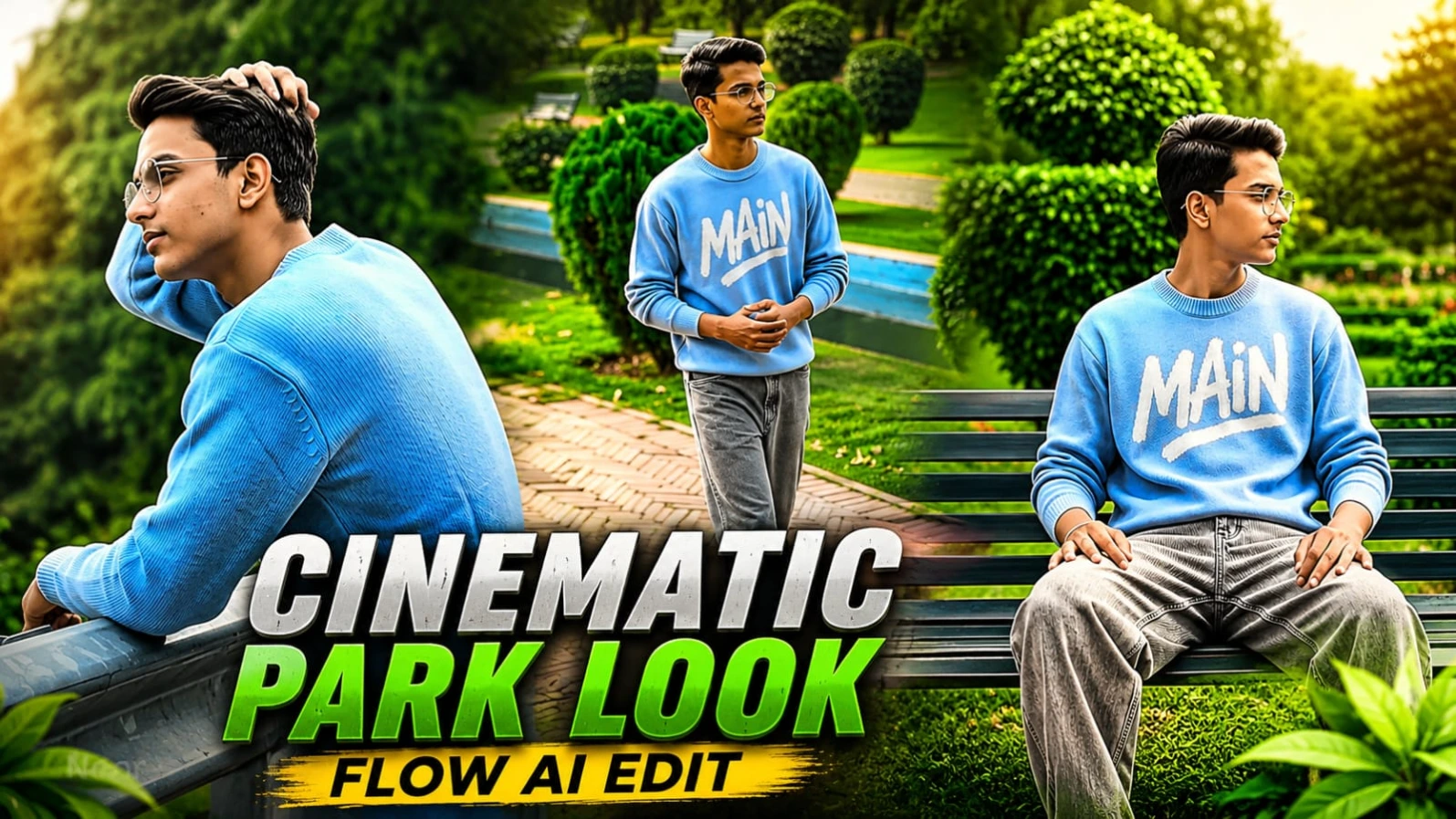
Lush green botanical parks, ornate wrought-iron garden gazebos, aur scenic forest hillside roads ke beech ek realistic outdoor fashion video banana aaj kal social media creators ke beech kaafi popular ho raha hai. Green Park Cinematic AI Video Prompt for Realistic DSLR Videos un users ke liye design kiya gaya hai jo ChatGPT Character Sheet aur Google Flow AI ki madad se ek 19.8-second aur 8-scene cinematic video create karna chahte hain. Is 16:9 widescreen format video prompt mein bright natural daylight, rich emerald-green foliage, aur creamy background bokeh ke sath ek authentic DSLR camera look milta hai.
Is video prompt mein character ka outfit pastel baby-blue long-sleeve crewneck knit sweater (jiske chest par bold white graffiti-style "MAIN" lettering hai), wide-leg washed light-grey baggy denim jeans (double-waistband detail ke sath), aur black suede sneakers (white "CAMPUS" side lettering ke sath) specify kiya gaya hai. Park bench side glance, brick pathway stroll, open-arms meadow walk, vintage gazebo lean, aur forest guardrail hair-run jaise 8 directed sequences is video ko ek high-end lifestyle reel banate hain. Strict facial identity lock aur bottom corner par diya gaya subtle NoorEditing07 watermark aapke original brand work ko protect karta hai.
2. Stone Castle Viral Trend | Build Your Own Castle AI Video Prompt | Google Flow AI Tutorial (Free)
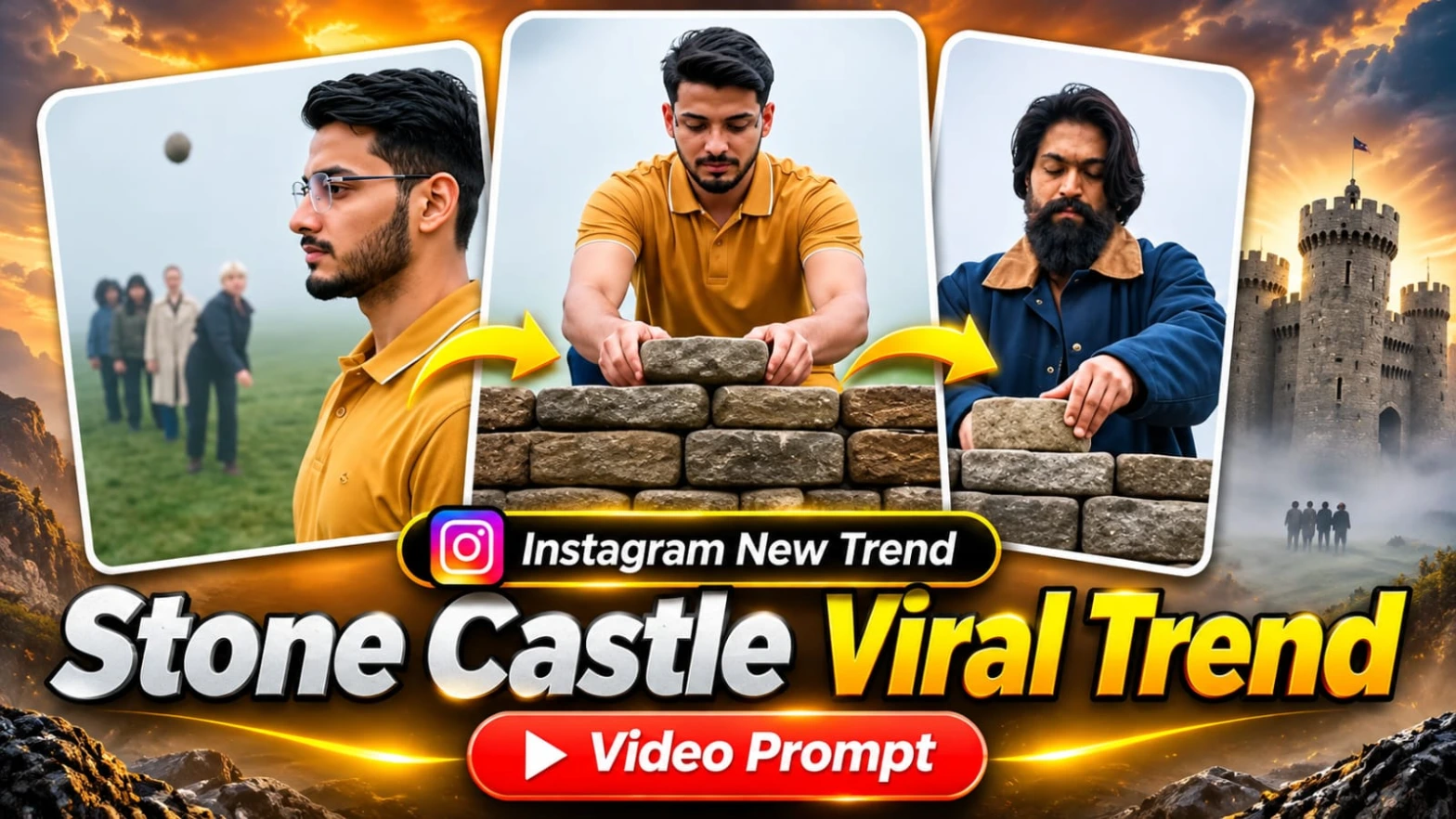
Instagram Reels aur YouTube Shorts par mystical storytelling aur transformation AI videos ka trend tezi se popular ho raha hai. Stone Castle Viral Trend | Build Your Own Castle AI Video Prompt | Google Flow AI Tutorial (Free) un creators ke liye design kiya gaya hai jo Google Flow AI aur apni reference photo (@image1) ki madad se ek 10.9-second aur 14-scene cinematic video create karna chahte hain, jisme ek foggy green meadow dheere-dheere ek huge medieval stone castle mein badal jata hai.
Is vertical 9:16 video prompt mein mustard-yellow polo shirt (white trim ke sath), dark-blue cuffed jeans, aur tan Chelsea boots pehne character ka stones uthana, stone wall banana, round castle tower ke top par khade hona, aur paanch distant figures ka mist mein khade hona dikhaya gaya hai. Cold desaturated cinematic grade, HDR live-action look, aur strict face/outfit lock ke sath aap ek unique viral reel taiyar kar sakte hain. Bottom centre par diya gaya subtle NoorEditing07 watermark aapke original brand work ko protect karta hai.
3. Jo Meri Manzil Ko Chahti Hai | Cinematic Couple AI Video Prompt | Google Flow AI Viral Instagram Trend | Free AI Video
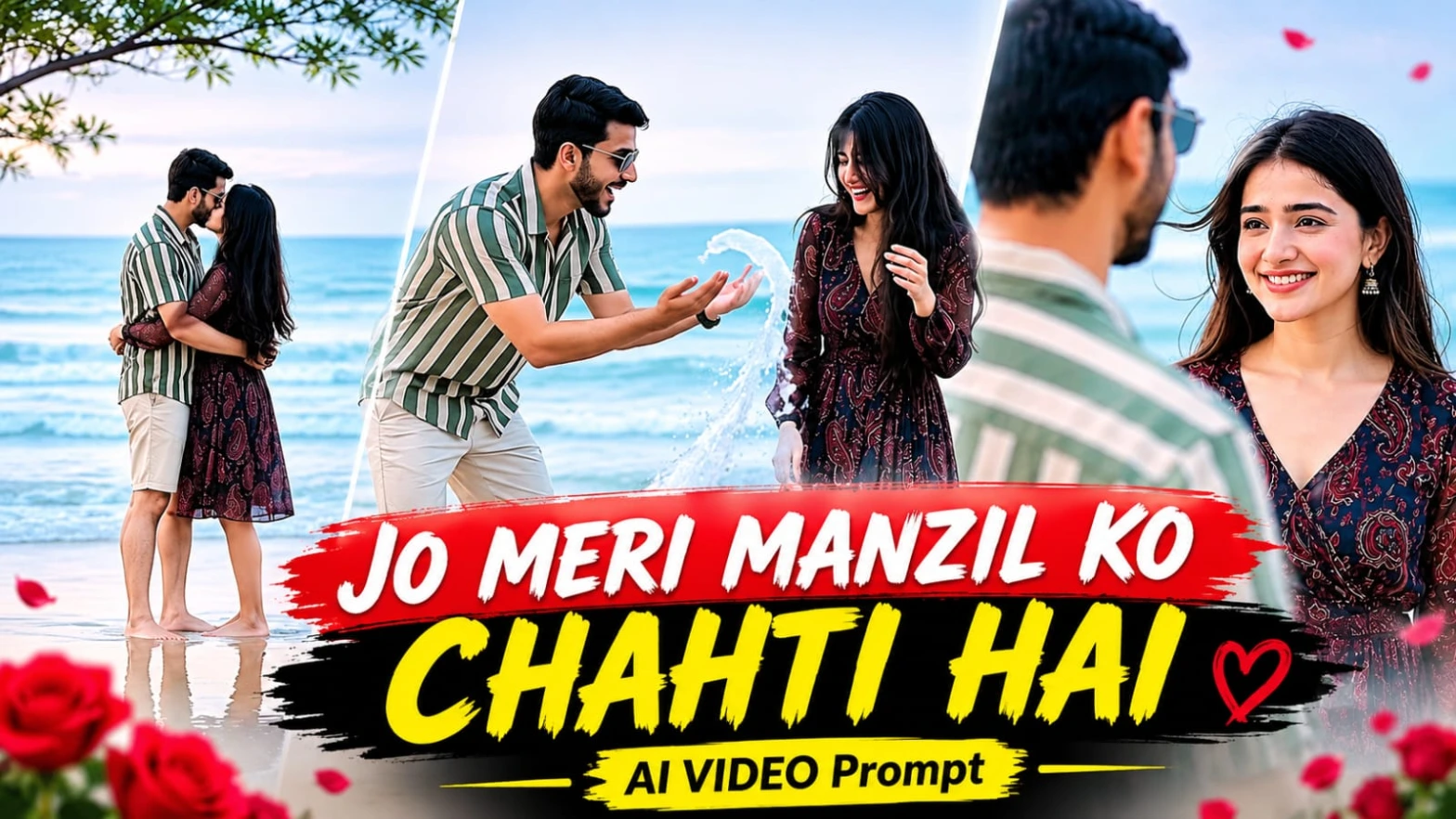
Instagram par “Jo Meri Manzil Ko Chahti Hai” audio aur romantic beach couple AI videos ka trend tezi se viral ho raha hai. Jo Meri Manzil Ko Chahti Hai | Cinematic Couple AI Video Prompt | Google Flow AI Viral Instagram Trend | Free AI Video un creators ke liye design kiya gaya hai jo ChatGPT Character Sheet aur Google Flow AI ki madad se ek 30.3-second aur 11-scene cinematic beach video create karna chahte hain. Is creative concept mein turquoise-blue ocean waves, wet reflective sand, soft overcast daylight, aur couple ke affectionate beach moments dikhaye gaye hain.
Is 16:9 widescreen video prompt mein male character ka outfit olive-green and cream vertical-striped short-sleeve shirt, beige chino shorts, dark sunglasses, aur barefoot look specify kiya gaya hai, jabki female character ke liye dark maroon-and-navy paisley sheer wrap dress aur gold hoop earrings diye gaye hain. Shallow waves water kick, rack-focus smiles, shoreline twirls, ocean wave splash play, aur seaside embraces jaise 11 scenes is reel ko ek professional music-video feel dete hain. Strict facial identity lock aur bottom corner par diya gaya subtle NoorEditing07 watermark aapke original brand work ko protect karta hai.
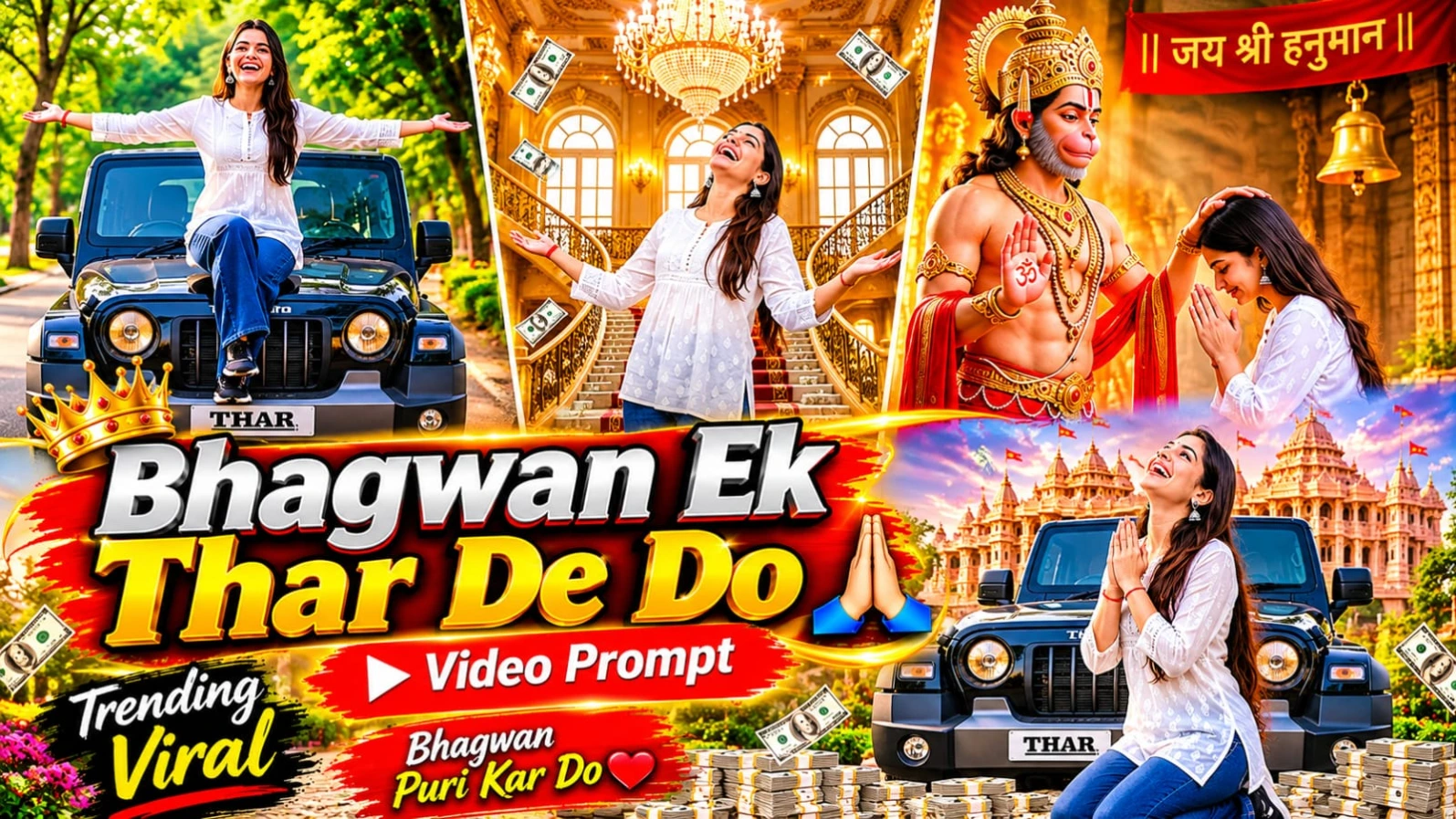
4. Bhagwan Ek THAR De Do | Hanuman Ji Blessing AI Video Prompt | Google Flow AI Viral Trend
Instagram Reels, YouTube Shorts aur Facebook par devotional aur dream-imagination AI videos ka trend tezi se popular ho raha hai. Bhagwan Ek THAR De Do | Hanuman Ji Blessing AI Video Prompt | Google Flow AI Viral Trend un creators ke liye design kiya gaya hai jo Google Flow AI aur apni reference photo (@image1) ki madad se ek 10-second aur 12-shot viral reel create karna chahte hain. Is creative concept mein ek person plain lilac studio mein dance karte hue alag-alag poses banata hai aur hard match-cuts ke zariye un poses ko dream locations mein transform hote hue dikhaya jata hai.
Is vertical 9:16 video prompt mein Hanuman Ji ke aashirwad ("जय श्री हनुमान"), black Mahindra Thar bonnet pose, night white stretch limousine, gym double biceps flex, golden money palace mein falling banknotes, aur final Lord Shiva blessing jaise shots shamil hain. Realistic bright phone-camera look, 8K HDR quality, aur strict face/outfit lock ke sath aap ek high-impact viral reel taiyar kar sakte hain. Bottom corner par diya gaya subtle NoorEditing07 watermark aapke original brand work ko protect karta hai.
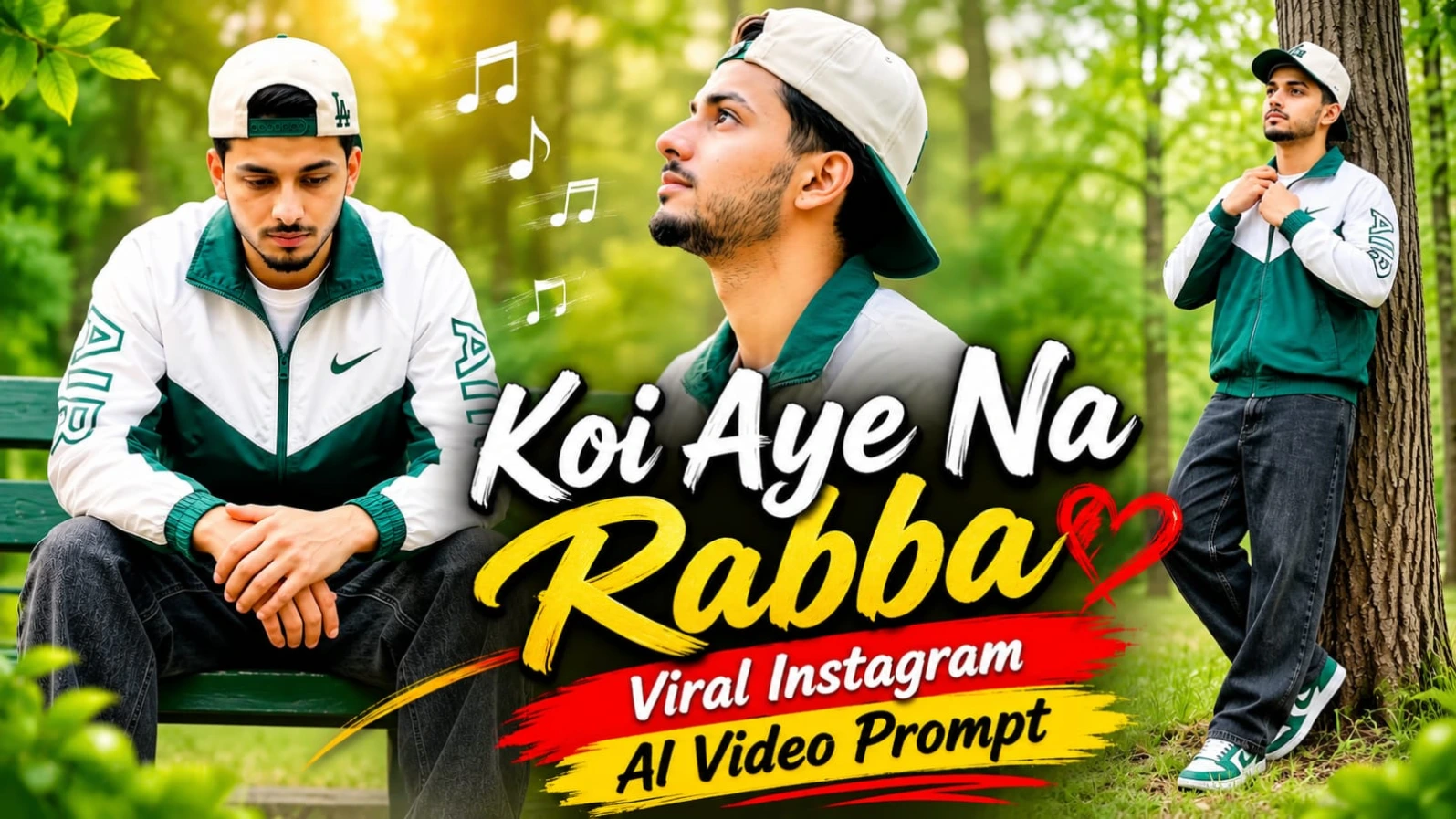
5. Koi Aye Na Rabba Viral Instagram AI Video Prompt | Google Flow AI Edit
Instagram par cinematic song-based AI videos aur peaceful outdoor reels ka trend tezi se popular ho raha hai. Koi Aye Na Rabba Viral Instagram AI Video Prompt | Google Flow AI Edit un creators ke liye design kiya gaya hai jo ChatGPT Character Sheet aur Google Flow AI ki madad se ek 13.4-second aur 9-scene emotional video create karna chahte hain. Is creative concept mein lush green forest clearing, lakeside iron fence, aur autumn leaves ke beech calm aur reflective moments dikhaye gaye hain.
Is video prompt mein character ka outfit white-and-forest-green colorblock zip-up windbreaker jacket (chest par green Nike swoosh aur left sleeve par "AIR" lettering ke sath), cream-and-green "LA" baseball cap, wide-leg washed charcoal-black baggy denim jeans, aur green-and-white skate sneakers specify kiya gaya hai. Tree trunk leans, green park bench sit, lakeside sunset gaze, aur overhead autumn leaf carpet shot jaise 9 scenes is video ko ek high-end travel reel look dete hain. Strict facial identitylock aur NoorEditing07 bottom-corner watermark aapke original brand work ko protect karta hai.