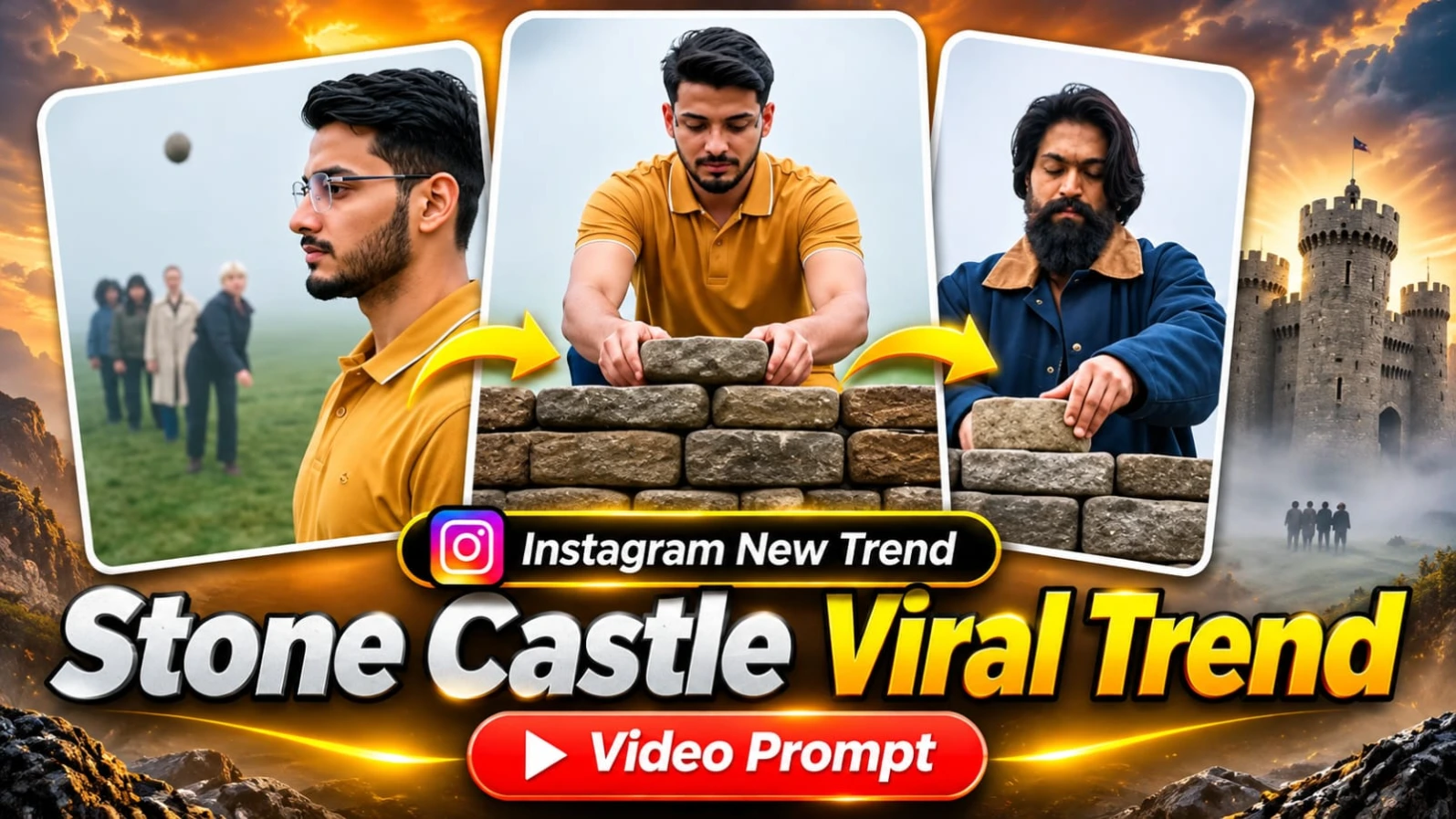
Aajkal Instagram Reels aur YouTube Shorts par AI Video Generation ke naye-naye trends viral ho rahe hain. Inhi mein ek unique aur creative trend hai Stone Castle Viral Trend, jisme ek normal green meadow dheere-dheere ek huge medieval stone castle mein transform hota hua dikhai deta hai. Is video ka concept kaafi interesting hai, kyunki ismein ek person apni mehnat aur creativity se chhote-chhote patharon ki help se ek grand castle banata hua nazar aata hai.
Agar aap bhi apni photo se aisa cinematic Stone Castle AI Video banana chahte hain, to Google Flow AI ki help le sakte hain. Iske liye sabse pehle ChatGPT se apni Character Sheet banani hogi. Uske baad Character Sheet ko Google Flow AI mein reference image ke roop mein upload karke Master Video Prompt use karna hoga. Is process se alag-alag scenes mein character ki appearance consistent rakhne mein madad mil sakti hai.
Is reference video mein total 14 cinematic scenes hain. Video ki starting ek foggy green meadow se hoti hai, jahan person side profile mein khada hota hai. Door paanch adults ka ek group nazar aata hai. Ek grey stone hawa mein aata hua dikhai deta hai, lekin person shaant rehta hai. Uske face par koi dar ya ghabrahat nahi hoti. Yeh opening video ko ek mysterious cinematic story ka feel deti hai.
Agla scene grass level par shoot kiya gaya wide shot hai. Ismein person ke boots frame mein enter hote hain aur woh grass par pade grey stone ki taraf badhta hai. Person neeche baithkar stone uthata hai aur use dhyan se dekhta hai. Iske baad extreme close-up mein dono haathon se stone ko grass par rakhte hue dikhaya jata hai. Yeh moment castle construction ki beginning ko represent karta hai.
Aage person grass par flat stones ki ek straight row banata hai. Camera low angle par hota hai, jisse foreground mein stones clearly visible hote hain. Phir wahi stones dheere-dheere ek wall ka shape lene lagte hain. Har scene mein wall ki height badhti hui dikhai deti hai. Person dono haathon se stones ko carefully arrange karta hai. Yeh construction sequence video ka ek important part hai.
Video ka agla hissa ek round medieval stone tower par focus karta hai. Person tower ke top se bahar dekh raha hota hai. Uske baad pointed arched gateway aur grey castle wall ka wide shot aata hai. Camera dheere-dheere left side ki taraf pan karta hai, jahan castle ki long walls, round crenellated towers aur arched openings nazar aate hain.
Phir castle ka ek beautiful wide reveal dikhaya jata hai. Thick white fog ke beech ek huge grey medieval castle nazar aata hai. Beech mein ek tall round tower hota hai aur person uske top par ek small figure ki tarah khada hota hai. Castle ke neeche paanch adults ka group grass par khada hokar castle ki taraf dekh raha hota hai. Yeh shot video ko grand cinematic scale deta hai.
Ending mein person ka extreme close-up dikhai deta hai, jahan woh bright foggy sky ki taraf peaceful expression ke saath dekhta hai. Last scene top-down drone angle se hota hai. Paanch log green grass par mist ke circle ke andar ek row mein khade hote hain aur camera ki taraf dekhte hue apne right arms se point karte hain. Is tarah video ek mysterious ending ke saath complete hota hai.
Is AI Video ka sabse important part character consistency hai. Isliye sabse pehle ChatGPT mein apni clear photo upload karke Character Sheet generate karwayein. Character Sheet mein face, hairstyle, skin tone, outfit aur overall appearance ko reference photo ke according maintain karne ki instructions dein. Isse Google Flow AI ko character ka visual reference milta hai.
Character Sheet ready hone ke baad Google Flow AI open karein aur reference image upload karein. Ab is article mein diya gaya complete Master Video Prompt paste karein. Prompt mein 14 scenes ki timing, camera angles, character actions, stone construction, castle architecture aur foggy environment ki details di gayi hain.
Video ke liye 9:16 vertical aspect ratio select karein. Prompt mein lagbhag 10.9 seconds ki duration mention hai. Agar available generation settings mein required duration ya resolution na mile, to clips ko alag-alag generate karke editing app mein sequence ke according arrange karein. Generated video ko final upload se pehle check zaroor karein.
Aap is cinematic AI Video ko Instagram Reels, YouTube Shorts aur Facebook Reels par upload kar sakte hain. Apne video mein realistic fog, detailed castle architecture aur consistent character appearance par special attention dein. Is tarah aap ek simple photo ko ek interesting cinematic castle-building story mein convert kar sakte hain.
Aise AI Video trends un creators ke liye useful hain jo cinematic storytelling, AI character generation aur creative video editing explore karna chahte hain. Apna Stone Castle version create karein aur audience ke saath share karein. Agar aapko ye trend pasand aaya, to comment mein apna favourite scene zaroor batayein.
10.9 seconds, 9:16 vertical, ultra-sharp true 8K-quality, ultra-realistic HDR cinematic live-action video, 14 exact scenes in a foggy green meadow transitioning into a medieval stone castle. Subject in mustard-yellow polo shirt with white trim, dark-blue cuffed jeans, and tan Chelsea boots picks up grey stones, builds a stone wall, and stands atop the castle tower while five distant figures stand in the mist. Watermark: NoorEditing07.
10.9 seconds, 9:16 vertical, ultra-sharp true 8K-quality, ultra-realistic HDR, cinematic live-action look shot like a real film on a cinema camera with a sharp lens, shallow depth of field, natural lens breathing, real-world physics for stones, cloth and fog, no CGI look, no plastic skin. EXACTLY 14 SCENES with hard cuts at 1.71s, 3.58s, 4.25s, 5.04s, 5.58s, 5.92s, 6.29s, 6.42s, 6.96s, 7.33s, 7.71s, 8.88s and 9.38s. It is a strict frame-by-frame recreation of one reference video: every scene, camera size, camera angle, camera move and timing below must match exactly, in this order, none skipped, merged or changed.
@image1 is ONLY a face/outfit reference, never shown as a frame or as a photo in the video. THE PERSON = the person in @image1, the only main character. Exact same face, gender, age, skin tone, hairstyle, hair length and body as @image1 in every scene, a 100% identical face in every frame, from every angle, no face change, no morphing; works the same for a man or a woman, never change the gender or hairstyle. Skin: clean, clear, smooth, even-toned, no pimples, no acne, not plastic. THE PERSON's face is razor-sharp in ultra-high-resolution detail whenever it is visible, with crisp eyes, lashes, eyebrows and hair strands. If THE PERSON wears glasses in @image1, the glasses stay on, clean, with no glare. Expression: calm, composed and unmoved in every scene, peaceful in scene 13; no smile, no smirk, no teeth.
OUTFIT, same in every scene: exactly as in @image1; if the outfit is not visible in @image1, use a mustard-yellow polo shirt with a white-trimmed collar and white-trimmed sleeve cuffs, dark-blue jeans with cuffed hems, and tan Chelsea boots. No jewelry added.
THE GROUP: five adults of mixed ages and backgrounds in muted coats and jackets (a grey-blue sweater, an olive-green jacket, a beige trench coat, a navy wool coat, a long grey top), standing in a tight row far away in the fog. They throw grey stones, but no stone ever hits THE PERSON, with no injury and no blood.
LOCATION: a wide empty green meadow in thick white fog, a pale white-grey overcast sky, soft cold daylight, later a huge grey medieval stone castle with round crenellated towers and pointed arched gateways, rising out of the fog.
SCENE 1 (0.00-1.71s): a close-up in profile, a static camera at face height, shallow depth of field. THE PERSON is at the right of the frame, facing LEFT toward the group, who stand small and blurred in the fog at the left. 0.0s: one person of the group raises an arm to throw. 0.25s: a grey stone flies across the upper frame. 0.5s: the stone passes in front of THE PERSON's chest, big and blurred. 0.75-1.25s: THE PERSON stays calm and unmoved, only breathing. 1.25-1.71s: THE PERSON lowers the head and eyes and looks down.
SCENE 2 (1.71-3.58s): a wide low shot at grass level, static, the group small in the fog at the left, a grey stone lying on the grass at the lower centre. 1.71s: only THE PERSON's legs and boots enter at the right. 2.0s: THE PERSON walks toward the stone and bends down. 2.5s: THE PERSON drops to one knee on the grass and reaches out. 2.75s: THE PERSON picks up the stone. 3.0-3.58s: kneeling and looking at the stone in the hand, with small stones flying through the sky in the background.
SCENE 3 (3.58-4.25s): an extreme close-up at grass level: both hands hold a flat grey stone, then press it into the grass; the sleeves visible, the boots blurred behind. 3.58s: holding the stone. 3.75s: pressing it into place. 4.0s: the fingers spread, pressing it firmly.
SCENE 4 (4.25-5.04s): a low-angle medium shot: THE PERSON kneels on one knee behind a straight row of flat stones laid on the grass, leading toward the camera. 4.25s: lays a stone at the end of the row. 4.5-4.75s: presses both hands on the stones. 5.0s: the row is finished.
SCENE 5 (5.04-5.58s): a low shot: a stone wall in the foreground fills the lower third, THE PERSON sits behind it, head and chest above the wall, holding a stone in both hands and laying it on top. 5.1s: the wall is about knee height. 5.3s: laying the stone. 5.58s: the wall is taller.
SCENE 6 (5.58-5.92s): the same low shot, the wall now taller, THE PERSON again laying a stone on top with both hands, looking down.
SCENE 7 (5.92-6.29s): a low-angle shot looking up at a curved round stone tower wall, THE PERSON peeking over the top, only the head and shoulders visible, looking down calmly, the pale foggy sky behind.
SCENE 8 (6.29-6.42s): a very quick wide shot of a grey stone castle wall with a pointed arched gateway at the bottom (white fog inside), THE PERSON a small figure standing on the battlements at the left.
A small, subtle white text watermark NoorEditing07 stays at the bottom centre of the frame throughout the video, clean and non-distracting, placed above the bottom edge, and the same look continues in every scene.
SCENE 9 (6.42-6.96s): a wide low shot, the camera panning slowly to the left along a long grey castle wall with round crenellated towers and pointed arched openings with white fog behind them, THE PERSON a small figure standing on the battlements.
SCENE 10 (6.96-7.33s): the same pan continues in a wider framing, the towers and arches gliding past, THE PERSON still a small figure on the battlements.
SCENE 11 (7.33-7.71s): a low-angle shot of a round castle tower with THE PERSON standing small on top, lower towers on both sides, green grass at the bottom.
SCENE 12 (7.71-8.88s): a wide static shot: the whole grey castle in thick fog, a tall central round tower with THE PERSON standing tiny on top, lower towers on both sides; at the bottom the small group of five stands in a row on the grass looking up at the castle, the mist rolling slowly.
SCENE 13 (8.88-9.38s): an extreme close-up, low angle: THE PERSON's face looking up at the bright foggy sky, calm and peaceful, the collar of the shirt visible, a small slow breath.
SCENE 14 (9.38-10.92s): a top-down drone shot, almost static: the group of five stands in a tight row on green grass inside a circle of mist, all looking up at the camera and pointing their right arms straight at it, a few grey stones lying near their feet. 9.5s: they point. 10.0s: they hold, unmoving. 10.5s-10.92s: they hold the stare, and the video ends.
AUDIO: the reference is silent, so no music, no speech, no sound effects.
Colour grading: a cold, desaturated cinematic grade with deep green grass, thick white fog, a pale white-grey sky, natural skin tones, a clean noise-free image, HDR10+ / Dolby Vision style high dynamic range with protected highlights, 10-bit colour.
STRICT RULES: generate ONLY what is written. No other people, no extra props or text, no sparkle or platform watermark, no logos. Keep the camera positions, actions and timings exactly as written, with all 14 scenes in the video.
AVOID: smile, smirk, teeth, blurry face, soft focus, AI look, plastic skin, CGI, haze on the face, glow on the face, pimples, acne, extra people beyond the described group, missing glasses, glasses glare, a stone hitting THE PERSON, blood, a changed face, a changed gender, a changed outfit, a changed location, new scenes, missing scenes.
✓
Prompt copied to clipboard!
✦AI VIDEO PROMPT
10.9 seconds, 9:16 vertical, ultra-sharp true 8K-quality, ultra-realistic HDR cinematic live-action video, 14 exact scenes in a foggy green meadow transitioning into a medieval stone castle. Subject in mustard-yellow polo shirt with white trim, dark-blue cuffed jeans, and tan Chelsea boots picks up grey stones, builds a stone wall, and stands atop the castle tower while five distant figures stand in the mist. Watermark: NoorEditing07.
10.9 seconds, 9:16 vertical, ultra-sharp true 8K-quality, ultra-realistic HDR, cinematic live-action look shot like a real film on a cinema camera with a sharp lens, shallow depth of field, natural lens breathing, real-world physics for stones, cloth and fog, no CGI look, no plastic skin. EXACTLY 14 SCENES with hard cuts at 1.71s, 3.58s, 4.25s, 5.04s, 5.58s, 5.92s, 6.29s, 6.42s, 6.96s, 7.33s, 7.71s, 8.88s and 9.38s. It is a strict frame-by-frame recreation of one reference video: every scene, camera size, camera angle, camera move and timing below must match exactly, in this order, none skipped, merged or changed.
@image1 is ONLY a face/outfit reference, never shown as a frame or as a photo in the video. THE PERSON = the person in @image1, the only main character. Exact same face, gender, age, skin tone, hairstyle, hair length and body as @image1 in every scene, a 100% identical face in every frame, from every angle, no face change, no morphing; works the same for a man or a woman, never change the gender or hairstyle. Skin: clean, clear, smooth, even-toned, no pimples, no acne, not plastic. THE PERSON's face is razor-sharp in ultra-high-resolution detail whenever it is visible, with crisp eyes, lashes, eyebrows and hair strands. If THE PERSON wears glasses in @image1, the glasses stay on, clean, with no glare. Expression: calm, composed and unmoved in every scene, peaceful in scene 13; no smile, no smirk, no teeth.
OUTFIT, same in every scene: exactly as in @image1; if the outfit is not visible in @image1, use a mustard-yellow polo shirt with a white-trimmed collar and white-trimmed sleeve cuffs, dark-blue jeans with cuffed hems, and tan Chelsea boots. No jewelry added.
THE GROUP: five adults of mixed ages and backgrounds in muted coats and jackets (a grey-blue sweater, an olive-green jacket, a beige trench coat, a navy wool coat, a long grey top), standing in a tight row far away in the fog. They throw grey stones, but no stone ever hits THE PERSON, with no injury and no blood.
LOCATION: a wide empty green meadow in thick white fog, a pale white-grey overcast sky, soft cold daylight, later a huge grey medieval stone castle with round crenellated towers and pointed arched gateways, rising out of the fog.
SCENE 1 (0.00-1.71s): a close-up in profile, a static camera at face height, shallow depth of field. THE PERSON is at the right of the frame, facing LEFT toward the group, who stand small and blurred in the fog at the left. 0.0s: one person of the group raises an arm to throw. 0.25s: a grey stone flies across the upper frame. 0.5s: the stone passes in front of THE PERSON's chest, big and blurred. 0.75-1.25s: THE PERSON stays calm and unmoved, only breathing. 1.25-1.71s: THE PERSON lowers the head and eyes and looks down.
SCENE 2 (1.71-3.58s): a wide low shot at grass level, static, the group small in the fog at the left, a grey stone lying on the grass at the lower centre. 1.71s: only THE PERSON's legs and boots enter at the right. 2.0s: THE PERSON walks toward the stone and bends down. 2.5s: THE PERSON drops to one knee on the grass and reaches out. 2.75s: THE PERSON picks up the stone. 3.0-3.58s: kneeling and looking at the stone in the hand, with small stones flying through the sky in the background.
SCENE 3 (3.58-4.25s): an extreme close-up at grass level: both hands hold a flat grey stone, then press it into the grass; the sleeves visible, the boots blurred behind. 3.58s: holding the stone. 3.75s: pressing it into place. 4.0s: the fingers spread, pressing it firmly.
SCENE 4 (4.25-5.04s): a low-angle medium shot: THE PERSON kneels on one knee behind a straight row of flat stones laid on the grass, leading toward the camera. 4.25s: lays a stone at the end of the row. 4.5-4.75s: presses both hands on the stones. 5.0s: the row is finished.
SCENE 5 (5.04-5.58s): a low shot: a stone wall in the foreground fills the lower third, THE PERSON sits behind it, head and chest above the wall, holding a stone in both hands and laying it on top. 5.1s: the wall is about knee height. 5.3s: laying the stone. 5.58s: the wall is taller.
SCENE 6 (5.58-5.92s): the same low shot, the wall now taller, THE PERSON again laying a stone on top with both hands, looking down.
SCENE 7 (5.92-6.29s): a low-angle shot looking up at a curved round stone tower wall, THE PERSON peeking over the top, only the head and shoulders visible, looking down calmly, the pale foggy sky behind.
SCENE 8 (6.29-6.42s): a very quick wide shot of a grey stone castle wall with a pointed arched gateway at the bottom (white fog inside), THE PERSON a small figure standing on the battlements at the left.
A small, subtle white text watermark NoorEditing07 stays at the bottom centre of the frame throughout the video, clean and non-distracting, placed above the bottom edge, and the same look continues in every scene.
SCENE 9 (6.42-6.96s): a wide low shot, the camera panning slowly to the left along a long grey castle wall with round crenellated towers and pointed arched openings with white fog behind them, THE PERSON a small figure standing on the battlements.
SCENE 10 (6.96-7.33s): the same pan continues in a wider framing, the towers and arches gliding past, THE PERSON still a small figure on the battlements.
SCENE 11 (7.33-7.71s): a low-angle shot of a round castle tower with THE PERSON standing small on top, lower towers on both sides, green grass at the bottom.
SCENE 12 (7.71-8.88s): a wide static shot: the whole grey castle in thick fog, a tall central round tower with THE PERSON standing tiny on top, lower towers on both sides; at the bottom the small group of five stands in a row on the grass looking up at the castle, the mist rolling slowly.
SCENE 13 (8.88-9.38s): an extreme close-up, low angle: THE PERSON's face looking up at the bright foggy sky, calm and peaceful, the collar of the shirt visible, a small slow breath.
SCENE 14 (9.38-10.92s): a top-down drone shot, almost static: the group of five stands in a tight row on green grass inside a circle of mist, all looking up at the camera and pointing their right arms straight at it, a few grey stones lying near their feet. 9.5s: they point. 10.0s: they hold, unmoving. 10.5s-10.92s: they hold the stare, and the video ends.
AUDIO: the reference is silent, so no music, no speech, no sound effects.
Colour grading: a cold, desaturated cinematic grade with deep green grass, thick white fog, a pale white-grey sky, natural skin tones, a clean noise-free image, HDR10+ / Dolby Vision style high dynamic range with protected highlights, 10-bit colour.
STRICT RULES: generate ONLY what is written. No other people, no extra props or text, no sparkle or platform watermark, no logos. Keep the camera positions, actions and timings exactly as written, with all 14 scenes in the video.
AVOID: smile, smirk, teeth, blurry face, soft focus, AI look, plastic skin, CGI, haze on the face, glow on the face, pimples, acne, extra people beyond the described group, missing glasses, glasses glare, a stone hitting THE PERSON, blood, a changed face, a changed gender, a changed outfit, a changed location, new scenes, missing scenes.
Agar aap bhi apni photo se viral Stone Castle AI Video banana chahte hain, to aap Google Flow AI ki madad se aasani se is tarah ka cinematic video generate kar sakte hain. Iske liye aapko Character Sheet banane ki zaroorat nahi hai. Aapko sirf apni ek photo, Reference Video aur Master Video Prompt ki zaroorat hogi.
Step 1: Google Flow AI Open Karein
Sabse pehle apne mobile ya computer mein Google Flow AI open karein. Iske baad apne Google Account se login karein aur Create New Project par click karke ek naya video project start karein.
Step 2: Reference Video Add Karein
Ab jis tarah ka Stone Castle Viral Trend Video aap banana chahte hain, uska Reference Video upload karein. Reference Video se Google Flow AI ko video ka overall look, scenes, camera movements aur visual style samajhne mein madad milti hai.
Step 3: Master Video Prompt Paste Karein
Ab is article mein diya gaya Stone Castle Master Video Prompt copy karein aur Google Flow AI ke Prompt Box mein paste kar dein. Prompt mein diye gaye scenes, castle design, foggy environment, character details aur camera instructions ko dhyan se check karein.
Step 4: Apni Photo Upload Karein
Ab apni ek clear photo Reference Image ke roop mein add karein. Koshish karein ki photo mein aapka face clearly visible ho, taaki AI aapki photo ko main character ke reference ke roop mein use kar sake. Prompt mein character identity aur outfit se judi instructions bhi zaroor rakhein.
Step 5: Aspect Ratio Select Karein
Ab video ke liye Aspect Ratio select karein. Instagram Reels, YouTube Shorts aur Facebook Reels ke liye 9:16 Vertical Ratio select karna behtar rahega. Isse video mobile screen ke liye vertical format mein generate hoga.
Step 6: Video Generate Karein
Ab Reference Video, apni photo, Master Video Prompt aur Aspect Ratio ko ek baar dobara check karein. Sab kuch sahi hone par Generate button par click karein. Google Flow AI aapke diye gaye references aur prompt ke according cinematic Stone Castle style video generate karne ki koshish karega.
Step 7: Final Video Check Karein
Video generate hone ke baad use preview karein. Check karein ki character, castle, background aur scenes aapke reference ke according hain ya nahi. Agar kisi scene mein improvement ki zaroorat ho, to prompt ko edit karke dobara generate kar sakte hain.
Step 8: Video Export Karein
Jab aapka final video ready ho jaye, to use export ya download kar lein. Ab aap apne video ko Instagram Reels, YouTube Shorts aur Facebook par upload kar sakte hain.
Important Tip: Reference Video, apni photo aur Master Video Prompt ko sahi tarah select karna zaroori hai. AI ka final result references aur prompt ke according alag ho sakta hai. Isliye generate karne se pehle sabhi details check zaroor karein.
Bas! In simple steps ko follow karke aap bhi apni photo ke saath Stone Castle Viral Trend jaisa cinematic AI Video create kar sakte hain.
Stone Castle Viral Trend AI Video Prompt - Noor Editing
Stone Castle Viral TrendBuild Your Own Castle AI VideoGoogle Flow AI Video PromptStone Castle AI Video PromptChatGPT Character SheetAI Character Model SheetGoogle Flow AI Tutorial FreeMedieval Castle AI VideoCinematic AI Video EditingFoggy Castle AI Video9:16 AI Video PromptViral Instagram AI Video TrendFree AI Video Generation
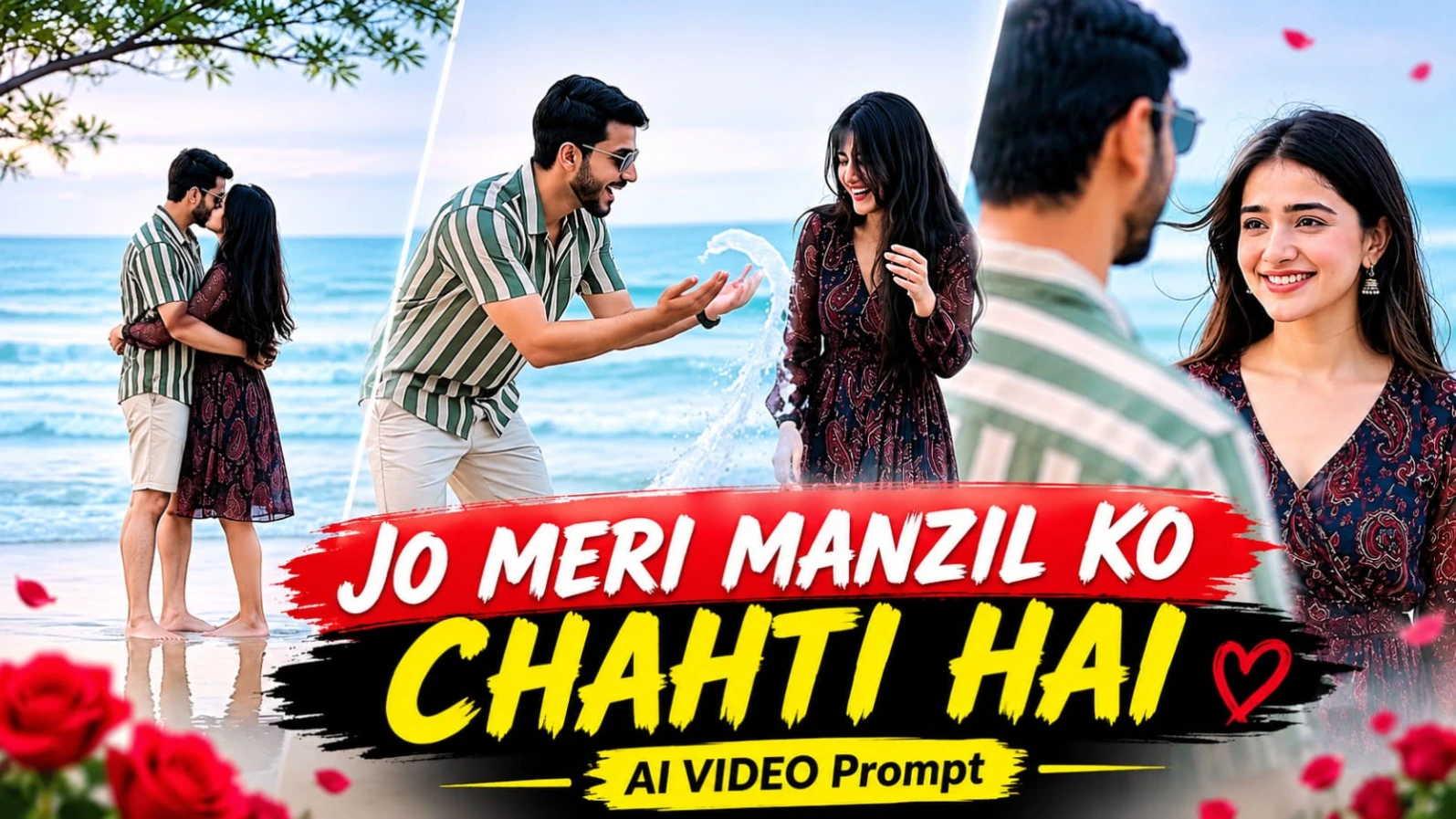
Instagram par “Jo Meri Manzil Ko Chahti Hai” audio aur romantic beach couple AI videos ka trend tezi se viral ho raha hai.Jo Meri Manzil Ko Chahti Hai | Cinematic Couple AI Video Prompt | Google Flow AI Viral Instagram Trend | Free AI Video un creators ke liye design kiya gaya hai jo ChatGPT Character Sheet aur Google Flow AI ki madad se ek 30.3-second aur 11-scene cinematic beach video create karna chahte hain. Is creative concept mein turquoise-blue ocean waves, wet reflective sand, soft overcast daylight, aur couple ke affectionate beach moments dikhaye gaye hain.
Is 16:9 widescreen video prompt mein male character ka outfit olive-green and cream vertical-striped short-sleeve shirt, beige chino shorts, dark sunglasses, aur barefoot look specify kiya gaya hai, jabki female character ke liye dark maroon-and-navy paisley sheer wrap dress aur gold hoop earrings diye gaye hain. Shallow waves water kick, rack-focus smiles, shoreline twirls, ocean wave splash play, aur seaside embraces jaise 11 scenes is reel ko ek professional music-video feel dete hain. Strict facial identity lock aur bottom corner par diya gaya subtle NoorEditing07 watermark aapke original brand work ko protect karta hai.
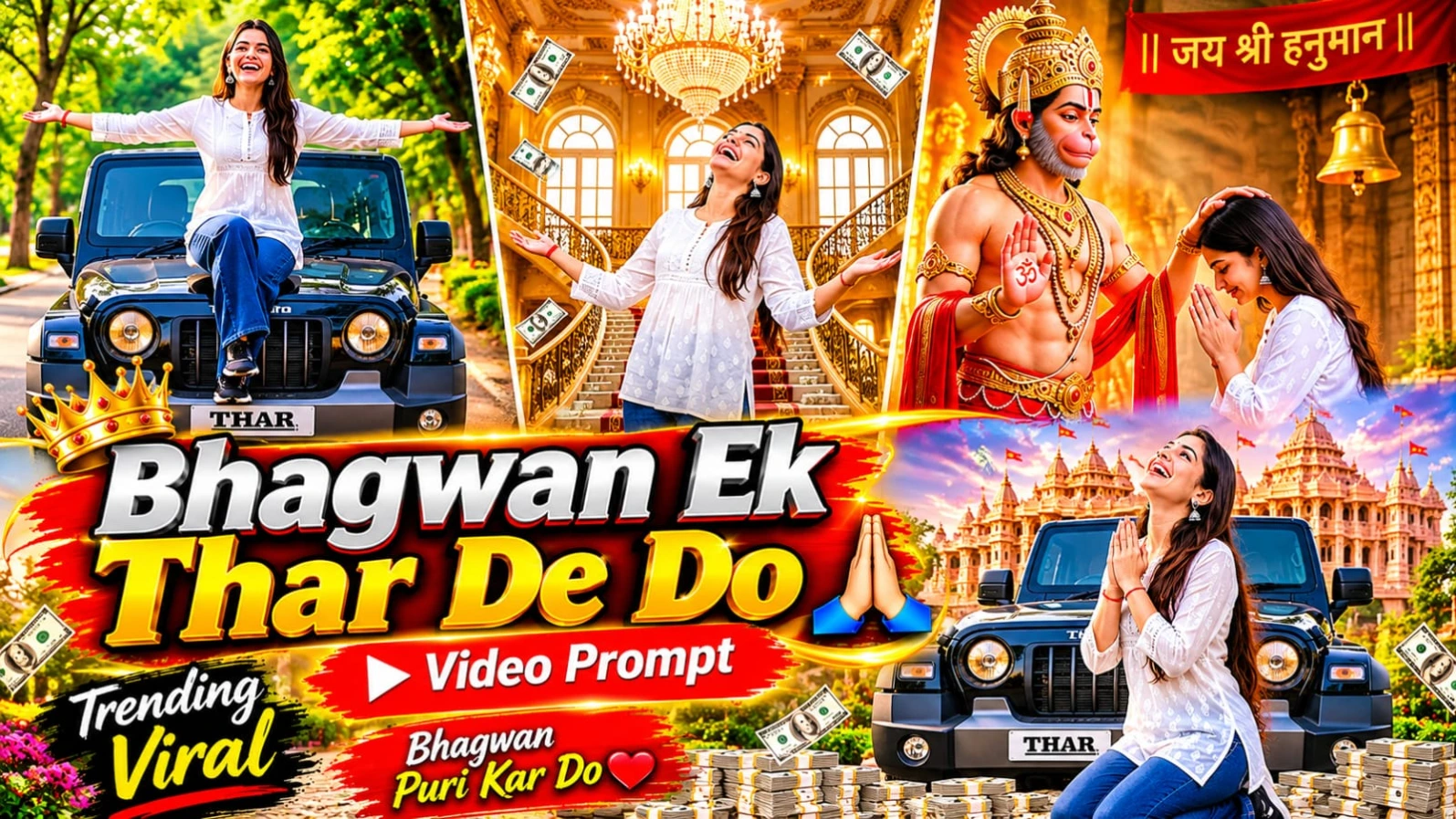
2. Bhagwan Ek THAR De Do | Hanuman Ji Blessing AI Video Prompt | Google Flow AI Viral Trend
Instagram Reels, YouTube Shorts aur Facebook par devotional aur dream-imagination AI videos ka trend tezi se popular ho raha hai.Bhagwan Ek THAR De Do | Hanuman Ji Blessing AI Video Prompt | Google Flow AI Viral Trend un creators ke liye design kiya gaya hai jo Google Flow AI aur apni reference photo (@image1) ki madad se ek 10-second aur 12-shot viral reel create karna chahte hain. Is creative concept mein ek person plain lilac studio mein dance karte hue alag-alag poses banata hai aur hard match-cuts ke zariye un poses ko dream locations mein transform hote hue dikhaya jata hai.
Is vertical 9:16 video prompt mein Hanuman Ji ke aashirwad ("जय श्री हनुमान"), black Mahindra Thar bonnet pose, night white stretch limousine, gym double biceps flex, golden money palace mein falling banknotes, aur final Lord Shiva blessing jaise shots shamil hain. Realistic bright phone-camera look, 8K HDR quality, aur strict face/outfit lock ke sath aap ek high-impact viral reel taiyar kar sakte hain. Bottom corner par diya gaya subtle NoorEditing07 watermark aapke original brand work ko protect karta hai.
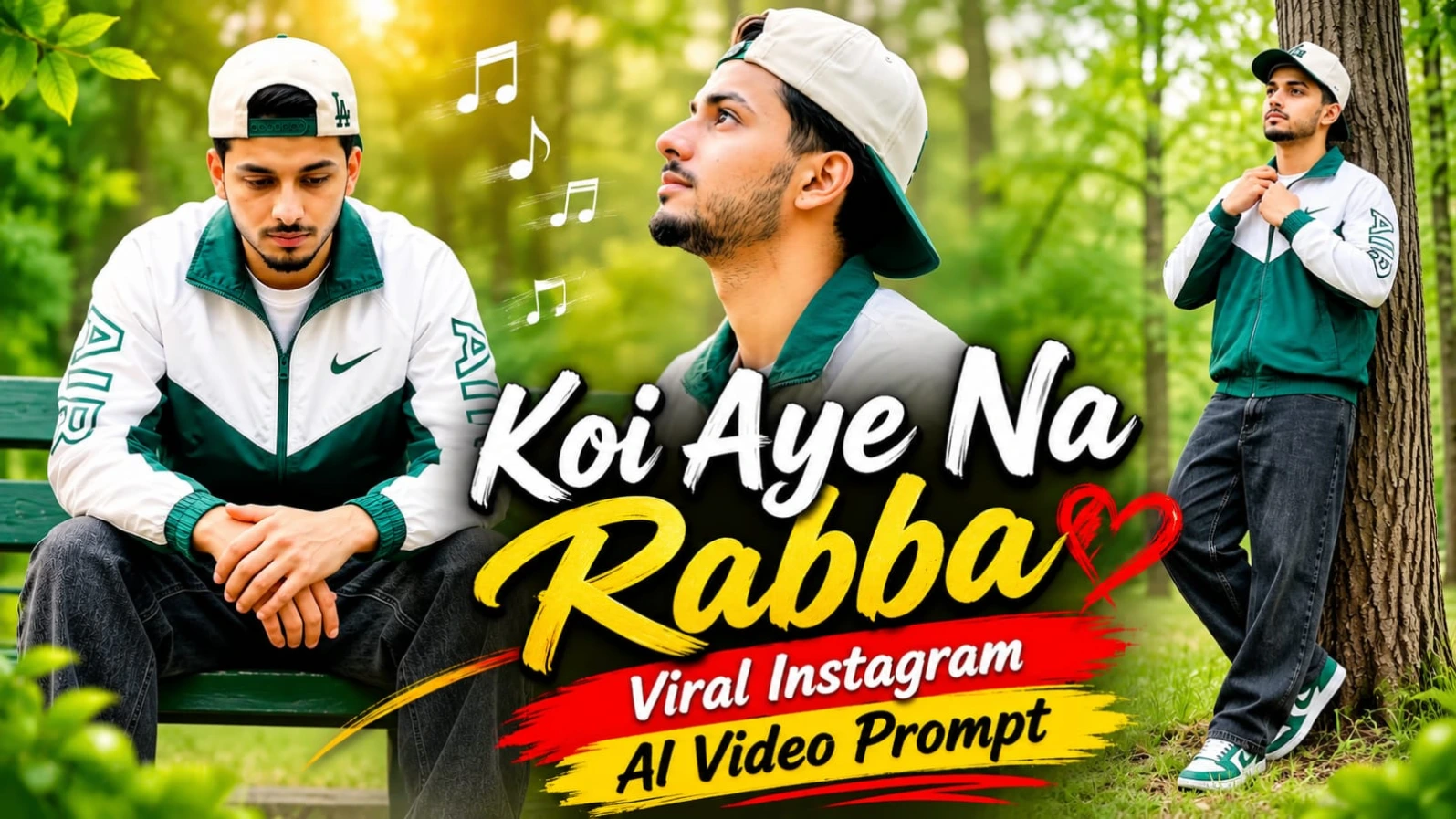
3. Koi Aye Na Rabba Viral Instagram AI Video Prompt | Google Flow AI Edit
Instagram par cinematic song-based AI videos aur peaceful outdoor reels ka trend tezi se popular ho raha hai.Koi Aye Na Rabba Viral Instagram AI Video Prompt | Google Flow AI Edit un creators ke liye design kiya gaya hai jo ChatGPT Character Sheet aur Google Flow AI ki madad se ek 13.4-second aur 9-scene emotional video create karna chahte hain. Is creative concept mein lush green forest clearing, lakeside iron fence, aur autumn leaves ke beech calm aur reflective moments dikhaye gaye hain.
Is video prompt mein character ka outfit white-and-forest-green colorblock zip-up windbreaker jacket (chest par green Nike swoosh aur left sleeve par "AIR" lettering ke sath), cream-and-green "LA" baseball cap, wide-leg washed charcoal-black baggy denim jeans, aur green-and-white skate sneakers specify kiya gaya hai. Tree trunk leans, green park bench sit, lakeside sunset gaze, aur overhead autumn leaf carpet shot jaise 9 scenes is video ko ek high-end travel reel look dete hain. Strict facial identity lock aur NoorEditing07 bottom-corner watermark aapke original brand work ko protect karta hai.
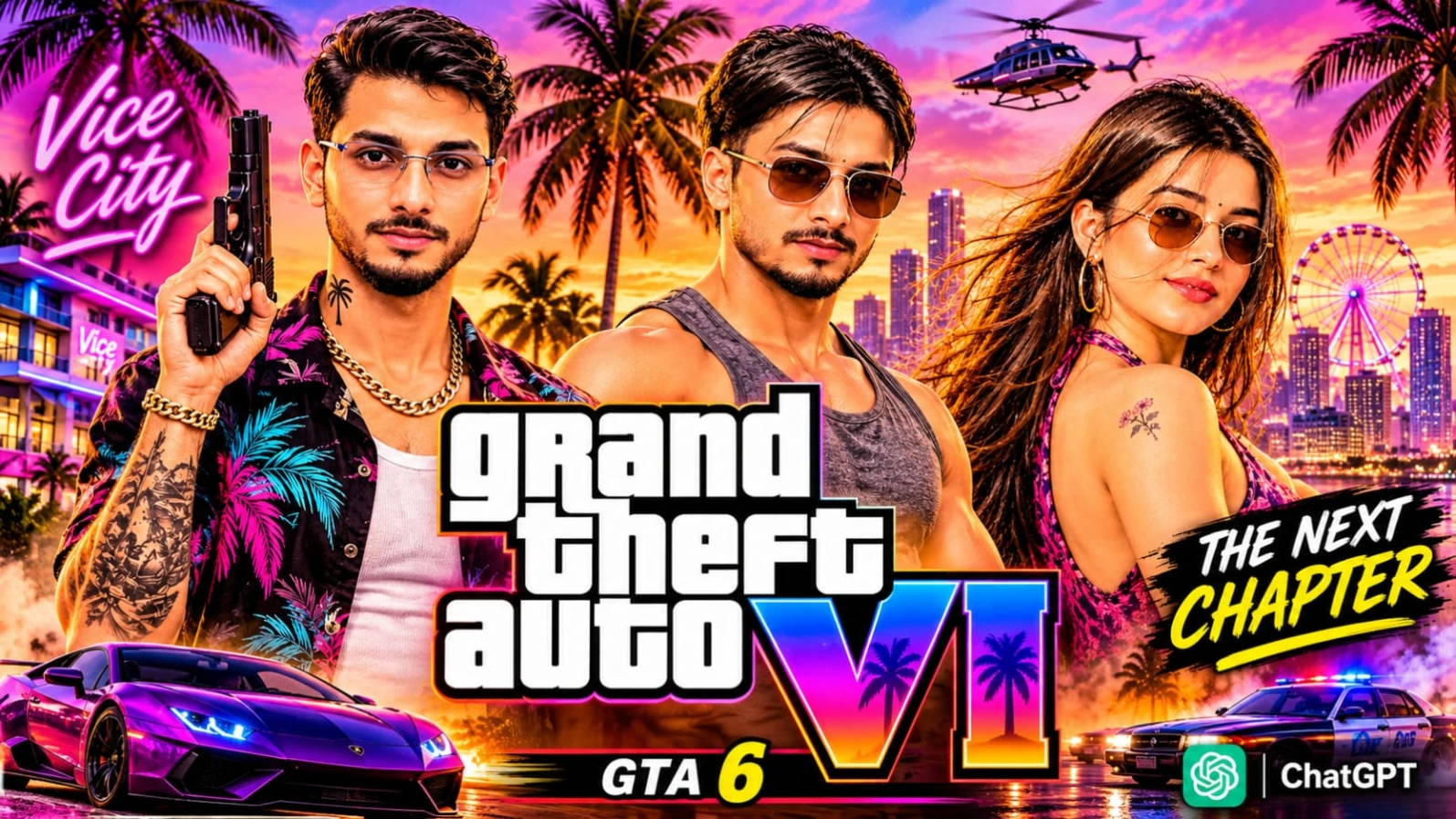
4. GTA 6 Vice City AI Photo Prompts for ChatGPT | Cinematic Poster
Retro 1980s tropical Vice City aesthetic, glowing neon lights, aur classic sports cars ke sath apni photo ko ek gaming key-art poster mein badalna aaj kal social media par kaafi trending hai.GTA 6 Vice City AI Photo Prompts for ChatGPT | Cinematic Poster un creators ke liye design kiya gaya hai jo ChatGPT ki madad se apni normal photo ko ek stylish, colourful, aur high-detail 8K Vice City poster mein convert karna chahte hain. Is collection mein solo character posters, couple street portraits, convertible car scenes, aur comic-book collages jaise multiple creative concepts diye gaye hain.
Is photo prompt mein open-collar Hawaiian shirt, gold chain, forearm tattoos, dark aviator sunglasses, aur "OCEAN DRIVE HOTEL" neon signs ke sath dramatic purple, pink, aur orange sunset sky specify kiya gaya hai. ChatGPT ki reference-photo identity guidance ki madad se aap apna original face, expressions, aur skin tone preserve karte hue ek premium video-game-style poster generate kar sakte hain. Vertical 4:5 aspect ratio aur bottom par diya gaya subtle NoorEditing07 watermark aapke original brand work ko protect karta hai.
5. Kabhi To Pass Mere Aao Instagram Trend AI Video Prompt | Google Flow AI
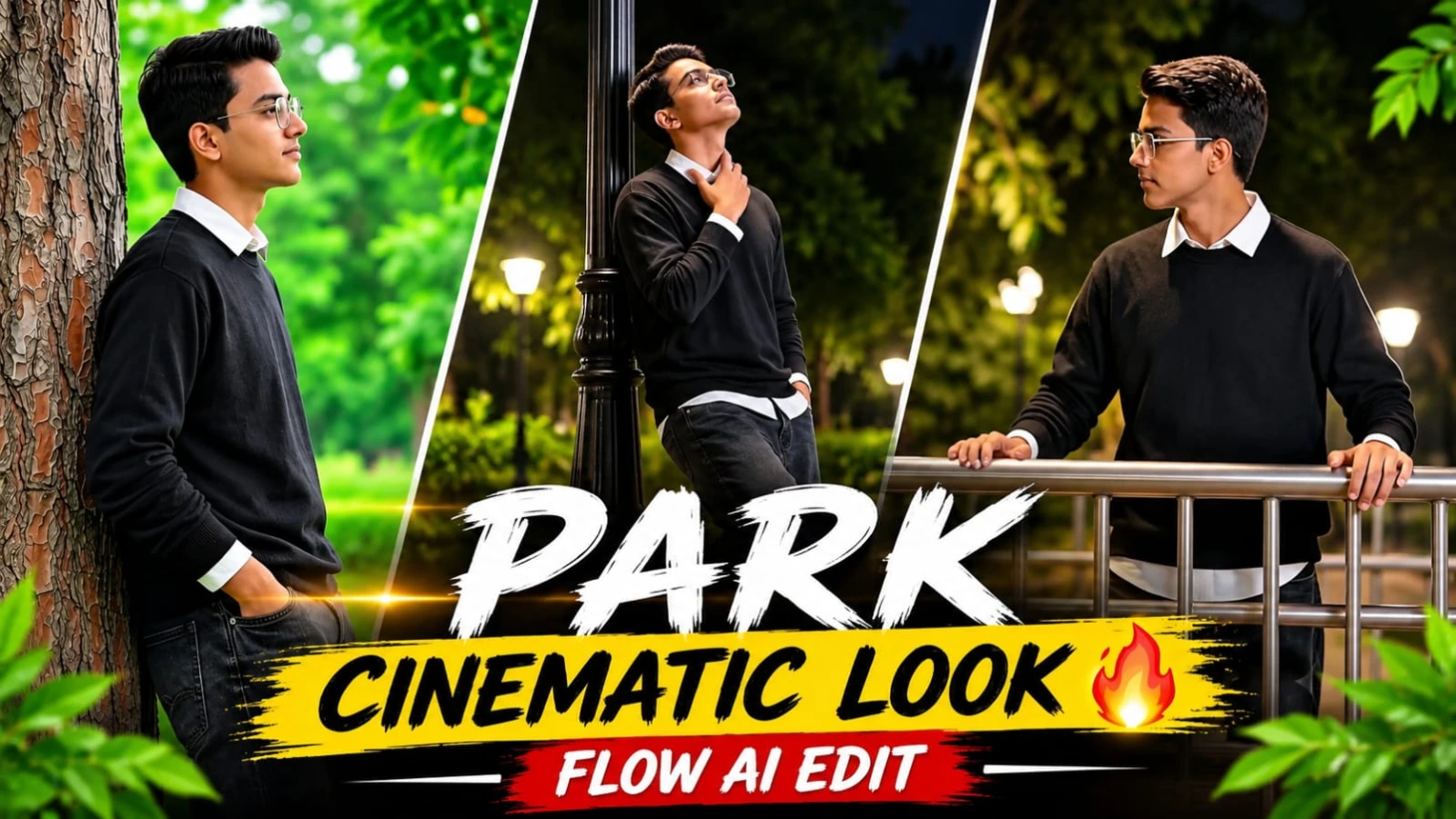
Instagram par cinematic song-based AI videos aur day-to-night transitions ka trend tezi se popular ho raha hai.Kabhi To Pass Mere Aao Instagram Trend AI Video Prompt | Google Flow AI un creators ke liye design kiya gaya hai jo ChatGPT Character Sheet aur Google Flow AI ki madad se ek 13.6-second aur 10-scene romantic video create karna chahte hain. Is creative concept mein lush green park location, banyan tree roots, pine trees, aur illuminated night streetlamps ke beech ek emotional visual journey dikhai gayi hai.
Is video prompt mein character ka outfit black long-sleeve crewneck sweater layered over a crisp white collared shirt, wide-leg washed charcoal-black baggy denim jeans, aur black sneakers specify kiya gaya hai. Starting ke 3 scenes bright soft daylight mein aur Scenes 4 se 10 glowing white streetlamps aur silver metal bridge railings ke sath warm night lighting mein shoot kiye gaye hain. 85mm portrait lens look, creamy bokeh, aur strict facial identity lock ke sath aap ek high-end DSLR cinematic reel taiyar kar sakte hain. Bottom corner par diya gaya subtle NoorEditing07 watermark aapke original brand work ko protect karta hai.