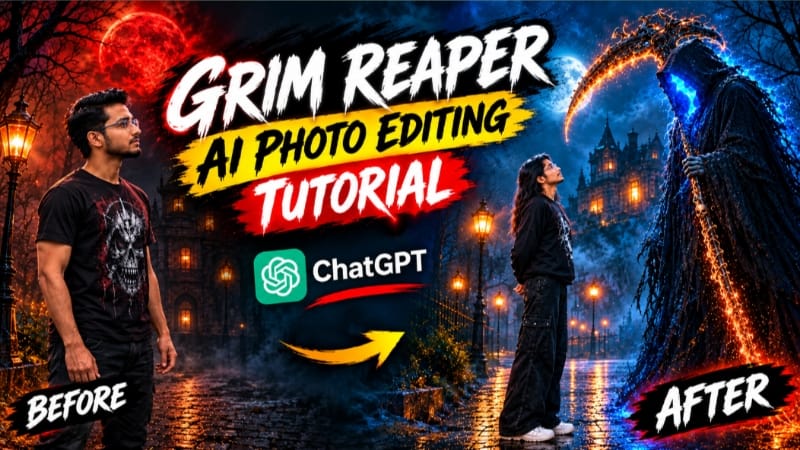
Grim Reaper AI Photo Editing | Horror Cinematic Photo Edit | ChatGPT Prompt
Create a dark, cinematic and ultra-realistic Grim Reaper AI Photo Editing scene using the uploaded photograph as the primary reference for the person. The main objective of this AI photo editing concept is to transform an ordinary portrait into a dramatic horror-inspired cinematic photograph while preserving the original person's recognizable identity, natural facial structure, body proportions, skin tone and overall appearance. The final result should feel like a professionally photographed dark fantasy movie scene rather than a cartoon, digital painting or obviously AI-generated image.
Use the uploaded photo as the exact identity reference for the main subject. Preserve the person's original face, facial structure, eyes, nose, lips, jawline, skin texture, hairstyle and natural body proportions. Do not redesign the face or apply unnecessary beauty effects. The person should remain recognizable as the same individual from the uploaded photograph. Maintain realistic anatomy and natural proportions throughout the composition. Avoid making the subject unnecessarily muscular, taller, thinner or physically different from the original reference.
The main visual concept is a powerful Grim Reaper-inspired horror atmosphere surrounding the subject. The person should appear as the central character in a dark cinematic environment, creating the feeling of a supernatural movie poster or mysterious horror film still. The atmosphere should be intense, mysterious and visually dramatic without making the image look like a low-quality horror filter. The horror elements should be integrated naturally into the photographic environment with realistic lighting, shadows, depth and atmospheric effects.
A mysterious Grim Reaper figure can appear behind or near the main subject as a dark supernatural presence. The Reaper should have a long flowing black hooded robe with realistic fabric texture and deep folds. The hood should create a shadow over the face, producing an ominous silhouette rather than an exaggerated monster appearance. A traditional scythe can be incorporated as a cinematic fantasy prop, with a long dark handle and a metallic curved blade catching subtle highlights from the surrounding light. The Reaper should remain visually secondary to the main subject while adding a strong supernatural storytelling element.
The environment should be dark, atmospheric and cinematic. Use a mysterious night-time setting with deep shadows, subtle fog and a dramatic background. Distant structures, abandoned architectural elements, dark trees or a desolate cinematic environment can be softly visible through the haze. The background should contain enough detail to establish depth while remaining slightly blurred so the main subject stays visually dominant.
Lighting should be carefully designed to create a professional horror-cinema appearance. Use a combination of cool moonlight and subtle atmospheric highlights around the subject. A faint rim light can separate the subject from the dark background while maintaining realistic shadows across the face and clothing. Avoid excessive brightness, artificial glow or extreme HDR. The light should appear physically believable, as if the photograph was captured during an actual nighttime cinematic photoshoot.
Add subtle atmospheric fog around the environment and lower portion of the composition. The fog should have natural density variations rather than appearing like a flat overlay. Small particles or mist can be visible in areas where light passes through the atmosphere. These details should create depth and make the scene feel immersive while keeping the person's face clear and recognizable.
The overall color palette should use deep black, charcoal, cool blue, muted gray and subtle metallic highlights. Keep saturation controlled and use cinematic contrast to create a premium horror aesthetic. Shadows should be rich but should not completely destroy facial details. The subject's skin should retain realistic natural texture and should not become unnaturally pale, plastic or waxy unless specifically required by the original concept.
The photography should resemble a high-end professional DSLR or cinema-camera photograph. Use realistic depth of field, sharp focus on the main subject and subtle background separation. Preserve fine details such as individual hair strands, natural skin pores, clothing fibers, realistic shadows and atmospheric depth. The final photograph should have professional lens rendering rather than a digital-art appearance.
The composition should be suitable for a cinematic horror poster, AI photo editing showcase or social media portrait. Maintain strong visual hierarchy so the viewer notices the subject first, followed by the Grim Reaper silhouette and the atmospheric environment. The supernatural elements should support the story without completely covering or replacing the original person.
The final result should look like a frame from a high-budget dark fantasy or horror movie. It should combine realistic photography, cinematic lighting, atmospheric fog and carefully integrated supernatural elements. Avoid cartoon-style graphics, exaggerated monster features, unrealistic anatomy, excessive blood or low-quality horror effects. The goal is a sophisticated cinematic horror photograph that looks believable and professionally produced.
For the highest-quality result, preserve the original person's identity throughout the entire editing process. The face must remain natural and recognizable, while the surrounding environment and supernatural elements provide the dramatic transformation. Use realistic textures, physically believable lighting, cinematic depth, subtle film grain and premium color grading to create an authentic horror-film atmosphere.
The finished image should have an ultra-detailed 8K appearance, crisp subject detail, realistic skin texture, cinematic shadows, atmospheric depth and professional photographic quality. It should feel like a carefully directed horror movie scene captured with a professional camera rather than a simple AI filter. The final composition should be dark, mysterious, dramatic and visually striking while maintaining the natural identity of the uploaded subject.
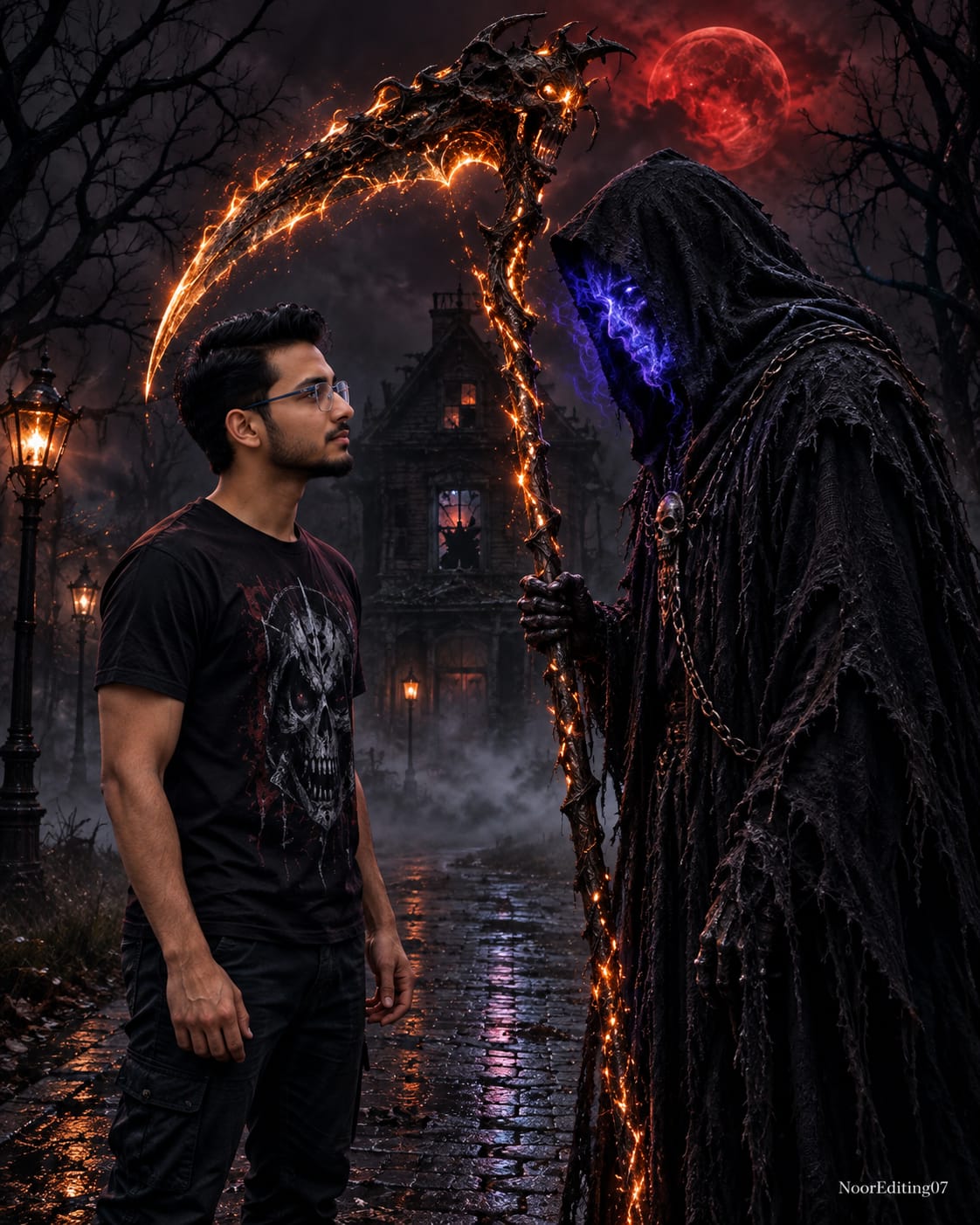
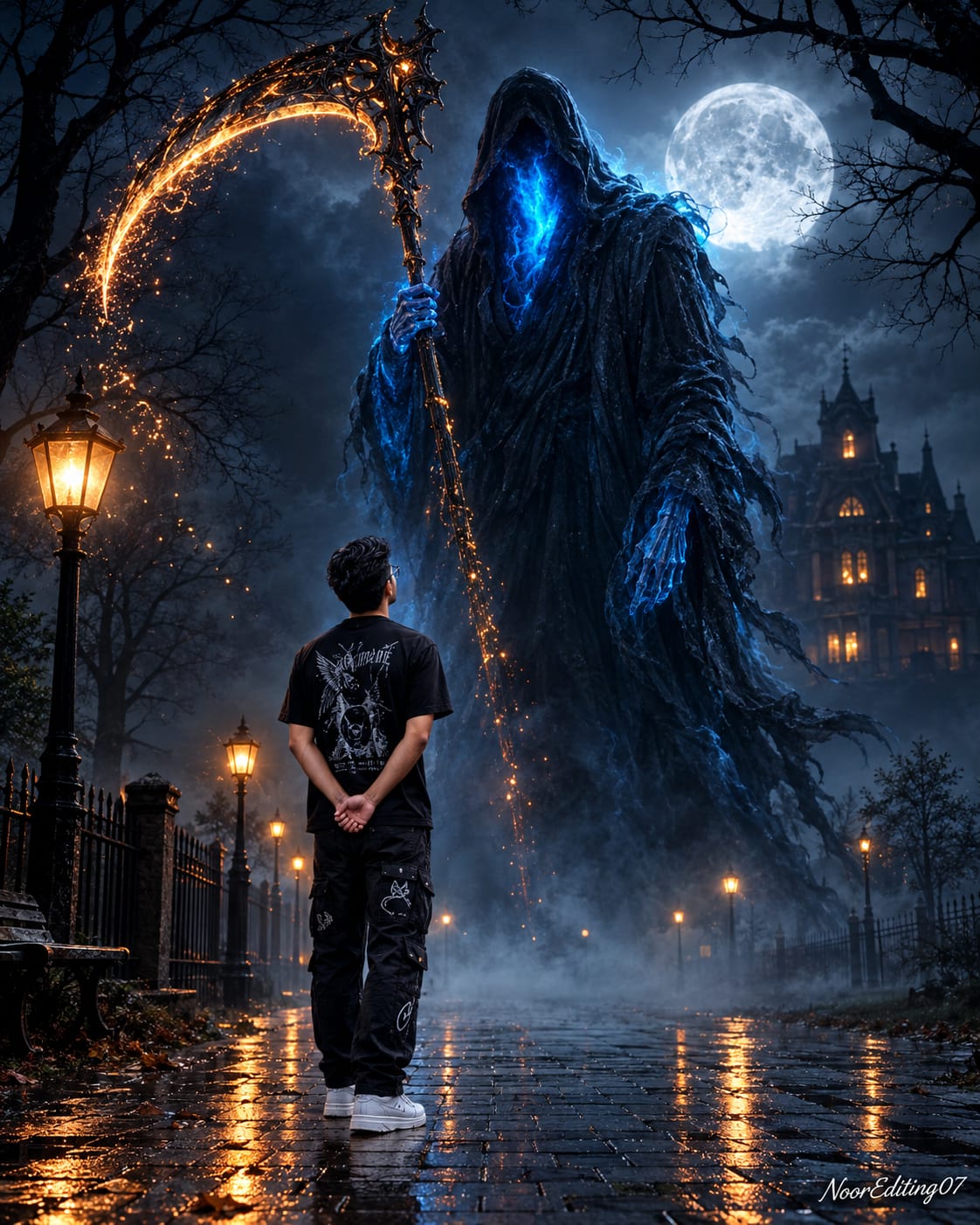
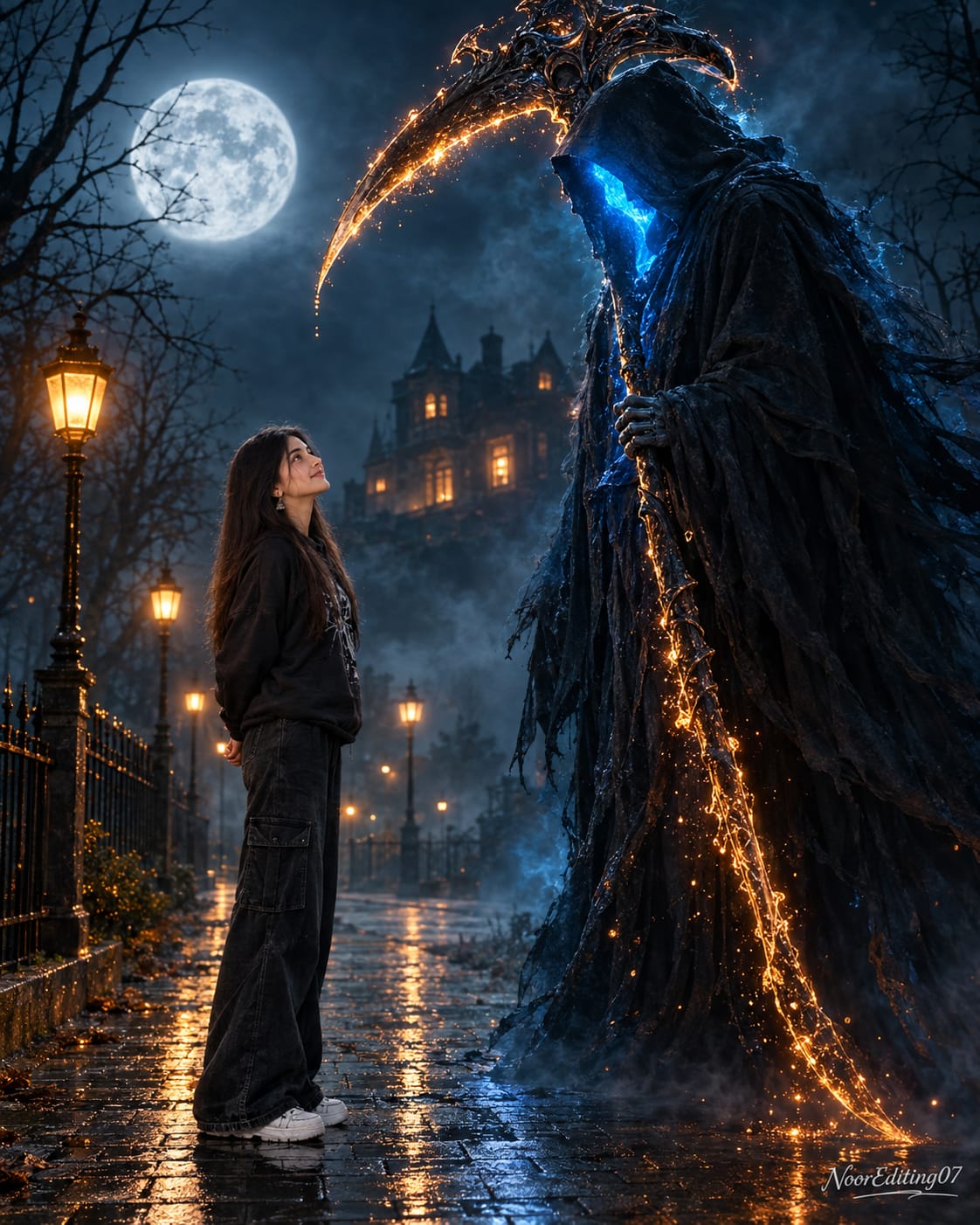
Sabse pehle ChatGPT open karein aur AI image generation option par jaayein. Is editing ke liye ek clear aur high-quality original photo select karein jisme subject ka face clearly visible ho.
Apni original photo upload karein. Photo jitni sharp aur clear hogi, face identity, hairstyle, skin texture aur body proportions ko preserve karna utna easier hoga.
Upar diya gaya complete Grim Reaper AI Photo Editing Prompt copy karein aur uploaded image ke saath ChatGPT mein paste karein.
Prompt submit karne ke baad AI ko original person ki identity preserve karte hue dark cinematic horror environment create karne dein. Main subject ka face unnecessarily change nahi hona chahiye.
Generated image mein check karein ki face original photo ke recognizable features ke according hai. Eyes, nose, lips, jawline, hairstyle aur skin tone ko natural rehna chahiye.
Grim Reaper character ko subject ke background ya side mein cinematic way mein integrate hona chahiye. Hooded black robe, shadowed face aur scythe jaise elements realistic proportions mein hone chahiye.
Background ko carefully check karein. Dark nighttime environment, cinematic fog, deep shadows aur atmospheric depth visible honi chahiye. Background itna sharp nahi hona chahiye ki main subject se attention hat jaye.
Lighting ka balance check karein. Subject ke face par enough light honi chahiye taaki facial details visible rahen, while background dark aur mysterious rahe. Cool moonlight aur subtle rim lighting horror atmosphere create kar sakti hai.
Fog aur atmospheric effects ko natural rakhein. Fog subject ke face ko completely cover na kare aur artificial smoke overlay jaisa appear nahi hona chahiye.
Clothing aur body proportions ko inspect karein. AI ko subject ka body shape unnecessarily change nahi karna chahiye. Original person's natural proportions aur appearance maintain rehni chahiye.
Final image mein skin texture check karein. Face plastic, waxy ya excessively smooth nahi hona chahiye. Natural pores, hair details aur realistic facial texture visible rehni chahiye.
Color grading ko dark cinematic style mein rakhein. Deep black, charcoal, cool blue, muted gray aur subtle metallic highlights ka balanced combination horror atmosphere ko enhance karega.
Agar first generation mein face distortion, unnatural hands, incorrect proportions ya Grim Reaper elements ki distortion dikhe, to same reference photo ke saath prompt ko regenerate karein. Clear identity-preservation instructions ko remove na karein.
Final result ko zoom karke face, hair, clothing, background, fog, Reaper robe aur scythe details check karein. Har element physically believable aur photographic quality ka lagna chahiye.
Final image ko 8K cinematic quality, realistic DSLR-style photography, natural identity preservation aur premium horror color grading ke saath use karein. Ye concept Instagram posts, AI photo editing showcases, horror-themed content aur cinematic social media artwork ke liye suitable hai.
Bridge Walking, Shadow Pencil, Snowfall Love, Tera Zikr & Cinematic Slomo Editing Tutorial
AI editing tools make it possible to create cinematic videos, creative photo effects, romantic stories, and ready-made social media edits without doing every step manually. This combined tutorial covers five different editing concepts using Flow AI, ChatGPT, VN Video Editor, and CapCut.
1. Bridge Walking Deep-Teal Cinematic AI Video
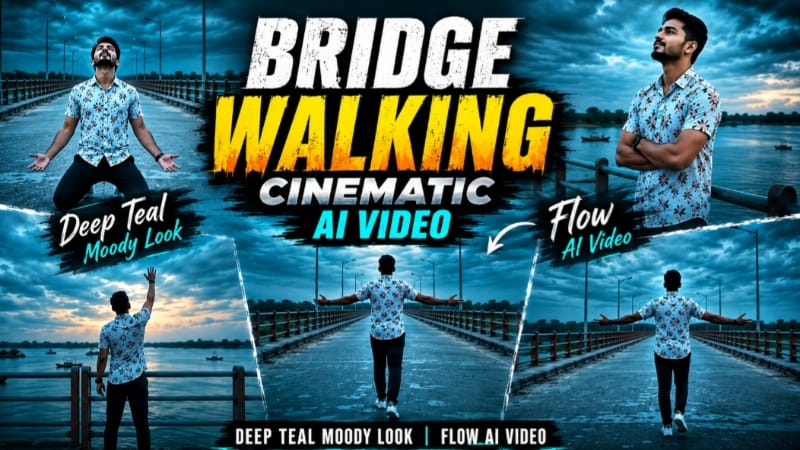
Start with a clear, high-quality reference photo and open Flow AI. Upload the photo as the exact identity reference and use the Bridge Walking Cinematic AI Video Prompt. The concept places the subject on a long concrete bridge over a wide river with teal-and-orange railings, distant greenery, boats, and a dramatic overcast dusk sky. The outfit remains a white floral shirt, dark navy pants, and white sneakers throughout the sequence.
The video contains seven connected scenes, including a wide walking shot, a reflective railing pose, a distant bridge walk, a kneeling emotional pose, a side-profile walk, a rear walking shot, and a final pose reaching toward the sky. Use 9:16 vertical format and 1080p quality. After generation, check identity, body proportions, outfit, bridge continuity, lighting, and deep-teal colour grading.
2. Shadow Pencil Cartoon Photo Effect
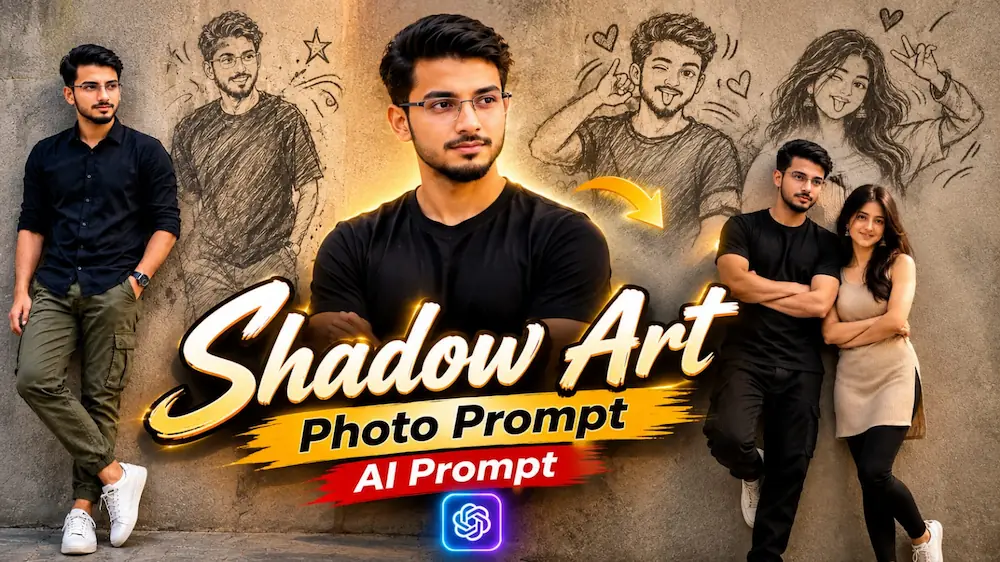
For the Shadow Pencil effect, open ChatGPT and upload a clear original photo. Paste the complete Shadow Pencil AI Photo Prompt. The main person remains a realistic photograph while the shadow on a textured wall transforms into a playful pencil or cartoon-style version of the same person. The effect can include sketch lines, stars, motion marks, or playful poses.
For a premium result, use a realistic DSLR appearance, natural daylight, detailed skin and clothing texture, shallow depth of field, and a 9:16 vertical composition. Different versions on the page can be adapted for men, women, couples, or architectural corridors.
3. Snowfall Love Story with Flow AI
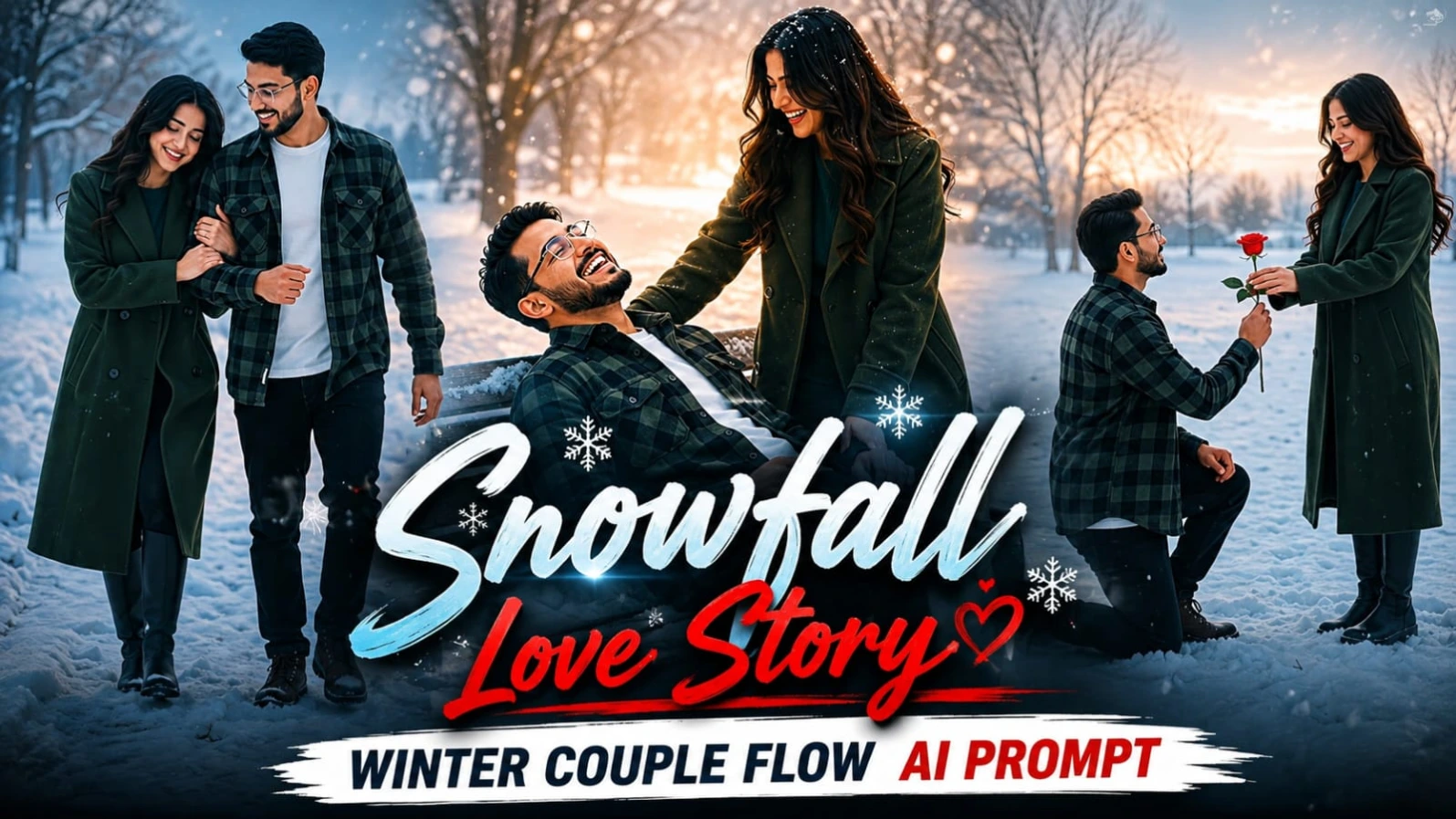
Upload two clear reference photos to Flow AI: one for the man and one for the woman. Use the Snowfall Love Story prompt and keep both identities, hairstyles, skin tones, body builds, and outfits consistent. The man wears a dark green-and-black checkered flannel shirt, while the woman wears a long dark green wool coat.
The five-scene story includes a snowy proposal with a red rose, an emotional hug, a romantic walk, a playful bench moment, and a final face-to-face pose. Use 9:16 vertical format, 1080p resolution, soft snowfall, winter trees, and a cool muted cinematic colour grade.
4. Tera Zikr Hi Kaafi Hai VN QR Template
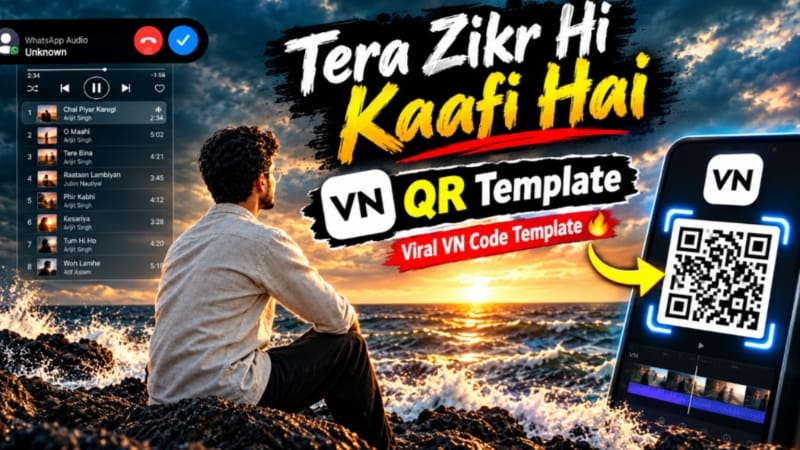
Open VN Video Editor and use its QR Code Scanner to scan the Tera Zikr Hi Kaafi Hai template. Once the template opens, select the required photos or video clips from your gallery. The preset timing, transitions, effects, and sequence are automatically applied.
Preview the complete edit and replace any unsuitable clips if necessary. You can make basic adjustments to text, music, or other available elements before exporting the finished video in your preferred quality. The final edit can be used for Reels, Shorts, WhatsApp Status, and other social platforms.
5. Cinematic Slomo CapCut Template
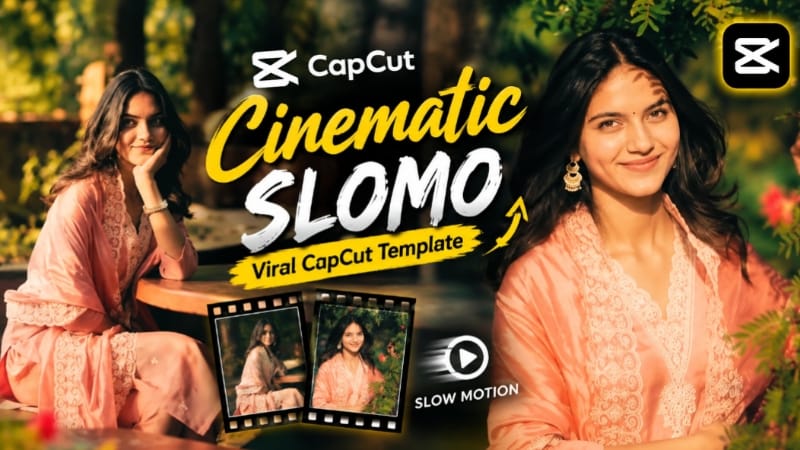
Open the Cinematic Slomo CapCut Template link and use the template inside CapCut. The page recommends connecting a VPN before opening the template. Tap Use Template, select the required photos or video clips, and continue. CapCut automatically applies the preset slow-motion effects, transitions, timing, and cinematic structure.
Preview the video, replace clips where needed, and export the final result in suitable quality. This workflow is useful for creating smooth cinematic slow-motion content for Reels, Shorts, and WhatsApp Status.
Final Result
These five techniques combine AI photo editing, cinematic Flow AI videos, romantic storytelling, VN QR templates, and CapCut slow-motion editing. For the best results, always use clear reference photos, maintain identity and visual consistency in AI generations, select the correct aspect ratio, and carefully review faces, hands, movement, lighting, transitions, and backgrounds before publishing.