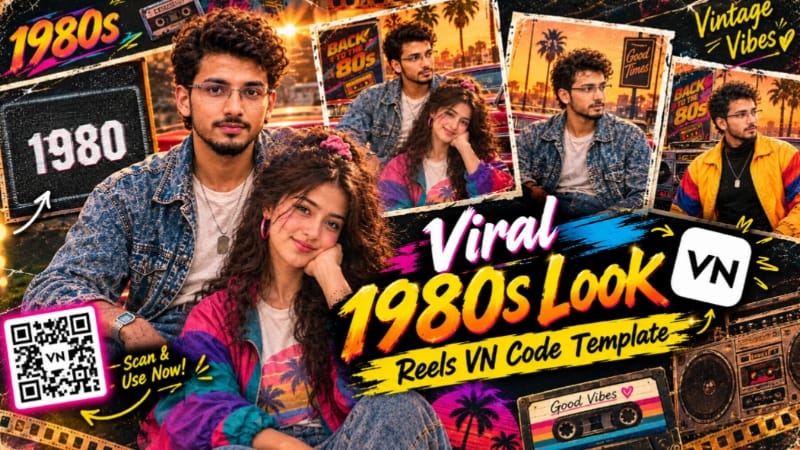
Viral 1980s Look Reels VN Code Template ek trending VN Video Editor template hai, jiska use karke aap apni photos aur videos ko classic 1980s retro look mein edit kar sakte hain. Agar aap Instagram Reels, YouTube Shorts ya social media ke liye vintage 80s style ki attractive video banana chahte hain, to ye VN Code Template aapke editing workflow ko kaafi simple bana sakta hai.
Is template mein retro-style transitions, effects, timing aur cinematic editing elements ka use kiya ja sakta hai. Aapko har effect aur transition ko manually create karne ki zarurat nahi hoti. VN Code ya QR Code ki madad se template ko VN Video Editor mein open karke apni photos aur video clips add ki ja sakti hain.
1980s look ko aur authentic banane ke liye vintage colors, film-style effects, classic transitions aur nostalgic visual elements ka use kiya ja sakta hai. Aap apni normal photos ko ek creative retro-themed Reel mein convert kar sakte hain.
Ye template beginners ke liye bhi useful hai, kyunki basic editing structure pehle se ready hota hai. Aapko sirf template open karna hai, required media files select karni hain, preview karna hai aur final video export karni hai.
Is page par aapko Viral 1980s Look Reels VN Code Template ke saath iska complete use process diya gaya hai. Neeche diye gaye steps follow karke aap VN Video Editor mein apni 1980s-inspired Reel easily create kar sakte hain.
Pahele Photo BANAO
AI Video Prompt
✦AI PHOTO PROMPT
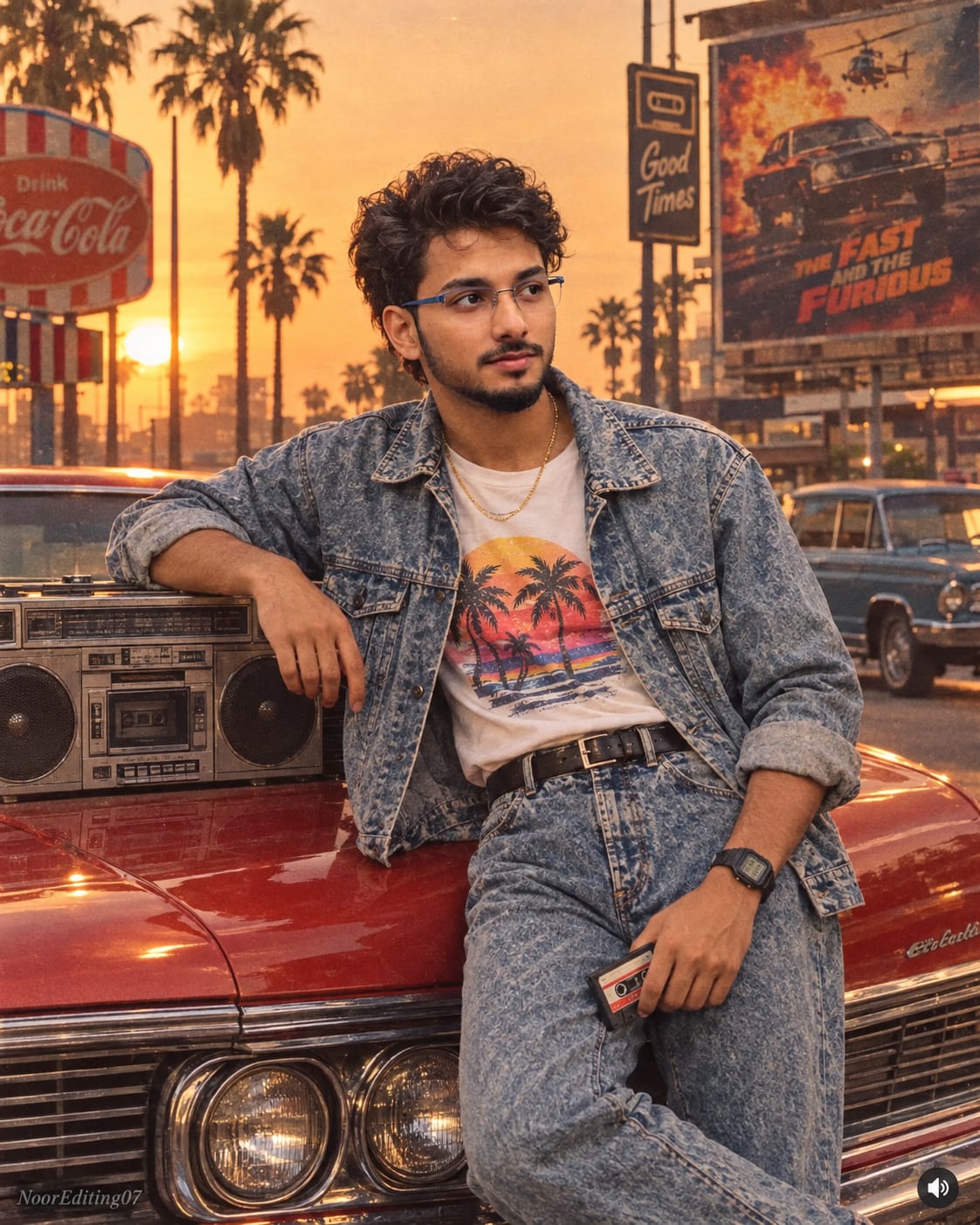
Ultra-realistic 8K photograph, 4:5 aspect ratio, recreating the exact person from the uploaded photo as a nostalgic 1980s-style portrait — keep the same face, same body shape, same skin tone exactly as in the original image, do not change any facial features or body proportions. Pose: the person is leaning back casually against the hood of a vintage car, one arm resting on top of a retro boombox placed on the car hood, the other hand holding a cassette tape, head turned to the side looking off into the distance with a calm, cool expression, one leg crossed casually over the other. 1980s hairstyle: naturally messy, voluminous curly-textured hair with loose curls falling over the forehead. 1980s outfit: an acid-wash denim jacket worn open over a plain white graphic t-shirt featuring a retro sunset-and-palm-tree print design, a thin layered gold chain necklace, high-waisted acid-wash denim jeans with a black leather belt, a chunky retro digital sports wristwatch. Background: a warm golden-hour city street scene — a vintage red classic car in the foreground, another parked classic car and a retro striped-signage vintage soda billboard partially visible on the left, silhouetted palm trees against a glowing orange sunset sky. Photo texture and color grading: authentic 1980s film photograph aesthetic — warm golden faded color tone, soft vignette, subtle analogue film grain, warm amber highlights and soft shadows. Watermark: small subtle watermark text "NoorEditing07" in the bottom corner, semi-transparent.
Ultra-realistic 8K photograph, 4:5 aspect ratio, recreating the exact person from the uploaded photo as a nostalgic 1980s-style portrait — keep the same face, same body shape, same skin tone exactly as in the original image, do not change any facial features or body proportions. This prompt works universally for any uploaded photo of a male or female, adult or young, keeping the real face and body identical while fully transforming hairstyle, clothing, and setting into an authentic 1980s aesthetic.
Pose: the person is leaning back casually against the hood of a vintage car, one arm resting on top of a retro boombox placed on the car hood, the other hand holding a cassette tape, head turned to the side looking off into the distance with a calm, cool expression, one leg crossed casually over the other.
1980s hairstyle: naturally messy, voluminous curly-textured hair with loose curls falling over the forehead.
1980s outfit: an acid-wash denim jacket worn open over a plain white graphic t-shirt featuring a retro sunset-and-palm-tree print design, a thin layered gold chain necklace, high-waisted acid-wash denim jeans with a black leather belt, a chunky retro digital sports wristwatch.
Background: a warm golden-hour city street scene — a vintage red classic car in the foreground, another parked classic car and a retro striped-signage vintage soda billboard partially visible on the left, silhouetted palm trees against a glowing orange sunset sky, a large movie-poster-style billboard in the background showing a dramatic car chase scene with flames, a small retro street sign reading "Good Times" style text with a cassette tape icon at the top, a vintage boombox/stereo player on the car hood beside the subject.
Photo texture and color grading: authentic 1980s film photograph aesthetic — warm golden faded color tone, soft vignette, subtle analogue film grain, warm amber highlights and soft shadows, nostalgic sunset glow throughout, small speaker/audio icon in the bottom right corner.
Photography style: shot to look like an authentic period film photograph, soft focus quality with sharp subject detail, natural skin texture with visible pores, realistic fabric folds and fine denim texture, no plastic/AI-smooth skin, no waxy texture, no modern digital look — must look like a real photograph from the 1980s, not AI generated.
Add a small subtle watermark text "NoorEditing07" in the bottom corner, semi-transparent, elegant font, not blocking the subject.
8K ultra-detailed quality, authentic 1980s retro color grade, sharp focus on the subject, same scene, same pose, same nostalgic styling as the reference photo.
✓
Prompt copied to clipboard!
AI Video Prompt
✦AI PHOTO PROMPT
Ultra-realistic 8K photograph, 4:5 aspect ratio, recreating the exact person from the uploaded photo as a nostalgic 1980s-style portrait — keep the same face, same body shape, same skin tone exactly as in the original image, do not change any facial features or body proportions. Pose: the person is leaning back casually against the hood of a vintage car, one arm resting on top of a retro boombox placed on the car hood, the other hand holding a cassette tape, head turned to the side looking off into the distance with a calm, cool expression, one leg crossed casually over the other. 1980s hairstyle: naturally messy, voluminous curly-textured hair with loose curls falling over the forehead. 1980s outfit: an acid-wash denim jacket worn open over a plain white graphic t-shirt featuring a retro sunset-and-palm-tree print design, a thin layered gold chain necklace, high-waisted acid-wash denim jeans with a black leather belt, a chunky retro digital sports wristwatch. Background: a warm golden-hour city street scene — a vintage red classic car in the foreground, another parked classic car and a retro striped-signage vintage soda billboard partially visible on the left, silhouetted palm trees against a glowing orange sunset sky. Photo texture and color grading: authentic 1980s film photograph aesthetic — warm golden faded color tone, soft vignette, subtle analogue film grain, warm amber highlights and soft shadows. Watermark: small subtle watermark text "NoorEditing07" in the bottom corner, semi-transparent.
Ultra-realistic 8K photograph, 4:5 aspect ratio, recreating the exact person from the uploaded photo as a nostalgic 1980s-style portrait — keep the same face, same body shape, same skin tone exactly as in the original image, do not change any facial features or body proportions. This prompt works universally for any uploaded photo of a male or female, adult or young, keeping the real face and body identical while fully transforming hairstyle, clothing, and setting into an authentic 1980s aesthetic.
Pose: the person is leaning back casually against the hood of a vintage car, one arm resting on top of a retro boombox placed on the car hood, the other hand holding a cassette tape, head turned to the side looking off into the distance with a calm, cool expression, one leg crossed casually over the other.
1980s hairstyle: naturally messy, voluminous curly-textured hair with loose curls falling over the forehead.
1980s outfit: an acid-wash denim jacket worn open over a plain white graphic t-shirt featuring a retro sunset-and-palm-tree print design, a thin layered gold chain necklace, high-waisted acid-wash denim jeans with a black leather belt, a chunky retro digital sports wristwatch.
Background: a warm golden-hour city street scene — a vintage red classic car in the foreground, another parked classic car and a retro striped-signage vintage soda billboard partially visible on the left, silhouetted palm trees against a glowing orange sunset sky, a large movie-poster-style billboard in the background showing a dramatic car chase scene with flames, a small retro street sign reading "Good Times" style text with a cassette tape icon at the top, a vintage boombox/stereo player on the car hood beside the subject.
Photo texture and color grading: authentic 1980s film photograph aesthetic — warm golden faded color tone, soft vignette, subtle analogue film grain, warm amber highlights and soft shadows, nostalgic sunset glow throughout, small speaker/audio icon in the bottom right corner.
Photography style: shot to look like an authentic period film photograph, soft focus quality with sharp subject detail, natural skin texture with visible pores, realistic fabric folds and fine denim texture, no plastic/AI-smooth skin, no waxy texture, no modern digital look — must look like a real photograph from the 1980s, not AI generated.
Add a small subtle watermark text "NoorEditing07" in the bottom corner, semi-transparent, elegant font, not blocking the subject.
8K ultra-detailed quality, authentic 1980s retro color grade, sharp focus on the subject, same scene, same pose, same nostalgic styling as the reference photo.
Step 1: Sabse pehle apne mobile mein VN Video Editor open karein.
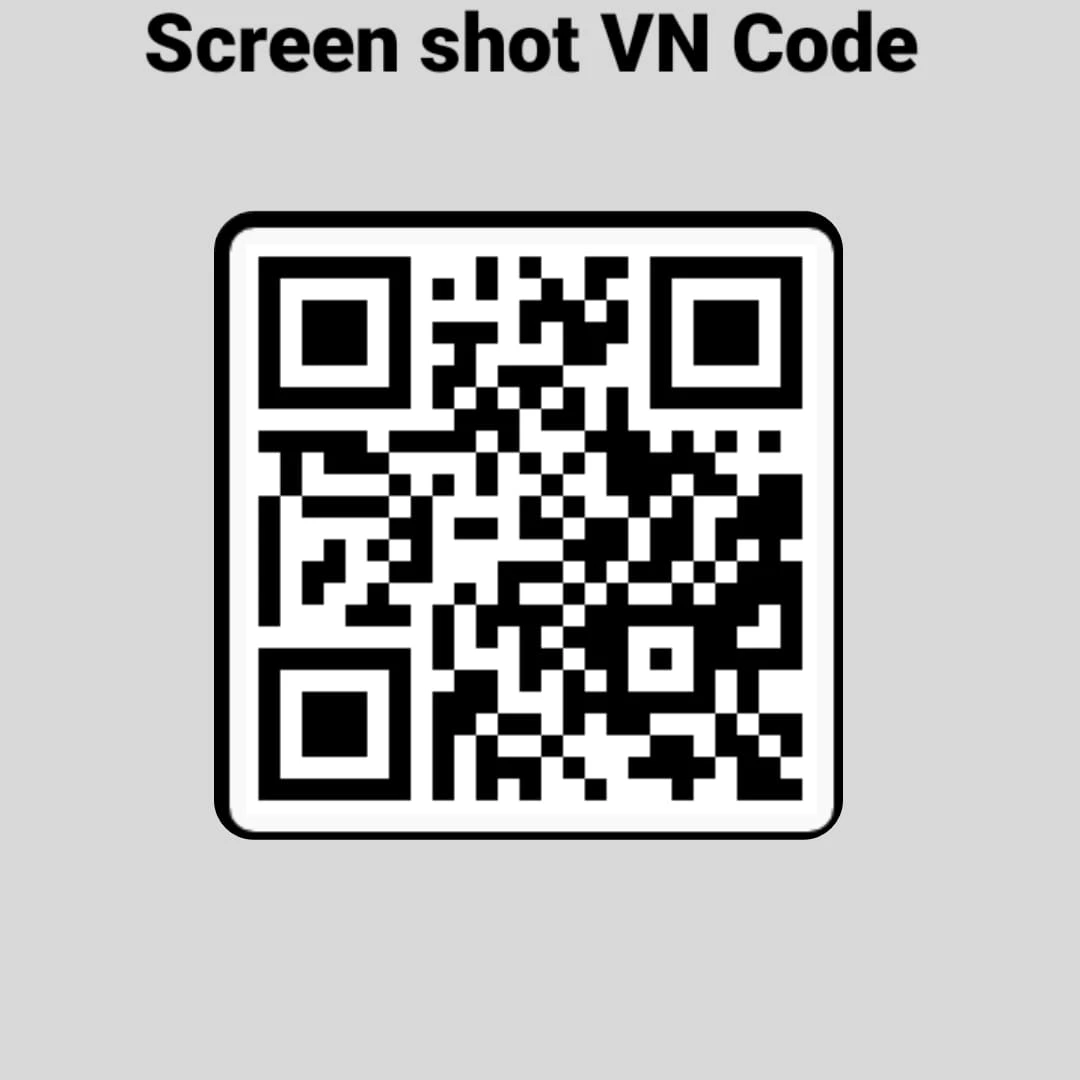
Step 2: Viral 1980s Look Reels VN Code ya QR Code ko open karein aur VN Editor mein scan karein.
Step 3: QR Code scan hone ke baad 1980s Look VN Template open karein.
Step 4: Template mein diye gaye media slots ko check karein aur Add Media ya Replace option par click karein.
Step 5: Apni selected photos ya video clips ko template mein add karein.
Step 6: Photos aur clips ko template ke according adjust karein. Zarurat ke according crop ya position change kar sakte hain.
Step 7: Ab complete video ko preview karein aur check karein ki transitions, timing aur effects properly apply ho rahe hain.
Step 8: Agar aap retro look ko customize karna chahte hain, to VN Editor mein available filters, effects aur adjustments ka use karein.
Step 9: Editing complete hone ke baad Export option par click karein.
Step 10: Required resolution aur quality select karke final 1980s Look Reel ko save kar lein.
Is process ko follow karke aap bina complicated editing ke Viral 1980s Look Reels VN Code Template ka use karke apni photos aur videos se retro-style video bana sakte hain.
Heavy Rain Bike, Silent Love, Imran Hashmi Scene, Retro 80s & Night City Rose AI Tutorial
AI editing can transform ordinary photos and videos into emotional stories, cinematic rain scenes, nostalgic portraits, romantic movie-style moments, and dramatic night photography. This combined tutorial covers five creative concepts using Flow AI, VN Editor, Gemini, and ChatGPT.
1. Heavy Rain Cinematic Bike Video
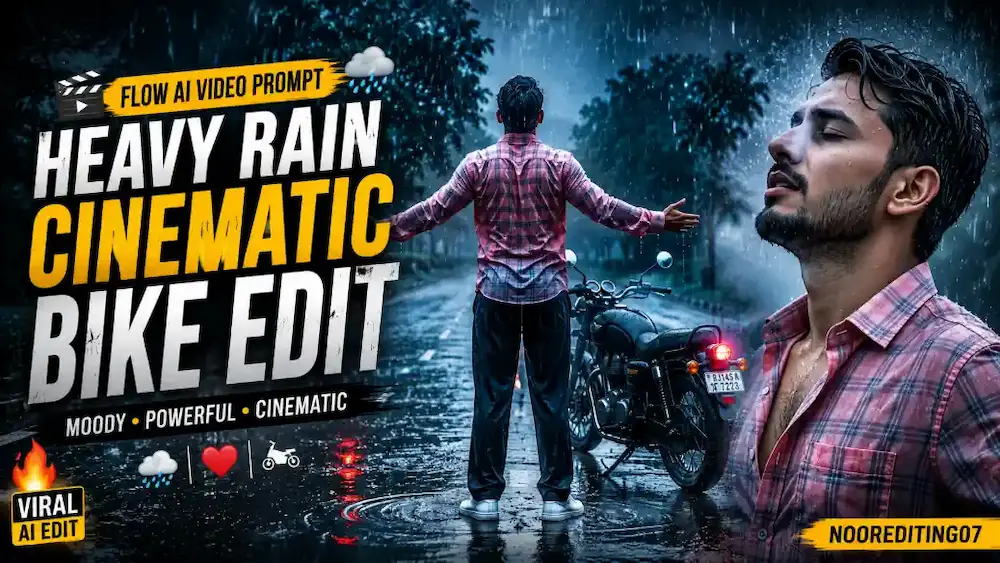
For the monsoon motorcycle video, open Flow AI and upload a clear reference photo. Use the Heavy Rain Cinematic Bike prompt and generate a 10-second vertical 9:16 video. The concept keeps the same person, outfit, motorcycle, location, and colour grading throughout the sequence. The subject stands beside a premium black retro motorcycle on an empty rain-soaked road wearing a wet pink plaid shirt, dark trousers, and white sneakers.
The six connected scenes include dramatic poses beside the motorcycle, rear views, arms-open emotional moments, and a final hero shot in heavy rain. Maintain exact facial identity, natural body proportions, realistic wet hair, rain physics, road reflections, and cinematic camera movement.
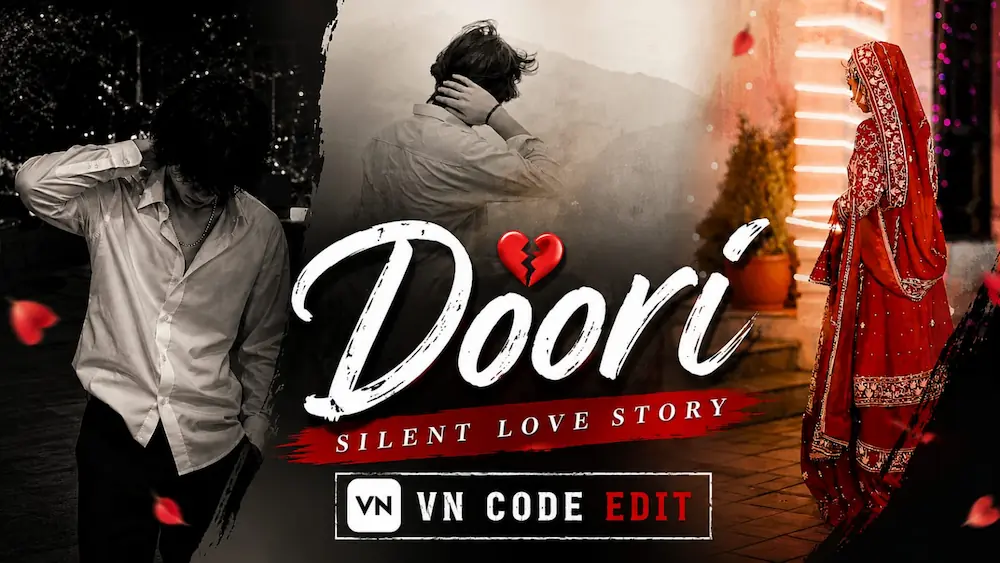
2. Doori Silent Love Story VN Edit
For the Doori Silent Love Story, open VN Video Editor and use the provided VN Code or template. Scan the code, open the template, and select your own photos or video clips. Choose emotional images that communicate distance, memories, loneliness, and unspoken feelings. VN automatically applies the template's transitions, timing, and effects.
Preview the complete sequence, adjust cropping or clip placement where necessary, synchronize the visuals with the music, and export the finished video in HD quality for Reels, Shorts, or other social platforms.
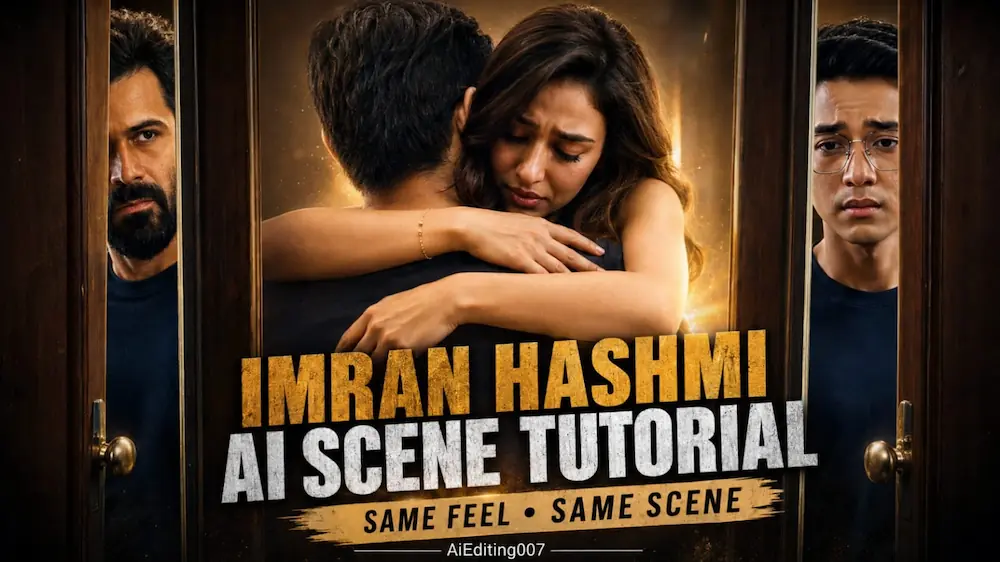
3. Imran Hashmi Style Emotional AI Scene
For the romantic cinematic scene, open Gemini and upload a clear reference photo. Paste the Emotional Romantic AI Video Prompt and generate a 10-second 9:16 video. The story progresses through a distant introduction, a music-room moment, slow walking, an emotional meeting, and a heartfelt romantic hug.
Keep the main subject's exact face, body, hairstyle, and natural appearance consistent. Use soft cinematic lighting, a grey indoor hall, wooden doors, realistic human movement, shallow depth of field, and premium drama-film colour grading. After generation, check that all scenes appear in the correct chronological order.
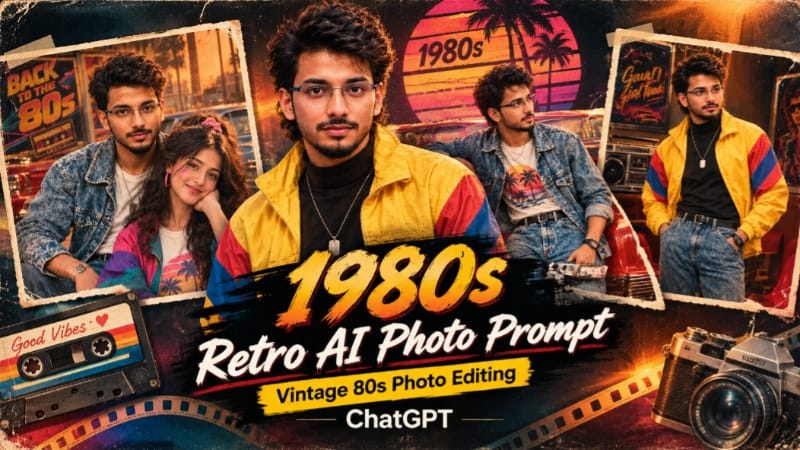
4. 1980s Retro AI Photo
For the vintage portrait, open ChatGPT and upload a clear high-quality photo. Paste the 1980s Retro AI Photo Prompt and generate the image in 4:5 format. The concept transforms the environment, clothing, hairstyle, lighting, and photography style into an authentic 1980s aesthetic while preserving the original identity, pose, body proportions, and expressions.
Use elements such as vintage cars, cassette players, retro posters, warm sunset lighting, period-accurate fashion, analogue film grain, faded colours, soft vignette, and warm amber highlights. The goal is to make the final image resemble a genuine period photograph rather than a modern image with a simple filter.
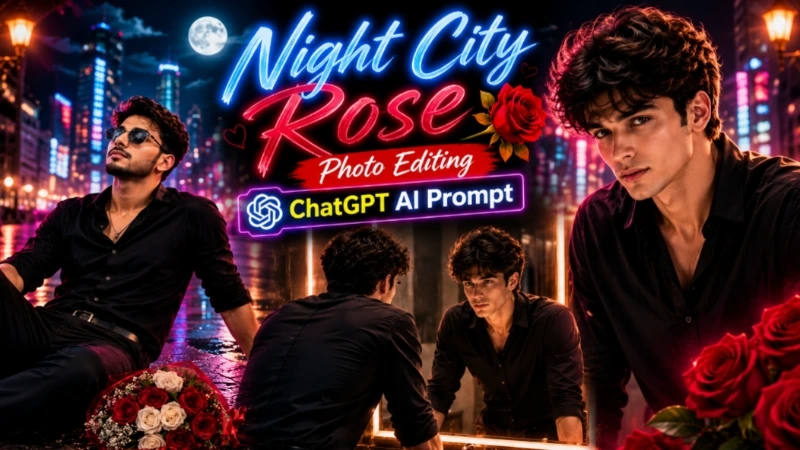
5. Night City Rose Cinematic Photo
Finally, open ChatGPT and upload your original photo. Use the Night City Rose AI Photo Prompt and select a 4:5 composition. The concept places the person in a dramatic city-night environment with a bouquet of red and white roses, warm vehicle-light bokeh, glowing street lamps, and distant blue neon lighting.
Maintain the original face, body shape, skin tone, hairstyle, and proportions. Use realistic skin texture, DSLR-style depth of field, cinematic shadows, strong background blur, and a cool-blue plus warm-golden colour combination for a premium night-photography appearance.
Final Result
These five editing methods cover cinematic monsoon videos, emotional VN storytelling, romantic AI scenes, nostalgic 1980s portraits, and dramatic night photography. For the best results, always use clear reference photos and carefully check identity, anatomy, clothing, lighting, background continuity, transitions, and overall image or video quality before publishing.