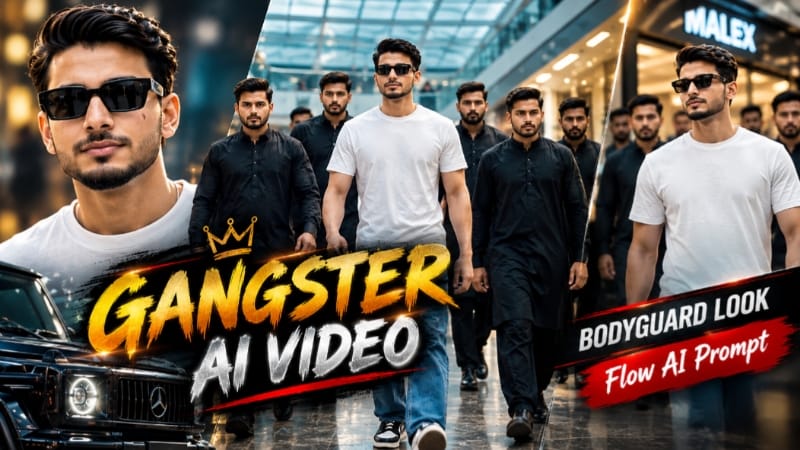
Gangster Style Mall Walk AI Video | Bodyguard Look | Flow AI Prompt ek cinematic AI video editing concept hai, jisme aap apni reference photo ka use karke ek powerful gangster-style mall walk video create kar sakte hain. Is concept mein main character ko stylish black outfit, confident walking style aur bodyguard-type cinematic presence ke saath shopping mall ke premium environment mein show kiya ja sakta hai.
Flow AI ke image-to-video generation feature aur detailed AI prompt ki help se normal photo ko ek professional cinematic video scene mein transform kiya ja sakta hai. Mall ke wide corridors, luxury lighting, reflective floors, background crowd aur smooth camera movement video ko realistic cinematic atmosphere dene mein help karte hain.
Is Gangster Style AI Video ka main focus character ki confident personality, stylish body language aur cinematic camera movements par hai. Reference photo use karne se generated character ko original photo ke appearance ke saath consistent rakhne mein help mil sakti hai. Slow-motion walking, tracking camera, dramatic lighting aur premium color grading video ko high-quality cinematic look dete hain.
Ye AI video concept Instagram Reels, YouTube Shorts aur other short-video platforms ke liye suitable hai. Agar aap AI photo se trending cinematic videos create karna chahte hain, to Flow AI Prompt ke through is type ka Bodyguard Look Mall Walk AI Video easily try kar sakte hain.
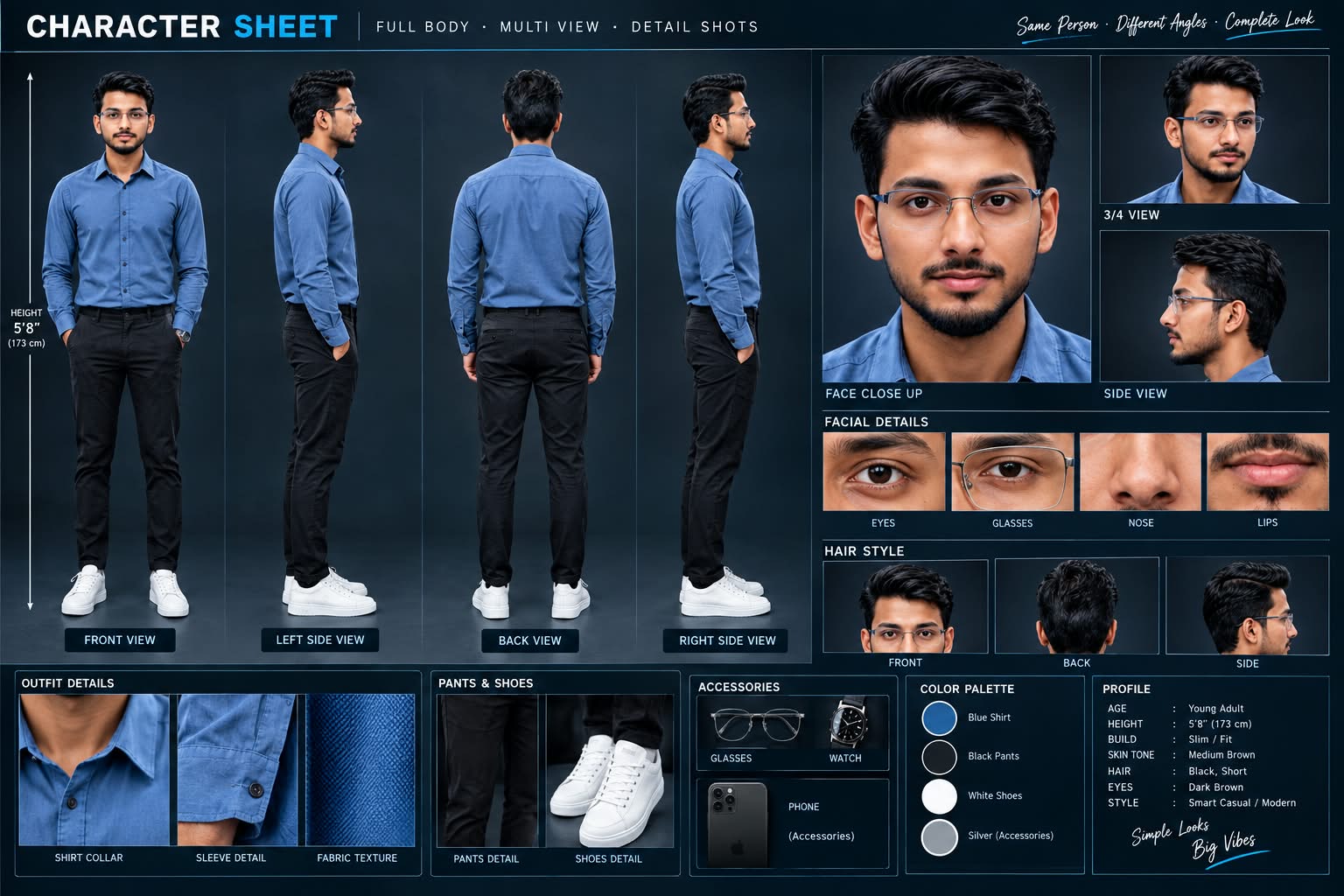
Sabse Pehle Character Sheet Photo Banaai ChatGPT Se
A premium, professional, ultra-photorealistic full-body character reference sheet for the person identified in the uploaded photo. The sheet is presented in a clean professional studio environment with a dark, luxury background. The character's identity, facial features, skin tone, body proportions, hairstyle, and transparent-frame glasses are perfectly consistent with the reference photo. The character is wearing the exact outfit from the reference: a mustard-yellow polo shirt with white piping, black slim-fit pants, and white sneakers. The layout is an elegant grid containing: 1. Full-body front view, 2. Full-body left side view, 3. Full-body back view, 4. Full-body right side view. 5. Large face close-up, 6. 3/4 face view, 7. Side-profile face view. 8. Detailed eye, glasses, nose, and lips reference crops. 9. Hair front, back, and side reference. 10. Shirt collar, sleeve, and fabric texture details. 11. Pants and sneaker detail shots. 12. Accessories reference. All views depict the same person with high-end cinematic lighting, extremely sharp facial details, realistic skin texture, natural hair strands, realistic fabric texture, accurate clothing stitching, and physically accurate lighting with subtle shadows. The full body is completely visible in all turnaround views, including both shoes. The presentation features sophisticated typography, thin clean borders, and balanced spacing. No watermarks, cartoons, or distortions are present.
A premium, professional, ultra-photorealistic full-body character reference sheet for the person identified in the uploaded photo. The sheet is presented in a clean professional studio environment with a dark, luxury background. The character's identity, facial features, skin tone, body proportions, hairstyle, and transparent-frame glasses are perfectly consistent with the reference photo. The character is wearing the exact outfit from the reference: a mustard-yellow polo shirt with white piping, black slim-fit pants, and white sneakers. The layout is an elegant grid containing: 1. Full-body front view, 2. Full-body left side view, 3. Full-body back view, 4. Full-body right side view. 5. Large face close-up, 6. 3/4 face view, 7. Side-profile face view. 8. Detailed eye, glasses, nose, and lips reference crops. 9. Hair front, back, and side reference. 10. Shirt collar, sleeve, and fabric texture details. 11. Pants and sneaker detail shots. 12. Accessories reference. All views depict the same person with high-end cinematic lighting, extremely sharp facial details, realistic skin texture, natural hair strands, realistic fabric texture, accurate clothing stitching, and physically accurate lighting with subtle shadows. The full body is completely visible in all turnaround views, including both shoes. The presentation features sophisticated typography, thin clean borders, and balanced spacing. No watermarks, cartoons, or distortions are present.
✓
Prompt copied to clipboard!
AI Video Prompt
✦AI PHOTO PROMPT
A premium, professional, ultra-photorealistic full-body character reference sheet for the person identified in the uploaded photo. The sheet is presented in a clean professional studio environment with a dark, luxury background. The character's identity, facial features, skin tone, body proportions, hairstyle, and transparent-frame glasses are perfectly consistent with the reference photo. The character is wearing the exact outfit from the reference: a mustard-yellow polo shirt with white piping, black slim-fit pants, and white sneakers. The layout is an elegant grid containing: 1. Full-body front view, 2. Full-body left side view, 3. Full-body back view, 4. Full-body right side view. 5. Large face close-up, 6. 3/4 face view, 7. Side-profile face view. 8. Detailed eye, glasses, nose, and lips reference crops. 9. Hair front, back, and side reference. 10. Shirt collar, sleeve, and fabric texture details. 11. Pants and sneaker detail shots. 12. Accessories reference. All views depict the same person with high-end cinematic lighting, extremely sharp facial details, realistic skin texture, natural hair strands, realistic fabric texture, accurate clothing stitching, and physically accurate lighting with subtle shadows. The full body is completely visible in all turnaround views, including both shoes. The presentation features sophisticated typography, thin clean borders, and balanced spacing. No watermarks, cartoons, or distortions are present.
A premium, professional, ultra-photorealistic full-body character reference sheet for the person identified in the uploaded photo. The sheet is presented in a clean professional studio environment with a dark, luxury background. The character's identity, facial features, skin tone, body proportions, hairstyle, and transparent-frame glasses are perfectly consistent with the reference photo. The character is wearing the exact outfit from the reference: a mustard-yellow polo shirt with white piping, black slim-fit pants, and white sneakers. The layout is an elegant grid containing: 1. Full-body front view, 2. Full-body left side view, 3. Full-body back view, 4. Full-body right side view. 5. Large face close-up, 6. 3/4 face view, 7. Side-profile face view. 8. Detailed eye, glasses, nose, and lips reference crops. 9. Hair front, back, and side reference. 10. Shirt collar, sleeve, and fabric texture details. 11. Pants and sneaker detail shots. 12. Accessories reference. All views depict the same person with high-end cinematic lighting, extremely sharp facial details, realistic skin texture, natural hair strands, realistic fabric texture, accurate clothing stitching, and physically accurate lighting with subtle shadows. The full body is completely visible in all turnaround views, including both shoes. The presentation features sophisticated typography, thin clean borders, and balanced spacing. No watermarks, cartoons, or distortions are present.
✓
Prompt copied to clipboard!
AI Video Prompt Card
✦AI VIDEO PROMPT
Use the uploaded reference photo for the man's face, hairstyle, skin tone, body build and height. Keep identity exactly same as reference photo — no alteration to face, body, or hairstyle in any scene. Keep the person's body proportions natural and realistic, matching the exact build shown in the reference photo — do not add extra muscle, height, or bulk. Outfit (same throughout, do not change): baggy relaxed-fit blue denim jeans, a plain white t-shirt, black Nike sneakers. His six entourage members all wear matching black kurta-pajama traditional outfits with black formal shoes, some wearing black sunglasses. Location (same throughout all 7 scenes, do not change): a large modern shopping mall with elevated curved walkways, glowing neon shop signage, atrium staircases, and glass-railed multi-level floors, bright natural indoor mall lighting throughout.
Use the uploaded reference photo for the man's face, hairstyle, skin tone, body build and height. Keep identity exactly same as reference photo — no alteration to face, body, or hairstyle in any scene.
Keep the person's body proportions natural and realistic, matching the exact build shown in the reference photo — do not add extra muscle, height, or bulk. His body scale should match whatever is shown in the uploaded photo, whether short, tall, slim or heavy.
Outfit (same throughout, do not change): baggy relaxed-fit blue denim jeans, a plain white t-shirt, black Nike sneakers. His six entourage members all wear matching black kurta-pajama traditional outfits with black formal shoes, some wearing black sunglasses.
Location (same throughout all 7 scenes, do not change): a large modern shopping mall with elevated curved walkways, glowing neon shop signage, atrium staircases, and glass-railed multi-level floors, bright natural indoor mall lighting throughout.
Color grade: rich, full, vibrant natural cinematic color grading — realistic natural colors, not faded, not desaturated, not black and white, sharp premium 8K-quality detail.
Create 7 cinematic scenes, same outfit, same entourage, and same mall location throughout:
Scene 1 (low-angle wide shot, elevated curved walkway): He walks across a high curved walkway with white railings and an arched roof overhead, his black-clad entourage walking closely in a line ahead of and beside him, camera positioned low looking upward, dramatic architectural framing.
Scene 2 (wide tracking shot, bright mall corridor): He walks through a wide corridor with glowing neon shop signage, entourage forming a loose protective formation around him, bustling background crowd, energetic mall atmosphere.
Scene 3 (close group shot, tight formation): He walks at the center of his entourage in a tighter huddle, sunglasses on, calm confident expression, bodyguards' shoulders and backs framing him closely on both sides.
Scene 4 (low-angle shot, ascending staircase): He and his entourage climb a curved mall staircase together, shot from below looking up at the group, glowing mall signage visible beside the stairs.
Scene 5 (high wide shot, atrium overlook): He and his entourage walk together across an open atrium level with glass railings, escalators and lower mall floors visible below, crowds of shoppers in the background.
Scene 6 (low-angle shot, descending staircase): He and his entourage walk down a different mall staircase together, his white t-shirt standing out among the black-clad group, bright storefronts framing the stairs.
Scene 7 (medium front tracking shot, final corridor): He walks directly toward the camera at the center of his entourage, calm composed expression, group flanking him closely, mall crowd blurred in background, cinematic slow zoom-out to finish.
Format: 9:16 vertical, 1080p resolution, ultra-realistic premium cinematic quality, smooth transitions between poses, continuous confident story flow from Scene 1 to Scene 7, no scene skipped.
Watermark: small semi-transparent text "NoorEditing07" in the bottom-right corner, visible consistently across all 7 scenes.
✓
Prompt copied to clipboard!
AI Video Prompt Card
✦AI VIDEO PROMPT
Use the uploaded reference photo for the man's face, hairstyle, skin tone, body build and height. Keep identity exactly same as reference photo — no alteration to face, body, or hairstyle in any scene. Keep the person's body proportions natural and realistic, matching the exact build shown in the reference photo — do not add extra muscle, height, or bulk. Outfit (same throughout, do not change): baggy relaxed-fit blue denim jeans, a plain white t-shirt, black Nike sneakers. His six entourage members all wear matching black kurta-pajama traditional outfits with black formal shoes, some wearing black sunglasses. Location (same throughout all 7 scenes, do not change): a large modern shopping mall with elevated curved walkways, glowing neon shop signage, atrium staircases, and glass-railed multi-level floors, bright natural indoor mall lighting throughout.
Use the uploaded reference photo for the man's face, hairstyle, skin tone, body build and height. Keep identity exactly same as reference photo — no alteration to face, body, or hairstyle in any scene.
Keep the person's body proportions natural and realistic, matching the exact build shown in the reference photo — do not add extra muscle, height, or bulk. His body scale should match whatever is shown in the uploaded photo, whether short, tall, slim or heavy.
Outfit (same throughout, do not change): baggy relaxed-fit blue denim jeans, a plain white t-shirt, black Nike sneakers. His six entourage members all wear matching black kurta-pajama traditional outfits with black formal shoes, some wearing black sunglasses.
Location (same throughout all 7 scenes, do not change): a large modern shopping mall with elevated curved walkways, glowing neon shop signage, atrium staircases, and glass-railed multi-level floors, bright natural indoor mall lighting throughout.
Color grade: rich, full, vibrant natural cinematic color grading — realistic natural colors, not faded, not desaturated, not black and white, sharp premium 8K-quality detail.
Create 7 cinematic scenes, same outfit, same entourage, and same mall location throughout:
Scene 1 (low-angle wide shot, elevated curved walkway): He walks across a high curved walkway with white railings and an arched roof overhead, his black-clad entourage walking closely in a line ahead of and beside him, camera positioned low looking upward, dramatic architectural framing.
Scene 2 (wide tracking shot, bright mall corridor): He walks through a wide corridor with glowing neon shop signage, entourage forming a loose protective formation around him, bustling background crowd, energetic mall atmosphere.
Scene 3 (close group shot, tight formation): He walks at the center of his entourage in a tighter huddle, sunglasses on, calm confident expression, bodyguards' shoulders and backs framing him closely on both sides.
Scene 4 (low-angle shot, ascending staircase): He and his entourage climb a curved mall staircase together, shot from below looking up at the group, glowing mall signage visible beside the stairs.
Scene 5 (high wide shot, atrium overlook): He and his entourage walk together across an open atrium level with glass railings, escalators and lower mall floors visible below, crowds of shoppers in the background.
Scene 6 (low-angle shot, descending staircase): He and his entourage walk down a different mall staircase together, his white t-shirt standing out among the black-clad group, bright storefronts framing the stairs.
Scene 7 (medium front tracking shot, final corridor): He walks directly toward the camera at the center of his entourage, calm composed expression, group flanking him closely, mall crowd blurred in background, cinematic slow zoom-out to finish.
Format: 9:16 vertical, 1080p resolution, ultra-realistic premium cinematic quality, smooth transitions between poses, continuous confident story flow from Scene 1 to Scene 7, no scene skipped.
Watermark: small semi-transparent text "NoorEditing07" in the bottom-right corner, visible consistently across all 7 scenes.
Kaise Banaye Sabse pehle ek clear aur high-quality reference photo select karein. Photo mein face clearly visible hona chahiye, taaki AI character ko better understand kar sake. Ab Flow AI open karein aur image-to-video generation option select karein. Apni reference photo upload karein aur Gangster Style Mall Walk AI Video ka prompt copy karke prompt box mein paste karein. Prompt mein character ke outfit, mall location, walking style, camera movement, lighting aur cinematic appearance ki details properly mention karein. Video generate karte waqt character ko confident walking pose mein maintain karne ke liye smooth movement aur realistic body motion ko priority dein. Camera ko character ke saath smoothly track karne, wide shots aur cinematic close-up shots use karne ke liye prompt instructions follow karein. Video generate hone ke baad face consistency, outfit, walking movement aur background ko check karein. Agar kisi scene mein face ya movement proper nahi aaye, to prompt ko adjust karke video ko regenerate kar sakte hain. Final video ko 9:16 vertical format mein export karein. Iske baad aap ise Instagram Reels, YouTube Shorts aur other social media platforms par use kar sakte hain.
Gangster & Bodyguard Mall Walk AI Video - Noor Editing
Gangster style mall walk ai videobodyguard look ai videoflow ai promptgangster ai videomall walk ai videoflow ai video promptgangster style ai videobodyguard style ai videocinematic ai videoai photo to videoviral ai videoflow ai editai video editingtrending ai videocinematic mall walk ai video
Gangster & Bodyguard Mall Walk AI Video - Noor Editing
Gangster style mall walk ai videobodyguard look ai videoflow ai promptgangster ai videomall walk ai videoflow ai video promptgangster style ai videobodyguard style ai videocinematic ai videoai photo to videoviral ai videoflow ai editai video editingtrending ai videocinematic mall walk ai video
Bridge Walking, Royal Enfield, Fashion, 1980s, Heartbreak & Janam Janam AI Editing Tutorial
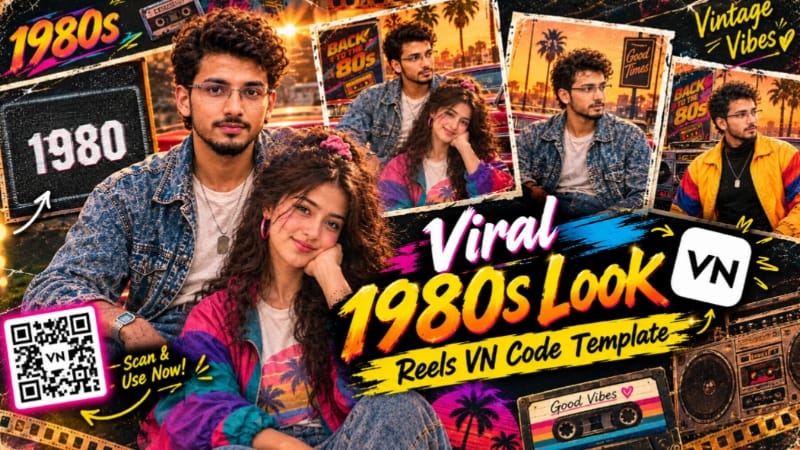
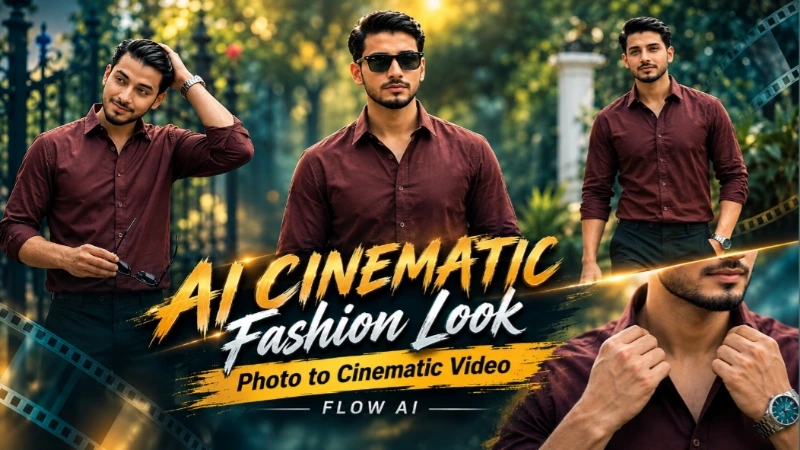
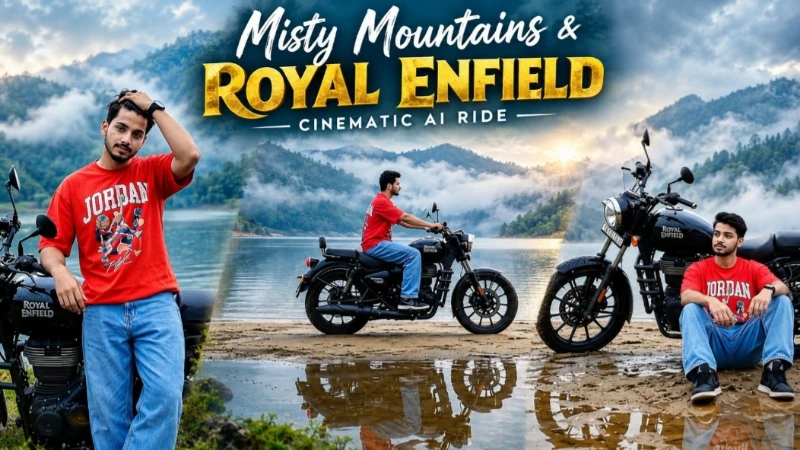
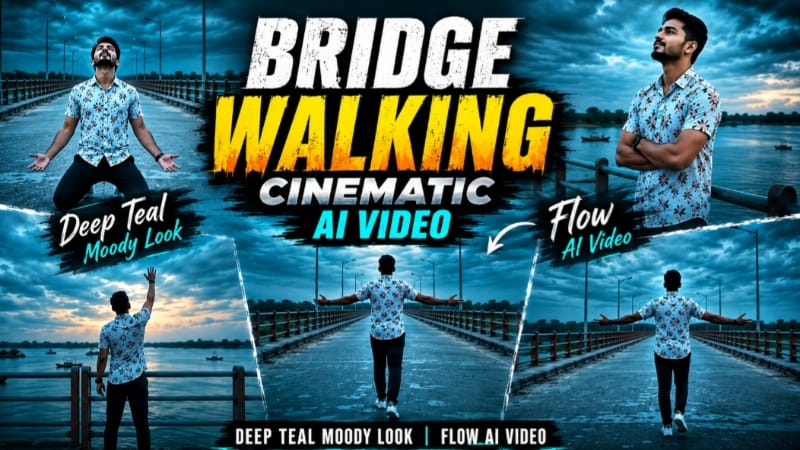
Aaj ke is complete AI editing tutorial mein hum six different cinematic concepts ko ek single creative workflow ke through samjhenge. Isme Bridge Walking Cinematic Video, Royal Enfield Misty Lake Ride, AI Cinematic Fashion Video, 1980s Retro VN Edit, Heartbreak Riverside Video aur Janam Janam Viral Dance AI Video shamil hain. In concepts ke through normal reference photos ko cinematic, emotional, romantic, vintage aur Bollywood-style content mein transform kiya ja sakta hai. Har project mein clear reference photo, identity consistency, realistic movement aur proper cinematic composition important hai. NoorEditing07 ke tutorials bhi reference images, aspect ratio, duration aur prompt instructions ko AI video creation ke important parts ke roop mein highlight karte hain.
Bridge Walking Cinematic AI Video
Bridge Walking concept ke liye Flow AI mein ek clear reference photo upload karein. Prompt ka main focus same face, hairstyle, skin tone, height aur natural body build maintain karna hai. White floral shirt, dark navy pants aur white sneakers ko complete video mein consistent rakha jata hai. Wide concrete bridge, river, distant greenery, boats aur dramatic overcast dusk environment ke saath deep-teal colour grading emotional cinematic atmosphere create karti hai. Seven connected scenes mein walking, railing ke paas standing, kneeling aur final sky-reaching pose jaise cinematic moments create kiye ja sakte hain. Video 9:16 vertical format aur 1080p presentation ke liye designed hai.
Royal Enfield Misty Lake Cinematic Video
Adventure look ke liye Flow AI mein reference photo upload karke Royal Enfield Misty Lake prompt use karein. Red oversized graphic T-shirt, light-blue baggy jeans, black sneakers aur wristwatch ko same rakhein. Misty lake, foggy mountains, wet ground aur black Royal Enfield motorcycle complete environment ko premium travel-film appearance dete hain. Multiple scenes mein motorcycle ke saath standing, walking, double-exposure transition, riding aur final rear-wheel pose create hota hai. 16:9 widescreen aur 4K cinematic quality is concept ko suitable banati hai.
AI Cinematic Fashion Video
Cinematic fashion edit mein apni best portrait photo ko Flow AI mein reference ke roop mein upload karein. Identity, hairstyle, outfit aur body proportions ko consistent rakhte hue slow camera movement, fashion poses, cinematic lighting aur premium colour grading use karein. Is technique se static fashion photograph ko moving editorial-style video mein convert kiya ja sakta hai.
1980s Retro + VN Reel Edit
Vintage content ke liye 1980s Retro AI Photo Prompt se original photo ko authentic old-school look diya ja sakta hai. Vintage colours, film grain, retro styling aur analogue photography effect image ko nostalgic appearance dete hain.
Iske baad 1980s VN Code Template mein photos ya clips add karke trending Reel-style edit complete karein. VN template workflow mein media replace, preview aur final export karke ready-made cinematic rhythm achieve kiya ja sakta hai.
Heartbreak Riverside AI Video
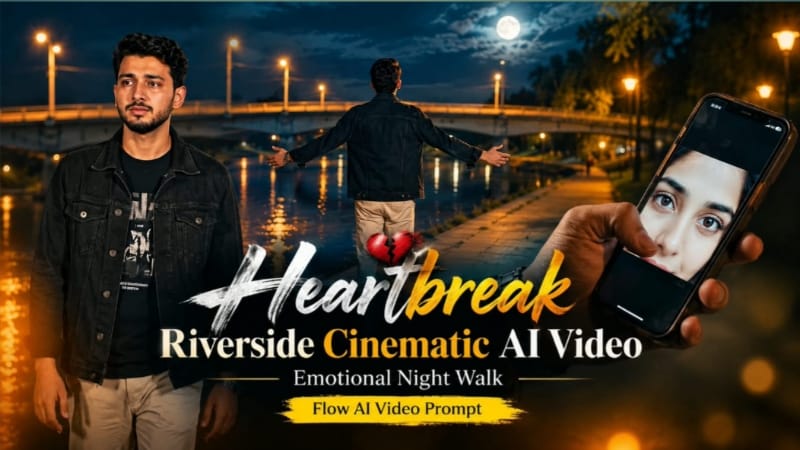
Emotional storytelling ke liye Flow AI mein reference photo upload karke heartbreak concept create karein. Dark riverside environment, warm streetlights, blue-black night atmosphere aur lonely walking shots emotional mood build karte hain. Story ko multiple connected scenes mein walk, emotional close-up, reflective pose aur final cinematic ending ke saath develop kiya ja sakta hai.
Janam Janam Viral Dance AI Video
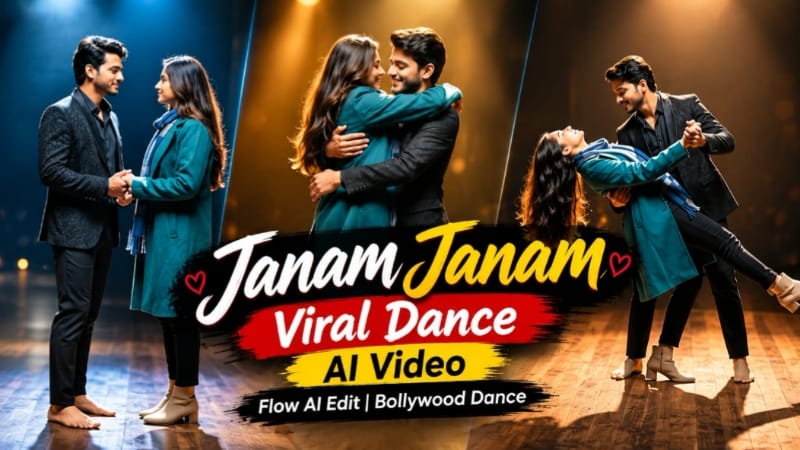
Finally, Bollywood-style romantic content ke liye male aur female reference photos use karke Janam Janam Viral Dance concept create karein. Dono identities, faces, hairstyles aur body proportions ko consistent rakhein. Romantic Bollywood choreography, synchronized movements, expressive expressions, cinematic camera angles aur smooth transitions ko combine karke music-video style result create karein.
Final Result
In six concepts ko use karke aap emotional, romantic, adventure, fashion, vintage aur Bollywood dance content create kar sakte hain. Best output ke liye high-quality reference images use karein aur final video mein face identity, hands, body proportions, outfit, lighting, background continuity aur camera movement carefully check karein. AI generation ke baad unwanted distortion ya identity change dikhe to affected scene ko regenerate karna better rahega.