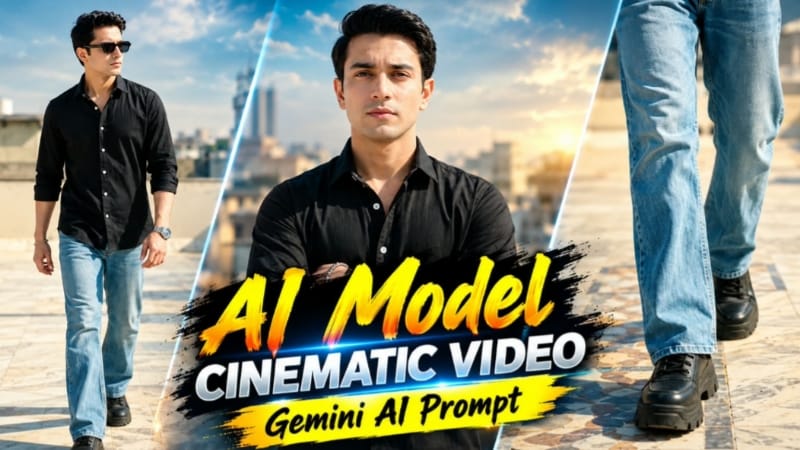
Stylish Black Shirt AI Video ek cinematic fashion-style AI video concept hai jise Flow AI jaise AI video generation tools ke through create kiya ja sakta hai. Is concept mein ek uploaded reference photo ko use karke male character ka facial identity, jawline aur natural body build consistent rakhne par focus kiya gaya hai. Video ko vertical 9:16 format mein design kiya gaya hai, isliye ye Instagram Reels, YouTube Shorts aur other vertical video platforms ke liye suitable cinematic composition provide karta hai.
Is AI video ka main attraction iska premium rooftop fashion look hai. Character clear daylight mein ek open rooftop par दिखाई deta hai, jahan decorative marble floor aur bright sky overall scene ko clean aur professional appearance dete hain. Black button-down shirt with white buttons, light-blue bootcut denim jeans, chunky black shoes, metallic beaded bracelet, silver wristwatch aur black hexagonal sunglasses character ko stylish fashion-editorial appearance dete hain.
Prompt mein identity consistency ko high priority di gayi hai. Uploaded reference photo ko character ke face, facial structure, jawline aur natural build ke reference ke roop mein use kiya jata hai. Iska purpose ye hai ki video ke different camera angles aur scenes ke beech character ki appearance unnecessary way mein change na ho. Realistic DSLR-style skin texture ke saath natural appearance maintain karne ki instruction bhi prompt mein included hai.
Video ko ek single simple shot ki jagah multiple cinematic scenes mein design kiya gaya hai. Isse final output mein ek professional fashion video jaisa flow create hota hai. Pehle scene mein low-angle tracking shot ke through character ke walking feet aur decorative marble floor ko highlight kiya jata hai. Ye opening video ko stylish cinematic introduction deta hai.
Second scene mein camera torso-level tracking shot follow karta hai. Character forward walk karte hue apne collar ko left hand se adjust karta hai, jisse bracelet bhi clearly visible hota hai. Iske baad third scene chest-up composition mein character ko confidently arms cross karte hue show karta hai. Ye shot character ke confident fashion attitude ko highlight karta hai.
Fourth scene mein full-body tracking shot use hota hai. Character sunglasses pehne hue forward walk karta hai aur casually sideways glance karta hai. Camera movement aur full-body framing outfit ke complete styling ko showcase karne mein help karti hai.
Fifth scene mein medium shot ke through sunglasses remove karne ka cinematic moment create hota hai. Character right hand se sunglasses remove karta hai aur camera se away look karta hai. Sixth scene mein sunglasses dobara wear karke hands pockets mein place kiye jaate hain. Is sequence se video mein natural fashion-transition feel develop hoti hai.
Seventh scene soft-focus close-up portrait par focus karta hai. Character camera ki taraf smoothly turn karta hai aur subtle smile deta hai. Shallow depth of field background ko soft rakhti hai aur attention face par maintain karti hai.
Eighth scene extreme tight eye close-up hai, jisme sharp gaze aur natural eyelashes ko detail ke saath highlight kiya jata hai. Ye close-up sequence video ko premium cinematic fashion-film appearance deta hai.
Final ninth scene profile shot ke saath video ko complete karta hai. Character smoothly turn away karta hai aur bright sky background ke against warm lens flare cinematic finishing effect create karta hai.
Cinematography ke liye crisp daylight grading, high-contrast black shirt, shallow depth of field aur smooth camera movement ko priority di gayi hai. 9:16 portrait composition ki wajah se character ko vertical frame mein prominently place kiya ja sakta hai. White “NoorEditing07” watermark ko bottom corner mein subtle branding ke liye add kiya gaya hai.
Is Stylish Black Shirt AI Video Prompt ka use karke creators apni reference photo ko ek premium cinematic fashion video concept mein transform kar sakte hain. Best results ke liye clear, high-quality reference photo use karna important hai, especially jab face consistency important ho. AI video generate hone ke baad har scene ko carefully check karein aur face, hands, outfit, accessories, body proportions, camera movement aur background continuity ko verify karein.
Overall, ye rooftop fashion AI video prompt stylish male model presentation, cinematic camera movements, realistic identity preservation aur vertical social-media composition ko ek hi concept mein combine karta hai.
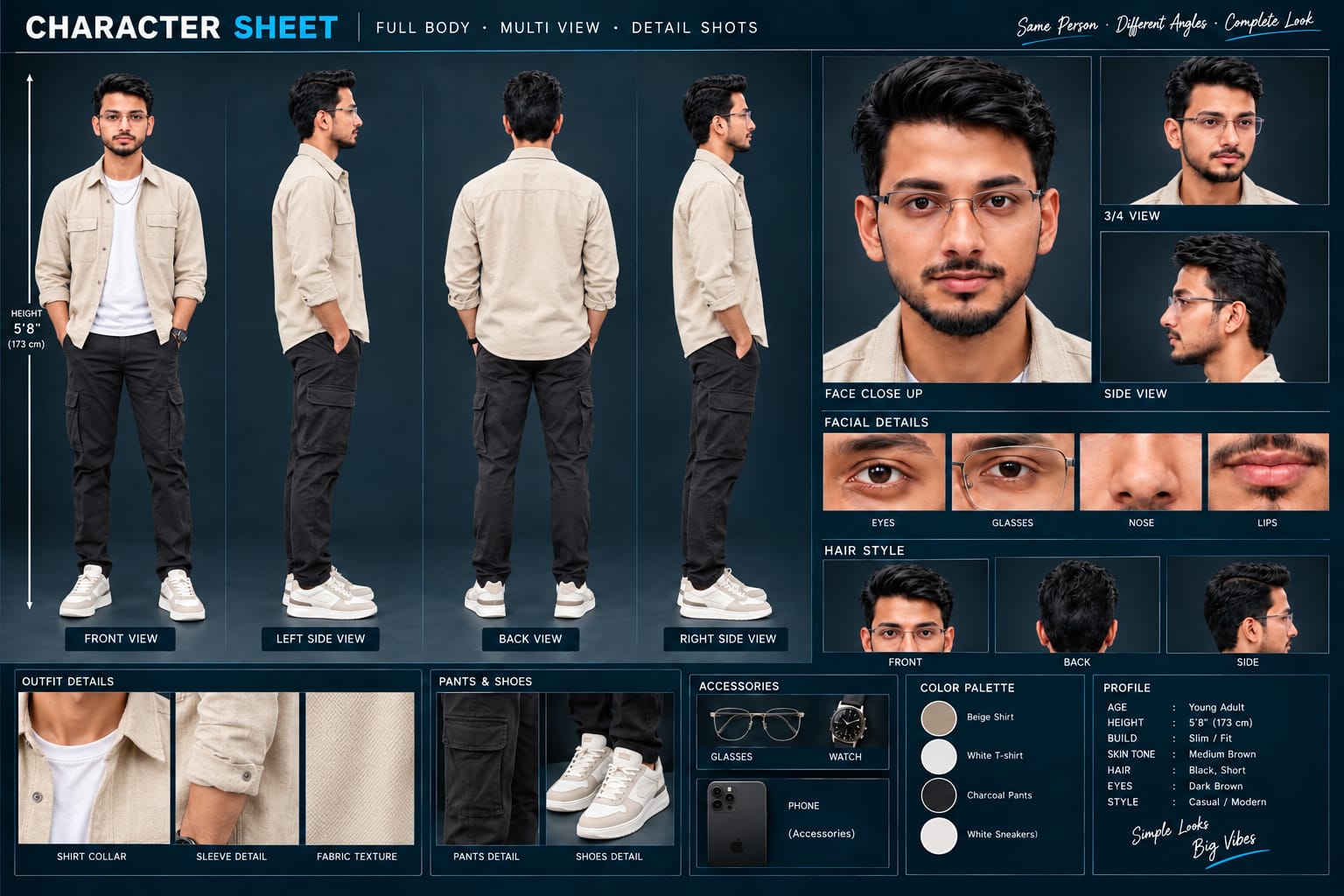
Sabse Pehle Character Sheet Photo Banaai ChatGPT Se
A premium, professional, ultra-photorealistic full-body character reference sheet for the person identified in the uploaded photo. The sheet is presented in a clean professional studio environment with a dark, luxury background. The character's identity, facial features, skin tone, body proportions, hairstyle, and transparent-frame glasses are perfectly consistent with the reference photo. The character is wearing the exact outfit from the reference: a mustard-yellow polo shirt with white piping, black slim-fit pants, and white sneakers. The layout is an elegant grid containing: 1. Full-body front view, 2. Full-body left side view, 3. Full-body back view, 4. Full-body right side view. 5. Large face close-up, 6. 3/4 face view, 7. Side-profile face view. 8. Detailed eye, glasses, nose, and lips reference crops. 9. Hair front, back, and side reference. 10. Shirt collar, sleeve, and fabric texture details. 11. Pants and sneaker detail shots. 12. Accessories reference. All views depict the same person with high-end cinematic lighting, extremely sharp facial details, realistic skin texture, natural hair strands, realistic fabric texture, accurate clothing stitching, and physically accurate lighting with subtle shadows. The full body is completely visible in all turnaround views, including both shoes. The presentation features sophisticated typography, thin clean borders, and balanced spacing. No watermarks, cartoons, or distortions are present.
A premium, professional, ultra-photorealistic full-body character reference sheet for the person identified in the uploaded photo. The sheet is presented in a clean professional studio environment with a dark, luxury background. The character's identity, facial features, skin tone, body proportions, hairstyle, and transparent-frame glasses are perfectly consistent with the reference photo. The character is wearing the exact outfit from the reference: a mustard-yellow polo shirt with white piping, black slim-fit pants, and white sneakers. The layout is an elegant grid containing: 1. Full-body front view, 2. Full-body left side view, 3. Full-body back view, 4. Full-body right side view. 5. Large face close-up, 6. 3/4 face view, 7. Side-profile face view. 8. Detailed eye, glasses, nose, and lips reference crops. 9. Hair front, back, and side reference. 10. Shirt collar, sleeve, and fabric texture details. 11. Pants and sneaker detail shots. 12. Accessories reference. All views depict the same person with high-end cinematic lighting, extremely sharp facial details, realistic skin texture, natural hair strands, realistic fabric texture, accurate clothing stitching, and physically accurate lighting with subtle shadows. The full body is completely visible in all turnaround views, including both shoes. The presentation features sophisticated typography, thin clean borders, and balanced spacing. No watermarks, cartoons, or distortions are present.
✓
Prompt copied to clipboard!
AI Video Prompt
✦AI PHOTO PROMPT
A premium, professional, ultra-photorealistic full-body character reference sheet for the person identified in the uploaded photo. The sheet is presented in a clean professional studio environment with a dark, luxury background. The character's identity, facial features, skin tone, body proportions, hairstyle, and transparent-frame glasses are perfectly consistent with the reference photo. The character is wearing the exact outfit from the reference: a mustard-yellow polo shirt with white piping, black slim-fit pants, and white sneakers. The layout is an elegant grid containing: 1. Full-body front view, 2. Full-body left side view, 3. Full-body back view, 4. Full-body right side view. 5. Large face close-up, 6. 3/4 face view, 7. Side-profile face view. 8. Detailed eye, glasses, nose, and lips reference crops. 9. Hair front, back, and side reference. 10. Shirt collar, sleeve, and fabric texture details. 11. Pants and sneaker detail shots. 12. Accessories reference. All views depict the same person with high-end cinematic lighting, extremely sharp facial details, realistic skin texture, natural hair strands, realistic fabric texture, accurate clothing stitching, and physically accurate lighting with subtle shadows. The full body is completely visible in all turnaround views, including both shoes. The presentation features sophisticated typography, thin clean borders, and balanced spacing. No watermarks, cartoons, or distortions are present.
A premium, professional, ultra-photorealistic full-body character reference sheet for the person identified in the uploaded photo. The sheet is presented in a clean professional studio environment with a dark, luxury background. The character's identity, facial features, skin tone, body proportions, hairstyle, and transparent-frame glasses are perfectly consistent with the reference photo. The character is wearing the exact outfit from the reference: a mustard-yellow polo shirt with white piping, black slim-fit pants, and white sneakers. The layout is an elegant grid containing: 1. Full-body front view, 2. Full-body left side view, 3. Full-body back view, 4. Full-body right side view. 5. Large face close-up, 6. 3/4 face view, 7. Side-profile face view. 8. Detailed eye, glasses, nose, and lips reference crops. 9. Hair front, back, and side reference. 10. Shirt collar, sleeve, and fabric texture details. 11. Pants and sneaker detail shots. 12. Accessories reference. All views depict the same person with high-end cinematic lighting, extremely sharp facial details, realistic skin texture, natural hair strands, realistic fabric texture, accurate clothing stitching, and physically accurate lighting with subtle shadows. The full body is completely visible in all turnaround views, including both shoes. The presentation features sophisticated typography, thin clean borders, and balanced spacing. No watermarks, cartoons, or distortions are present.
Cinematic 9:16 vertical 8K ultra-realistic male model video on an open rooftop under clear daylight. [IDENTITY & SKIN] Lock 100% facial structure, jawline, and natural build from the uploaded reference photo. Clean, smooth, blemish-free skin with realistic DSLR pore texture, no facial morphing.
Cinematic 9:16 vertical 8K ultra-realistic male model video on an open rooftop under clear daylight.
[IDENTITY & SKIN]
Lock 100% facial structure, jawline, and natural build from the uploaded reference photo. Clean, smooth, blemish-free skin with realistic DSLR pore texture, no facial morphing.
[OUTFIT & STYLING]
Solid black button-down shirt with white buttons and unbuttoned collar, light-blue bootcut denim jeans, chunky black shoes, metallic beaded bracelet, silver wristwatch, and black hexagonal sunglasses.
[EXACT SCENE SEQUENCE]
- Scene 1: Low-angle tracking shot of feet walking forward across decorative marble floor tiles.
- Scene 2: Torso tracking shot walking forward, adjusting collar with left hand, bracelet visible.
- Scene 3: Chest-up shot; stands firmly and crosses arms across chest with confident posture.
- Scene 4: Full-body tracking shot walking forward in sunglasses, glancing sideways.
- Scene 5: Medium shot; removes sunglasses with right hand while looking away.
- Scene 6: Medium shot; wears sunglasses back on and rests hands inside pockets.
- Scene 7: Soft-focus close-up portrait turning toward camera with subtle smile.
- Scene 8: Extreme tight eye close-up showing sharp gaze and natural eyelashes.
- Scene 9: Profile shot turning away smoothly against bright sky with warm lens flare.
[CINEMATOGRAPHY & WATERMARK]
Crisp daylight grading, high-contrast black shirt, shallow depth of field, 9:16 portrait ratio. Clean white watermark 'NoorEditing07' in the bottom corner.
✓
Prompt copied to clipboard!
AI Video Prompt Card
✦AI VIDEO PROMPT
Cinematic 9:16 vertical 8K ultra-realistic male model video on an open rooftop under clear daylight. [IDENTITY & SKIN] Lock 100% facial structure, jawline, and natural build from the uploaded reference photo. Clean, smooth, blemish-free skin with realistic DSLR pore texture, no facial morphing.
Cinematic 9:16 vertical 8K ultra-realistic male model video on an open rooftop under clear daylight.
[IDENTITY & SKIN]
Lock 100% facial structure, jawline, and natural build from the uploaded reference photo. Clean, smooth, blemish-free skin with realistic DSLR pore texture, no facial morphing.
[OUTFIT & STYLING]
Solid black button-down shirt with white buttons and unbuttoned collar, light-blue bootcut denim jeans, chunky black shoes, metallic beaded bracelet, silver wristwatch, and black hexagonal sunglasses.
[EXACT SCENE SEQUENCE]
- Scene 1: Low-angle tracking shot of feet walking forward across decorative marble floor tiles.
- Scene 2: Torso tracking shot walking forward, adjusting collar with left hand, bracelet visible.
- Scene 3: Chest-up shot; stands firmly and crosses arms across chest with confident posture.
- Scene 4: Full-body tracking shot walking forward in sunglasses, glancing sideways.
- Scene 5: Medium shot; removes sunglasses with right hand while looking away.
- Scene 6: Medium shot; wears sunglasses back on and rests hands inside pockets.
- Scene 7: Soft-focus close-up portrait turning toward camera with subtle smile.
- Scene 8: Extreme tight eye close-up showing sharp gaze and natural eyelashes.
- Scene 9: Profile shot turning away smoothly against bright sky with warm lens flare.
[CINEMATOGRAPHY & WATERMARK]
Crisp daylight grading, high-contrast black shirt, shallow depth of field, 9:16 portrait ratio. Clean white watermark 'NoorEditing07' in the bottom corner.
Sabse pehle apne phone mein ek clear aur high-quality male reference photo ready karein. Photo mein face clearly visible hona chahiye aur character ki natural appearance properly visible honi chahiye, taki Flow AI reference ko better understand kar sake.
Ab Flow AI open karein aur image-to-video generation workflow select karein. Apni reference photo upload karein. Photo upload hone ke baad Stylish Black Shirt AI Video ka complete prompt copy karke Flow AI ke prompt box mein paste karein.
Prompt mein character ki identity, outfit, rooftop location, camera movements aur exact scene sequence already define kiya gaya hai. Isliye prompt ko complete form mein use karna better rahega.
Video ke liye 9:16 vertical format select karein, agar aapke available generation options mein aspect ratio setting di gayi ho. Ye format Instagram Reels, YouTube Shorts aur other vertical content ke liye suitable hai.
Ab Generate option par click karein. Flow AI uploaded reference photo aur prompt instructions ke according cinematic video generate karega. Generation ke dauran different scenes mein character ki identity aur outfit consistency maintain karne ki koshish ki jayegi.
Video generate hone ke baad preview ko carefully check karein. Sabse pehle face ko reference photo ke saath compare karein. Facial structure, jawline aur overall identity mein unwanted changes nahi hone chahiye.
Uske baad outfit aur accessories check karein. Black button-down shirt, light-blue bootcut denim jeans, chunky black shoes, bracelet, wristwatch aur sunglasses scenes ke according properly appear hone chahiye.
Ab 9 scenes ko individually check karein. Opening mein low-angle walking shot, uske baad collar adjustment, crossed-arms pose, sunglasses ke saath walking, sunglasses remove karna, sunglasses dobara wear karna, close-up portrait, eye close-up aur final profile shot properly generate hua hai ya nahi dekhein.
Camera movement bhi check karein. Walking scenes mein tracking movement smooth hona chahiye aur close-up scenes mein face naturally framed hona chahiye. Agar kisi scene mein sudden movement, face distortion, unwanted morphing ya outfit change दिखाई de, to us scene ko refine karke regenerate karna better rahega.
Final video mein 9:16 vertical framing, crisp daylight, shallow depth of field aur cinematic colour grading properly maintained hai ya nahi check karein. NoorEditing07 watermark bottom corner mein clean aur subtle visible hona chahiye.
Sab kuch properly check karne ke baad final cinematic video export karein. Is video ko aap apne social media editing content, AI video showcase ya cinematic fashion reel ke liye use kar sakte hain.
Stylish Black Shirt AI VideoBlack Shirt AI VideoRooftop AI VideoFlow AI PromptFlow AI VideoMale Model AI VideoCinematic AI Video9:16 AI Video8K AI VideoUltra Realistic AI VideoAI Photo To VideoSame Face AI VideoFashion AI VideoCinematic Fashion VideoNoorEditing07
Stylish Black Shirt AI VideoBlack Shirt AI VideoRooftop AI VideoFlow AI PromptFlow AI VideoMale Model AI VideoCinematic AI Video9:16 AI Video8K AI VideoUltra Realistic AI VideoAI Photo To VideoSame Face AI VideoFashion AI VideoCinematic Fashion VideoNoorEditing07
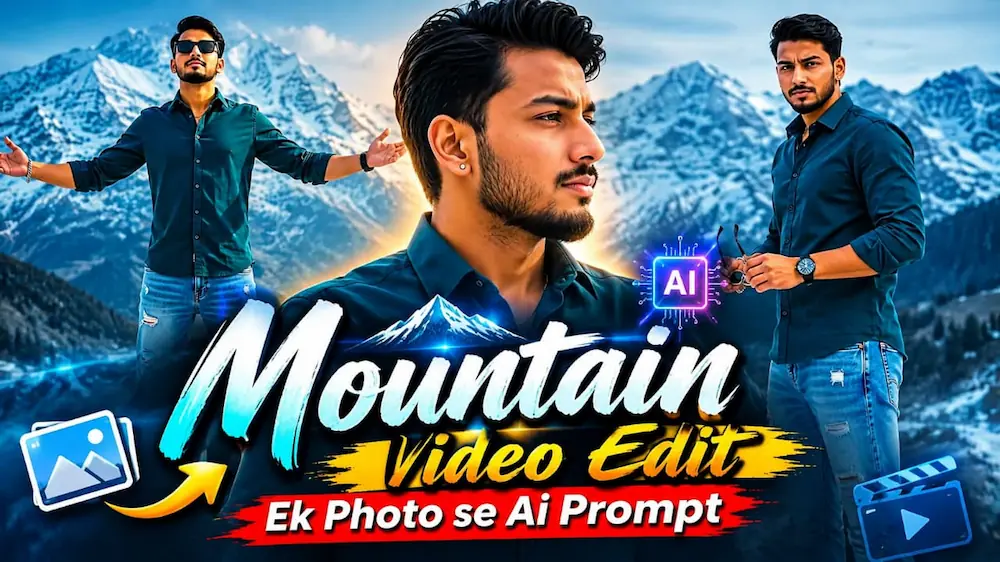
1. Mountain Video Edit – Ek Photo Se Flow AI Prompt
Mountain Video Edit mein ek single reference photo ko use karke snowy mountain ka cinematic AI video banaya ja sakta hai. Is concept mein face, hairstyle, skin tone, body build aur height ko reference photo ke according consistent rakha jata hai.
Step 4: Mountain cinematic video prompt ko Flow AI mein paste karein.
Step 5: Video format 16:9 landscape aur 1080p resolution select karein.
Step 6: Pehle scene mein person snowy mountains ke saamne ear/hair touch karta hai.
Step 7: Dusre scene mein shirt collar adjust karta hai.
Step 8: Teesre scene mein sunglasses ke saath camera ki taraf confident look deta hai.
Step 9: Chauthe scene mein bench par baithkar sunglasses pehenta hai.
Step 10: Paanchve scene mein hair adjust karta hai aur last scene mein dono arms spread karke mountain ke saamne hero pose deta hai.
Step 11: Final video mein face, outfit, mountain background aur camera movement check karein.
Step 12: Sab kuch correct hone ke baad video export karein.
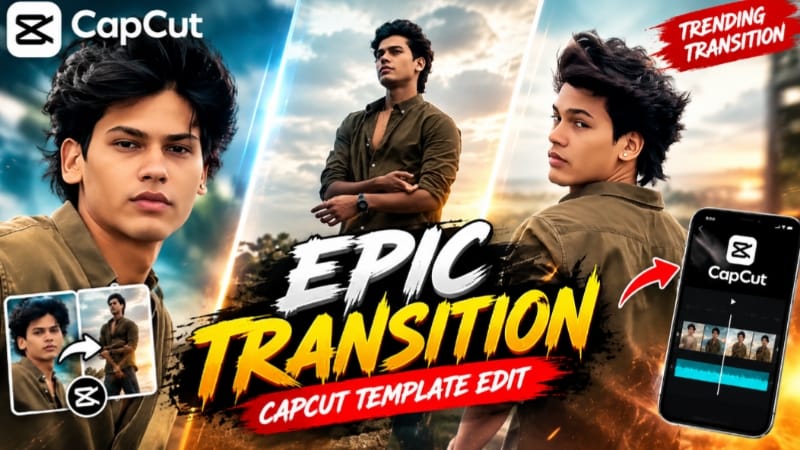
2. Epic Transition CapCut Template – Trending Transition Video Edit
Epic Transition CapCut Template ready-made editing template hai. Iski help se photos ya video clips ko stylish transition video mein convert kiya ja sakta hai, bina transitions ko manually create kiye.
Step 10: Preview mein har clip ka framing aur transition check karein.
Step 11: Agar koi clip suitable nahi hai to available replacement option se doosra clip select karein.
Step 12: Final video check karke available quality mein export karein.
Step 13: Export ke baad video gallery mein save karke social media par use karein.
3. Mirror Selfie AI Photo – Realistic ChatGPT Prompt
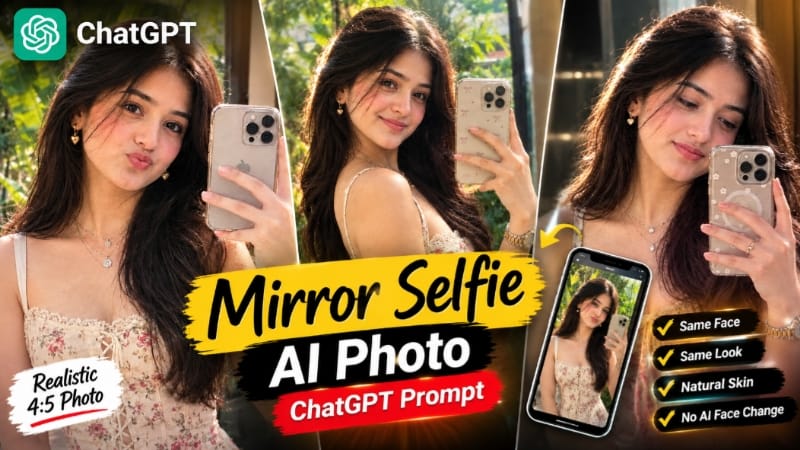
Mirror Selfie AI Photo ek realistic photo editing concept hai jisme uploaded photo ko primary face reference banakar natural mirror selfie create ki jaati hai. Face, skin tone aur body shape ko original reference ke according same rakhna important hai.
Step 1: Apni clear reference photo upload karein.
Step 2: ChatGPT mein Mirror Selfie AI Photo prompt use karein.
Step 3: Same face, skin tone aur body shape maintain karne ki instruction rakhein.
Step 4: Person ko front-facing mirror selfie pose mein rakhein aur smartphone face ke paas hold karein.
Step 5: Hand mein exactly five natural fingers hone chahiye.
Step 6: Long wavy dark-brown hair aur cream floral outfit ka look maintain karein.
Step 12: Final image save karein aur subtle NoorEditing07 watermark maintain karein.
4. Romantic Beach Couple AI Video – Flow AI Prompt
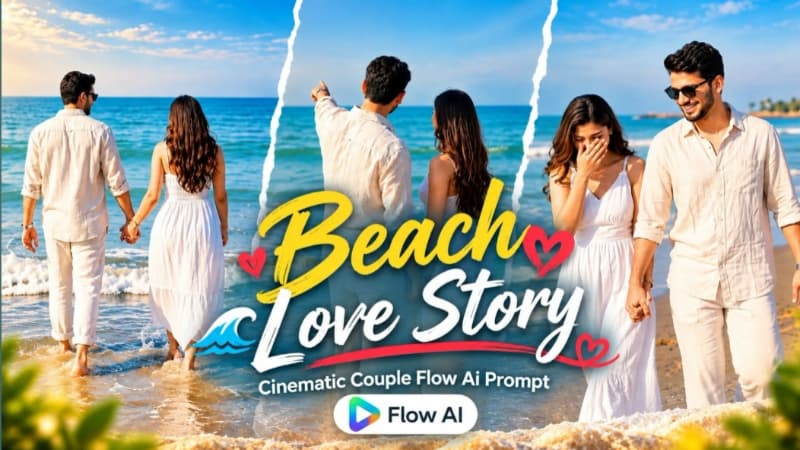
Romantic Beach Couple AI Video mein do reference photos ko use karke sunny beach par cinematic couple video banaya jata hai. Video 9:16 vertical format mein hai aur isme 10 fast-paced romantic scenes hain.
Step 1: Boy aur girl ki clear reference photos ready karein.
Step 2: Flow AI open karke dono photos upload karein.
Step 3: Facial identity, skin texture aur body proportions ko consistent rakhein.
Step 4: Male ke liye cream linen shirt, white trousers, sunglasses aur watch ka look rakhein.
Step 5: Female ke liye white sleeveless maxi dress, long dark hair aur rose-gold watch maintain karein.
Step 6: Video ko 9:16 vertical format mein generate karein.
Step 7: Starting scene mein couple ke hands aur watches ka close-up rakhein.
Step 12: Pastel film color grade aur blue sea tones maintain karke final video export karein.
5. Sad Riverbank Love Story AI Video – Flow AI Prompt
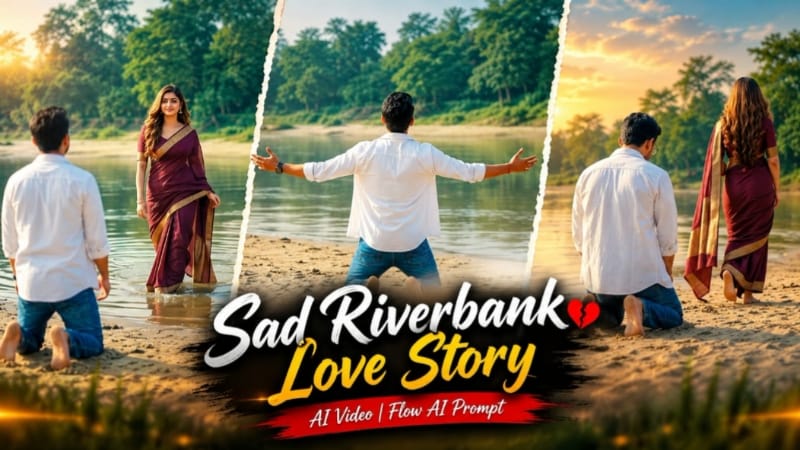
Sad Riverbank Love Story ek emotional cinematic couple video hai jisme sandy riverbank, calm water, green trees aur soft daylight ka natural environment use hota hai. Video 16:9 cinematic format mein hai.
Step 1: Man aur woman ki clear reference photos ready karein.
Step 2: Flow AI open karke dono photos upload karein.